Dec 31, 2025
·
BASICS
·

Marketing Lead
You've just wrapped up an investor meeting. The feedback? "Love the product, but can you make the competitive analysis more data-driven?" Your next pitch is in 48 hours. This is the fundraising loop: pitch, get feedback, iterate, repeat. If you're spending 6 hours per iteration manually adjusting slides, you're losing precious time you could spend refining your story.
That's where AI pitch deck generators come in. These tools automate the tedious parts of creating investor presentations - creating layouts, selecting visuals, building charts and maintaining design consistency. But most AI pitch deck creators are built for generic presentations, leaving you with slides that look amateur or make iteration impossible. So I tested 10+ AI pitch deck makers to find out which ones actually help founders raise. Here's everything I found.
How We Tested These AI Pitch Deck Generators
I created the same investor presentation using each tool with real start-up content - problem statement, solution, market sizing, competitive analysis, traction metrics, team bios, and financial projections.
Evaluation Criteria:
Design Quality: Does output look investor-ready? Are there pitch-specific elements like competitive matrices and market sizing visuals?
Iteration Speed: How fast can you implement feedback? Can you change layouts without regenerating content?
AI Intelligence: Does the AI maintain consistent messaging across slides?
Export Options: Does PowerPoint export maintain design fidelity?
Pricing & Value: Does cost match value delivered?
Quick Summary: Best AI Pitch Deck Generators in 2026
Tool | Best For | Starting Price | Our Verdict |
|---|---|---|---|
Alai | Design quality & speed | $16/month | Best overall - 4 layout options per slide, pitch-deck-trained AI, PPT export, engagement training |
Gamma | Async decks | $8/month | Best for async viewing - scrollable format, engagement analytics |
Beautiful.ai | Brand consistency | $12/month | Best for teams - brand controls |
Plus AI | Google Slides users | $15/month | Best integration, works inside existing workflow |
Pitch | Sales teams | $22/month | Best for sales - CRM integration, pitch rooms |
Slidebean | Start-up templates | $149/year | Best fundraising toolkit |
Canva | Template variety | $15/month | Best library - thousands of templates |
Gemini Canvas | Google ecosystem | $20/month | Best bundle - included with Google AI Pro |
Prezi AI | Non-linear presenting | $5/month | Best for storytelling - zoomable canvas |
Decktopus | Speaker notes | $25/month | Best for presenters - auto-generated notes |
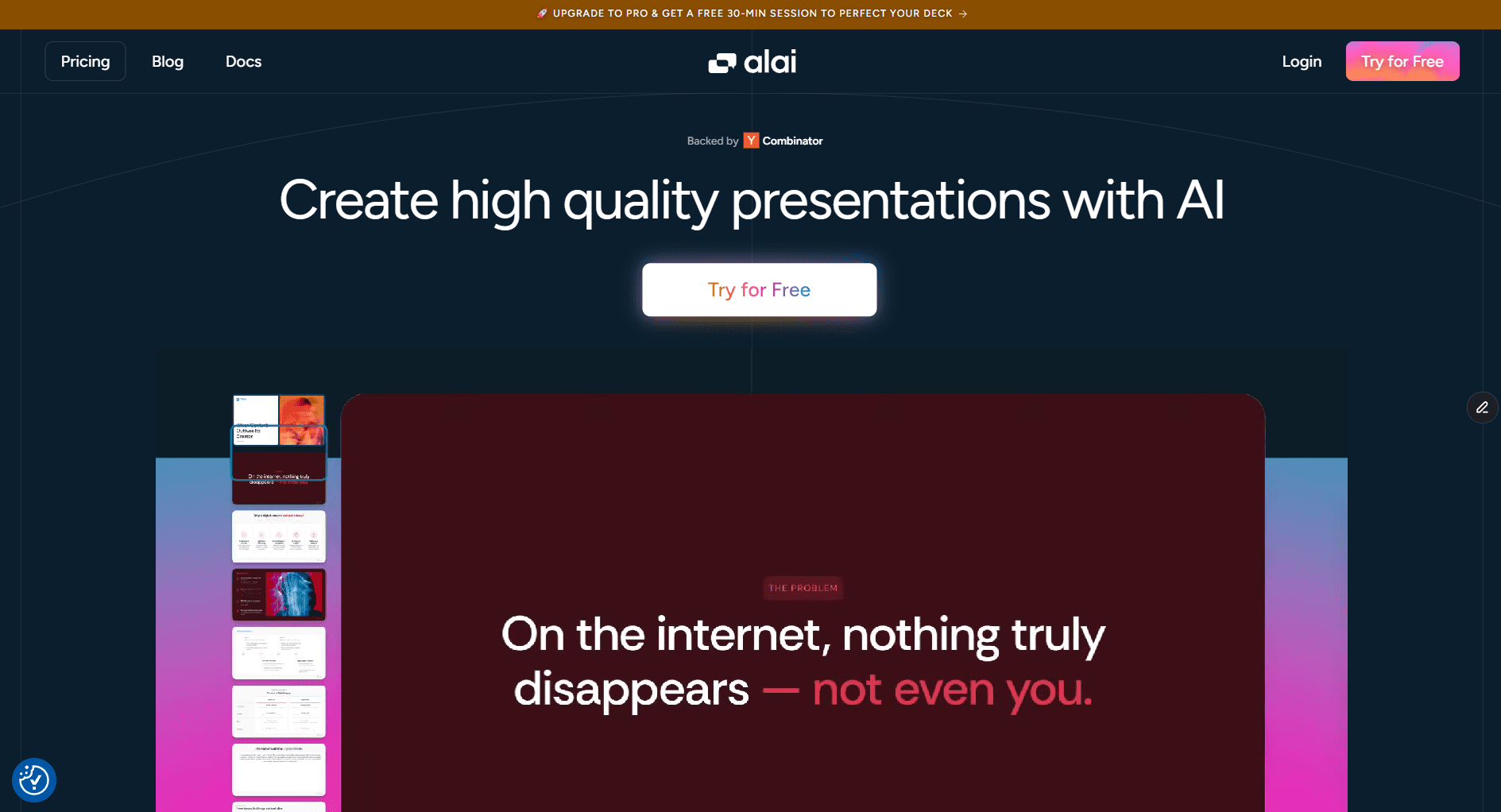
1. Alai: Best AI Pitch Deck Maker Overall
Key Features for Pitch Decks
4 Layout Options Per Slide - Every slide generation gives you four distinct design options. Your market size slide might work better as a pyramid, circular diagram, bar chart, or clean text layout, Alai shows all options so you choose rather than regenerate until you get lucky.
Pitch-Deck-Trained AI: Understands how to structure problem-solution narratives, visualize TAM/SAM/SOM, present competitive positioning and showcase traction metrics with the right infographics and charts.
Context-Aware Editing - When you rewrite content, the AI considers the entire deck. If you call your product an "AI sales co-pilot" on slide 1, it won't become a "CRM assistant" on slide 5.
Pitch-Specific Design Elements - Compare Two matrices, Feature Matrices, Hub & Spoke diagrams, Funnel visualizations, Traction timelines, and Pyramid charts.
Separate Content & Design Controls - Change messaging while preserving layout, or try different visuals without losing copy.
AI Image Generation - Create custom visuals or complete slides using top AI models including Nano Banana Pro. Generate product mock-ups, conceptual illustrations, or industry graphics in your deck's theme
API Access - Connect Alai to your data sources and auto-populate decks with live traction metrics before investor meetings. Accelerators use it to generate portfolio company decks at scale. Founders use it to create personalized versions for different investor types without manual rework.
Pros
4 layout variations per slide for real creative control
Context-aware AI maintains narrative consistency
Pitch-specific elements other tools lack
Responsive canvas auto-adjusts spacing
PowerPoint export without breaking design
Free tier includes all premium design elements
AI image generation to create high-quality visuals
API integrations to automate real-time updates and personalization
Cons
Smaller template library than Canva (focuses on AI generation)
No Google Slides plugin, standalone only
No offline mode
Who Is It For
Start-up founders actively raising. Sales teams creating investor-quality proposals. Anyone who needs a quality pitch deck fast without sacrificing design. Teams who've outgrown Canva/PowerPoint but can't afford design agencies.
When to Choose Alai
Choose Alai when you need a quality deck fast. The 4-options-per-slide approach means you're selecting from polished variations, not regenerating randomly. Context-aware AI keeps messaging consistent across your entire deck.
For a deeper comparison, check out our comprehensive AI presentation makers comparison.
Pricing
Plan | Price | What You Get |
|---|---|---|
Free | $0 | 200 AI credits, all premium design elements, PDF export |
Plus | $16/month (annual) | 400 AI credits, PowerPoint export, priority support |
Pro | $25/month (annual) | 1000 AI credits, free deck consultation from founders |
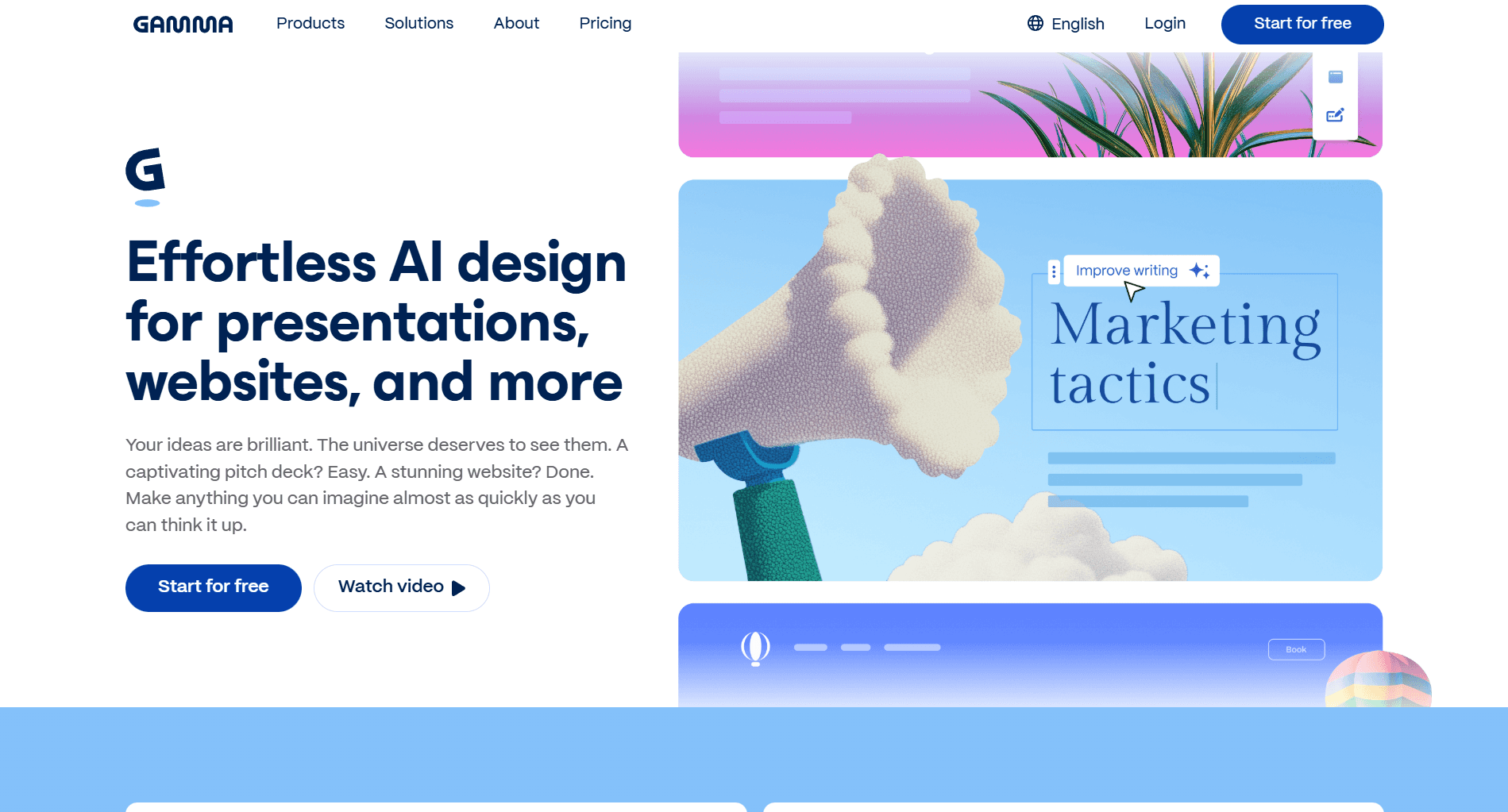
2. Gamma: Best for Shareable Investor Updates
Key Features for Pitch Decks
Scrollable Format - Investors scroll at their own pace, spending more time on sections that interest them
Built-in Engagement Analytics - See who viewed your deck and which sections held attention
Interactive Embeds - Drop in videos, Figma prototypes, Airtable bases directly into presentations
Accordion Sections - Expandable content blocks for detailed appendices
Pros
Generous free plan with 400 AI credits
Works for presentations, documents, and webpages
Fast generation (under 60 seconds)
Huge library of customizable templates
Cons
Generates only one layout per slide
Design feels less refined than purpose-built tools like Alai
PowerPoint exports often lose formatting
No animations for slideshows
Who Is It For
Founders sending investor updates via email. Teams creating reports and documentation. Anyone who wants one tool for multiple content types.
When to Choose Gamma
Choose Gamma when your presentation will be viewed more than presented. The scrollable format works great for async consumption. Skip if you're presenting live or need precise design control.
Pricing
Plan | Price | What You Get |
|---|---|---|
Free | $0 | 400 AI credits, branded exports |
Plus | $8/user/month | 400 credits/month, unbranded exports |
Pro | $18/user/month | Unlimited AI, detailed analytics |
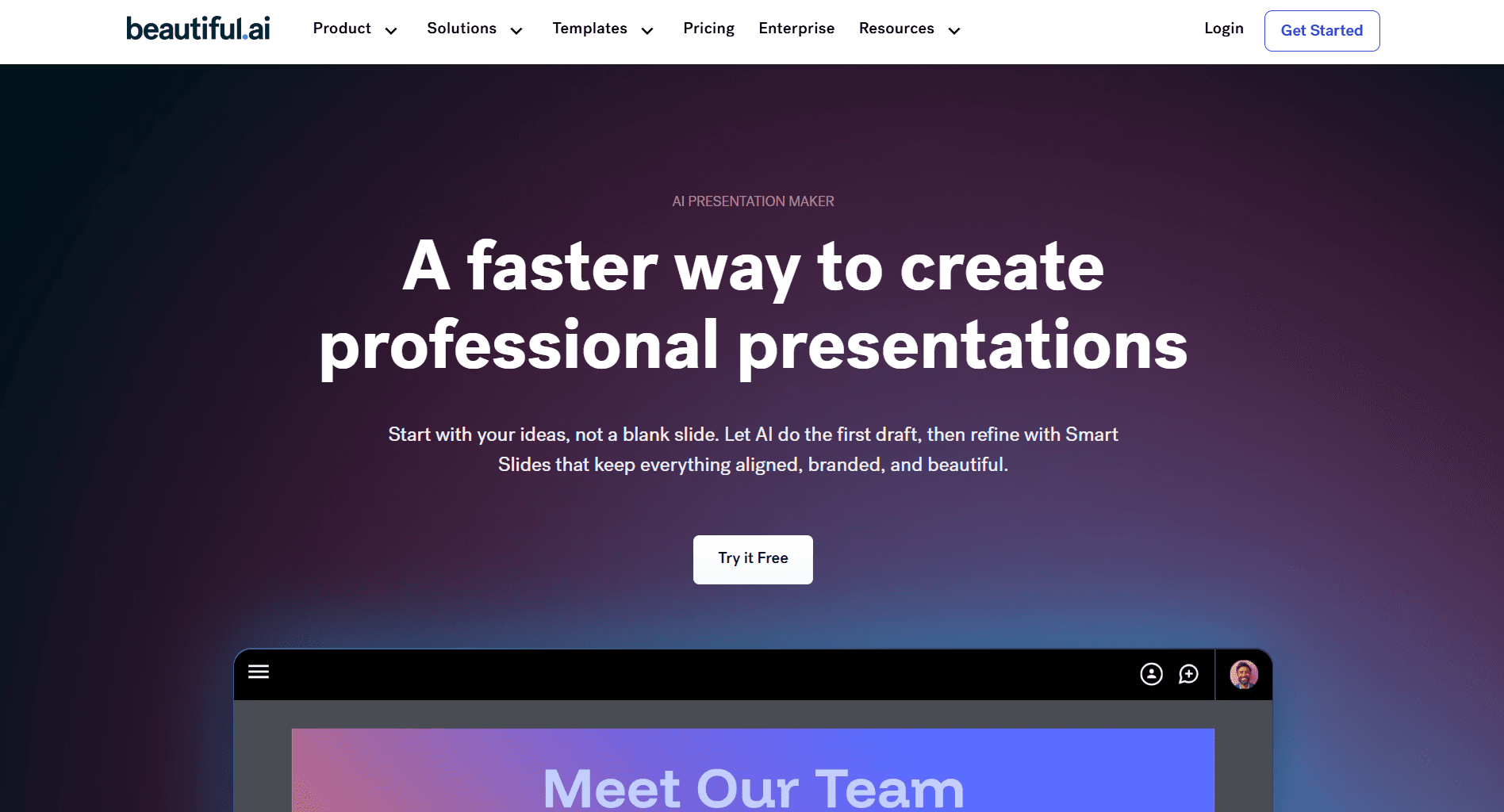
3. Beautiful.ai: Best for Brand Consistency
Key Features for Pitch Decks
Brand Controls - Lock colors, fonts, and logos at account level
Team Libraries - Share templates and assets across your organization
Slide Analytics - Track who viewed and which slides held attention
Pros
Strong brand controls keep every deck on-brand
Good template library organized by use case
Solid team collaboration with shared asset libraries
Cons
Most edits require manual effort after first draft
No free plan ($45/month without annual commitment)
Design output can look dated
Can't generate AI images
AI capabilities are limited just to the first generation
See how it compares to Alai in our Beautiful.ai alternative breakdown.
Who Is It For
Enterprise teams with established brand guidelines. Organizations where "on-brand" matters more than "unique design." Marketing teams creating recurring presentations.
When to Choose Beautiful.ai
Choose Beautiful.ai when brand consistency is the priority and you have a team creating decks. Skip if you want creative freedom or are cost-conscious.
Pricing
Plan | Price | What You Get |
|---|---|---|
Pro | $12/month (annual) | Unlimited slides, AI content generation, viewer analytics |
Team | $40/user/month | Shared brand controls, team libraries |
No free plan. 14-day trial requires credit card.
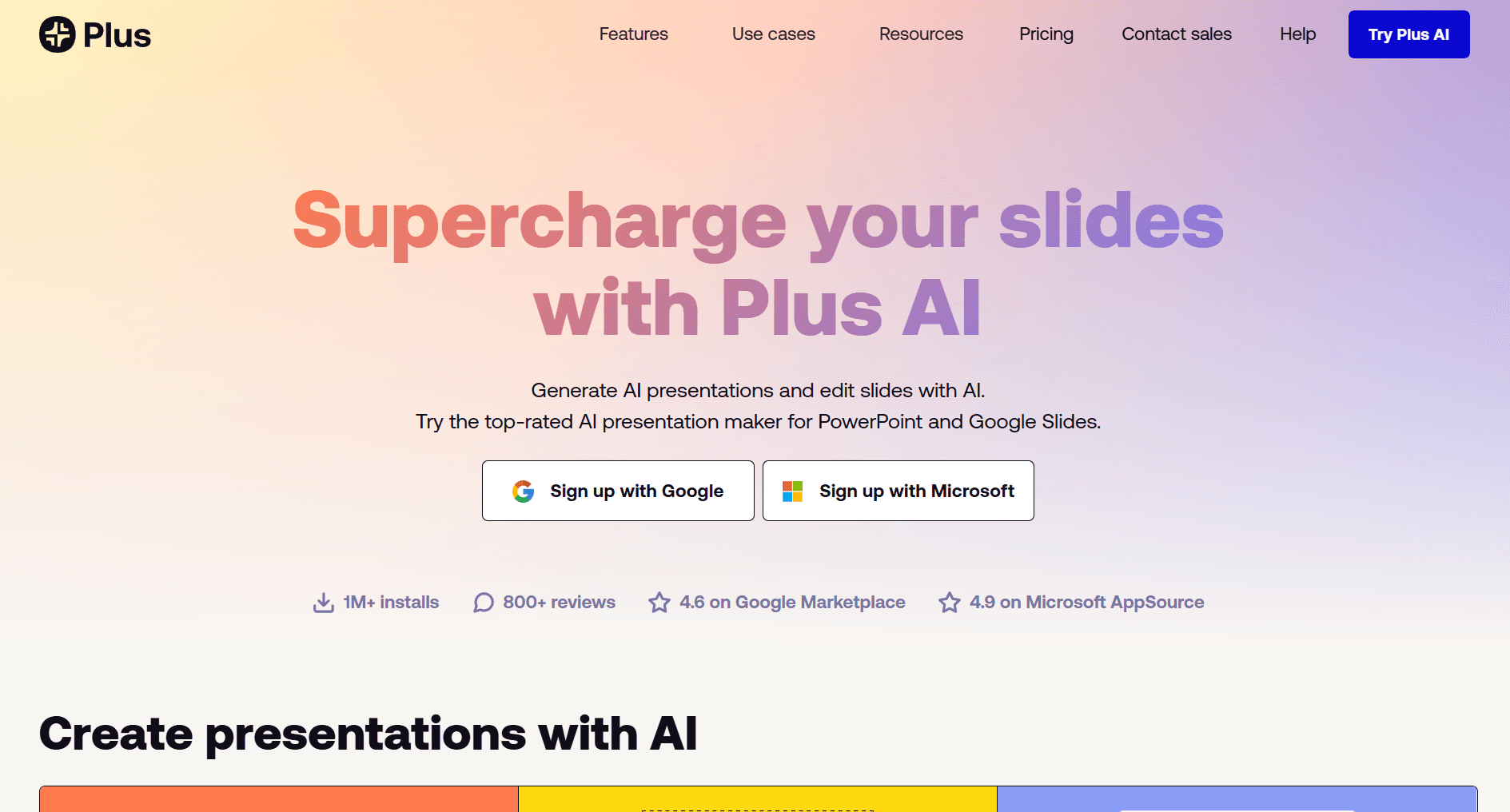
4. Plus AI: Best for Google Slides Users
Key Features for Pitch Decks
True Native Integration - Generate and edit without leaving your workflow
Live Snapshots - Embed live screenshots from any app or dashboard
Custom Template Support - AI generates content fitting your exact layouts
Large Context Window - Accepts prompts up to 100,000 characters
Pros
Works directly inside Google Slides, no compatibility issues
Native collaboration features work normally
SOC 2 Type II compliant
Saved prompts for recurring decks
Cons
Not standalone, requires Google Slides or PowerPoint
No free plan (7-day trial only)
AI produces basic layouts requiring manual adjustment
Who Is It For
Teams embedded in Google Workspace. Consultants needing native Google Slides output. Companies with established Google Slides templates.
When to Choose Plus AI
Choose Plus AI when your team lives in Google Slides. Skip if you want creative control over design or need a standalone tool with unique visual style.
Pricing
Plan | Price | What You Get |
|---|---|---|
Basic | $10/month (annual) | Unlimited AI presentations, Live Snapshots |
Pro | $20/month (annual) | Custom themes, 100k character prompts |
Team | $30/month (annual) | Custom templates, shared libraries |
No free plan. Trial requires credit card.
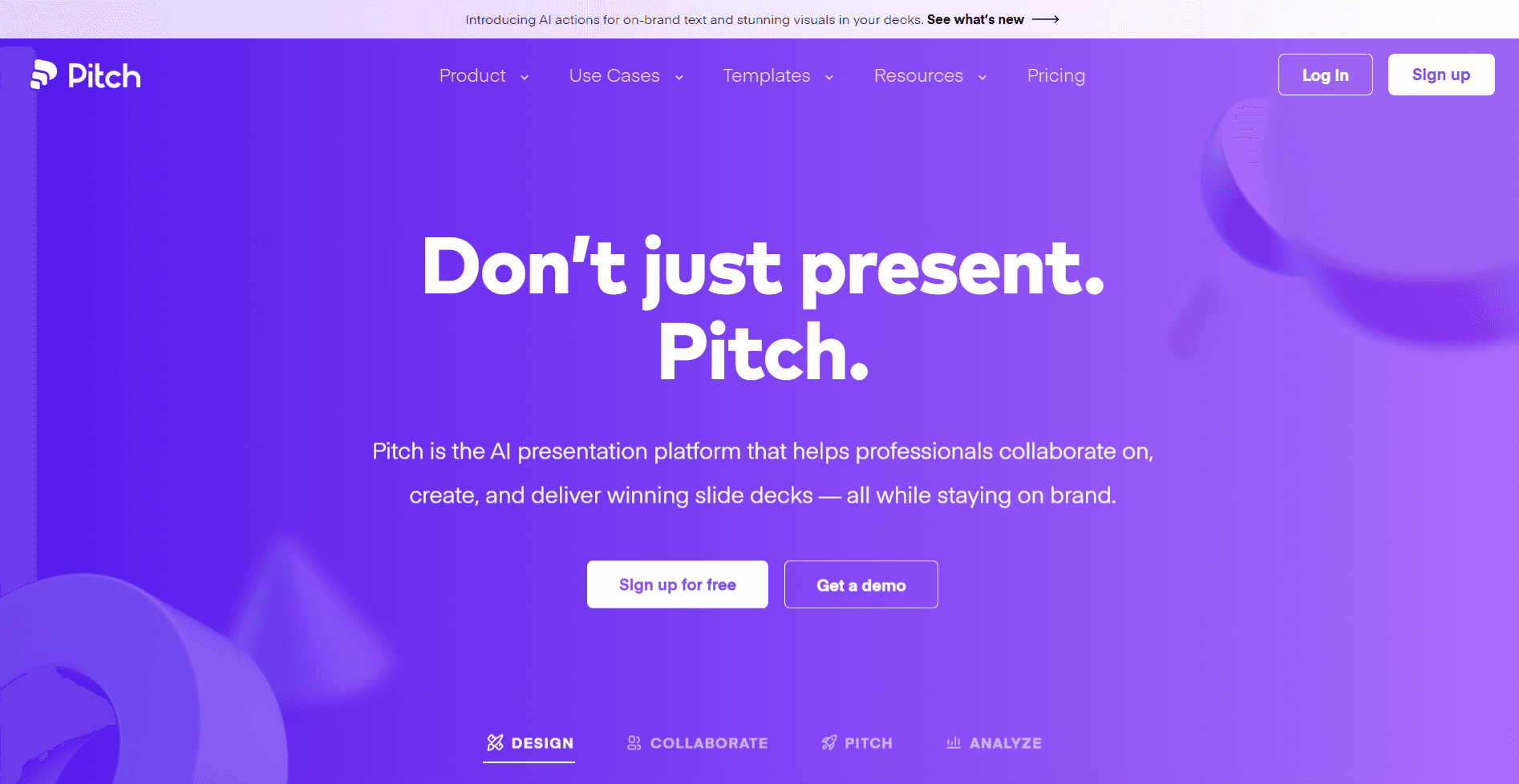
5. Pitch: Best for Sales Teams
Key Features for Pitch Decks
Engagement Analytics - See exactly which investors opened your deck, which slides they viewed, and how long they spent on each.
Pitch Rooms - Bundle your deck with data room links, team bios, and scheduling links into one shareable space for investors. Track engagement across every asset.
Real-time Collaboration - Co-edit with co-founders simultaneously. Assign slides, set statuses (draft, review, final), and iterate together before investor meetings.
Interactive Embeds - Drop Figma prototypes, Loom product demos, or Calendly scheduling widgets directly into slides. Great for showing product in action.
Pros
Engagement analytics show which investors are warm before follow-up
Pitch rooms keep investor materials organized in one trackable link
Generous free plan with unlimited presentations
Real-time collaboration for co-founder iteration
Cons
Prompt window limited to 400 characters, less context than other AI pitch deck creators
AI features lighter than AI-native tools, better for polish than generation
PowerPoint exports sometimes lose formatting
Design guardrails limit creative control
Who Is It For
Founders managing outreach to multiple investors who need visibility into engagement. Teams where multiple co-founders collaborate on the deck. Startups who want to bundle their pitch deck with data room materials in one trackable link.
When to Choose Pitch
Choose Pitch when tracking investor engagement matters more than design flexibility. The analytics show you which investors viewed your deck and which slides held their attention, useful intel for prioritizing follow-ups and tailoring your next conversation.
Pricing
Plan | Price | What You Get |
|---|---|---|
Free | $0 | Up to 5 members, 100 AI credits, branded exports |
Pro | $20/month | 25 advanced links, 2 pitch rooms |
Business | $80/month | Unlimited pitch rooms, priority support |
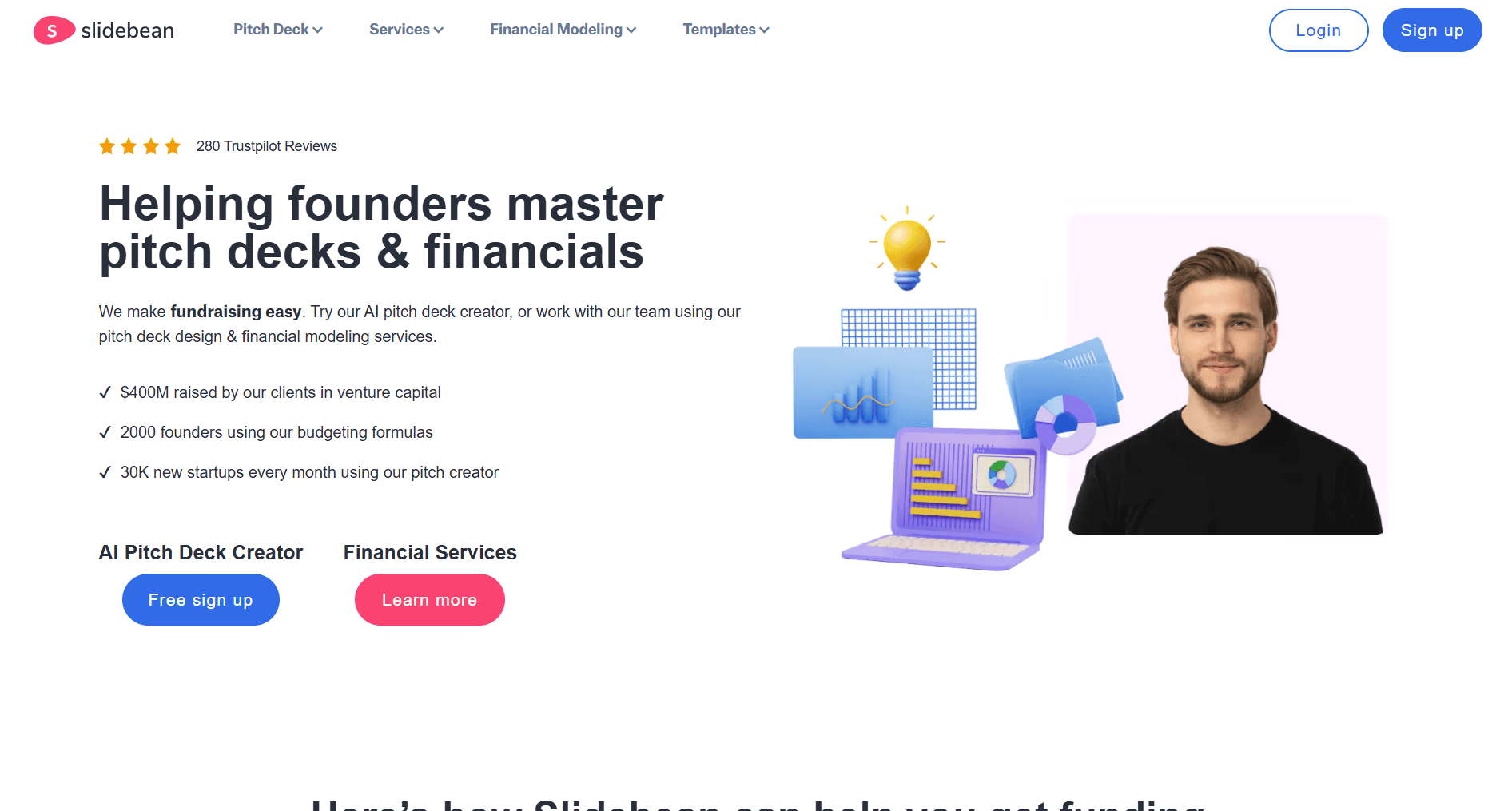
6. Slidebean: Best for Start-up-Specific Templates
Key Features for Pitch Decks
Startup-Specific Templates - Organized by stage (pre-seed, seed, Series A)
Fundraising Kit - Investor tracking, company profiles, financial modelling
AI from Website - Enter your URL and generate a branded deck automatically
Pros
Templates based on successful raises
Complete fundraising toolkit in one platform
Financial modelling add-ons available
Cons
Context window limited to 600 characters
Free version can't share or export
Annual billing only
Who Is It For
First-time founders who want would rather create something from a template v/s through AI.
When to Choose Slidebean
Choose Slidebean when you want a complete fundraising toolkit, not just a presentation maker. Skip if you need detailed AI generation or design flexibility.
Pricing
Plan | Price | What You Get |
|---|---|---|
Free | $0 | Create decks but cannot share or export |
All-Access | $149/year | All templates, fundraising kit, investor tracker |
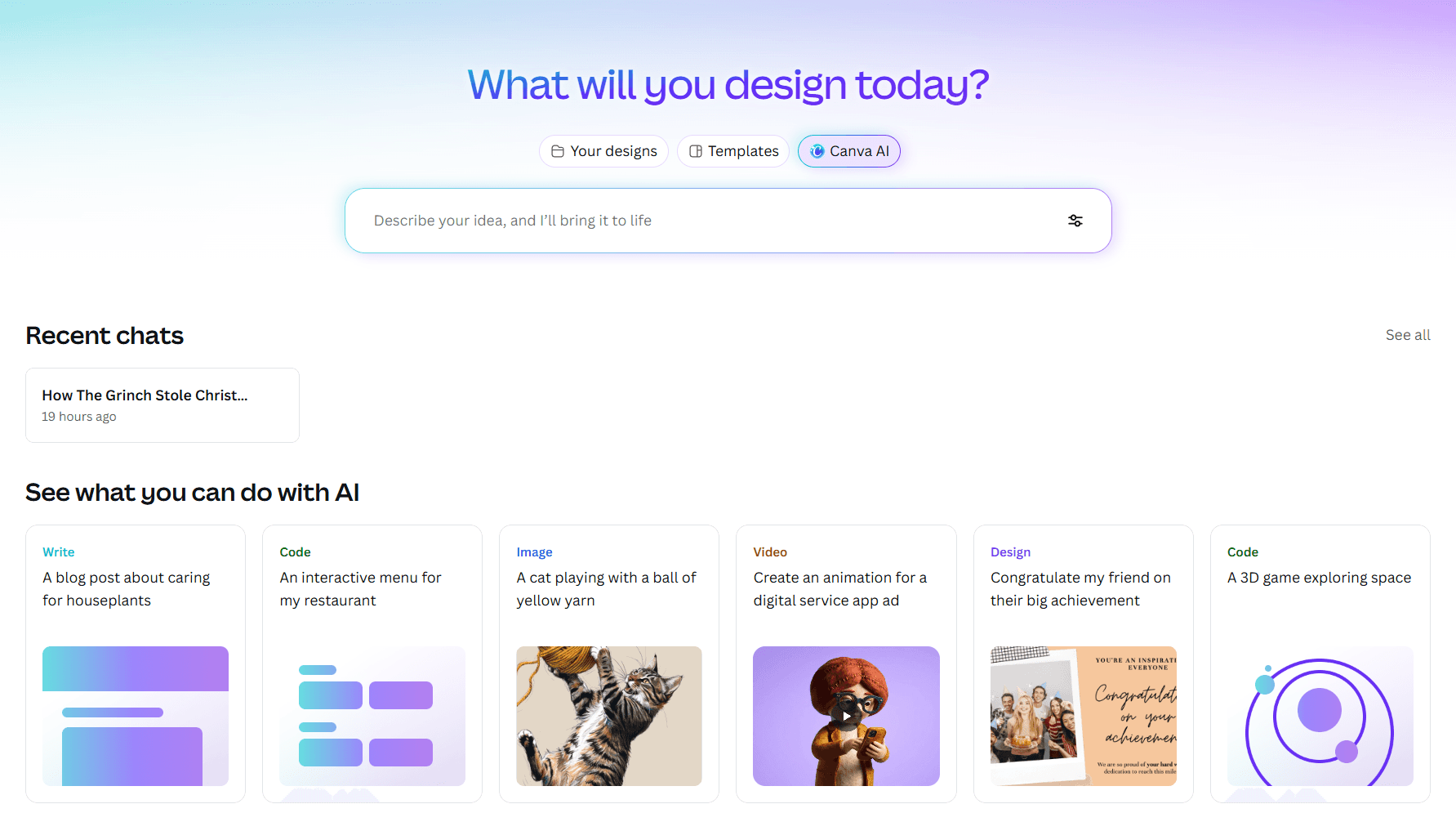
7. Canva: Best Template Library
Key Features for Pitch Decks
Massive Template Library - More starting points than any other tool
Brand Kit - Save colours, fonts, logos across all designs
Stock Media Library - Millions of photos, videos, icons
Multi-Format Value - One subscription covers presentations, social graphics, videos
Pros
Thousands of presentation designs
Excellent free plan
Familiar interface
Strong collaboration features
Cons
Not built specifically for presentations
Lacks pitch-specific elements like matrices or funnels
No responsive canvas
Your deck might look familiar to investors
Who Is It For
Marketers needing one tool for everything. Small teams without dedicated designers. People who prefer templates over prompts.
When to Choose Canva
Choose Canva if you prefer starting from templates. Skip if you need AI that truly generates presentations from prompts.
Pricing
Plan | Price | What You Get |
|---|---|---|
Free | $0 | 250,000+ templates, 5GB storage |
Pro | $15/month | Full library, 100M+ assets, Brand Kit |
8. Gemini Canvas: Best for Google Ecosystem
Key Features for Pitch Decks
Prompt-to-Presentation - Describe a topic or upload a source, get a full deck
Context Integration - Pull content from Drive, Gmail, Docs automatically
One-Click Google Slides Export
Pros
Included with Google AI Pro ($20/month)
Seamless Google Workspace integration
Deep Research integration for market data
Cons
Zero visual control during generation
Presentation quality inconsistent
Design output looks basic
Read our full Gemini Canvas review for presentations.
Who Is It For
Google Workspace power users who want AI bundled with existing subscription.
When to Choose Gemini Canvas
Choose when you're already paying for Google AI Pro and want one-click conversion from existing docs. Skip if you need design control or consistent high-quality output.
Learn how to use Nano Banana Pro for presentations →
Pricing
Plan | Price | What You Get |
|---|---|---|
Free | $0 | Basic features, usage caps |
Google AI Pro | $20/month | Full generation, Deep Research, 2TB storage |
9. Prezi AI: Best for Non-Linear Presentations
Key Features for Pitch Decks
Zoomable Canvas - Shows how ideas connect
Prezi Video - Appear next to your content during Zoom calls
Non-Linear Navigation - Jump to any section based on audience interest
Pros
Unique visual storytelling capability
Prezi Video excellent for remote presenting
Non-linear navigation for dynamic conversations
Cons
AI feels bolted on, not true generation
No PPTX export
Motion effects can distract some investors
Who Is It For
Founders who want to tell a visual story. Presenters explaining complex systems where showing connections matters.
When to Choose Prezi
Choose when your presentation is a story, not a data dump. Skip if you need fast AI-generated decks or PowerPoint export.
Pricing
Plan | Price | What You Get |
|---|---|---|
Free | $0 | Up to 5 projects, Prezi branding |
Standard | $5/month | 5 AI credits/month |
Plus | $12/month | Unlimited AI, PDF export |
10. Decktopus: Best for Presenter Support

Key Features for Pitch Decks
Auto-Generated Speaker Notes
Document Upload - Use business plans as context
Presentation Categories - Purpose-built frameworks by type
Pros
Speaker notes save preparation time
Document upload for detailed context
Outline review catches issues early
Cons
No free plan
Only 5 templates
Premium pricing for limited features
Who Is It For
First-time presenters who need help with delivery. Founders who know their business but aren't natural presenters.
When to Choose Decktopus
Choose when you need help with presentation delivery, not just slide creation. Skip if you want design variety or a free tier.
Pricing
Plan | Price | What You Get |
|---|---|---|
Pro | $24.99/month | 750 AI credits, PDF/PPT export |
Business | $49.99/month | 1,000 credits, branding features |
Which AI Pitch Deck Creator Should You Use?
You need a quality pitch deck fast: Choose Alai. 4-options-per-slide, context-aware AI, pitch-specific elements.
Your deck will be viewed more than presented: Choose Gamma. Scrollable format, engagement analytics.
Brand consistency is the priority: Choose Beautiful.ai. Brand controls, shared libraries.
Your team lives in Google Slides: Choose Plus AI. Native integration, zero learning curve.
You're selling, not just pitching: Choose Pitch. CRM integration, pitch rooms, analytics.
You want proven start-up templates: Choose Slidebean. Successful raise templates, fundraising toolkit.
You need maximum template variety: Choose Canva. Thousands of templates, multi-format value.
You're already paying for Google AI Pro: Choose Gemini Canvas. Included, one-click conversion.
Your presentation is a visual story: Choose Prezi. Zoomable canvas, non-linear navigation.
You need help knowing what to say: Choose Decktopus. Auto-generated speaker notes.
Tips for Creating a Winning AI Pitch Deck
Provide detailed context. Include problem statement, solution, market size, traction, competitive positioning, team, and ask. Detailed input creates detailed output.
Focus on story first, design second. AI handles visuals. Your job is crafting the narrative that wins investors.
Iterate based on feedback. Choose a tool that makes iteration fast. Alai’s separate content/design controls save hours over multiple revisions.
Stick to 10-12 slides. Problem, solution, market size, business model, traction, team, competition, financials, ask. More slides usually means less focus.
Test your export. Before your pitch, export to PowerPoint and check formatting survives.
Ensure you can download presentations. Choose an AI presentation maker for pitch decks that allows you to download presentations in multiple formats like PPT, PDF, and JPEG for offline access and easy sharing.
Explore full access and unlimited access. During free trials, take advantage of full access and unlimited access to all features. This lets you try additional features and create professional presentations with no restrictions.
Don’t over-rely on AI. AI creates strong first drafts but can’t replace your expertise. Review every slide for accuracy and strategic messaging.
Learn how to create a pitch deck that gets you funded →
Frequently Asked Questions
Can ChatGPT create a pitch deck?
ChatGPT can help write content but can’t generate visual slides. You need a dedicated AI presentation maker like Alai that handles both content and design.
What is the best free AI pitch deck generator?
Gamma offers 400 AI credits at signup. Alai’s free tier gives 200 credits with all premium design elements. Both let you create complete pitch decks without paying. Upgrading to a pro plan or paid plans unlocks advanced features and higher usage limits.
How many slides should a pitch deck have?
10-12 slides. Essential slides: problem, solution, market size, business model, traction, team, competition, financials, ask. For structuring guidance, check our pitch deck creation guide.
Which AI pitch deck tool has the best design quality?
Based on our testing, Alai produces the highest design quality. The pitch-deck-trained AI and 4-layout-options-per-slide approach means you’re selecting from polished variations.
Final Verdict
AI pitch deck generators have matured significantly in 2026. You no longer need to choose between speed and quality.
For most founders in fundraising mode, Alai offers the best combination of design quality and iteration speed. The 4-options-per-slide approach, pitch-deck-trained AI, and context-aware editing create a workflow built specifically for how fundraising actually works.
The best AI presentation maker isn't the one with the most features. It's the one that helps you create better pitch decks faster.
Related Reading
PAGES
Compare Tools
resources