
·
BASICS
·
28 min read

Creating sales proposals used to mean hours of copying and pasting, formatting struggles, and anxiously waiting to hear if a prospect even opened your document. Those days are over. Today, AI proposal software offers an advanced, automated solution for business proposal creation, streamlining the entire process with artificial intelligence.
AI-powered proposal tools now handle everything from drafting persuasive content to designing polished documents, delivering them securely, and tracking every interaction.
But here’s the challenge: the proposal software market has exploded. With dozens of AI tools claiming to transform your sales process, choosing the right stack can feel overwhelming. Some tools excel at content generation but fall short on design. Others nail the visual experience but lack the tracking capabilities you need to follow up effectively.
This guide breaks down the best AI tools for sales proposals by each stage of the workflow. Whether you need help writing compelling copy, designing professional business proposals and documents, delivering proposals seamlessly, or understanding how prospects engage with your content, you’ll find the right solution for your specific needs.
Disclosure and a Vendor-Evidence Checklist
Disclosure: This guide is published by Alai and includes Alai among the tools discussed. Treat the Alai sections as information from the publisher, and evaluate Alai alongside other options against your own proposal process, security requirements, buying workflow, and budget. The most useful comparison is not a generic feature count; it is whether a tool can support the specific work your team needs to complete before the buyer’s next decision.
Before relying on any recommendation in this guide, write down the artifact your buyer needs next: a persuasive presentation, a proposal or quote, a contract-ready document, a shared buyer workspace, or a formal RFP response. That simple distinction prevents a common selection error: asking one platform to solve content creation, visual storytelling, commercial approvals, signing, and buyer coordination equally well.
Validate the workflow, not the marketing label
Use a short evidence checklist during a trial or vendor review:
Start with the buyer action. Identify whether the immediate task is understanding the solution, reviewing scope and price, collecting approval, coordinating several stakeholders, or answering a structured questionnaire. Test that exact handoff instead of evaluating a generic sample.
Use your real source material. Bring an approved case study, current pricing assumptions, a representative discovery summary, and any required terms. Check who can edit them, where review happens, and how the final asset is shared.
Separate persuasive material from commercial controls. A deck can make a narrative easier to present and circulate; a commercial document may need controlled terms, approvals, and signatures. Map the handoff between those artifacts before committing to a workflow.
Ask for product-page evidence for every required capability. Do not assume that a tool described as a proposal platform includes every adjacent function. For example, PandaDoc’s proposal-software page describes customizable templates, pricing and e-signature modules, a content library, approval workflows, and document storage. Compare those stated functions with the controls your team actually requires.
Test buyer collaboration separately from document creation. If multiple people must access materials and keep a deal moving, examine how the product describes that workflow. GetAccept’s digital sales room page describes buyer engagement, collaboration, deal tracking, and CRM synchronization. Confirm in your evaluation how those functions fit your CRM and internal ownership process.
Define an exit condition. Decide in advance what must be true at the end of a trial: for example, a rep can produce a review-ready asset from approved inputs, a manager can verify required changes, and a buyer can access the correct final version. This keeps the evaluation focused on an observable workflow rather than an impressive demo.
Read the category guidance with that context
If the immediate need is a presentation-led sales narrative, the related guides to AI presentation makers and AI pitch deck generators can help narrow the deck-creation category. If the next step is commercial review or buyer coordination, use the product documentation and a representative trial workflow to assess those needs directly rather than assuming a deck builder is also a contract or deal-room system.
This approach also makes comparisons more transparent. Alai may be appropriate when your validated requirement is creating a presentation-style proposal, while another category may be more suitable when the required outcome is a controlled commercial document, a buyer workspace, or a structured response process. Keep the decision tied to the next buyer action and to evidence you can verify.
Quick Summary: Best AI Proposal Tools by Category
Stage | Top Pick | Best For | Starting Price |
Content Creation | Jasper | Brand-consistent proposal copy | $49/month |
Content Creation | Copy.ai | Quick sales copy and templates | Free (2,000 words) |
RFP Response | Inventive AI | Complex RFP automation | Custom pricing |
Design & Building | Alai | High-quality pitch decks and sales proposals | Free (300 credits) |
Design & Building | PandaDoc | Document-heavy proposals and contracts | $19/user/month |
Proposal Management | GetAccept | Digital sales rooms | $25/user/month |
Proposal Management | Nusii | Automated follow-ups | $29/month |
Several of these AI sales proposal tools offer competitive pricing, making them accessible and affordable for small teams and businesses.
How We Chose These Tools
We evaluated over 30 AI tools across the proposal workflow and narrowed down to the options in this guide based on three core criteria:
Proven Track Record
Every tool included has verified user reviews on platforms like Product Hunt G2, Capterra, or Software Advice. We prioritized tools with documented success in sales environments over newer options with limited real-world validation.
Genuine AI Capabilities
We excluded purely template-based tools that lack meaningful AI features. Each tool here uses AI to meaningfully accelerate some part of the proposal process, whether that's generating content, suggesting designs, or analyzing engagement patterns.
Clear Value for Sales Teams
Some tools serve marketers, educators, or general business users. We focused specifically on tools that address sales proposal challenges: persuasive content, professional presentation, efficient delivery, and prospect engagement tracking.
The tools span different stages of the proposal workflow and serve different purposes. Content tools like Jasper help you write better copy. Design tools like Alai help you present that content professionally. Delivery tools like GetAccept help you send and track engagement. We organized this guide by workflow stage so you can find the right tool for your specific bottleneck.
How to Choose the Right Proposal Tools
Before diving into individual tools, consider this decision framework based on your team’s specific situation:
Choose based on your primary pain point:
If your team struggles with writing compelling proposal content, start with AI writing tools like Jasper or Copy.ai. These integrate with almost any proposal platform and immediately improve your copy quality.
If your proposals look unprofessional or take too long to build, prioritize design-focused platforms. For presentation-style proposals and pitch decks, Alai delivers professional quality at scale.
If you lose track of proposals after sending them, focus on tools with robust analytics like GetAccept or Proposify. Understanding prospect engagement transforms your follow-up strategy.
If you handle complex RFPs regularly, specialized tools like Inventive AI or Loopio will save you far more time than general-purpose alternatives.
Consider your tech stack:
Teams using Salesforce or HubSpot should prioritize tools with native CRM integrations. Manual data entry between systems wastes time and creates errors.
Evaluate your team size:
Solo practitioners and small teams benefit from all-in-one platforms that handle multiple stages. Using a unified platform can reduce the need for separate tools and streamline workflows, making it easier to manage proposals from start to finish. Enterprise teams with dedicated ops resources can manage more complex stacks effectively, but should still weigh the benefits of consolidation.
Choosing the right AI sales proposal tool helps you achieve a streamlined process for proposal creation and management, saving time and improving consistency.
Stage 1: AI Tools for Proposal Content Creation
The content inside your proposal often determines whether you win or lose a deal. These AI tools help you write persuasive, on-brand copy without starting from scratch every time.
Jasper
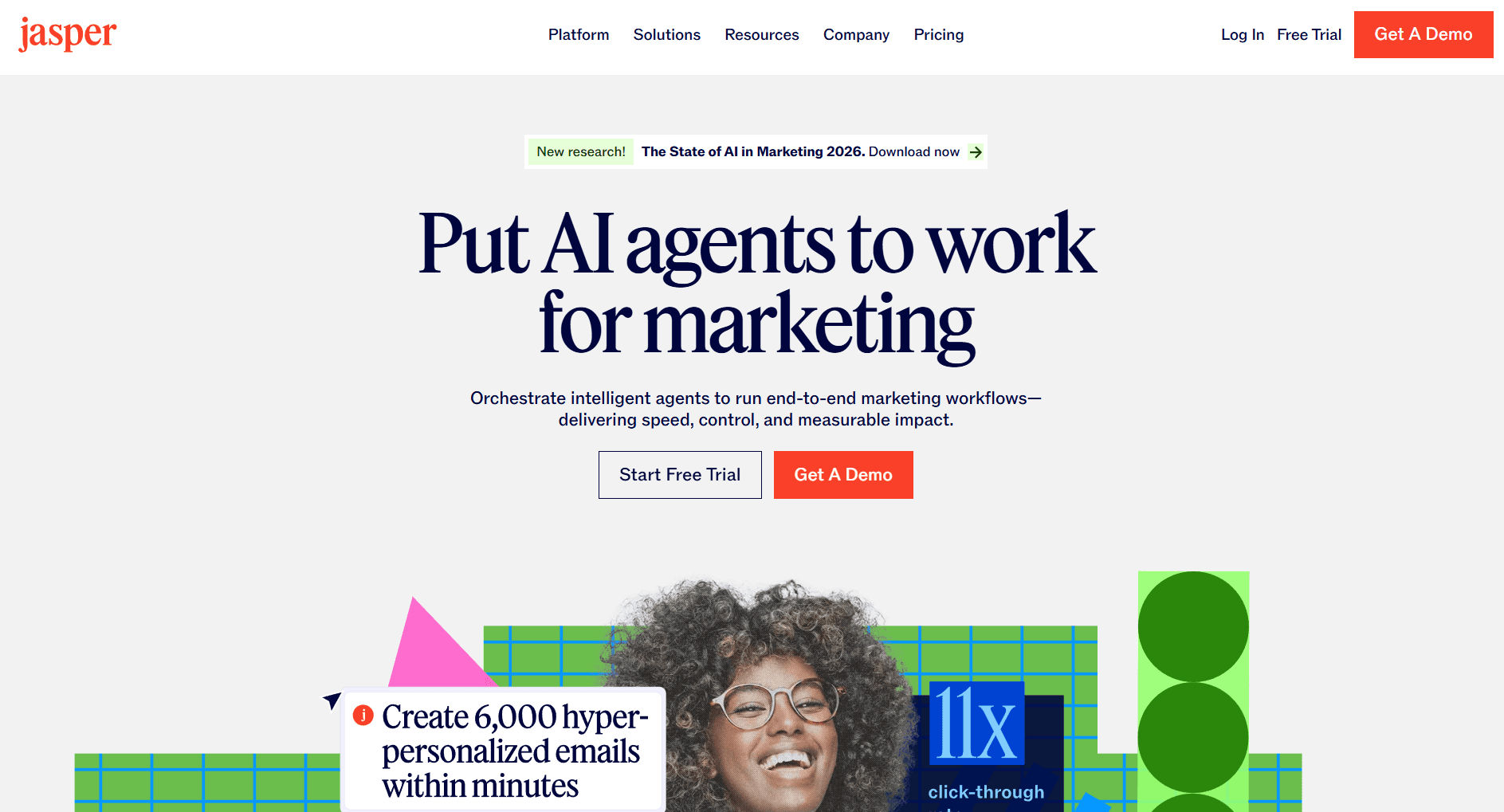
Jasper has established itself as the go-to AI writing platform for marketing and sales teams that need brand-consistent content at scale. For proposal writing, it offers specialized templates and the ability to train the AI on your specific brand voice.
Key Features:
The Brand Voice feature is Jasper’s standout capability for proposal teams. Train the AI on your company’s tone, terminology, and style guidelines. Once configured, every piece of content maintains consistency whether written by a senior account executive or a new hire. Jasper can also create accurate proposal content that reflects your latest company messaging, ensuring each proposal is both precise and up-to-date.
Jasper includes over 50 marketing-specific templates, several of which apply directly to proposals: value proposition frameworks, executive summaries, case study formats, and pricing justification copy. The Boss Mode feature lets you give natural language commands like “write a compelling ROI section for a manufacturing company” and receive relevant output instantly.
The browser extension means you can use Jasper wherever you work, including directly within proposal platforms.
Pricing:
Creator: $49/month (1 seat, 1 brand voice)
Pro: $69/month (1 seat, 3 brand voices, Surfer SEO integration)
Business: Custom pricing (unlimited brand voices, API access, dedicated support)
Pros:
Brand voice training learns your company’s specific terminology, tone, and messaging guidelines, ensuring proposals sound authentically on-brand regardless of which team member creates them
Extensive template library includes proposal-specific formats like executive summaries, ROI justifications, and competitive differentiators that give you strong starting points
Browser extension works across Gmail, Google Docs, LinkedIn, and most web applications, letting you generate content without switching between tools
Surfer SEO integration (Pro plan) optimizes content for search visibility when proposals will be hosted publicly or repurposed for marketing
Active community of over 100,000 users shares prompts, templates, and best practices specifically for sales use cases
Cons:
Price point of $49/month minimum makes it a significant investment for solo practitioners or small teams still validating AI writing tools
Output quality varies significantly based on prompt quality and specificity, requiring time investment to learn effective prompting techniques
Business plan features like unlimited brand voices and API access require custom pricing conversations, making budget planning difficult
Generated content still requires human review and editing, particularly for technical accuracy and company-specific details that AI cannot know
No built-in proposal design, delivery, or tracking capabilities means you need additional tools to complete the workflow
Best For: Sales teams creating high volumes of proposals who need consistent brand voice and messaging across all client-facing documents, particularly those with established brand guidelines worth preserving. Jasper is also ideal for ensuring your first proposal is as strong and accurate as possible.
Copy.ai
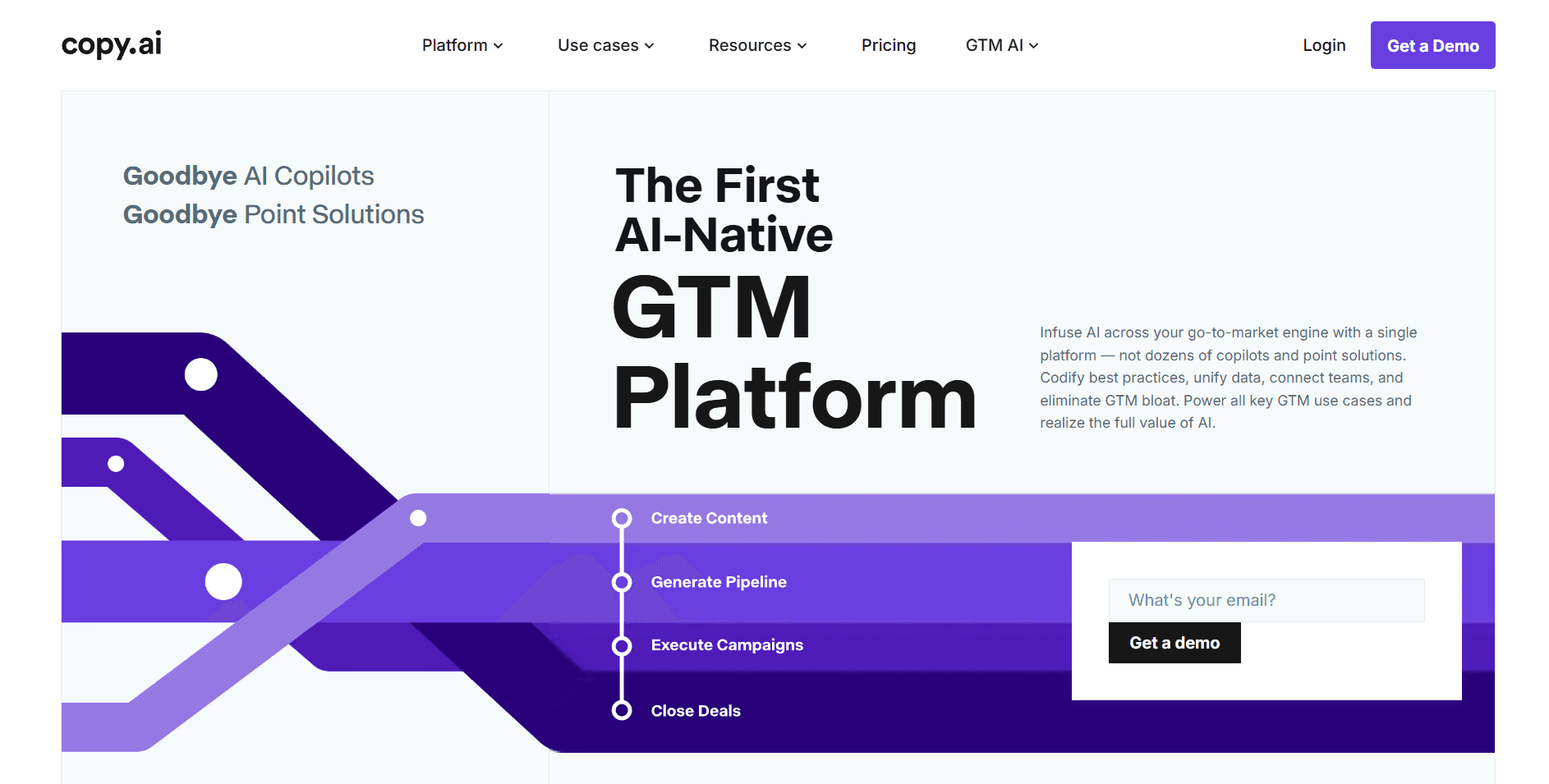
Copy.ai takes a more template-driven approach to AI writing, making it particularly effective for teams that need quick, conversion-focused copy without extensive customization.
Key Features:
The platform excels at short-form sales copy. Use it to generate compelling headlines, value propositions, email follow-ups, and pricing descriptions. The interface walks you through each content type step by step, reducing the learning curve significantly.
Copy.ai‘s workflow automation feature lets you create multi-step content processes. Set up a workflow that generates an executive summary, three key benefits, and a call-to-action paragraph in sequence, all from a single input about your prospect. The tool can also generate accurate proposal sections by analyzing user input and leveraging templates, ensuring precision and relevance in each part of your sales proposal.
The free tier provides 2,000 words monthly, making it accessible for teams testing AI writing tools before committing to paid plans.
Pricing:
Free: 2,000 words/month, basic features
Pro: $36/month (unlimited words, priority support)
Team: $186/month (5 seats, collaboration features)
Enterprise: Custom pricing
Pros:
Generous free tier of 2,000 words monthly lets you thoroughly test the platform with real proposals before any financial commitment
Template-based approach with step-by-step guidance reduces learning curve dramatically compared to open-ended AI tools, making it accessible for non-technical users
Workflow automation chains multiple content pieces together, generating executive summary, benefits, and CTA from a single input about your prospect
Lower price point than Jasper ($36 vs $49 for comparable tiers) makes it more accessible for budget-conscious teams
Strong performance on short-form sales copy like headlines, value propositions, and email subject lines where conversion-focused language matters most
Cons:
Long-form content generation falls short compared to Jasper, making it less suitable for comprehensive proposals that need detailed sections and flowing narratives
Brand voice training is less sophisticated, requiring more manual adjustment to maintain consistent tone across different content pieces
Fewer native integrations with proposal and CRM platforms means more copy-pasting between tools
Template library, while extensive, focuses heavily on marketing copy rather than sales proposal-specific formats
Workflow automation, while useful, cannot match the complexity of dedicated proposal automation tools for RFP responses
Best For: Teams needing quick, template-based copy for straightforward proposals, particularly those new to AI writing tools or working with limited budgets.
Inventive AI
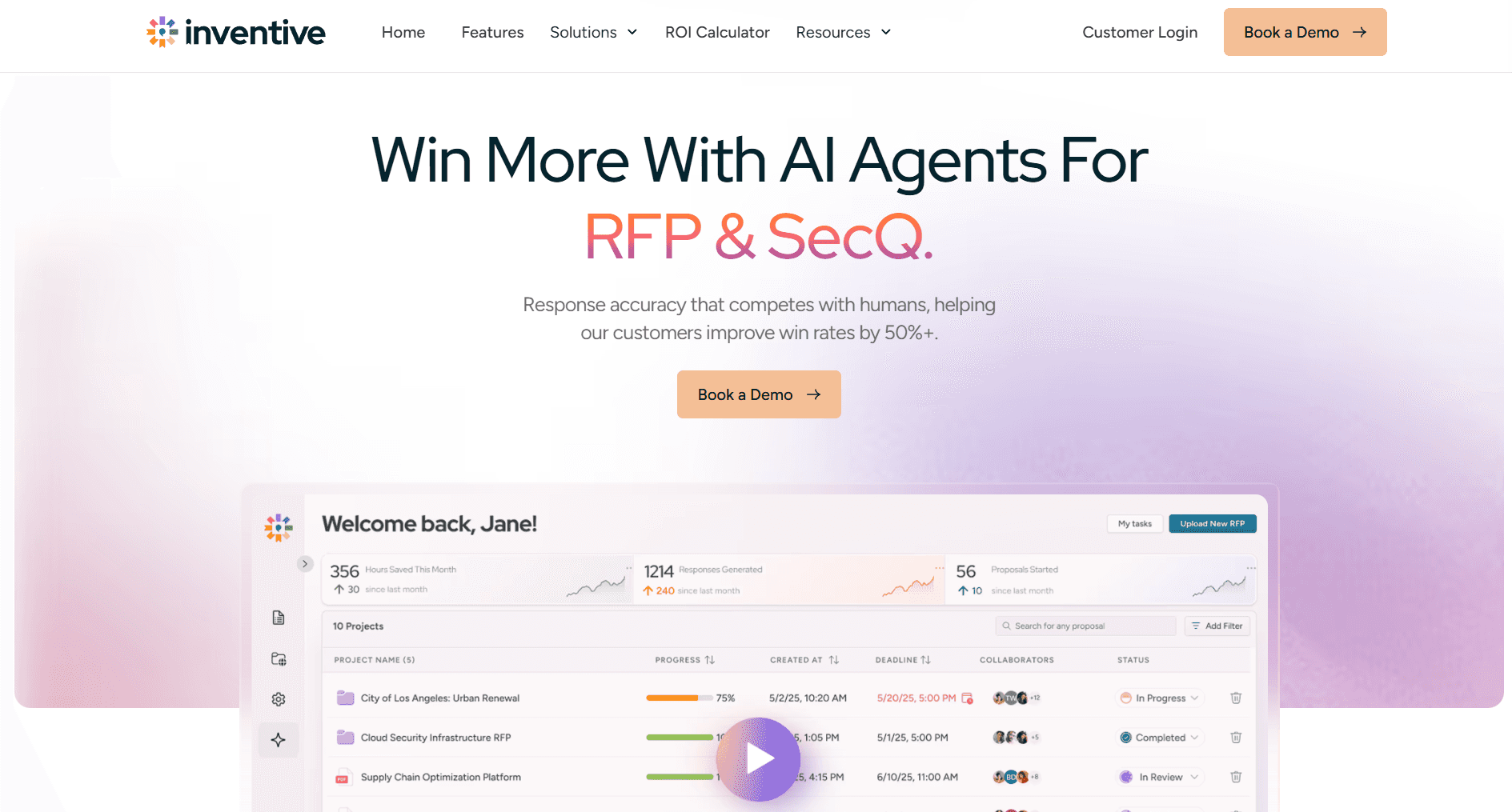
For teams dealing with complex RFPs, security questionnaires, and due diligence documents, Inventive AI offers specialized capabilities that general-purpose writing tools cannot match.
Key Features:
Inventive AI uses agentic AI that actively learns from your knowledge sources. Connect Google Drive, OneDrive, SharePoint, or Notion, and the platform builds a comprehensive understanding of your company’s capabilities, past responses, and competitive positioning. By leveraging detailed company data, Inventive AI delivers accurate proposals that are tailored to your specific business details.
The conflict detection feature automatically identifies contradictory information across your response library. When your product team updates a feature description, Inventive flags outdated content throughout all proposals, preventing embarrassing inconsistencies and ensuring your proposals remain accurate.
Win themes analysis examines your successful proposals to identify patterns and messaging that resonates with different buyer types.
Pricing:
Custom pricing based on RFP volume and team size
Free ROI calculator available on website
Pros:
Purpose-built for complex RFP and proposal responses with understanding of structured question formats, compliance requirements, and multi-section documents that general AI tools lack
Designed to handle complex workflows involved in enterprise RFP responses, making it suitable for organizations with intricate business processes and automation needs
Knowledge base integration connects to Google Drive, OneDrive, SharePoint, and Notion, automatically learning from your existing content library rather than requiring manual input
Conflict detection identifies contradictory information across your response library, preventing embarrassing inconsistencies when product details or capabilities change
Win themes analysis examines patterns in successful proposals, helping you understand which messaging resonates with different buyer types and industries
Significantly faster than manual RFP responses, with teams reporting 60-80% reduction in response time for standard questions
Cons:
Overkill for simple sales proposals where you’re not responding to formal RFP structures or recurring question patterns
Requires substantial initial setup and knowledge base building before delivering full value, typically 2-4 weeks of configuration
Custom pricing model lacks transparency, making it difficult to evaluate ROI before sales conversations
Learning curve for advanced features like win theme configuration requires dedicated administrator time
Most valuable for high-volume RFP teams processing 10+ responses monthly, less cost-effective for occasional RFP responders
Best For: Enterprise sales teams and bid managers handling complex RFPs, security questionnaires, and formal proposal processes with recurring question patterns.
Loopio
Loopio takes a library-first approach to proposal content, making it particularly effective for teams that respond to similar questions across multiple RFPs and proposals.
Key Features:
The centralized response library stores your best answers to common questions. When a new RFP arrives, Loopio’s AI searches your library and suggests relevant responses, often completing 60-80% of routine questions automatically.
Magic auto-fill analyzes incoming questions and matches them to existing library entries. The system learns from your edits, improving match accuracy over time.
Collaboration features support distributed teams working on complex proposals. Loopio's collaboration tools enable real-time teamwork, including efficient proposal management and streamlined communication among contributors. Assign sections to subject matter experts, track completion status, and maintain version control across contributors.
Pricing:
Custom pricing based on team size and response volume
Typically starts around $20,000/year for small teams
Pros:
Library-first approach ensures every response draws from your best, most accurate content rather than starting from scratch or relying on individual rep knowledge
Magic auto-fill learns from your editing patterns over time, improving match accuracy and reducing manual review as your library matures
Collaboration features support distributed teams with clear ownership, deadline tracking, and version control across multiple contributors working on complex proposals
Strong integrations with Salesforce, Microsoft Dynamics, and major document platforms keep proposal data synchronized with your CRM
Audit trail maintains complete history of who contributed what content and when, valuable for compliance-heavy industries
Cons:
Significant upfront investment required to build a comprehensive response library before seeing full value, typically 1-3 months of content organization
Higher price point starting around $20,000/year makes it inaccessible for small teams or companies with lower proposal volumes
Most valuable for teams with recurring question patterns; less useful when every proposal requires highly customized, unique responses
Requires ongoing library maintenance to keep responses current as products, pricing, and capabilities evolve
Learning curve for administrators managing library organization, tagging, and access permissions
Best For: Teams responding to formal RFPs with recurring question patterns who need to maintain response consistency and leverage institutional knowledge.
ChatGPT and Claude for Proposal Writing
General-purpose AI assistants like ChatGPT and Claude have become valuable tools for proposal content creation, particularly for teams not ready to invest in specialized platforms.
Key Features:
These tools excel at drafting initial content, refining language, and generating variations of key messages. Use them for executive summaries, value propositions, objection handling, and case study narratives.
The conversational interface allows iterative refinement. Ask for a more concise version, a different tone, or emphasis on specific benefits, and receive revised content immediately.
Both tools can analyze competitor proposals or RFP requirements when provided, helping identify gaps and opportunities in your response strategy.
Pricing:
ChatGPT Free: Basic capabilities
ChatGPT Plus: $20/month (GPT-4 access, faster responses)
Claude Free: Basic capabilities
Claude Pro: $20/month (extended usage, priority access)
Pros:
Lowest cost entry point for AI writing assistance at $20/month or free, making it accessible for any team size or budget
Flexible for any content type without being locked into proposal-specific templates, useful when you need creative approaches or unusual formats
Conversational refinement process lets you iteratively improve content through dialogue rather than regenerating from scratch
Constantly improving capabilities as models are updated, with no action required on your part to access improvements
No specialized onboarding or learning curve beyond basic prompting skills most professionals already have
Cons:
No proposal-specific templates, workflows, or structure means you must provide all context and formatting guidance in your prompts
Requires manual copy-paste integration with proposal tools since there are no native connections to proposal platforms
Brand voice consistency requires careful prompting for every session since the AI doesn’t retain your preferences between conversations
No content library, response reuse, or institutional knowledge features that specialized tools provide
Output quality depends heavily on your prompting skills, with significant variance between users
Best For: Teams exploring AI writing assistance or needing flexible, low-cost content help alongside specialized proposal tools. Sales leaders are increasingly turning to AI assistants like ChatGPT and Claude to enhance proposal quality and boost team productivity.
Stage 2: AI Tools for Proposal Design and Building
Content alone does not close deals. How your proposal looks and functions directly impacts whether prospects take you seriously. AI sales proposal tools help teams create professional looking proposals that impress prospects and reinforce branding. The right tool depends on your proposal format: presentation-style pitch decks or document-heavy proposals with contracts.
Alai
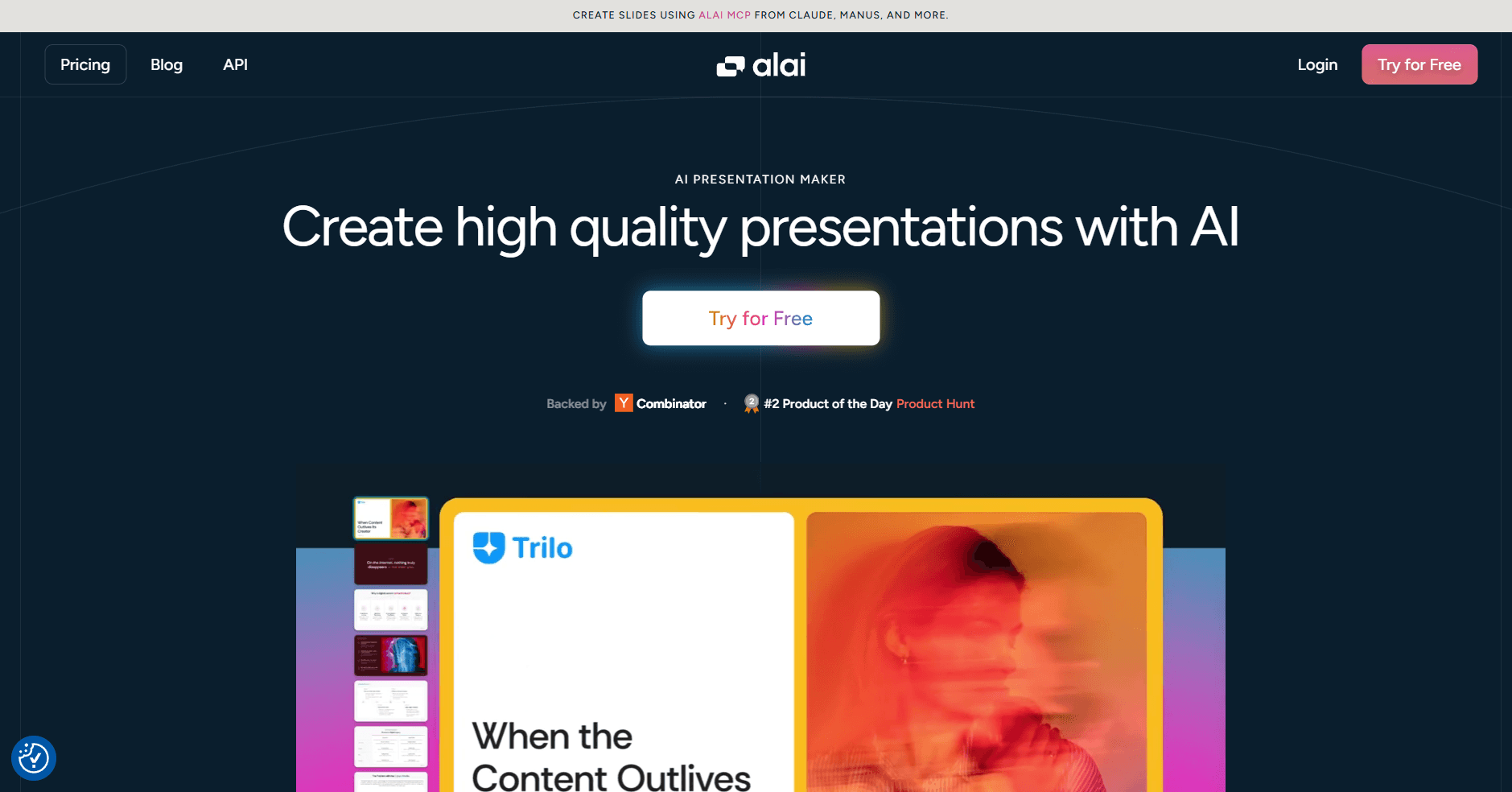
Alai stands out as the leading AI presentation maker for sales teams that need to create high quality pitch decks or sales proposals at scale using AI.
Key Features:
Alai’s API allows you to connect Alai to Salesforce, HubSpot, Pipedrive, and other tools via Zapier, viaSocket, or Make. Decks can be generated and updated directly from your pipeline data. Trigger deck creation automatically when deals enter "Proposal" or "Negotiation" stages. Auto-insert account-specific fields like company name, industry, ARR, use case, and decision maker into predefined slide patterns so reps skip manual copy-paste entirely.
The agent mode lets you instruct Alai using plain English over a chat interface. Describe what you want, ask for changes, or request new slides conversationally rather than navigating menus or learning complex controls. This natural language approach means reps spend time on content strategy rather than figuring out software. Alai's MCP server extends this further by connecting Alai directly to AI agents like Claude or ChatGPT, letting you draft proposal content in your preferred assistant and create the presentation without leaving the chat.
The 4-layout-options-per-slide approach means you're choosing from professionally designed alternatives rather than hoping AI gets it right on the first try. Reps select the layout that best fits the narrative (a comparison table vs a value pyramid vs a simple list) without restarting generation. This dramatically reduces "AI roulette" so reps always have multiple on-brand options even under time pressure.
Responsive canvas allows you to add or delete elements without manual adjustments, this is a life-saver for non designers who don't need to spend hours manually adjusting their content to make an image fit. Additional controls for alignment, spacing and text hierarchy provides teams with more control to seamlessly experiment with layout.
Context-aware AI understands the structure of your entire deck, not just the slide you're editing. When you rewrite slide 8, it considers the story established on slides 1 through 7. New information stays consistent with what came before, maintaining narrative coherence across the full presentation.
Nano Banana Pro integration solves the last-minute visual problem every sales team faces. When you need to add a detailed product infographic or metrics chart but can't wait for designers, this feature creates stunning visuals that are both editable and theme-consistent. ROI visualizations, pricing comparisons, process diagrams, and performance charts all match your deck's styling and remain fully editable, eliminating design bottlenecks when deals are on the line.
Analytics and engagement tracking provides viewer and slide-level data. See who opened the deck and how many times, which slides got the most attention (pricing vs case studies), and where viewers dropped off. This intelligence shapes follow-up strategy: if a prospect spent five minutes on your ROI slide, you lead with that on the next call.
PowerPoint exports maintain design fidelity so decks look the same on the buyer's side. This is critical when prospects reuse slides in internal steering committees or budget meetings, avoiding the broken layouts and font substitutions that plague other AI presentation tools.
Custom brand themes ensure every rep, junior or senior, generates decks that look equally polished. Create themes that match your brand guidelines so sales reps creating or iterating decks still use the correct brand colors, fonts, and style.
Pricing:
Free: 300 credits, all design elements, PDF export
Plus: $20/month (600 credits, PowerPoint export)
Pro: $32/month (1,200 credits, priority support)
Ultra: $80/month (5,000 credits, direct feature requests)
Pros:
Agent mode lets reps describe what they want in plain English rather than navigating complex menus, reducing the learning curve and letting teams focus on content rather than software
CRM integration automates repetitive deck creation, letting reps respond while prospect attention is hot rather than spending hours on formatting
Four layout variations per slide eliminate the frustration of regenerating until AI produces something usable, cutting revision time dramatically
Context-aware AI maintains narrative consistency across 15+ slides, preventing the disjointed feel that comes from editing slides in isolation
Nano Banana Pro creates professional charts and infographics on demand, removing designer dependencies for last-minute visual additions
PowerPoint exports preserve design fidelity, avoiding the broken layouts and font substitutions that undermine credibility with prospects
Cons:
Standalone platform requires learning a new tool rather than working within PowerPoint or Google Slides you already know, adding initial friction to adoption
Template library is smaller than general design platforms like Canva, relying more on AI generation than pre-made starting points
No offline mode means you need internet connectivity to create or edit presentations, problematic for travel or unreliable connections
Best suited for presentation-style proposals rather than document-heavy formats with extensive text, contracts, or legal language
Best For: Sales teams creating pitch decks, sales proposals, and client presentations who need professional design quality at scale without dedicated design resources.
PandaDoc
Unlike Alai that focuses on deck creation, PandaDoc offers comprehensive document management that’s specific to contracts, quotes, and forms. For teams needing document-heavy proposals with e-signatures, legal language, and extensive text sections, it provides end-to-end functionality.
Key Features:
The template library includes over 750 pre-built documents across industries including healthcare, finance, and technology. Each template maintains compliance with relevant regulations (HIPAA, FERPA, GDPR).
The drag-and-drop editor makes building documents intuitive even for non-designers. Pull in content from your library, add dynamic fields that auto-populate from CRM data, and customize layouts without technical skills.
Built-in CPQ (Configure, Price, Quote) functionality automates pricing calculations for complex product configurations. The system pulls pricing rules, applies discounts, and generates accurate quotes automatically. PandaDoc also manages complex workflows for proposal and contract generation, supporting customization, scalability, and integration with enterprise systems to handle intricate organizational processes.
E-signature capabilities are built directly into the platform, eliminating the need for separate signing tools. Prospects can review, comment, and sign without leaving the document.
Pricing:
Free eSign: $0 (e-signatures only, limited documents)
Starter: $19/user/month (unlimited documents, basic features)
Business: $49/user/month (CRM integrations, custom branding)
Enterprise: Custom pricing (API access, advanced automation)
Pros:
Comprehensive document management handles proposals, contracts, quotes, and forms in one platform, eliminating the need to stitch together multiple tools for the complete document lifecycle
750+ pre-built templates across industries provide compliant starting points for healthcare, finance, technology, and other regulated sectors, reducing legal review time
Native e-signature functionality with legally binding signatures and completion certificates eliminates the need for separate DocuSign or similar subscriptions
CRM integrations with Salesforce, HubSpot, and Pipedrive automatically pull client data into proposals and push engagement data back, keeping systems synchronized
Built-in CPQ automates complex pricing calculations, applies discount rules, and generates accurate quotes for configurable products without spreadsheet gymnastics
24/7 customer support across all paid plans ensures help is available regardless of time zone or deal urgency
Cons:
Interface complexity can feel overwhelming for new users, with extensive menus and options that require time to navigate confidently
Advanced features like workflow automation and API access require Business tier ($49/user) or higher, making full functionality expensive for larger teams
Per-user pricing compounds quickly as teams grow, with a 10-person team paying $490/month minimum for Business features
Less visually distinctive than presentation-focused tools like Alai or Qwilr, with documents that look professional but not striking
Some users report occasional performance issues with large documents or complex templates, particularly during peak usage periods
Best For: Teams needing comprehensive document management that handles proposals, contracts, quotes, and e-signatures in one platform, particularly in regulated industries requiring compliance documentation.
Stage 3: AI Tools for Proposal Management
While we’ve covered content and design, another key aspect of proposals is managing them - this means detailed tracking of each asset shared with the prospect along with tools that ensure consistent follow-ups without manual intervention.
GetAccept
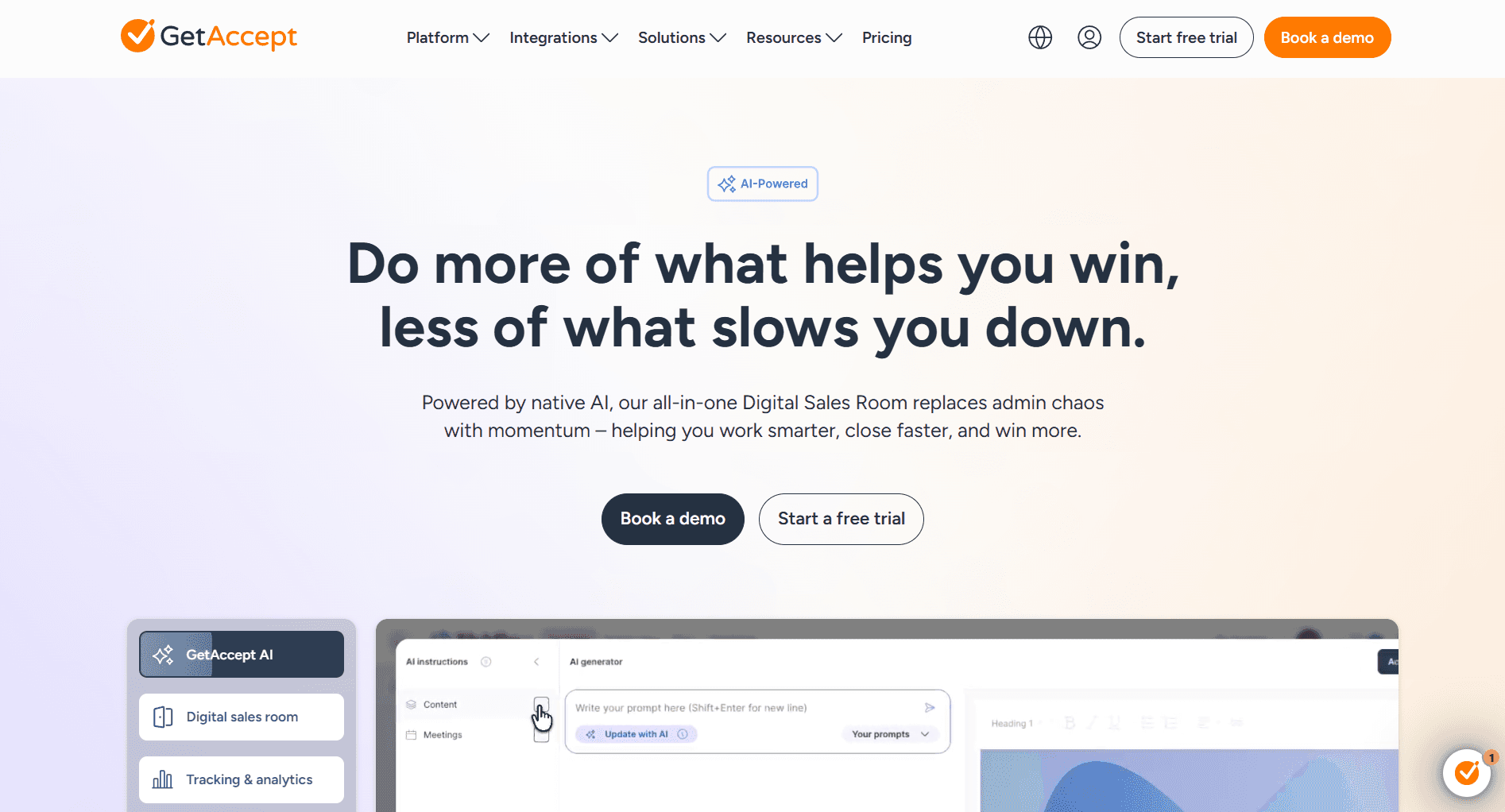
GetAccept positions itself as a deal room platform rather than just proposal software. The focus on multi-stakeholder deals and ongoing engagement sets it apart from simpler delivery tools.
Key Features:
Digital sales rooms bundle proposals with supporting materials like case studies, ROI calculators, and video introductions. Prospects access everything in one branded space rather than hunting through email attachments.
The live document editing feature means changes sync instantly for all viewers. Update pricing or terms without resending links or managing version confusion.
AI-powered content suggestions help reps personalize proposals. The system analyzes the prospect’s industry, role, and previous interactions to recommend relevant content blocks and messaging.
Built-in video messaging lets sales reps record personalized introductions that play within the proposal. This human touch differentiates proposals in competitive situations.
Pricing:
Essential: $25/user/month (core features)
Professional: Custom pricing (advanced analytics, integrations)
Enterprise: Custom pricing (full platform access)
Free trial available
Pros:
Digital sales rooms consolidate proposals, case studies, ROI calculators, contracts, and videos in one branded space, eliminating the scattered email attachment experience that frustrates buyers. These digital sales rooms, combined with real-time engagement features, help shorten deal cycles by streamlining communication and speeding up approvals.
Live document editing syncs changes instantly for all viewers, eliminating version control nightmares and the “which version did they sign?” confusion
Multi-stakeholder tracking shows which decision-makers have viewed content and which haven’t, revealing gaps in buying committee engagement before they stall deals
Video messaging integration lets reps record personalized introductions that play within proposals, adding human connection that static documents cannot provide
AI-powered content suggestions analyze prospect industry and role to recommend relevant content blocks, helping reps personalize without starting from scratch
Full audit trail tracks every view, edit, and interaction, providing evidence for compliance requirements and deal forensics
Cons:
Platform complexity exceeds what’s needed for simple, single-stakeholder deals where a straightforward proposal would suffice
Custom pricing for Professional and Enterprise tiers makes budget planning difficult and requires sales conversations to understand costs
Learning curve for full feature utilization is steeper than simpler proposal tools, requiring dedicated onboarding time
Some advanced features like mutual action plans and deal rooms require higher tiers, limiting value on Essential plan
Smaller integration ecosystem than established players like PandaDoc, though major CRM connections are covered
Best For: B2B sales teams with complex buying committees and multi-stakeholder approval processes where deal rooms and ongoing engagement tracking provide competitive advantage.
Nusii
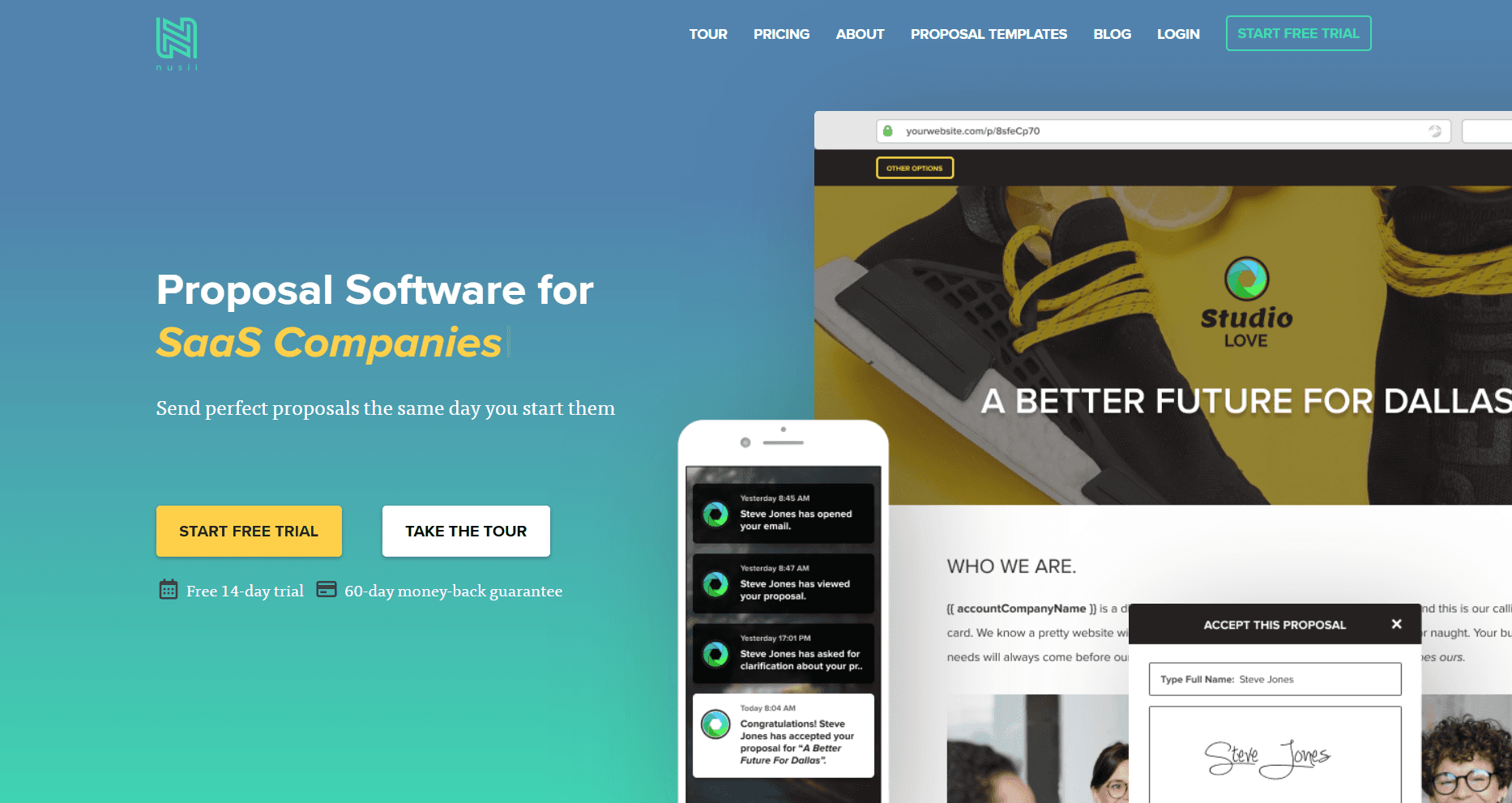
Nusii is built for speed and simplicity. It eliminates complex features and focuses on getting proposals out the door fast with automatic follow-up reminders that keep deals moving without manual tracking.
Key Features:
Automatic follow-up reminders trigger when clients don't open proposals within your set intervals. The system nudges you to check back on unopened proposals and sends reminders automatically based on your configured schedule.
Real-time notifications alert you the moment clients open the proposal email, view the proposal, accept, or sign. No more wondering if they received it or playing the waiting game.
Custom reminder intervals let you set exactly when follow-ups happen based on your sales cycle and client expectations. Configure different intervals for different proposal types or client segments.
In-proposal chat lets prospects ask questions directly inside the proposal rather than switching to email. This keeps conversations contextual and reduces response delays.
E-signatures are built directly into proposals. Clients can accept and sign in the browser without printing, scanning, or emailing back. Signatures are legally binding with recorded name, IP address, and timestamp.
Payment collection through Stripe lets you request deposits or full payment immediately after acceptance, reducing time-to-revenue and eliminating separate invoicing steps.
CRM sync via Zapier keeps deal stages aligned with proposal statuses so your pipeline stays accurate without manual updates.
Pricing:
Freelancer: $29/month (1 user)
Agency: $49/month (unlimited users)
Business: $129/month (unlimited users, advanced features)
14-day free trial available
Pros:
Automatic follow-up reminders keep proposals top of mind without manual tracking, ensuring no deal falls through the cracks due to forgotten follow-ups
Real-time notifications for opens, views, and signatures let you follow up at exactly the right moment when prospects are actively engaged
Lightweight interface eliminates feature bloat, letting teams send proposals in minutes rather than hours spent learning complex software
Unlimited users on Agency plan ($49/month) makes it cost-effective for growing teams compared to per-seat pricing models
In-proposal chat keeps prospect questions contextual and reduces the back-and-forth email chains that slow deal velocity
Stripe integration for immediate payment collection compresses the time between signature and revenue
Cons:
Fewer advanced features than enterprise platforms like PandaDoc or GetAccept, limiting functionality for complex deal structures
Tracking is lighter than competitors, showing opens and views but lacking detailed section-by-section engagement data
Smaller template library requires more initial setup to build out your proposal content
No digital sales room functionality for bundling multiple assets together
Limited enterprise features like SSO, advanced permissions, or compliance certifications
Best For: Freelancers, agencies, and small to mid-sized sales teams who need fast proposal delivery with automated follow-ups and don't require complex deal room functionality.
Building Your Proposal Tool Stack
Rather than choosing a single all-in-one platform, many teams achieve better results by combining specialized tools. Here are recommended combinations based on team size and complexity:
Solo Practitioners and Small Teams (1-5 people):
Start with Copy.ai‘s free tier for content assistance and Alai for high-quality proposal decks. This combination handles most proposal needs under $20/month total.
Mid-Market Sales Teams (6-25 people):
Use Jasper for content generation, Alai for pitch decks and visual proposals, PandaDoc for contracts, and leverage built-in analytics from each platform. Use Nusii to automate the proposal sending and follow-up process. This provides specialization without excessive tool sprawl.
Enterprise Sales Teams (25+ people):
Combine Inventive AI for RFP response automation, Alai for scalable pitch deck creation, PandaDoc for contract management and GetAccept for digital sales rooms with complex deals. Integrate all tools with Salesforce or HubSpot for unified data. For large organizations, using multiple AI proposal software solutions together ensures you can address the full range of proposal needs, from automated writing and formatting to advanced analytics and collaboration.
Implementation Best Practices
Adopting new proposal tools requires thoughtful implementation. Follow these practices to maximize adoption and results:
Start with one stage: Don’t implement tools for content, design, delivery, and tracking simultaneously. Choose your biggest pain point and solve that first. Success builds momentum for additional tools.
Invest in templates: Every tool becomes more valuable when you build a library of templates and content blocks. Dedicate time upfront to create reusable assets rather than building each proposal from scratch.
Train the entire team: Partial adoption creates inconsistency. Ensure every team member understands and uses the tools consistently. A dedicated customer success team can provide essential onboarding support and ongoing guidance, helping your organization integrate the ai sales proposal tool smoothly into daily workflows.
Review analytics weekly: Don’t just collect data; act on it. Weekly reviews of proposal engagement inform content improvements and follow-up strategies.
Connect to your CRM: Manual data entry between proposal tools and CRM systems wastes time and creates errors. Prioritize integrations that keep data synchronized.
Measuring ROI from Proposal Tools
Track these metrics to evaluate whether your proposal tool investments deliver returns:
Time to create: Measure hours spent per proposal before and after tool adoption. Most teams see 50-70% reductions.
Win rate: Track whether professional proposals improve conversion. Even small increases in win rate quickly pay for tool subscriptions. Delivering accurate proposals tailored to client needs can directly boost conversion rates and build client trust.
Sales cycle length: Measure days from proposal sent to signed. Electronic signatures and streamlined review typically accelerate decisions.
Follow-up effectiveness: Compare response rates to follow-ups informed by engagement data versus blind follow-ups.
Revenue impact: Calculate the value of additional deals closed due to improved proposals and faster response times.
Frequently Asked Questions
What's the best all-in-one proposal tool for small businesses?
Alai offers the strongest combination of capabilities at accessible price points. The free tier (300 credits) lets you create professional pitch decks and proposals using AI without upfront cost. Beyond creation, Alai's trackable links show who viewed your deck, which slides held attention longest, and where prospects dropped off. This engagement data turns follow-up from guesswork into informed strategy. For small teams that need to create, send, and track proposals without juggling multiple tools, Alai handles the full workflow.
How do AI writing tools improve proposal quality?
AI tools like Jasper and Copy.ai help with consistency, speed, and idea generation. By leveraging ai generated proposals, these tools ensure that sales documents are not only produced quickly but also remain consistent and aligned with your brand standards. They maintain brand voice across all proposals, generate first drafts quickly for human refinement, and suggest angles you might not have considered. They don’t replace human judgment but significantly accelerate the writing process.
Should I use presentation-style proposals or traditional documents?
It depends on your buyer and deal type. Presentation-style proposals (created in Alai) work best for visual storytelling, pitch meetings, and technology-forward buyers, and help you create professional looking proposals that stand out in competitive sales situations. Document-style proposals (PandaDoc) are better suited once you’ve moved beyond the pitching stage and are looking to create contracts and other formal documents that your prospects can review and sign.
How important is proposal tracking?
Extremely important. Teams using engagement analytics report 15-25% improvements in follow-up effectiveness. Knowing when someone opens your proposal, which sections they review, and when they return provides actionable intelligence that blind follow-up cannot match. Modern ai sales proposal tools offer detailed analytics, giving you insights into which content sections were viewed, how much time was spent on each, and sharing activity—enabling more targeted follow-up and better deal progression.
Can proposal tools integrate with my existing CRM?
All major proposal platforms integrate with Salesforce, HubSpot, and Pipedrive. Check specific integration depth, as some offer native connections while others require middleware like Zapier.
What's the typical payback period for proposal software?
Most teams see full payback within 2-3 months through time savings alone. When factoring in improved win rates and faster sales cycles, ROI often exceeds 300% annually.
How do I get my sales team to actually use new proposal tools?
Start with your most tech-savvy reps and document their successes. Create templates that make adoption easier than the old process. Celebrate early wins publicly. Most importantly, show reps how the tools make them more successful, not just more efficient.
Are free proposal tools worth using?
Free tiers (Copy.ai, PandaDoc free eSign, Alai free) provide excellent testing grounds. Use them to validate your needs before committing to paid plans. However, serious sales teams typically outgrow free limitations within months.
Common Mistakes to Avoid
Over-automating personalization: AI tools help with efficiency, but proposals still need genuine customization for specific prospects. Generic AI-generated content that fails to address specific pain points underperforms manual proposals that demonstrate real understanding.
Ignoring mobile experience: Many decision-makers review proposals on mobile devices. Test how your proposals render on phones and tablets before sending. Tools like Alai handle this automatically with responsive exports, but document-based approaches require careful attention.
Neglecting proposal follow-up: Even the best tracking data means nothing without action. Establish clear protocols for following up based on engagement signals. When a prospect spends 15 minutes on your pricing page, call them within the hour.
Choosing tools based on demos, not trials: Proposal tools often demo beautifully but stumble in real-world usage. Insist on trial periods with actual proposals before committing. How does the tool handle your specific edge cases and workflows?
Skipping template investment: Teams that rush implementation without building proper templates never realize the full time savings. Dedicate the first month to creating comprehensive templates rather than building each proposal from scratch.
Future Trends in AI Proposal Tools
Deeper CRM integration: Expect proposal tools to pull more context automatically from CRM systems, pre-populating content based on deal stage, industry, and past interactions.
Conversational proposal building: Voice and chat interfaces will let sales reps describe deals verbally while AI assembles appropriate proposals automatically.
Predictive content recommendations: AI will suggest specific content blocks, case studies, and pricing approaches based on analysis of which elements correlate with won deals.
Enhanced collaboration features: Buyer and seller collaboration within proposals will expand, with real-time video calls, shared annotations, and integrated negotiation tools.
Compliance automation: Tools will automatically check proposals against legal requirements, industry regulations, and company policies before allowing sending.
Final Thoughts
The right AI tools transform proposal creation from a time-consuming burden into a competitive advantage. By matching tools to each stage of your workflow, you create proposals faster, present them more professionally, deliver them more effectively, and understand exactly how prospects engage with your content.
Start by identifying your biggest current challenge. If content quality holds you back, invest in AI writing tools. If design is the weakness, prioritize Alai for presentations. If you're flying blind after sending, focus on tracking and analytics.
The goal isn't to collect tools; it's to close more deals. Choose solutions that address your specific bottlenecks, implement them thoughtfully, and measure the results. The AI proposal tools available today can genuinely transform your sales results when applied strategically.
What is the best AI sales proposal tool?
The best tool depends on the workflow. Alai is strongest when the proposal needs to become a polished presentation; PandaDoc and GetAccept are stronger for document delivery, tracking, and signatures.
Can AI write a sales proposal?
Yes. AI can draft proposal language, summarize discovery notes, and tailor messaging, but the final proposal still needs accurate pricing, scope, proof points, and buyer-specific context.
Should a sales proposal be a deck or a document?
Use a deck when the proposal needs to be presented live or reviewed by multiple stakeholders. Use a document when the buyer mainly needs terms, legal detail, and signature workflow.
How do I make an AI sales proposal less generic?
Use actual discovery notes, buyer pain points, account data, proof points, and a clear business case. Generic prompts usually create generic proposals.
Can AI turn a sales proposal into a presentation?
Yes. Alai is built for turning source material into editable, designed presentations, which makes it useful when proposal content needs to become a client-facing deck.
SEITEN
Werkzeuge vergleichen
Ressourcen