·
CASE STUDY
·
7 min read

Founder, Alai
I've been building presentation tools for a while, and the recent explosion of AI-powered options has been fascinating to watch. What started as a niche experiment has quickly become a crowded market, with new tools popping up daily. But here's the thing: not all AI presentation tools are created equal. Many of them make grand claims but deliver little more than a glorified template generator.
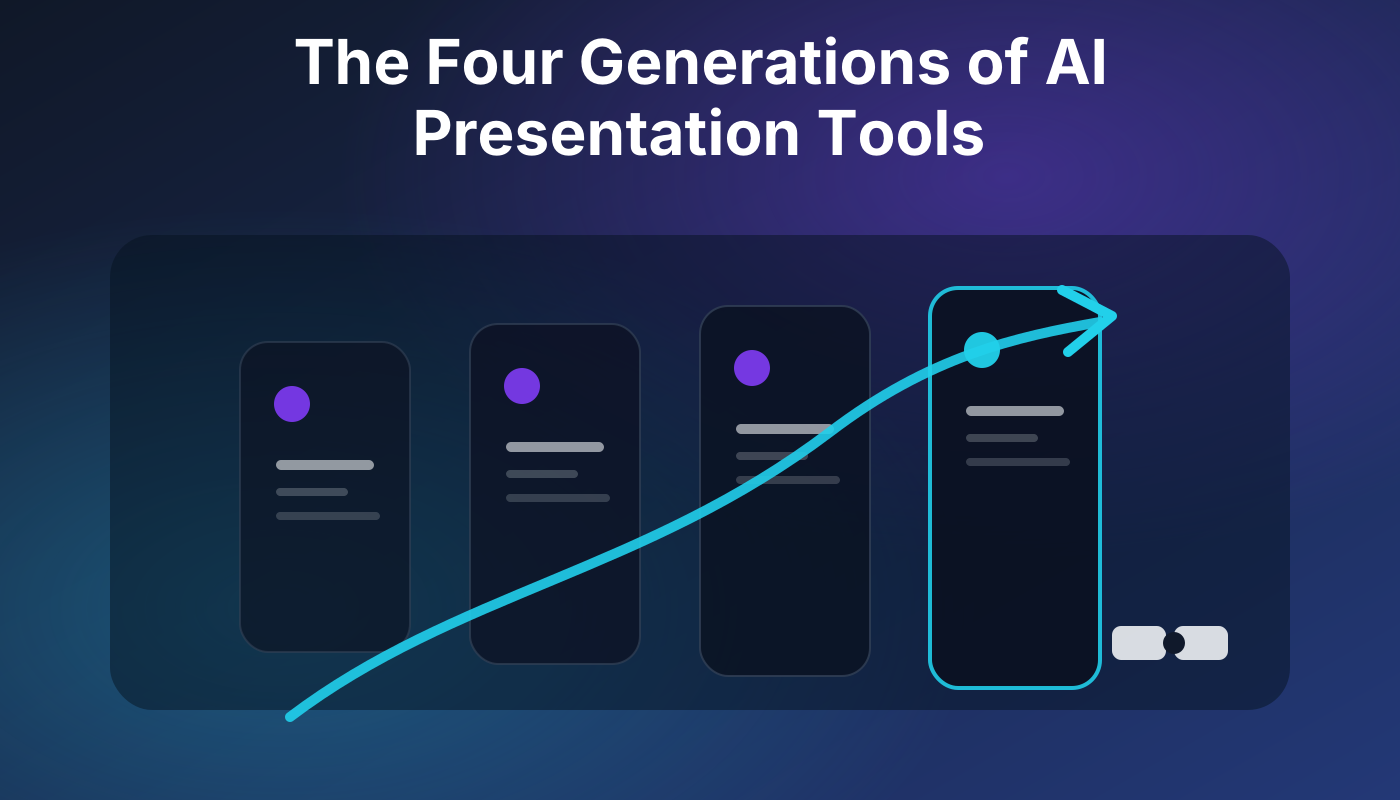
To truly understand what's happening and where the market is headed, we need a framework. I've identified four distinct generations of AI presentation tools, each building on the last, addressing different aspects of the presentation workflow. This isn't just about features; it's about the underlying philosophy of how AI is integrated and what problem it's actually trying to solve.
The Quick Answer: A Generational Leap in AI Presentation
AI presentation tools have moved from simple text-to-slide generation to sophisticated workflow partners. The first generation focused on basic content creation. The second added design and basic editing. The third introduced more complex content integration and collaboration. The fourth, and most advanced, aims to be an intelligent assistant for the entire presentation lifecycle, understanding narrative, taste, and iterative refinement. The real value lies in tools that act less like a one-shot generator and more like a co-pilot for your entire deck-building process.
Generation 1: The Prompt-to-Slide Generator (The Early Days)
This is where it all began, and honestly, where many tools still reside. The core idea was simple: feed the AI a topic or a few keywords, and it would spit out a set of slides. Think of it as a glorified search engine that also formatted the results into bullet points on a slide.
Characteristics:
Input: Primarily text prompts (e.g., "Create a presentation on the history of AI.").
Output: Basic slides with titles, bullet points, and often generic stock images.
Limitations:
No Narrative Arc: The AI had no concept of storytelling or logical flow. Slides were often disconnected facts.
Poor Design: Visuals were an afterthought, usually relying on simple, pre-set templates.
Limited Editability: Once generated, editing was often clunky, forcing users into the tool's proprietary editor, which rarely matched the flexibility of PowerPoint or Google Slides.
No Context: The AI couldn't integrate existing content or understand specific brand guidelines.
These tools were a novelty. They showed the potential of AI, but they were far from practical for anyone needing a professional presentation. They solved the "blank slide syndrome" but introduced a "generic slide syndrome" that was arguably worse.
Generation 2: Adding Design and Basic Editing (The First Polish)
As users became frustrated with the lack of polish in Gen 1, tools started to integrate more design capabilities and rudimentary editing features. This generation recognized that a presentation isn't just about text; it's about visual communication.
Characteristics:
Enhanced Design: Introduction of more sophisticated templates, color palettes, and font choices. Some tools started using AI to suggest design layouts based on content.
Image Generation/Integration: AI-generated images (often low quality) or integration with stock photo libraries.
Basic Editing: Users could now reorder slides, edit text more easily, and sometimes swap out images within the tool.
Limited Uploads: Some tools allowed basic text or outline uploads to generate slides, moving beyond just a prompt.
Tools like early versions of Gamma or Beautiful.ai started to emerge here. They made presentations look a bit better, but the core problem of narrative and deep content integration remained. The AI was still largely a "one-shot" generator, with post-generation editing often feeling like an uphill battle against the AI's initial choices. The AI was good at making things look like a presentation, but not necessarily a good one.
Generation 3: Content Integration and Collaborative Workflows (Towards Real Utility)
This generation marks a significant shift. Instead of just generating from a prompt, these tools began to understand that users often have existing content – documents, web pages, research – that needs to be incorporated. They also started to acknowledge that presentations are rarely a solo effort.
Characteristics:
Advanced Content Ingestion: Ability to upload documents (PDFs, Word docs), paste URLs for web research, and even connect to cloud storage. The AI would then synthesize this information into slides.
Improved Narrative Structuring: Some tools began to offer more control over the presentation's flow, suggesting sections or arguments based on the ingested content.
Export Options: Crucially, better export to standard formats like PowerPoint (PPTX) or Google Slides, allowing users to take their AI-generated draft into familiar editing environments.
Collaboration Features: Basic sharing, commenting, and multi-user editing within the tool.
This is where tools started to become genuinely useful for drafting. They could take a lengthy report and turn it into a presentable summary, saving significant time. However, the "taste" and "refinement" aspects were still largely manual. The AI could get you 80% of the way there on content, but the final 20% – the polish, the brand alignment, the nuanced messaging – still required heavy human intervention. Many tools in the current market, including some popular ones, sit squarely in this generation.
Generation 4: The AI Workflow Partner (The Future is Now)
This is the frontier. Generation 4 tools don't just generate slides; they act as an intelligent partner throughout the entire presentation creation and refinement process. They understand that a presentation is a living document, not a static output. They prioritize iterative loops, deep customization, and an understanding of the user's intent and brand.
Characteristics:
Deep Semantic Understanding: Not just keyword matching, but understanding the nuances of your content, audience, and objectives to suggest appropriate narratives, data visualizations, and calls to action.
Iterative Refinement Loops: The AI isn't a one-shot generator. It's designed for continuous feedback. You can tell it, "Make this slide more concise," or "Add a competitive analysis section here," and it intelligently adapts.
Brand and Style Integration: Ability to learn and adhere to specific brand guidelines, design systems, and tone of voice, ensuring consistency across all generated content. This is where tools like Alai's Prettify Deck start to shine, taking existing content and making it align with a specific aesthetic.
Data-Driven Insights: Integrating with data sources to automatically generate charts, graphs, and insights relevant to the presentation's topic.
Contextual Awareness: Understanding the purpose of the presentation (e.g., sales pitch, investor update, internal training) and tailoring content and design accordingly.
Seamless Export and Integration: Flawless export to native PowerPoint or Google Slides formats, preserving editability and design elements, and even offering direct integration with these platforms. Alai's Link to PPT is an example of this kind of seamless integration.
Proactive Suggestions: The AI anticipates your needs, suggesting content, design improvements, or even alternative narrative structures before you explicitly ask.
The hard parts of presentation creation – narrative, taste, editable structure, and efficient revision loops – are what Generation 4 tools are built to tackle. They aim to reduce the friction between idea and polished presentation, making the AI an extension of your own creative and analytical process. This isn't about replacing the human, but augmenting them with an incredibly powerful co-pilot.
Evaluating AI Presentation Tools: Beyond the Hype
When you're looking at an AI presentation tool, don't just fall for the "AI-powered" label. Ask these questions to determine which generation it truly belongs to:
How does it handle narrative? Does it just list facts, or does it build a coherent story?
How flexible is the editing? Can I easily tweak everything, or am I fighting against the AI's initial choices?
Can I bring my own content? How well does it integrate existing documents, research, or brand assets?
What are the export options? Does it give me a fully editable PPTX, or a static PDF/image?
How does it handle revisions? Can I iterate with the AI, or do I have to start over?
Does it understand my brand? Can it learn and apply my company's specific design and voice?
The best tools today, and certainly the ones shaping the future, are those that understand the iterative, human-centric nature of presentation building. They are not just generators; they are partners in the workflow.
The Practical Takeaway: Choose Your Partner Wisely
The AI presentation landscape is maturing. While Generation 1 and 2 tools might offer a quick, superficial draft, they won't stand up to professional scrutiny. Generation 3 tools are a significant step forward, providing solid content synthesis and basic design. But if you're serious about creating impactful, on-brand presentations efficiently, you need to look for tools that embody the principles of Generation 4.
These tools will save you time, improve consistency, and ultimately help you communicate more effectively. Don't settle for a one-shot generator when you can have an intelligent workflow partner.
What are the four generations of AI presentation tools?
The four generations are: 1. Prompt-to-Slide Generators (basic content creation from text prompts), 2. Design and Basic Editing Tools (adding templates, images, and simple edits), 3. Content Integration and Collaborative Workflows (ingesting documents, web content, and offering better export/collaboration), and 4. AI Workflow Partners (intelligent assistants for the entire presentation lifecycle, focusing on narrative, taste, and iterative refinement).
How can I tell if an AI presentation tool is advanced?
Advanced AI presentation tools (Generation 4) excel in narrative structuring, offer deep content integration from various sources, provide seamless and editable export to native formats like PPTX, support iterative refinement with AI, and can learn and apply specific brand guidelines. They act more as a co-pilot than a one-shot generator.
Why is editable export important for AI presentations?
Editable export (e.g., to PPTX or Google Slides) is crucial because it allows users to take the AI-generated draft into their preferred, familiar editing environment. This enables fine-tuning, adherence to specific brand standards, and collaboration with team members who may not use the AI tool, ensuring the final presentation meets professional standards.
Do AI presentation tools replace human designers?
No, advanced AI presentation tools (Generation 4) do not replace human designers. Instead, they augment their capabilities by automating repetitive tasks, generating initial drafts, and ensuring brand consistency. They act as workflow partners, freeing up designers to focus on higher-level strategic and creative decisions, refining the AI's output to perfection.
SEITEN
Werkzeuge vergleichen
Ressourcen