·
BASICS
·
17 min read

Marketing Lead
Introduction
A prospect asks for a custom deck by EOD. You've got 30 minutes and a pile of discovery notes.
Most "best AI presentation maker" lists treat sales like any other use case. They focus on design polish and template libraries. But sales decks aren't just about looking pretty, they're about closing deals faster.
Sales teams in 2026 need AI presentation makers that:
· Automate repetitive deck creation by connecting to your CRM
· Personalize at scale without manual tweaking for every prospect
· Track engagement so you know which slides moved the needle
· Export cleanly without design breakage when prospects download PowerPoints
· Maintain brand guardrails so a new SDR's deck looks as polished as your veteran AE's
This guide focuses entirely on AI presentation makers purpose-built or purpose-fit for sales workflows: discovery decks, proposals, renewals, and pitch decks that move deals forward.
Want a broader comparison across all use cases? Check out our best AI presentation makers guide.
What Makes an AI Presentation Maker Ideal for Sales?
Generic presentations don't close deals. A well-crafted deck tailored to a specific prospect's pain points, industry, and buying stage moves conversations forward.
Here's what separates a sales-specific AI presentation maker from a generic tool:
Speed: Minutes, Not Hours
When an opportunity emerges - a warm inbound lead, a response to an outbound email, a last-minute steering committee meeting, you don't have time to spend 2 hours formatting slides.
The best sales deck creators go from raw input (notes, CRM data, URLs) to a draft you'd send to a prospect in 45-60 minutes. That speed lets you respond while the prospect's attention is hot.
CRM Integration & Automation
Every sales conversation produces similar deck patterns: company overview → problem statement → solution fit → case study → pricing/next steps.
Top tools connect to your CRM (HubSpot, Salesforce, Pipedrive) and automatically populate company name, industry, deal size, last interaction date, and other fields into your deck template. Better tools go further: they trigger deck creation when a deal moves to a specific stage, or generate a new version every time you update prospect notes.
This reduces manual copy-paste from 30 minutes to 30 seconds.
Brand Consistency Across Reps
Nothing undermines credibility faster than an SDR's deck using different colors, fonts, or logo placement than your account executive's deck sent to the same account two weeks earlier.
Sales-specific tools let you lock in brand templates so every rep (junior or senior) generates decks that look equally polished, even if they've never used design software.
Engagement & Tracking
The best sales decks give you data. After you send a deck to a prospect, you need to know:
· Who actually opened it (was it just the person you emailed, or did it circulate?)
· Which slides they lingered on (are they stuck on pricing, or did they skip to ROI?)
· Where they dropped off (did they get bored halfway through, or review the whole thing?)
This intelligence shapes your follow-up. If they spent 5 minutes on your ROI slide, you lead with that on the call.
Clean PowerPoint Exports
Prospects often ask: "Can you send me that as a PowerPoint?" Many AI tools claim to export to .pptx, but the design breaks - fonts shift, layout collapses, colors change.
Sales teams need tools where PowerPoint exports actually look like the original, no manual fixing required.
Sales-Specific Visuals
Sales decks need visuals that answer buyer questions, not just pretty slides. You want easy ways to build:
· ROI and payback slides with clear before/after metrics
· Competitor or status-quo comparison tables
· Implementation timelines and rollout visuals
· Case study slides with logos, numbers, and one-glance outcomes
Proposal Workflow Fit
The tool needs to match how your sales team actually sells. That usually means:
· Easily creating a "family" of decks (discovery, proposal, QBR, renewal) from similar templates
· Smooth PDF export for formal proposals or RFPs
· Sane versioning (for example, v1, v2 after pricing discussion, v3 after negotiation)
Sales-Specific Evaluation Framework
Here’s the framework we’ve used to evaluate AI presentation makers for sales in this blog:
Factor | Why it matters | What to look for |
CRM API integration | Automates repetitive deck creation | Native Salesforce/HubSpot/Pipedrive integration or Zapier/Make workflows |
Speed to first draft | Respond faster than competitors | Time taken to go from notes to send-ready deck |
Personalization logic | Decks feel "for us," not generic | Persona, segment, and stage-aware content blocks |
Engagement tracking | Drives better follow-ups | Viewer identity, slide views, time on slide, drop-offs |
Brand consistency | Protects reputation at scale | Locked templates, brand kits, shared slide libraries |
Sales-specific visuals | Makes value obvious | ROI, comparisons, timelines, case study layouts |
PowerPoint export | Enables internal sharing | Design-preserving .pptx exports |
Proposal fit | Keeps process smooth | Strong PDF export, versioning, multi-rep collaboration |
Best AI Presentation Makers for Sales: Quick Reference
Tool | Best For | Key Sales Feature | Starting Price |
Alai | High-volume deck creation & automation | CRM API, 4 layout options, analytics | Free (300 credits) |
Pitch | Sales team collaboration & engagement tracking | Pitch Rooms, HubSpot integration, advanced analytics | Free (limited) |
Enterprise brand consistency | Brand controls, smart templates, team libraries | $12/month | |
Plus AI | Google Slides teams | Native integration, Live Snapshots | $10/month |
Gamma | Async leave-behind decks | Scrollable format, engagement analytics | Free (400 credits) |
Canva | Quick proposals & multi-use templates | Massive template library, Brand Kit | Free |
1. Alai: Best for Sales Automation & Scale
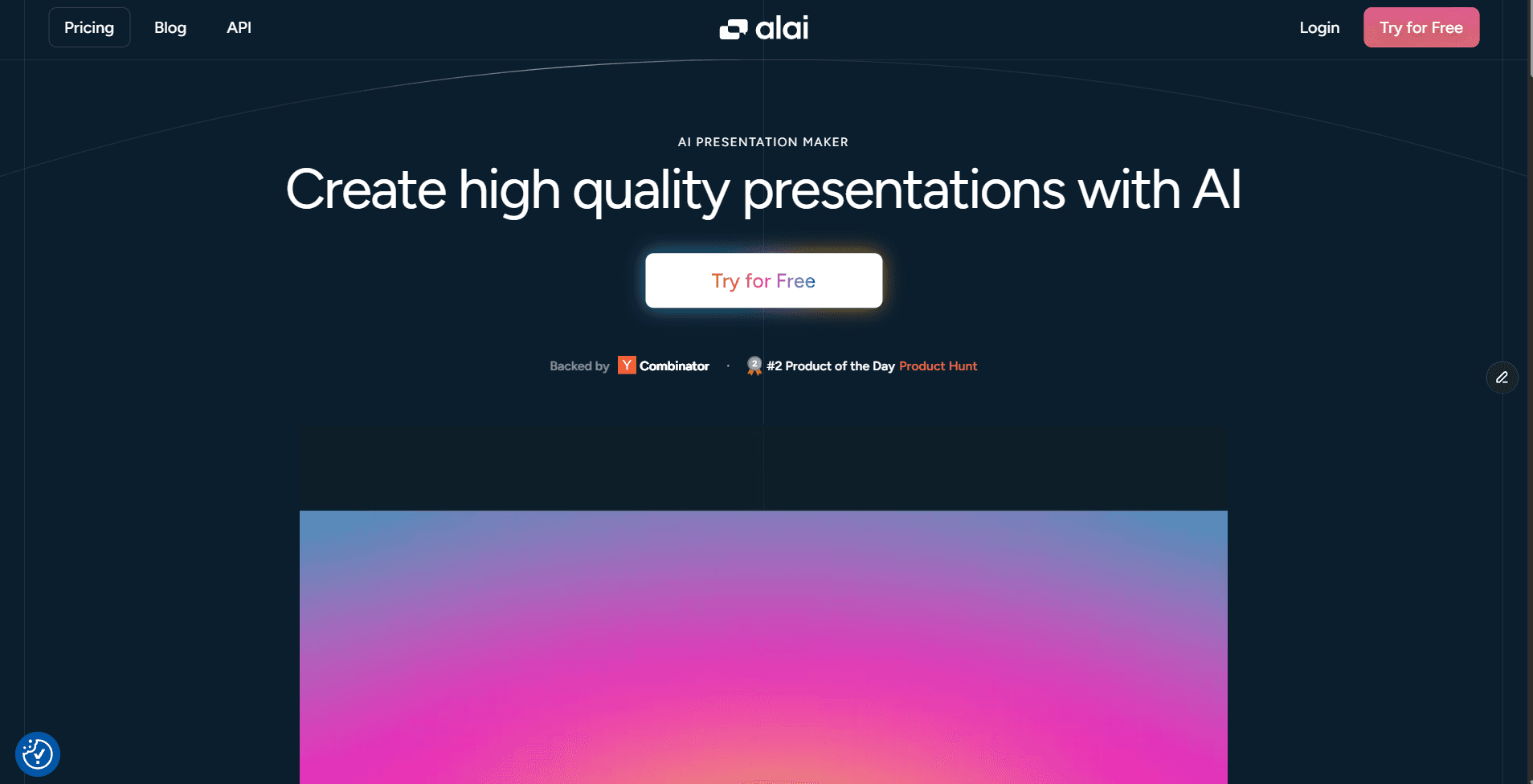
Best for: Sales teams creating 5+ decks per week, API-driven personalization, high-volume proposal workflows.
Key Features for Sales
CRM API & Workflow Automation
Alai connects to Salesforce, HubSpot, Pipedrive, and other tools via Zapier, viaSocket or Make, so decks can be generated and updated directly from your pipeline data. You can trigger deck creation automatically when deals enter "Proposal" or "Negotiation." Auto-insert account-specific fields - company name, industry, ARR, use case, decision maker into predefined slide patterns, so reps don't do manual copy-paste.
Four Layout Options Per Slide
Instead of giving you one design per slide and forcing you to regenerate until you get something usable, Alai generates four distinct layout options for every slide request. This matters in sales because reps can choose the layout that best fits the narrative (for example, a comparison table vs a value pyramid vs a simple list) without restarting generation. It dramatically reduces "AI roulette": reps always have multiple on-brand options, even under time pressure.
Context-Aware AI for Sales Narratives
Alai's content engine is aware of the structure of your entire deck, not just the slide you're editing. When you ask it to rewrite slide 8, it considers the story you set up on slides 1–7. That means when you add new information on a new slide, it remains consistent with the information added earlier.
Sales-Ready Visual Components
Alai includes reusable visual elements tailored to sales rather than generic "nice slides." This includes pricing tables, comparison slides and timeline elements for slides which need to be conveyed via visuals.
Import & Refresh Existing Collateral
You can import PDFs, URLs, or PowerPoints to modernize and standardize existing decks. Typical uses: converting old proposals into current brand and story frameworks, or turning dense solution docs into executive-friendly slide narratives.
Analytics & Engagement Tracking
Alai provides viewer and slide-level engagement data. Sales teams see who opened the deck and how many times. Which slides got the most attention (for example, pricing vs case studies). Where viewers dropped off, which reveals weak spots in your story.
PowerPoint Exports That Don't Break
Alai focuses on high-fidelity .pptx export so decks look the same on the buyer's side. This is critical when prospects reuse slides in internal steering committees or budget meetings.
Customized Themes To Stay On-Brand
Alai allows you to create custom themes that match your brand guideline, this ensures that when sales reps are creating or iterating sales decks, they still use the correct brand colors, fonts and style.
Nano Banana Pro Integration For Stunning Visuals
Imagine this, you have a last minute presentation and you’re super close to winning the deal. The deck is ready but there’s just one addition - you want to add a detailed infographic of your product or a chart showing important metrics. But, you cannot wait for designers. This is where Alai’s Nano Banana Pro integration comes in, it enables you to create stunning visuals that are both editable and theme-consistent - giving you the capability to produce visually-heavy slides without depending on design bandwidth.
Pricing
· Free: 300 AI credits, premium design elements, PDF export
· Plus: $16/month (annual) or $20/month – 400 AI credits, PowerPoint export, priority support
· Pro: $25/month (annual) or $30/month – 1,000 AI credits, API access, consultation
When to Choose Alai
Choose Alai if you're creating more than 5 sales decks per week, need CRM automation and personalization, want PowerPoint exports that preserve design and are looking for a tool that lets sales reps design brand aligned and high quality decks easily.
2. Pitch: Best for Sales Team Collaboration & Engagement Analytics
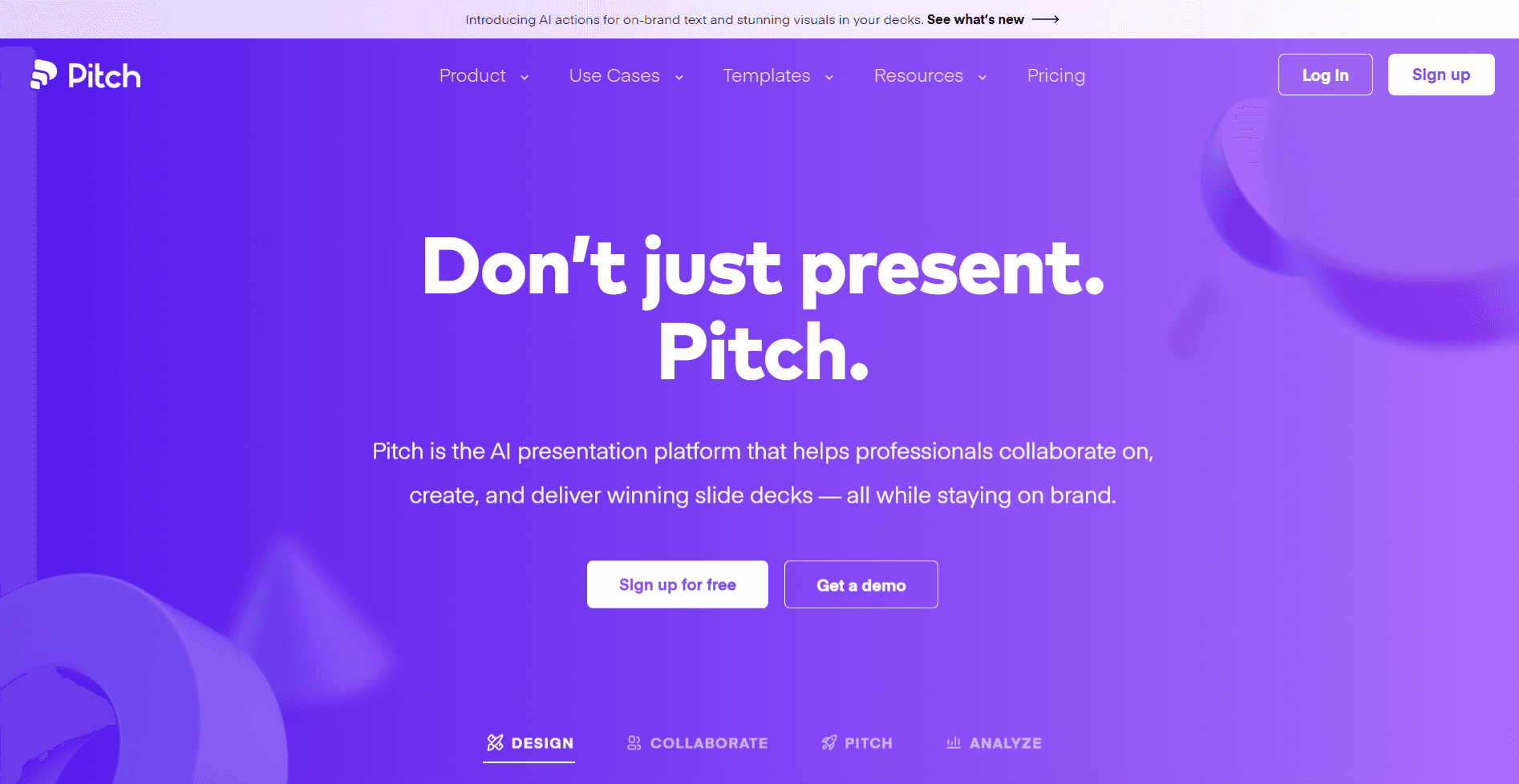
Best for: Multi-person sales teams, deal-attached collaborations, HubSpot-native workflows, tracking prospect engagement.
Key Features for Sales
Pitch Rooms as Deal Hubs
A Pitch Room is a single, shareable hub for all deal assets. You can bundle your deck, demo video, pricing PDF, and calendar link in one place instead of sending multiple attachments. Update assets over time (for example, refreshed pricing) without changing the link. Give multiple stakeholders a consistent, branded entry point to the opportunity.
Granular Engagement Analytics
Pitch tracks engagement at room, asset, and viewer level. Sales teams can see which specific contacts opened the room and on what dates. How long each contact spent on the deck vs video vs other assets. Whether they clicked CTAs, such as "Schedule a demo."
Real-Time Collaboration & Slide Ownership
Pitch is optimized for teams building decks together. You can assign specific slides or sections to different team members (SDRs, AEs, SEs). Use statuses (draft, review, final) to coordinate edits and approvals. Comment, suggest changes, and resolve threads without version chaos.
HubSpot Integration
The HubSpot integration pulls in CRM fields and pushes engagement signals back to deals. This enables workflows like creating a Pitch Room from a deal and having its activity show in HubSpot. Trigger tasks when a high-value stakeholder spends significant time in the room.
Presenter Tools for Live Calls
For live demos and pitch meetings, Pitch includes presenter view and flexible navigation. Reps can see notes and upcoming slides privately while prospects view only the current slide. Jump to relevant sections mid-call when questions arise without fumbling through the deck.
Pricing
· Free: Up to 5 members, 100 AI credits (one-time), unlimited presentations, branded exports
· Pro: $20/month (or $17/month annual) – 2 seats, 25 advanced links, 2 Pitch Rooms, custom fonts
· Business: $80/month (or $68/month annual) – 5 seats, unlimited advanced links and Pitch Rooms
When to Choose Pitch
Choose Pitch if your sales team creates decks collaboratively, you need to know exactly when a prospect engages with your deck, you use HubSpot and want deck engagement data inside your CRM, you present to multiple stakeholders, or you want to bundle multiple formats (deck + video + social proof) in one shareable space.
3. Beautiful.ai: Best for Enterprise Brand Consistency
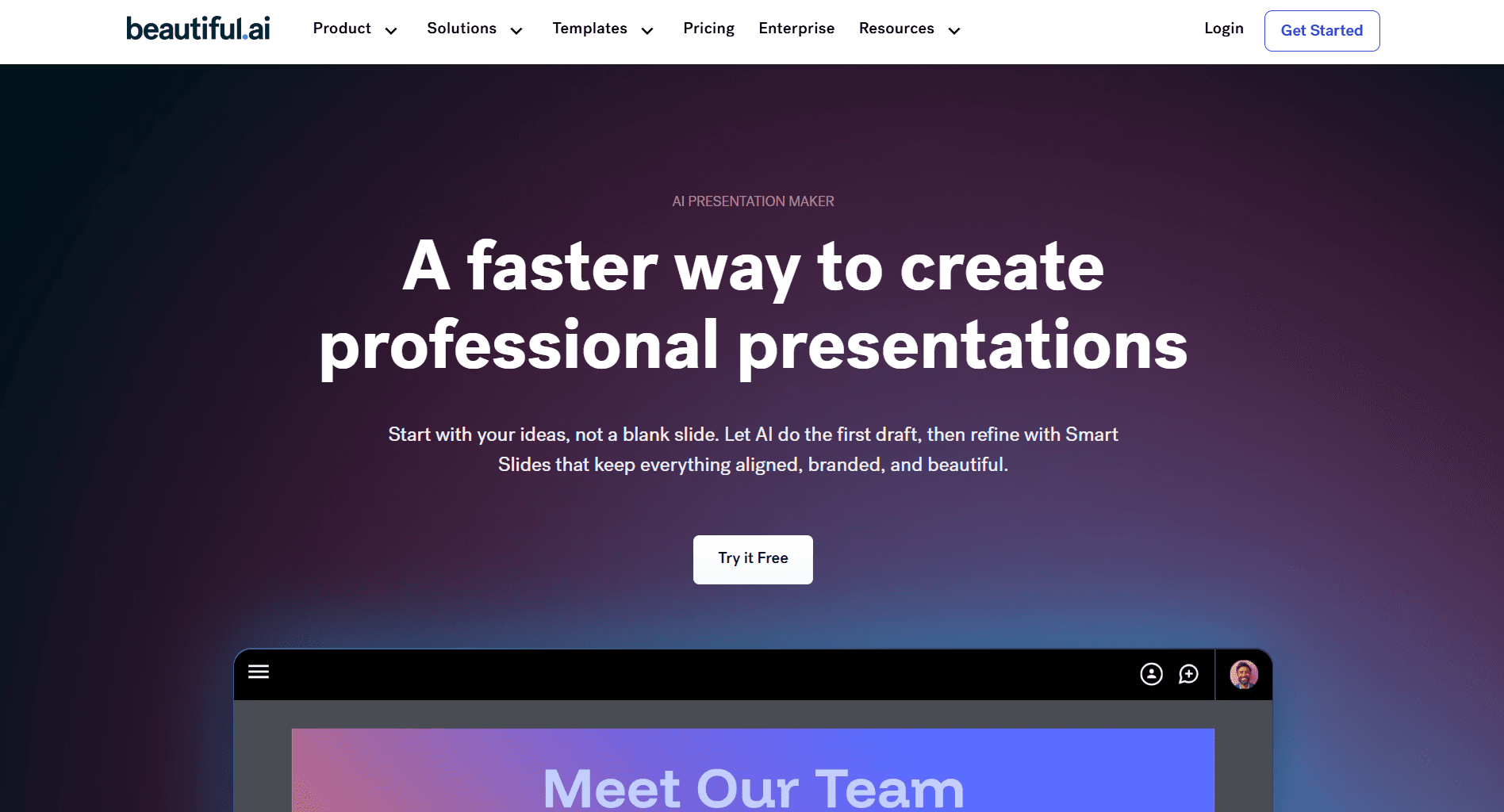
Best for: Large sales teams (10+ reps), strict brand guidelines, recurring deck types, minimal design reviews.
Key Features for Sales
Locked Brand Kits & Templates
Design and marketing can define brand rules once and Beautiful.ai enforces them automatically. Reps stay on-brand without thinking about design. Master templates for discovery, proposal, QBR, and renewal decks cannot be structurally broken.
Smart Slides with Auto-Layout
Beautiful.ai auto-adjusts slide layouts as content changes. For sales teams this means reps can add or remove bullets, metrics, or logos without misaligning elements. Frequently used slide types (for example, agenda, metrics overview) remain visually consistent across regions and reps.
Shared Slide & Asset Libraries
Central libraries let you store and reuse approved slides. Typical contents include case study slides with accurate logos and vetted numbers. "About us," "Security," "Compliance," and "Implementation" slides that should never be free-edited.
Team Permissions & Governance
Admins can control who can create templates, edit brand settings, or publish decks. This helps keep message drift under control while still letting reps work quickly.
Pricing
· Pro: $12/month (annual) or $45/month – unlimited slides, AI content generation, viewer analytics
· Team: $40/user/month (annual) – shared brand controls, team libraries, admin tools
· Enterprise: Custom pricing – SSO, dedicated onboarding, priority support
When to Choose Beautiful.ai
Choose Beautiful.ai if you have a large sales team (10+) with inconsistent deck quality, brand consistency is your top priority, you want pre-built templates reps can't break, or you have strict corporate design guidelines.
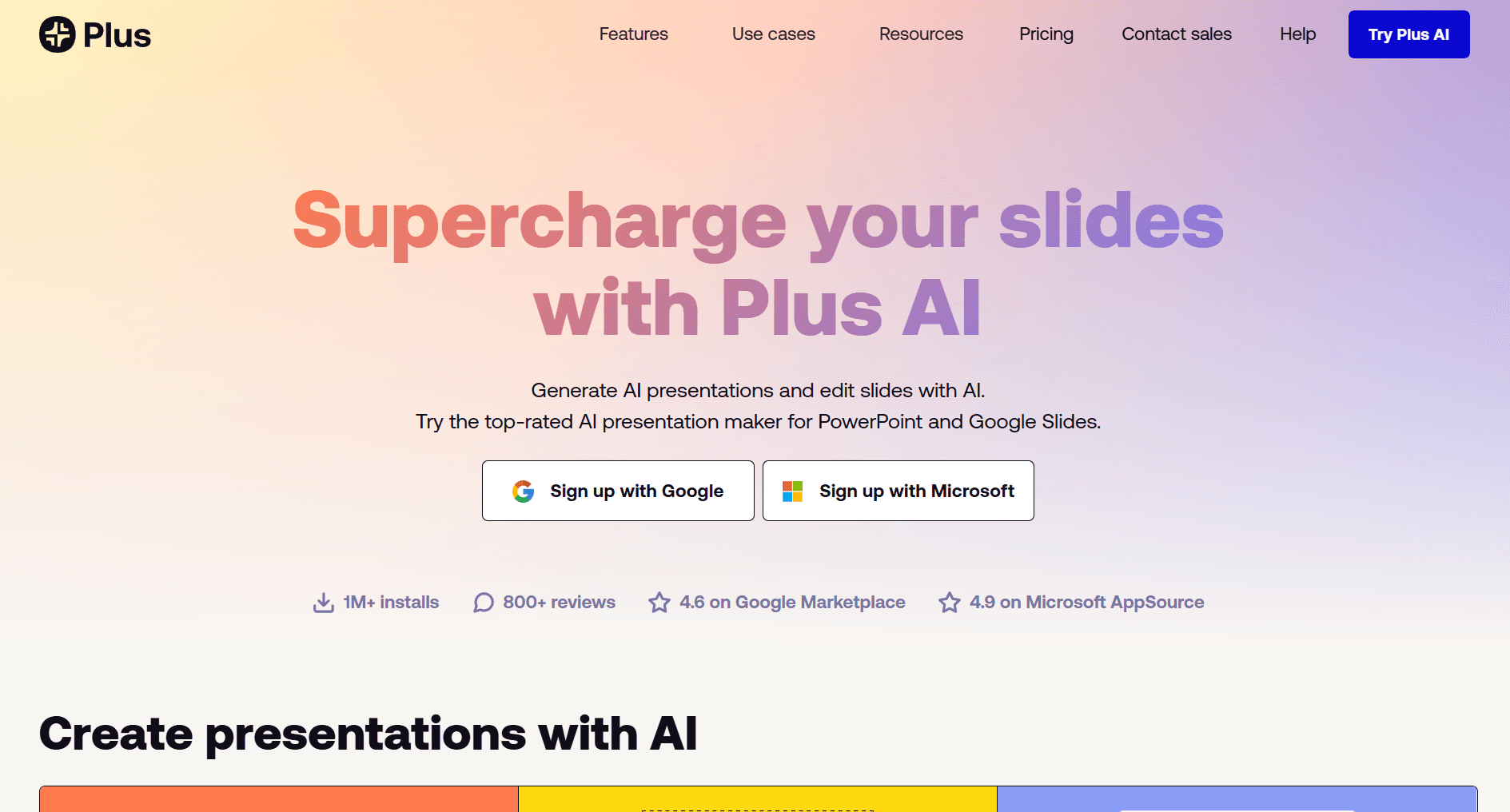
4. Plus AI: Best for Google Slides Teams
Best for: Sales teams deeply embedded in Google Workspace that want AI without changing tools.
Key Features for Sales
Native Google Slides Add-On
Plus AI runs inside Google Slides, so reps stay in the environment they already use for decks and collaboration. Retain existing sharing settings, comments, and version history. Don't need to learn a new app or deal format.
Live Snapshots from Dashboards and Web Apps
Live Snapshots let you embed dynamic content (for example, dashboards, analytics pages) that can be refreshed with one click. Sales can show up-to-date usage metrics or ROI dashboards in renewal or expansion decks. Refresh all metrics just before a call so the deck reflects current data.
AI Content & Layout Assistance
Plus AI can generate content and suggest layouts based on prompts or source text. Common uses: turning discovery notes or a written brief into a first-draft deck, or rewriting and shortening copy for different stakeholders or time slots.
Custom Template and Brand Support
Because it lives in Slides, Plus AI uses your existing templates and brand settings. PMM or design creates one master template. Reps ask AI to populate that template for each account without breaking brand rules.
Pricing
· 7-day free trial: Full access, credit card required
· Basic: $10/month (annual) – unlimited AI presentations, Live Snapshots
· Pro: $20/month (annual) – custom themes, longer prompts, advanced features
· Team: $30/month (annual) – custom templates, shared libraries, admin controls
When to Choose Plus AI
Choose Plus AI if your team lives in Google Workspace and won't switch, you want AI without disrupting existing workflows, you need zero learning curve for new sales reps, or you value native Google Sheets/Docs integration for pulling data into slides.
5. Gamma: Best for Async Sales Materials & Leave-Behinds
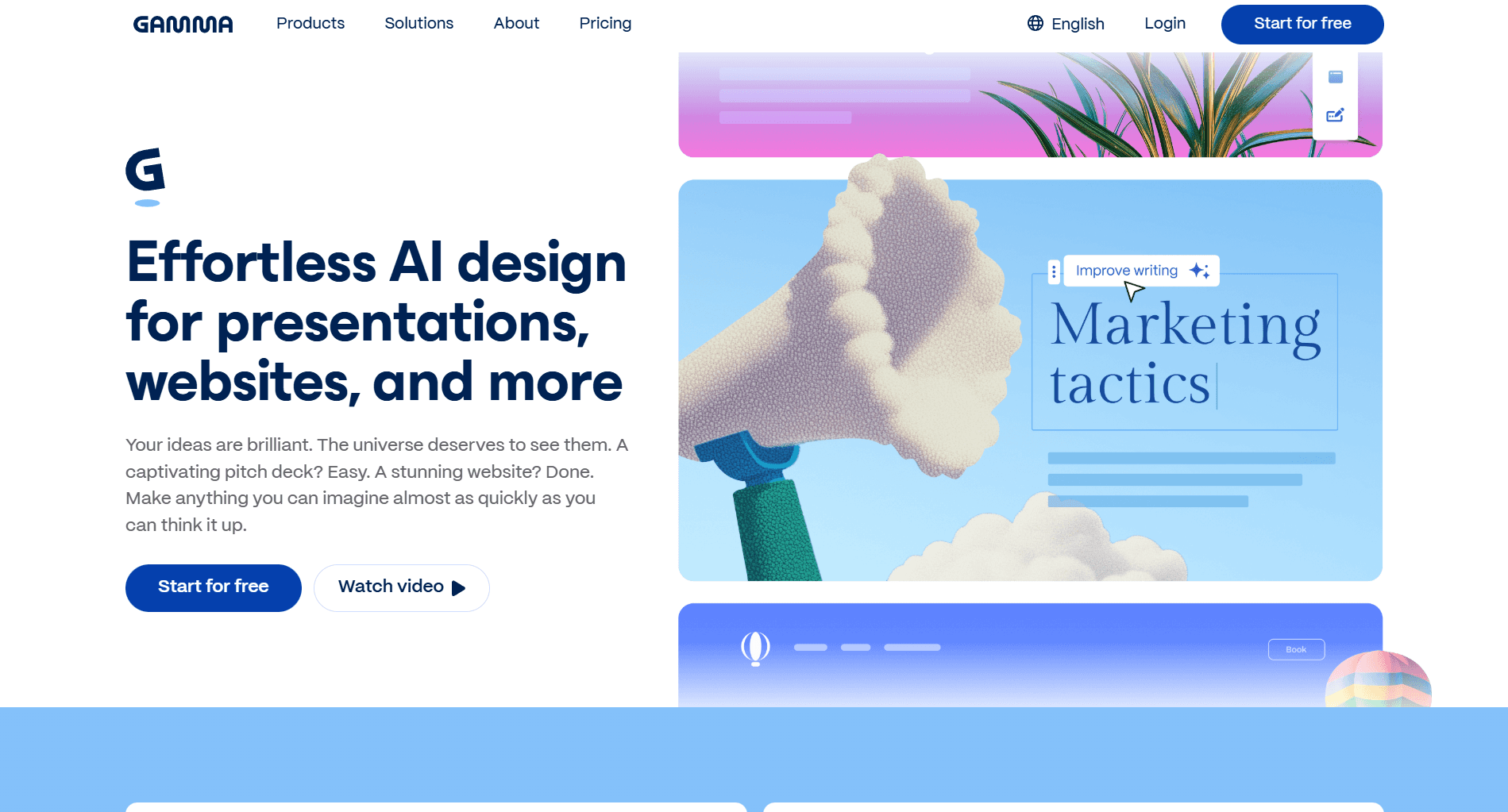
Best for: Proposals, one-pagers, and follow-ups consumed via email or Slack.
Key Features for Sales
Scrollable, Web-Style Presentations
Gamma's output feels like a modern web page. For async sales motions, prospects scroll naturally on desktop or mobile instead of clicking slide arrows. The experience feels lighter and less formal than .pptx files, which can increase consumption for early-stage conversations.
Expandable Sections (Depth on Demand)
Gamma supports collapsible sections for detail. That lets you keep the main narrative concise while hiding in-depth technical or financial details behind "read more" toggles. Avoid overwhelming prospects who only need high-level information while still serving detail-oriented stakeholders.
Built-In Engagement Analytics
Gamma tracks section-level engagement. You see which parts of the document prospects scroll through and which they expand. How long they spend in different sections—for example, implementation vs pricing.
Multi-Format Export
While Gamma is strongest as a web-style doc, you can export to PDF or PowerPoint when procurement or legal require static formats.
Pricing
· Free: 400 credits at signup, up to 10 cards per prompt, export to PDF/PPTX
· Plus: $8/seat/month (annual) – 1,000 monthly credits, remove branding, advanced AI image models
· Pro: $18/seat/month (annual) – 4,000 monthly credits, custom branding, detailed analytics
When to Choose Gamma
Choose Gamma if your proposals and follow-up materials are consumed asynchronously (via email, Slack, etc.), you're sending leave-behind materials that prospects review solo, you want engagement data on async materials, or prospects include mobile reviewers.
6. Canva: Best for Quick Proposals & Multi-Use Design
Best for: Small or resource-constrained teams needing a general design tool that can also handle sales decks.
Key Features for Sales
Magic Design for Fast Starts
Magic Design can take a prompt or initial content and suggest complete deck structures and slide layouts. This is useful when reps need a decent-looking proposal or overview deck quickly, or when they prefer tweaking a suggested visual structure rather than building a deck from scratch.
Magic Write for Sales Copy
Magic Write helps generate and refine on-slide text. Sales teams can turn bullet-point notes into full paragraphs for benefits and use cases. Adjust tone between informal discovery decks and formal proposals or RFP responses.
Massive Template Library & Brand Kit
Canva offers thousands of ready-made presentation templates and a Brand Kit feature. This allows you to grab a relevant template by industry or style and adapt it quickly for a specific account. Apply your logo, colors, and fonts across any template with a few clicks so decks still look like your brand.
Multi-Channel Asset Creation
You can build presentations, social assets, email graphics, and one-pagers from the same tool. For sales, this means consistent visual language across decks, outreach campaigns, and ads. Less tool switching when coordinating with marketing for campaigns or launches.
Pricing
· Free: 250,000+ templates, basic Magic Design, 5GB storage
· Pro: $15/month – full template library, 100M+ premium assets, Brand Kit, 1TB storage
· Business: $20/user/month (min 3 users) – team workspace, design approvals, advanced brand controls
When to Choose Canva
Choose Canva if you need one tool for slides + social + email graphics, you prefer templates over AI generation from scratch, you're creating quick, one-off proposals, or you want the lowest barrier to entry.
How to Choose The Best AI Sales Deck Maker
Your Situation | Best Choice | Why |
5+ decks/week, need CRM automation, want to maintain quality without compromising on speed | Alai | API integration, high quality visuals via Nano Banana Pro, context-aware AI, clean exports, analytics |
Person team, more focus on post deck creation journey | Pitch | Shared decks, Pitch Rooms, HubSpot integration |
10+ reps, strict brand guidelines | Locked templates, brand control, smart slides | |
Google Workspace-only team | Plus AI | Native Slides workflow, no migration |
Async proposals and leave-behinds | Gamma | Scrollable format, section analytics, mobile-friendly |
Quick proposals and general design | Canva | Templates, Brand Kit, multi-use tool |
Best AI Sales Deck Maker For Your Needs
Discovery / Needs Analysis Decks
Best Tool: Alai or Pitch
Why: Fast turnaround (30 min), CRM data pre-populated, team collaboration if multiple reps contributing.
Customer ROI Proposals
Best Tool: Alai
Why: Personalization at scale, prospect name and deal size auto-filled, clean PowerPoint exports, analytics to see which ROI scenarios resonate, high-quality charts using Nano Banana Pro.
Steering Committee Presentations (Live)
Best Tool: Alai or Pitch
Why: Story arc consistency, real-time collaboration, presenter notes for multiple speakers.
Leave-Behind One-Pagers
Best Tool: Gamma
Why: Scrollable format reads better on mobile, expandable sections let prospects dig into details they care about.
Case Study / Social Proof Materials
Best Tool: Beautiful.ai or Canva
Why: Template-driven (consistent format), easy to batch-create for multiple customers.
Investor Pitch Decks
Best Tool: Alai
Why: Context-aware AI maintains narrative consistency across 15–20 slides, clean exports, analytics show which slides engage most.
Check out the best AI Presentation Makers for Pitch Decks
Multi-Rep Collaborative Decks
Best Tool: Pitch
Why: Real-time collaboration, slide ownership assignment, HubSpot data pre-population.
Frequently Asked Questions
What is the best free AI presentation maker for sales?
Alai, Gamma, Canva, and Pitch all offer usable free tiers. For sales-specific use, Alai Free is ideal for testing automation and design quality on real deals. Gamma Free is strong for async, leave-behind style materials. Canva Free is best when you also need non-deck assets.
Which AI tool should I use to make sales decks?
Choose Alai if you want automation, context-aware narratives, high-quality design and strong exports. Choose Pitch if collaboration and stakeholder-level analytics matter most. Choose Beautiful.ai if brand consistency across a big team is critical. Choose Plus AI if your team lives in Google Slides.
Can AI presentation makers export to PowerPoint?
Most leading tools support .pptx export, but quality varies. Alai, Pitch, Beautiful.ai, and Gamma offer stronger exports than generic design tools, with Alai emphasizing fidelity specifically for sales decks.
Are AI-generated sales presentations effective?
They are—when reps treat AI as a structure and speed advantage, not as a replacement for their judgment. The best results come from combining AI-generated layouts and first drafts with rep-driven tailoring based on discovery and objection handling.
Can I use these tools for investor pitches?
Yes. Alai, Pitch, Beautiful.ai, and Canva are commonly used for investor decks and board presentations as well. Context-aware narrative building and export quality are particularly important there, which is where Alai and Beautiful.ai stand out.
Final Verdict: Which AI Sales Deck Maker To Use?
· If you're creating more than a handful of decks per week and want CRM-driven personalization and analytics, Alai is the best fit.
· If your bottleneck is collaboration and multi-stakeholder engagement, Pitch is the strongest choice.
· If your biggest risk is off-brand decks across a large team, Beautiful.ai is built for that.
· If you refuse to leave Google Slides, start with Plus AI.
· If most of your sales content is read async, consider Gamma for scrollable, analytics-rich experiences.
· If you just need quick, good-enough proposals and lots of other assets, Canva covers that with minimal friction.
Start with the free or trial plan that best matches your current bottleneck, run a real live deal through it, and measure time saved plus impact on follow-ups and meetings booked. The tool that improves those numbers for your team is the right "best AI presentation maker for sales decks" in practice.
PAGES
Compare Tools
resources