·
BASICS
·
33 min read

Marketing Lead
The 2026 AI Landscape for Startups
The AI landscape for startups has matured significantly. What was once experimental has become essential infrastructure. In 2026, AI is no longer a differentiator but a baseline requirement. Startups that effectively leverage AI tools operate with the velocity of teams three times their size, bootstrapping more effectively, developing products faster, and scaling operations despite limited capital or personnel.
Several trends define the current moment. Specialization has won: purpose-built solutions for pitch decks, sales calls, and code generation consistently outperform generic alternatives. Pricing has stabilized around value rather than compute costs, with most tools offering generous free tiers. And integration depth has become the differentiator, as tools that connect seamlessly with your existing stack provide compounding returns.
Whether you are a solo founder bootstrapping or a funded team scaling, the right AI stack can compress months of work into days. This guide cuts through the noise with practical recommendations grounded in real startup workflows.
For founders looking to understand the broader AI tool ecosystem, check out our complete guide to AI tools for founders.
Quick Summary: All AI Tools at a Glance
Before diving into detailed reviews, here is a complete overview of every tool covered in this guide with their core strengths for startups:
Tool | Category | Core Strength | Best For | Starting Price |
Claude | Content & Marketing | Nuanced, investor-quality writing | Pitch materials, strategy docs, board updates | Free / $20/mo |
ChatGPT | Content & Marketing | Versatility across tasks | Daily operations, brainstorming, data analysis | Free / $20/mo |
Jasper | Content & Marketing | Brand-consistent marketing at scale | High-volume campaign content | $49/mo |
Synthesia | Content & Marketing | Video without production resources | Product demos, onboarding, multilingual content | $29/mo |
GitHub Copilot | Development | Proven 30-50% productivity gains | Daily coding across all languages | Free / $10/mo |
Cursor | Development | Natural language code editing | Complex refactoring, multi-file changes | Free / $20/mo |
Replit | Development | Zero-setup prototyping | MVPs, non-technical founders building v1 | Free / $25/mo |
Claude Code | Development | Agentic task completion | Large features, autonomous implementation | $20/mo (with Pro) |
Notion AI | Business Ops | Context-aware workspace intelligence | Team documentation, onboarding, knowledge base | Free / $10/mo |
Fireflies.ai | Business Ops | Meeting memory and accountability | Investor calls, sales conversations, team sync | Free / $18/mo |
Tableau | Business Ops | Natural language data exploration | Metrics dashboards, stakeholder reporting | $15/mo |
Salesforce Einstein | Business Ops | Predictive sales intelligence | Lead scoring, pipeline forecasting | Included / $500/mo |
Alai | Product & Design | Purpose-built for startup presentations | Pitch decks, sales decks, board updates | Free / $20/mo |
Canva | Product & Design | High-volume marketing assets | Social posts, ads, one-pagers | Free / $15/mo |
Figma | Product & Design | Collaborative product design | UI/UX, prototypes, design-dev handoff | Free / $15/mo |
Midjourney | Product & Design | Distinctive custom visuals | Landing pages, brand imagery, concept art | $10/mo |
Perplexity | Research & Ideas | Cited research synthesis | Competitive analysis, market research | Free / $20/mo |
Consensus | Research & Ideas | Academic evidence on demand | Backing claims with peer-reviewed research | Free / $9.99/mo |
SparkToro | Research & Ideas | Audience behavior intelligence | Channel strategy, influencer identification | Free / $50/mo |
Descript | Research & Ideas | Text-based audio/video editing | Podcasts, product videos, demos | Free / $15/mo |
Many of these AI tools for startups offer a free account, allowing you to test their AI capabilities with no initial cost or commitment.
How We Selected These Tools
We evaluated over 100 AI tools against criteria that matter for startups specifically. The evaluation process involved hands-on testing with real startup workflows, interviews with founders actively using these tools, and analysis of pricing sustainability as companies scale.
Time-to-value: Can you get meaningful output under a strict timeline? Startups cannot afford lengthy onboarding cycles or tools that require days of configuration before delivering results. Every tool in this guide produces usable output within the first session. A user-friendly interface is crucial here, as it simplifies onboarding and makes these tools accessible to both beginners and advanced users, broadening their usability across different skill levels.
Scalability of pricing: Does the pricing model grow reasonably with your team and usage? We flagged tools with steep jumps between tiers or hidden overage charges that could surprise growing teams. The best tools offer predictable costs that align with the value they deliver.
Integration depth: Does it connect with tools you already use? Isolated AI tools create more work, not less. We prioritized tools with native integrations to common startup infrastructure like Slack, Notion, GitHub, and Google Workspace. Data portability also matters. You should be able to export your work without friction.
Output quality: Is the output actually usable, or does it require heavy editing? We prioritized tools that produce professional-grade results. A tool that generates drafts requiring 50% revision saves less time than one that produces near-final outputs requiring 10% polish.
Startup-specific utility: Does it solve problems unique to early-stage companies, like pitch decks, investor updates, or rapid prototyping? Generic enterprise tools often miss the mark for startup use cases. We favored tools that understand the specific contexts founders operate in.
Reliability and support: Does the tool work consistently, and can you get help when issues arise? We deprioritized tools with frequent outages or unresponsive support, regardless of feature strength.
Content and Marketing Tools
Content remains the primary growth lever for most startups. These tools help you produce more without sacrificing quality. By accelerating content creation, AI tools enable startups to scale their marketing efforts efficiently. For a deeper dive into AI-powered marketing solutions, see our guide to the best AI marketing tools.
1. Claude (Anthropic)
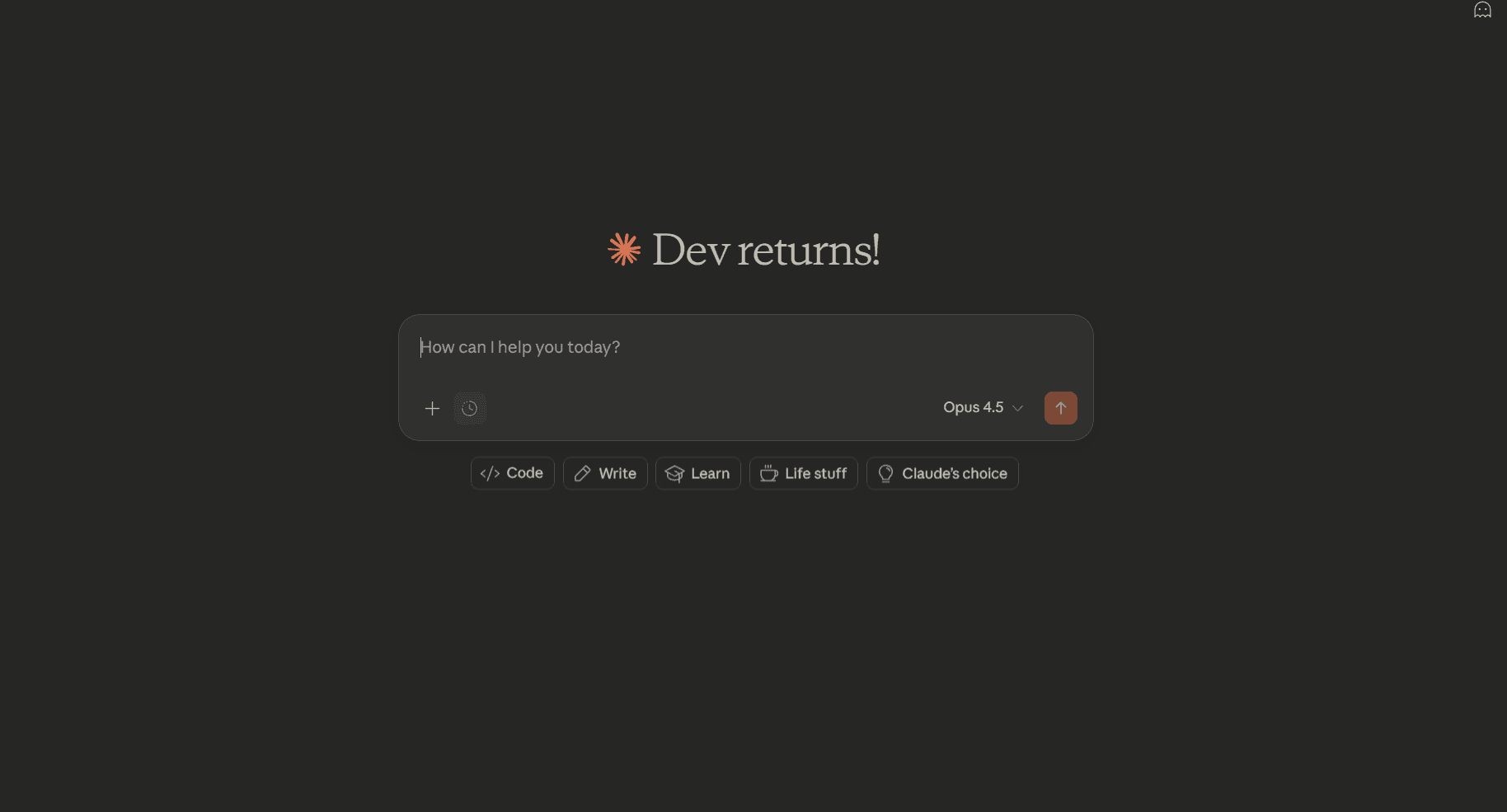
Claude has emerged as the preferred AI assistant for founders who need substantive, nuanced writing. Unlike tools optimized for quick outputs, Claude excels at understanding context, maintaining consistency across long documents, and producing content that requires minimal editing.
Key Features:
200K token context window means you can paste entire pitch decks, contracts, or competitive analyses and get coherent feedback without losing context mid-conversation
Strong instruction-following lets you define your brand voice once and get consistent outputs across blog posts, investor emails, and product copy
Projects feature supports project management by organizing, tracking, and updating project plans, streamlining teamwork and decision-making, and maintaining persistent context across sessions so your AI remembers your startup’s positioning, competitors, and key messaging without re-explaining each time
Artifact creation generates polished documents, code snippets, and interactive content you can export directly to your workflow
Web search integration pulls current market data, competitor news, and industry trends into your research without switching tools
Thinking mode breaks down complex strategic questions step-by-step, useful for pricing decisions, go-to-market planning, and investor Q&A prep
Pricing:
Free tier: Limited messages with Claude Sonnet
Pro: $20/month for 5x more usage and access to Claude Opus
Max: $100/month (5x Pro usage) or $200/month (20x Pro usage)
Team: $25-30/user/month with collaboration features
Enterprise: Custom pricing with enhanced security
Why Choose Claude for Your Startup:
Claude is particularly valuable for startups that need to produce investor-quality documents, detailed technical content, or strategic communications. The thoughtful, measured outputs reduce the revision cycles that plague faster but less careful AI tools. If you are writing pitch materials, board updates, or content that represents your company to stakeholders, Claude delivers professional results. The extended context window also makes it effective for analyzing lengthy documents like contracts, research papers, or competitive analyses.
2. ChatGPT (OpenAI)

ChatGPT remains the most versatile general-purpose AI assistant. With GPT-5.2 and the expanded ecosystem of plugins and custom GPTs, it handles a remarkable range of tasks from brainstorming to data analysis to creative writing.
Key Features:
Access to GPT-5.2 with advanced reasoning handles everything from customer email drafts to financial model explanations to technical documentation
DALL-E 4 integration generates marketing visuals, social media graphics, and presentation images without leaving your conversation
Custom GPTs let you build specialized tools for your team, like an onboarding assistant trained on your docs or a sales objection handler with your positioning
Advanced data analysis processes uploaded CSVs, PDFs, and spreadsheets to extract insights, create charts, and answer questions about your metrics
60+ app integrations connect to Slack, Google Drive, GitHub, and your existing tools so AI assistance flows into daily workflows
Voice mode enables hands-free brainstorming during commutes or while multitasking, useful for founders constantly context-switching
Pricing:
Free: Basic GPT-5.2 access with message limits
Plus: $20/month for 5x usage and GPT-5.2 Thinking mode
Pro: $200/month for unlimited access including GPT-5.2 Pro
Team: $25-30/user/month with workspace features
Enterprise: Custom pricing with advanced security
Why Choose ChatGPT for Your Startup:
ChatGPT works best as your everyday AI companion for varied tasks. It excels at generating relevant content that is tailored to your specific audience and marketing goals, helping improve engagement and support your marketing strategies. The breadth of capabilities means your team learns one interface for many use cases. The custom GPT feature allows you to build specialized tools for your specific workflows without coding. If your needs span many categories and you prefer a single tool over a specialized stack, ChatGPT offers the most comprehensive coverage.
3. Jasper (Marketing-Focused AI)
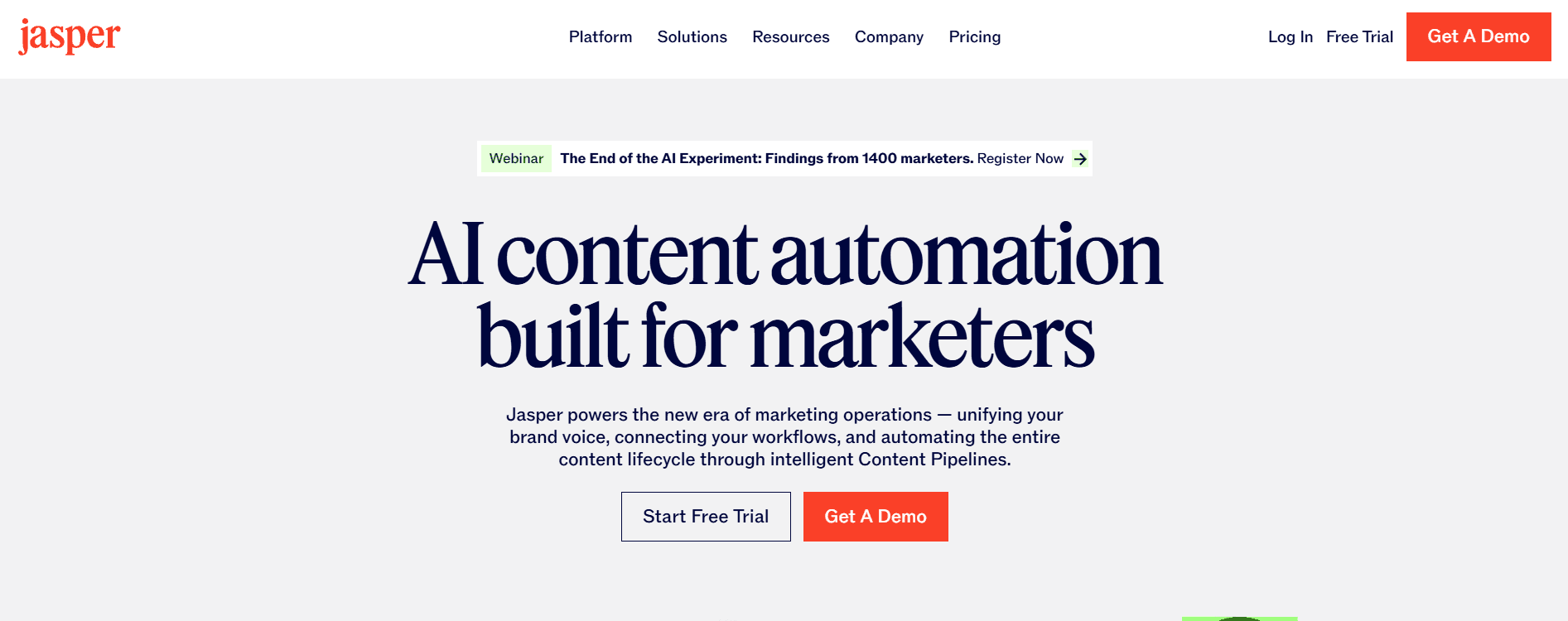
Jasper is built specifically for marketing teams. While general AI assistants can write marketing copy, Jasper includes templates, brand voice controls, and workflows designed for campaign production.
Key Features:
Brand voice training analyzes your existing content and maintains your tone across all outputs, critical when multiple team members create content or when scaling content production. This also helps ensure a cohesive brand identity by supporting visual and tonal consistency across all marketing materials, allowing you to incorporate brand colors, logos, and fonts for unified recognition.
50+ marketing-specific templates cover ads, emails, social posts, and landing pages with proven structures that convert, reducing the blank-page problem
Campaign workflows coordinate multi-channel content so your Product Hunt launch, email sequence, and social campaign share consistent messaging
SEO optimization suggestions surface keyword opportunities and content gaps while you write, helping you rank without a dedicated SEO hire
Team collaboration with approval workflows prevents off-brand content from going live while keeping production velocity high
Performance analytics track which AI-generated content performs best, creating a feedback loop that improves future outputs
Pricing:
Creator: $49/month for individual marketers
Pro: $69/month for small teams with brand voice
Business: Custom pricing for larger teams
Why Choose Jasper for Your Startup:
If marketing content is a core part of your growth strategy and you need volume with consistency, Jasper pays for itself in time savings. The brand voice feature is particularly valuable for startups building recognition who cannot afford off-brand messaging. Marketing teams report producing 3-5x more content with Jasper compared to writing from scratch.
4. Synthesia (AI Video Generation)
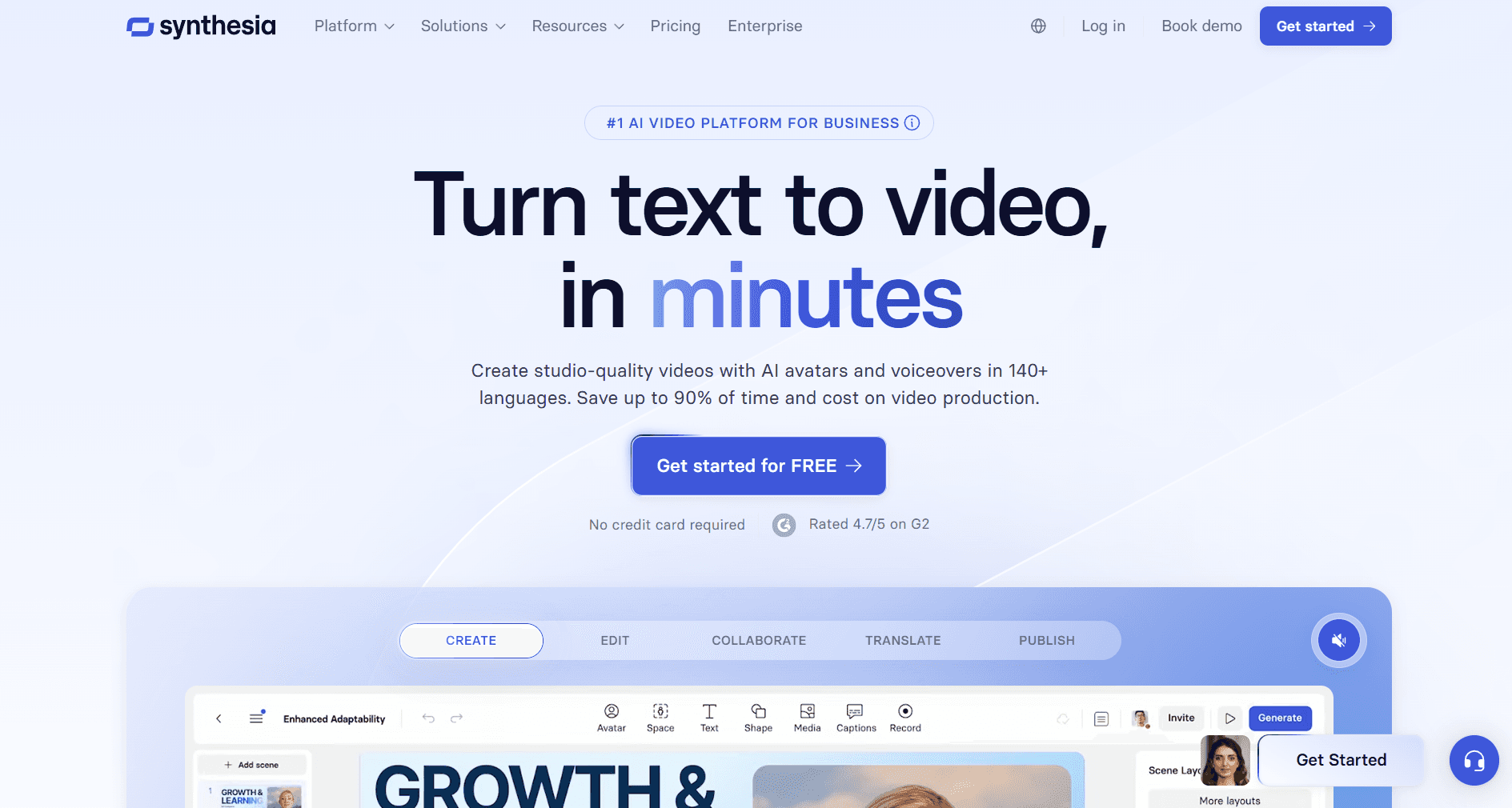
Synthesia transforms text into professional videos with AI avatars. For startups that need video content but lack production resources, it eliminates the need for cameras, studios, and editing software.
Key Features:
230+ diverse AI avatars including custom avatar creation mean you can have a professional spokesperson without founder camera time or hiring talent
140+ languages with natural voice synthesis lets you localize product demos and marketing videos for international markets without translation agencies or voice actors
Screen recording integration combines talking-head explanation with product walkthroughs, perfect for feature announcements and customer onboarding
Templates for explainers, training, marketing, and engaging social media posts provide proven video structures so you focus on content rather than video production skills
One-click translation updates existing videos for new markets, turning one video investment into global reach
Brand customization ensures videos match your visual identity with logos, colors, and backgrounds that reinforce brand recognition
Pricing:
Starter: $29/month for 10 minutes of video
Creator: $89/month for 30 minutes with more features
Enterprise: Custom pricing for unlimited video
Why Choose Synthesia for Your Startup:
Video is increasingly required for product marketing, customer onboarding, and investor communications. Synthesia lets you produce these at a fraction of traditional video production costs. Particularly valuable for global startups needing multilingual content or teams without video production expertise. The ability to update videos by editing text rather than reshooting saves significant time as products evolve.
Development and Productivity Tools
For technical teams, AI coding assistants have moved from novelty to necessity. These tools accelerate development velocity while maintaining code quality. By enhancing productivity, AI tools automate routine development tasks and streamline workflows, allowing teams to focus on more complex challenges.
5. GitHub Copilot (AI Pair Programmer)
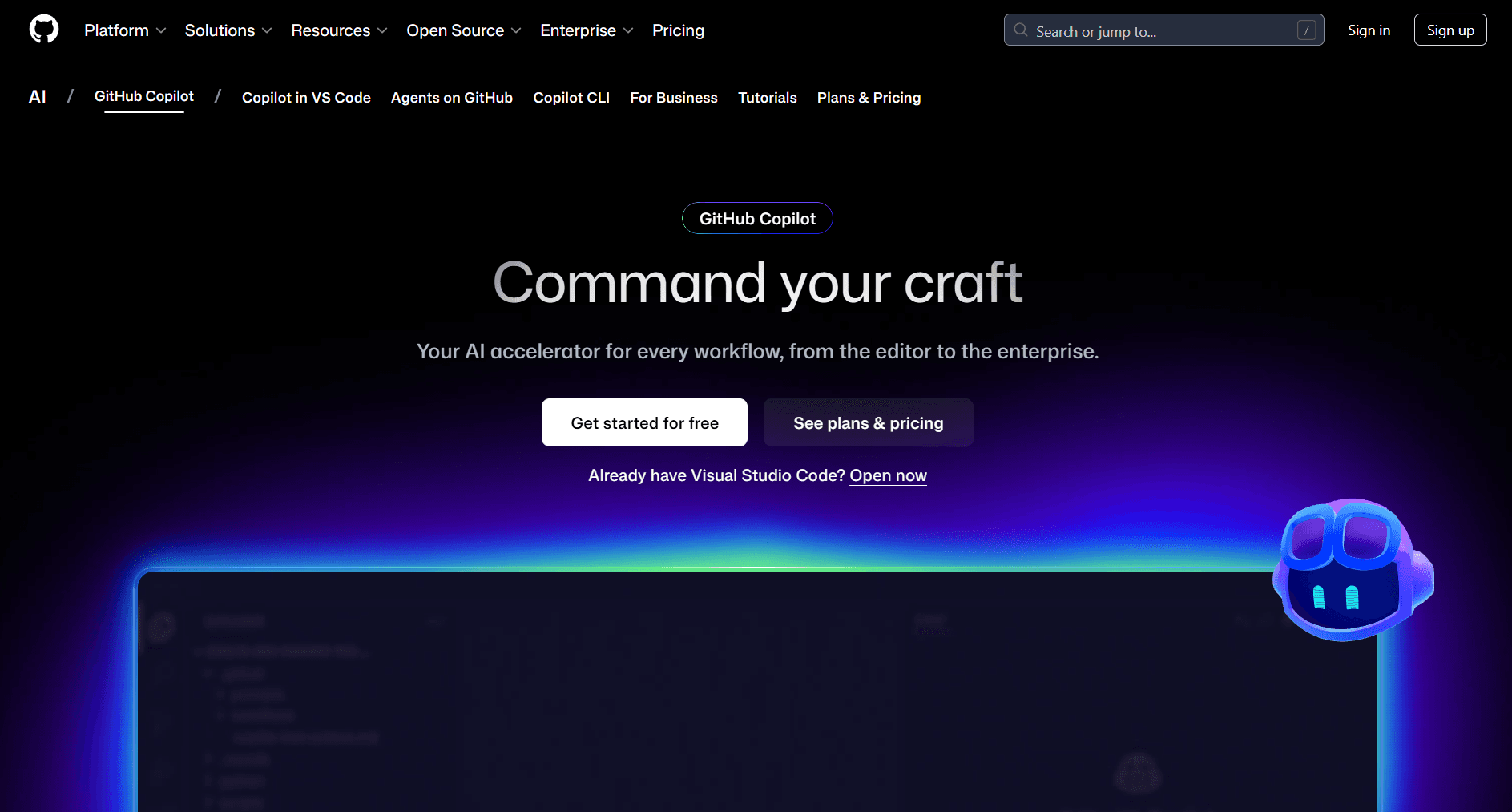
GitHub Copilot remains the gold standard for AI-assisted coding. Its deep integration with popular IDEs and training on vast code repositories makes it remarkably effective at understanding context and suggesting relevant code.
Key Features:
Real-time code suggestions as you type automate repetitive coding tasks across all major languages, allowing your small dev team to focus on more complex and innovative work while shipping features at the pace of larger competitors
Copilot Chat explains unfamiliar codebases and debugs errors in natural language, reducing the time senior developers spend answering junior questions
Multi-file context awareness understands your project structure and suggests code that fits your existing patterns, maintaining consistency as your codebase grows
IDE integration for VS Code, JetBrains, Neovim, and Visual Studio means developers use their preferred environment without workflow disruption
Code review assistance and pull request summaries (Enterprise) catch issues before merge and document changes automatically, critical when moving fast with a lean team
Documentation generation from code keeps your technical docs current without manual effort, valuable for API products and developer tools
Pricing:
Free: 2,000 completions and 50 chat messages per month
Pro: $10/month or $100/year for unlimited completions
Pro+: $39/month for access to all AI models including Claude Opus 4
Business: $19/user/month with organization management
Enterprise: $39/user/month with codebase indexing and custom models
Why Choose Copilot for Your Startup:
If your team writes code daily, Copilot pays for itself almost immediately. Studies consistently show 30-50% productivity gains. The free tier is generous enough for evaluation, and the paid tiers are priced reasonably for the value delivered. The broad IDE support means developers can use their preferred environments without compromise.
6. Cursor (AI-Native Code Editor)
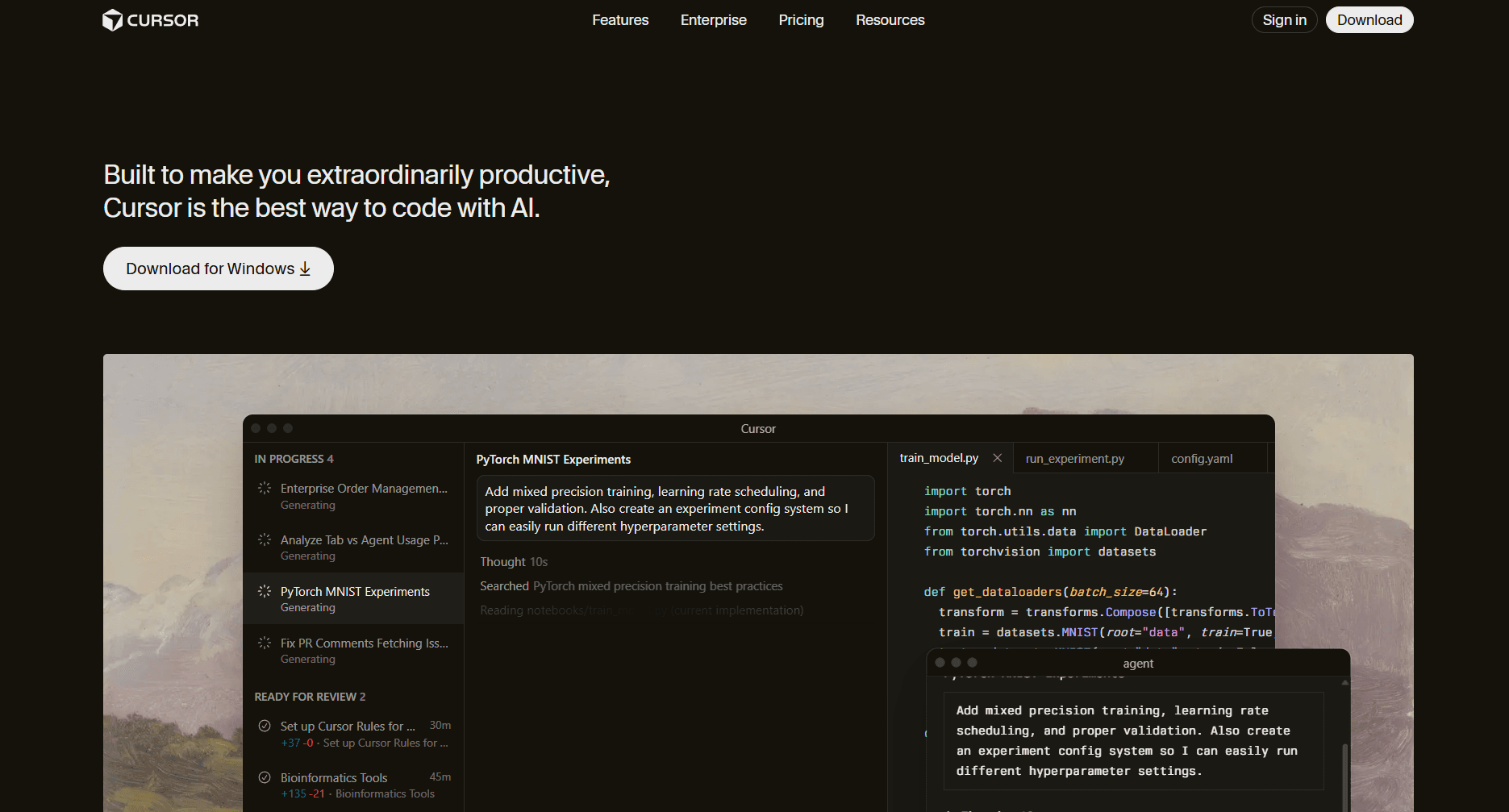
Cursor is a VS Code fork rebuilt around AI-first workflows. Rather than bolting AI onto an existing editor, it redesigns the development experience with AI at the center.
Key Features:
Codebase-aware AI understands your entire project context, so suggestions account for your specific architecture, naming conventions, and dependencies rather than generic patterns
Leverages machine learning algorithms to provide context-aware code suggestions and automate complex development tasks, enhancing productivity and accuracy for developers
Natural language editing lets you describe changes like “add error handling to all API calls” and Cursor implements them, turning hours of manual work into minutes
Multi-file editing with AI-generated diffs shows exactly what changes across files before you accept, giving you control over large-scale modifications
Model selection including Claude, GPT-4, and open-source options means you can choose the best AI for different tasks without switching tools
VS Code extension compatibility preserves your existing plugins, themes, and shortcuts, eliminating the switching cost that slows tool adoption
Composer mode handles complex multi-step changes like “refactor this module to use the new API and update all tests,” ideal for technical debt cleanup sprints
Pricing:
Hobby: Free with limited AI features
Pro: $20/month for full AI access
Business: $40/user/month with team features
Why Choose Cursor for Your Startup:
Cursor is ideal for developers who want deeper AI integration than Copilot provides. The ability to describe complex changes in natural language and have Cursor implement them across multiple files is transformative for refactoring and feature development. Particularly effective for developers comfortable with a more agentic workflow where AI takes on larger implementation tasks.
7. Replit (AI-Powered Development Platform)
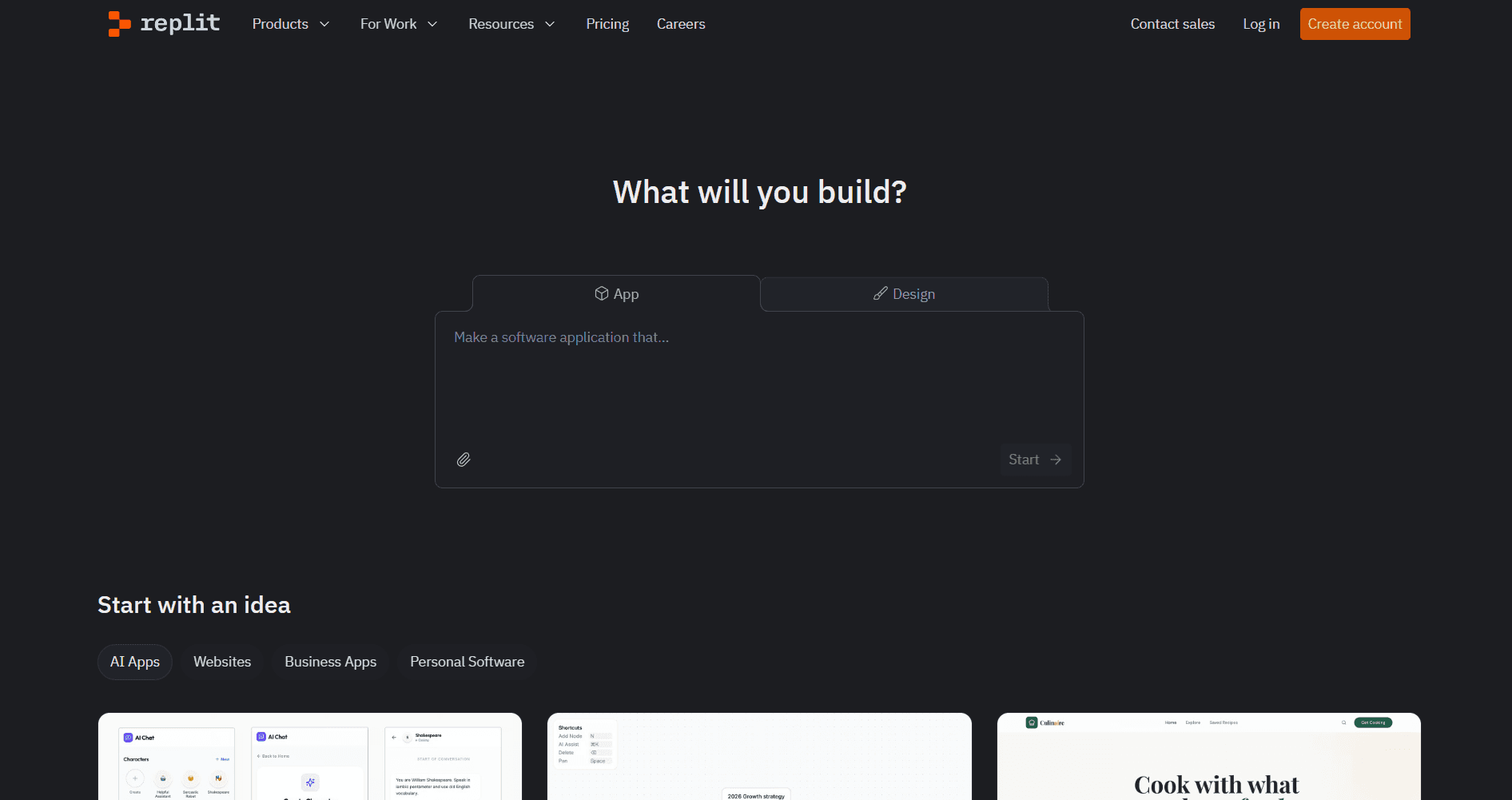
Replit combines a cloud development environment with AI assistance, enabling anyone to build and deploy applications without local setup. Its Ghostwriter AI and Agent features make it particularly accessible for non-technical founders.
Key Features:
Browser-based IDE with instant deployment means you can build and ship a working prototype in a single afternoon without configuring servers, databases, or deployment pipelines
Ghostwriter AI provides code completion and generation tuned for rapid prototyping, helping you validate ideas before investing in production-grade implementation
Agent mode builds applications from natural language descriptions, enabling non-technical founders to create functional MVPs for user testing and investor demos
Multiplayer collaboration supports real-time pair programming, useful for technical interviews, co-founder coding sessions, or getting help from advisors
Built-in hosting and database services eliminate DevOps complexity, letting you focus on product rather than infrastructure during the critical early validation phase
Mobile development support allows coding from anywhere, valuable for founders who need to push fixes or updates while traveling or between meetings
Pricing:
Starter: Free with basic features
Replit Core: $25/month for enhanced AI and more compute
Teams: Custom pricing for organizations
Why Choose Replit for Your Startup:
Replit excels for rapid prototyping and MVPs. The zero-setup environment means you can go from idea to deployed application in hours. Replit enables startups to rapidly prototype and validate ideas without extensive technical resources, empowering early-stage teams to test concepts and iterate quickly. Particularly valuable for non-technical founders who want to build initial versions before hiring developers, or for technical teams who want to prototype ideas quickly without infrastructure setup.
8. Claude Code (Anthropic)
Claude Code is Anthropic’s agentic coding tool that operates directly in your terminal. It can plan, write, test, and debug code autonomously while you supervise, making it effective for complex development tasks.
Key Features:
Terminal-based interface works with your existing tools and workflows, meaning no context-switching between editor and AI assistant during development sessions
Agentic workflow handles multi-step coding tasks autonomously, excelling at automating repetitive tasks such as boilerplate code generation, routine refactoring, and test creation. This frees developers to focus on higher-level design and problem-solving while delegating repetitive work to the AI.
Full codebase awareness provides contextual suggestions that account for your existing code, reducing the “AI wrote code that does not fit our patterns” problem
Git integration handles commits, branches, and version control operations, keeping your workflow in the terminal without manual git commands
Test generation and execution creates test coverage as code is written, maintaining quality without slowing down development velocity
Extended thinking mode breaks down complex architectural decisions step-by-step, useful for database schema design, API structure, and system design choices
Pricing:
Included with Claude Pro ($20/month) and higher tiers
API pricing available for heavy usage
Why Choose Claude Code for Your Startup:
Claude Code is best for developers who prefer command-line workflows and want an AI that can take on larger chunks of work autonomously. The agentic approach means you can describe a feature and let Claude Code implement it while you review the results. Effective for backend development, refactoring, and tasks that span multiple files.
Business Operations and Analytics Tools
Operational efficiency separates startups that scale from those that stall. These AI tools automate workflows, surface insights, and keep teams aligned. They also support knowledge management by organizing, storing, and retrieving critical business information, which enhances internal documentation and decision-making processes.
9. Notion AI (All-in-One Workspace)
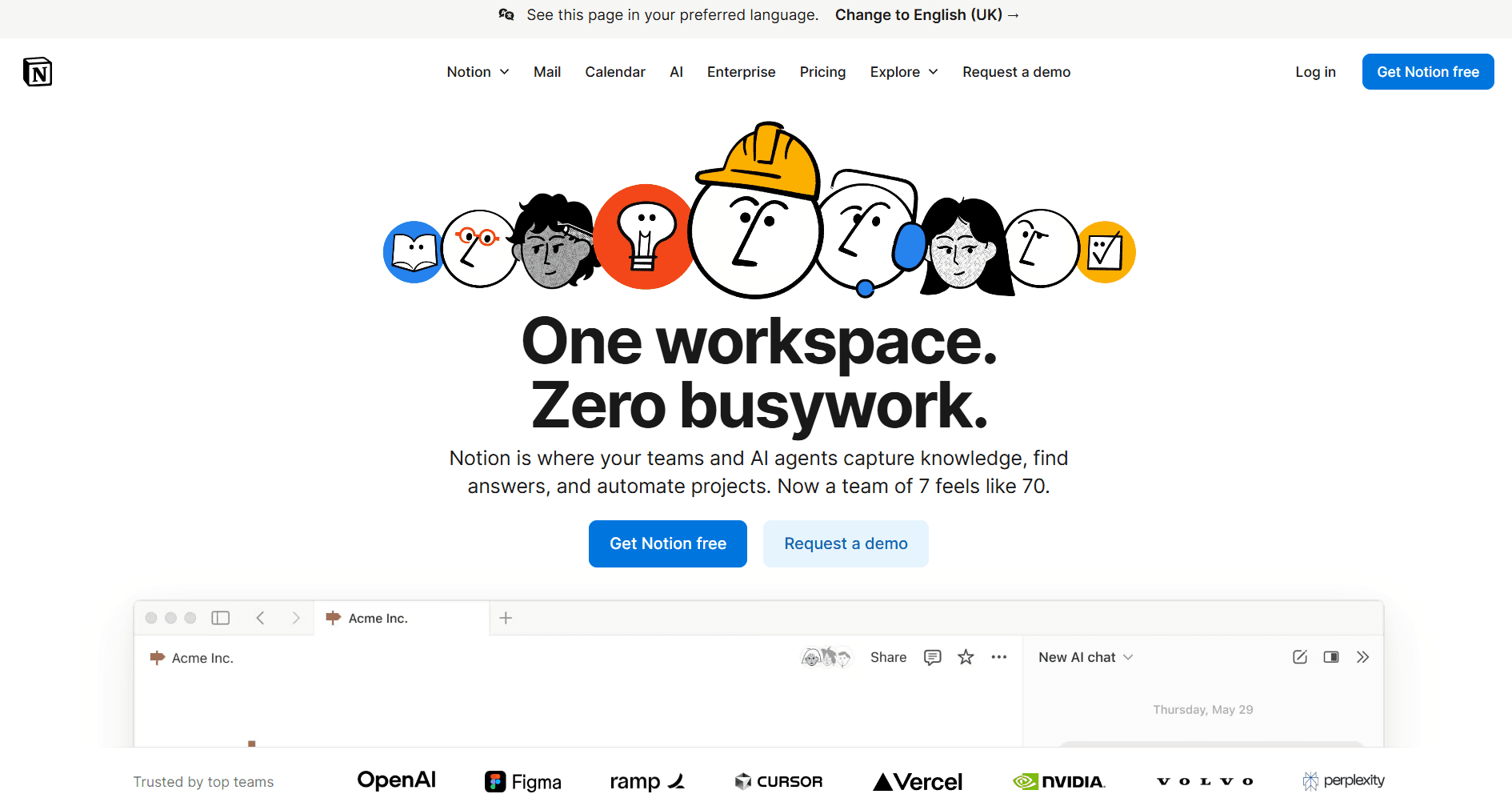
Notion has become the default operating system for startup teams, and Notion AI extends its capabilities with intelligent writing, summarization, and automation built directly into your workspace.
Key Features:
AI writing assistance embedded in docs, wikis, and databases generates first drafts, improves clarity, and expands bullet points into full explanations without leaving your workspace
Q&A searches across your entire workspace instantly, answering questions like "what was our decision on pricing?" by finding relevant docs, meeting notes, and discussions
Automated summaries condense lengthy meeting notes and documents into key points, helping team members who missed meetings catch up in seconds rather than reading full transcripts
Translation, tone adjustment, and content improvement transform rough internal notes into polished external communications without rewriting from scratch
AI autofill for database properties automatically categorizes, tags, and enriches records, reducing manual data entry as your task lists and CRMs grow
Connected to your existing Notion content means AI suggestions understand your company's specific terminology, projects, and context rather than giving generic responses
Pricing:
Free: Limited AI features
Plus: $10/user/month with unlimited AI
Business: $18/user/month with advanced features
Enterprise: Custom pricing
Why Choose Notion AI for Your Startup:
If you already use Notion (and most startups do), adding AI is a natural extension. The contextual awareness means AI suggestions understand your company's projects, processes, and terminology. The Q&A feature is particularly valuable for onboarding new team members who can ask questions and get answers from your documentation.
10. Fireflies.ai (Meeting Intelligence)
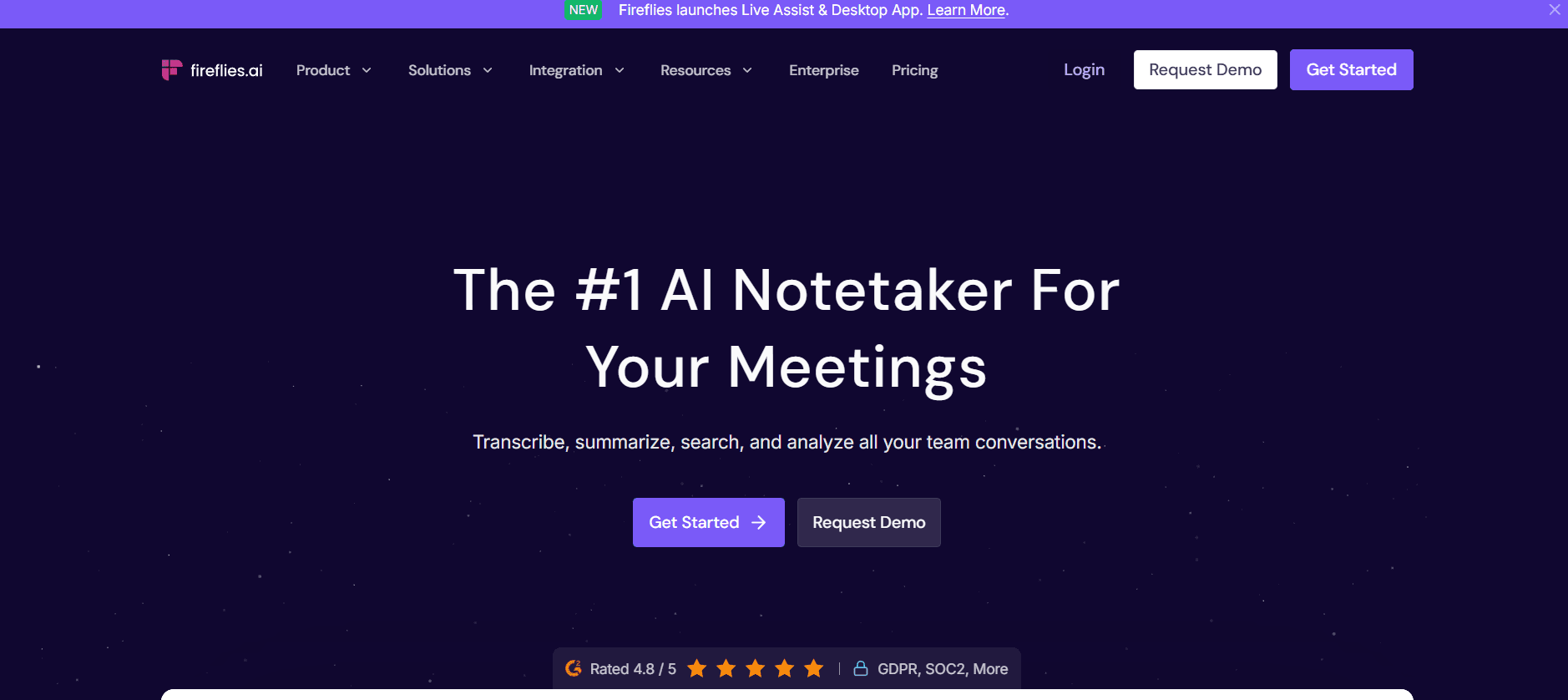
Fireflies transforms meetings from time sinks into searchable, actionable assets. It records, transcribes, and analyzes conversations to extract key decisions, action items, and insights.
Key Features:
Automatic transcription with speaker identification creates searchable records of every call, eliminating the need for manual note taking by automating the capture and summarization of meeting discussions. This ensures investor feedback, customer insights, and team decisions never get lost in memory
AI-generated summaries and action items extract commitments and next steps immediately after calls, improving follow-through on promises made during sales and partnership discussions
Searchable meeting archive with topic detection lets you find “what did that investor say about our pricing” across months of conversations in seconds
Integration with Zoom, Google Meet, Teams, and CRMs automatically logs call notes to contact records, keeping your customer history complete without manual data entry
Conversation analytics for sales and customer success reveal patterns in successful calls versus lost deals, helping you coach your team on what messaging works
Custom vocabulary for industry terminology ensures accurate transcription of technical terms, product names, and jargon specific to your market
Pricing:
Free: Limited transcription credits
Pro: $18/user/month
Business: $29/user/month with advanced analytics
Enterprise: Custom pricing
Why Choose Fireflies for Your Startup:
Startups live in meetings with investors, customers, and partners. Fireflies ensures nothing falls through the cracks and makes it easy to share context with team members who were not present. The ROI comes from better follow-through and reduced meeting time. Sales teams particularly benefit from conversation analytics that identify what works in successful calls.
11. Tableau (AI-Powered Analytics)
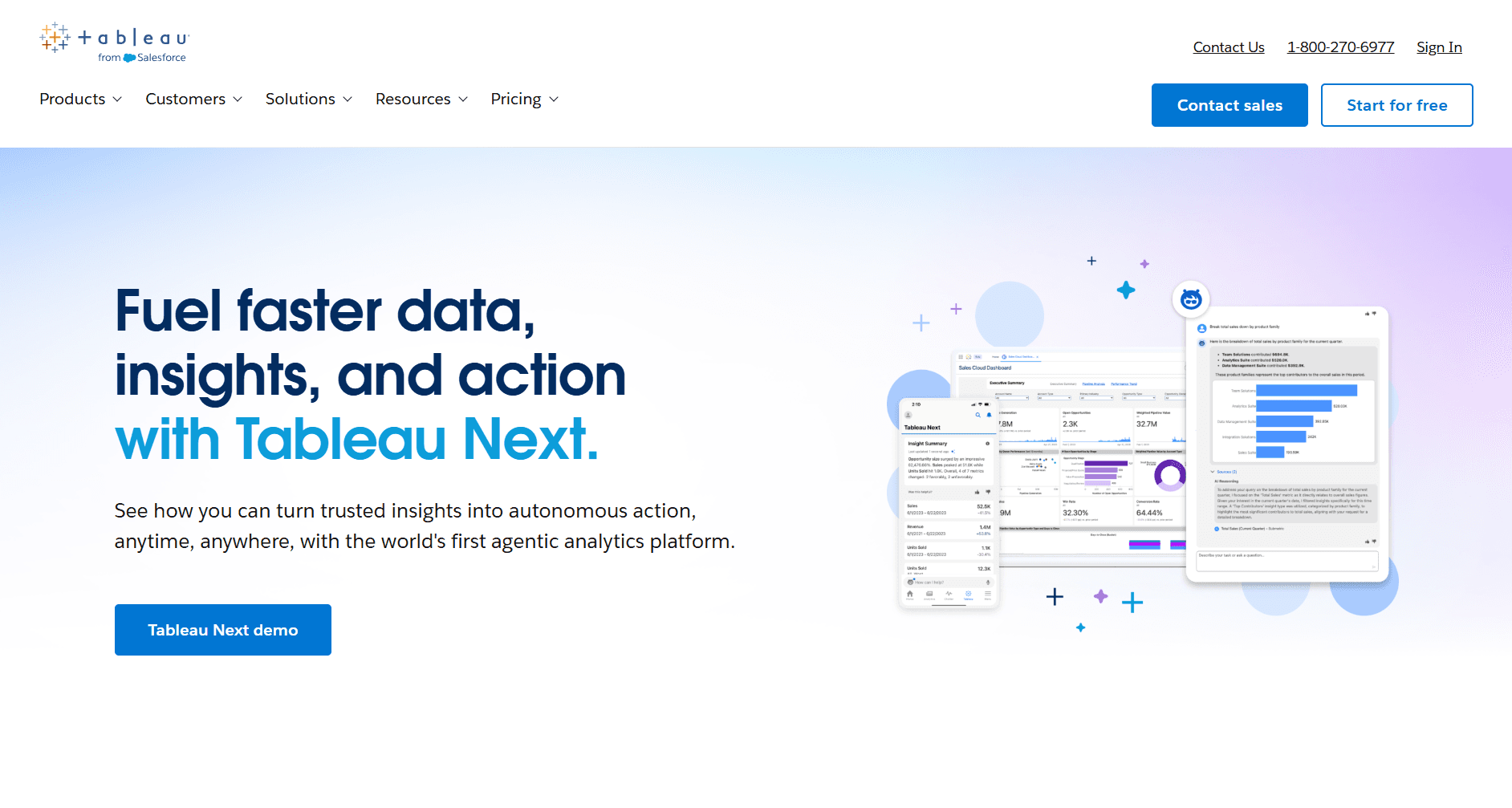
Tableau has integrated AI throughout its analytics platform, making it possible to explore data through natural language questions and receive AI-generated insights without deep technical expertise.
Key Features:
Ask Data enables natural language queries for instant visualizations, so anyone on your team can answer “how did revenue change last quarter” without knowing SQL or waiting for an analyst
Explain Data provides AI-generated, data-driven insights about patterns and anomalies, surfacing unexpected trends like “signups from this channel dropped 40%” that might otherwise go unnoticed. These data-driven insights help inform and optimize business decisions and growth strategies.
Predictive analytics with built-in forecasting projects future metrics for board presentations and investor updates without building custom models
Einstein Discovery integration for Salesforce users connects your CRM data to visualization, revealing which customer attributes predict conversion and retention
Automated dashboard recommendations suggest the most relevant charts for your data, reducing the time from raw data to actionable visualization
Mobile access keeps metrics available during investor meetings, board sessions, and customer conversations when you need data to back up claims
Pricing:
Viewer: $15/user/month
Explorer: $42/user/month
Creator: $75/user/month
Why Choose Tableau for Your Startup:
For data-driven startups that need to communicate insights to stakeholders, Tableau remains the industry standard. The AI features lower the barrier for team members who are not data analysts to explore and understand company metrics. The natural language interface means anyone can ask questions of your data without writing SQL.
12. Salesforce Einstein (AI for Sales & Marketing)
Einstein brings AI capabilities directly into Salesforce CRM, providing predictive lead scoring, opportunity insights, and automated recommendations that help sales teams focus on high-value activities.
Key Features:
Predictive lead and opportunity scoring surfaces which prospects are most likely to convert, focusing your limited sales bandwidth on high-probability deals rather than gut instinct
Automated activity capture logs emails, calls, and meetings to contact records without manual entry, keeping your CRM accurate as you scale sales activity
Next-best-action recommendations tell reps exactly what to do with each account based on engagement patterns, reducing ramp time for new sales hires
Einstein GPT generates personalized emails and follow-up content based on conversation history, helping reps send relevant outreach at scale
Conversation insights from sales calls provide AI-driven insights that help support teams track performance and enhance customer satisfaction through data-driven improvements, identifying what messaging resonates with buyers and creating a feedback loop that improves your pitch over time
Forecasting with AI-powered predictions provides board-ready revenue projections based on pipeline data, reducing the guesswork in financial planning
Pricing:
Included in Enterprise and Unlimited Salesforce editions
Einstein 1 Sales: $500/user/month for advanced AI
Why Choose Einstein for Your Startup:
If Salesforce is your CRM, Einstein AI adds significant value without additional tool sprawl. The predictive scoring alone can transform sales efficiency by directing attention to the opportunities most likely to close. For a deeper look at AI sales tools, visit our guide to the best AI sales tools.
Honourable Mention: AI PO extractor for startups
Parcel Tracker’s PO AI Extractor helps startups automate inbound deliveries by using AI and OCR to extract purchase order data from shipping labels and documents. This reduces manual data entry, improves accuracy, and streamlines back office and mailroom operations.
Product and Design Tools
Design tools have seen dramatic AI advancement. These solutions help startups create professional visual assets without dedicated design teams. Many of these AI tools enable startups to produce professional-quality marketing materials without requiring advanced design skills, making high-quality design accessible to everyone.
For startups building pitch materials, our guide to creating investor pitch decks provides additional strategic context.
13. Alai (AI Presentation Maker)
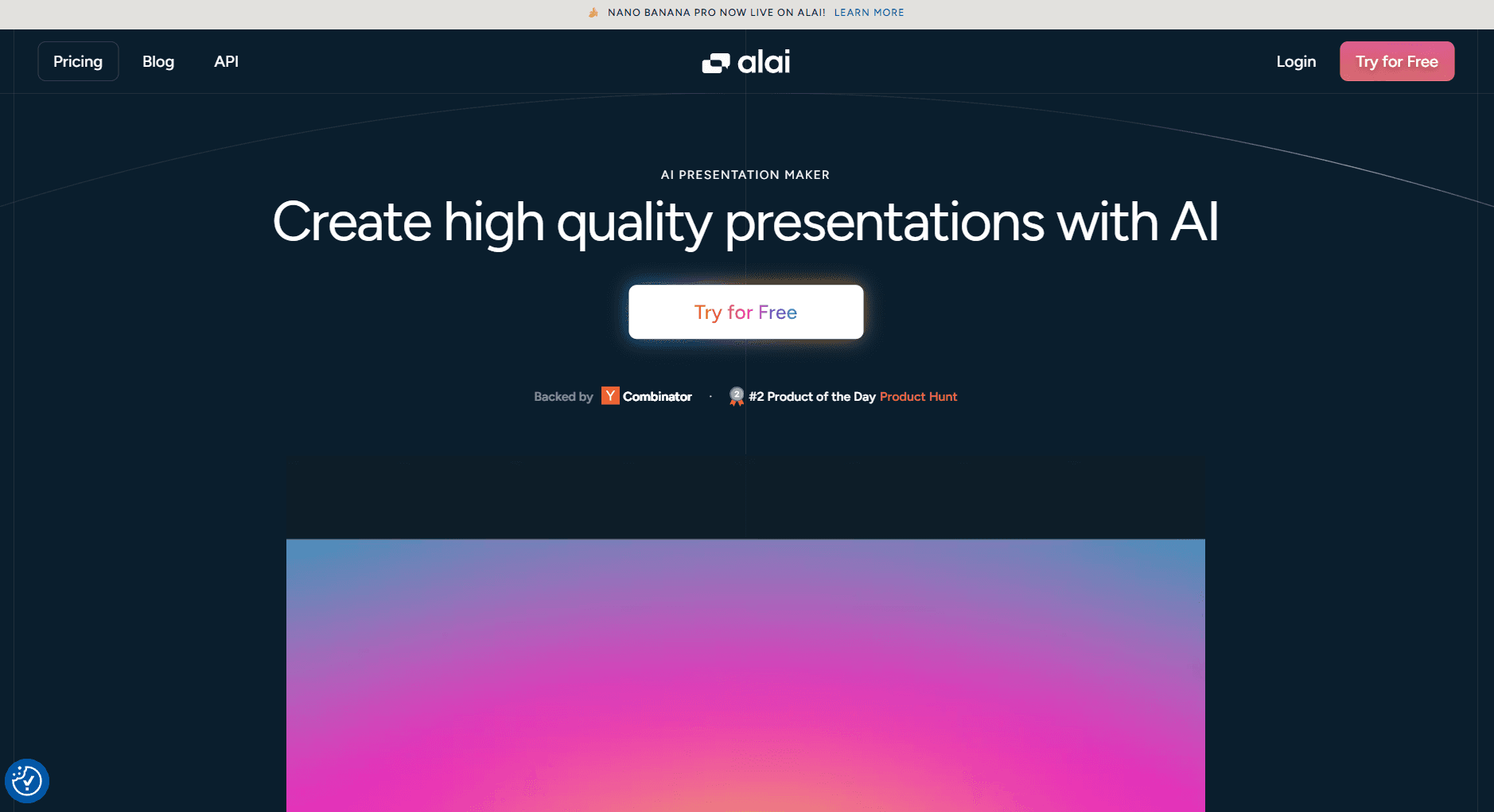
Startups pitch constantly: to investors, customers, partners, and recruits. Yet most spend hours wrestling with presentation tools that were never designed for startup workflows. Generic AI generators produce single outputs requiring extensive rework. Traditional tools like PowerPoint demand design skills most people lack. Alai solves this with AI trained specifically for presentation design and content, and an iteration workflow that implements rapid feedback cycles with ease.
Key Features:
Four layout variations per slide let you compare approaches instantly rather than regenerating from scratch, critical when you want to test multiple layouts but don’t want to waste time on regenerations
Presentation-specific design principles ensure proper visual hierarchy, readable font sizes, and appropriate content density per slide, so your deck looks professionally designed without needing design expertise
Custom themes let you match your brand colors, fonts, and visual style across every slide, maintaining consistency whether you are pitching investors or presenting to enterprise customers
Context-aware AI maintains consistency across your deck by understanding your narrative arc, ensuring slide 15 does not contradict the positioning you established on slide 3
Presentation-specific components like TAM pyramids, comparison matrices, competitive analysis grids, funnels, and traction timelines make it easier to visualise important data
Separate content and design controls let you refine messaging without losing visual design, or update visuals without rewriting copy, so feedback sessions do not require starting over
Nano Banana Pro integration allows you to generate high-quality image slides that are theme consistent and editable - design infographics, charts and visually heavy slides that look like they’re made by a professional
Export to PowerPoint and PDF with preserved formatting ensures your deck looks identical whether viewed on an investor's laptop, projected in a boardroom, or printed for reference
API access enables programmatic generation and real-time updates, useful for small sales teams creating personalized decks per prospect or companies with data-driven slides that need regular refreshes
Analytics lets you track which slides are seeing maximum engagement and which slides have maximum drop-offs - data that can be used for the next round of iterations
Pricing:
Free: 300 credits
Plus: $20/month (600 credits, PowerPoint export)
Pro: $32/month (1200 credits, priority support)
Ultra: $80/month (5000 credits, direct feature requests from founders)
Annual billing available
Why Choose Alai for Your Startup:
Startups run on presentations. Pitch decks for investors, sales decks for prospects, board updates for stakeholders, partnership proposals, team all-hands, customer onboarding walkthroughs. Most startups end up paying thousands for a designer or hours trying to create the perfect deck.
Alai eliminates this tradeoff. The AI is trained on 1000+ presentations and understands both presentation design and content principles. The iteration speed matters most: when you get feedback from a prospect at 4pm, you can have a revised version ready for your 6pm follow-up.
The same workflow scales across every presentation type your startup needs. Investor updates that keep your backers engaged. Sales decks customized per prospect without starting from scratch. Board presentations that communicate metrics clearly. Internal decks that align your team around strategy. Any presentation where you need to look professional, move fast, and maintain your brand.
For a comparison with alternatives, see our review of top AI presentation makers
14. Figma (Design Tool with AI Features)
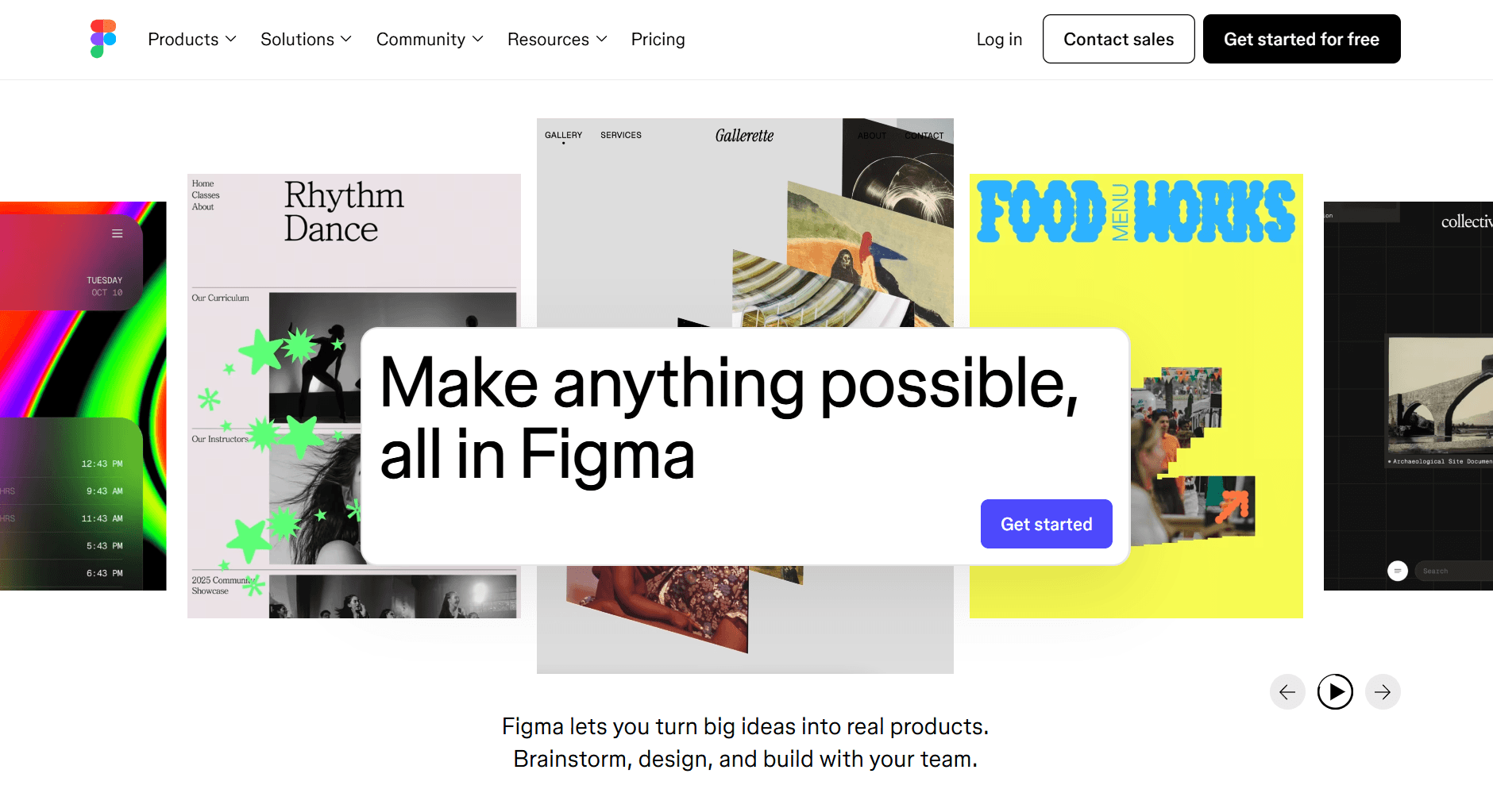
Figma remains the standard for product design, and its AI features help teams move faster from concept to prototype. The collaborative nature makes it ideal for startup teams working closely with developers.
Key Features:
AI-powered design suggestions and auto-layout accelerate mockup creation, helping your small design team produce more screens without proportionally more hours
Text-to-design generation creates initial layouts from descriptions, useful for quickly visualizing feature ideas during product discussions before investing in detailed designs
Real-time collaboration with commenting and feedback keeps designers, developers, and stakeholders working in one place, reducing the back-and-forth of design review cycles
Dev mode provides design-to-code handoff with exact specs, spacing, and assets, eliminating the "this does not match the mockup" friction between design and engineering
Extensive plugin ecosystem adds specialized capabilities like user flow mapping, accessibility checking, and prototype analytics without switching platforms
FigJam for collaborative whiteboarding supports product planning, user journey mapping, and team brainstorming in the same tool your designs live in
Pricing:
Free: Limited projects and features
Professional: $15/editor/month
Organization: $45/editor/month with advanced features
Why Choose Figma for Your Startup:
If you are building a digital product, Figma is nearly essential. The AI features speed up design work, but the real value is in the collaboration model that keeps designers, developers, and stakeholders aligned. The dev mode reduces implementation friction by giving developers exactly what they need.
15. Midjourney (AI Image Generation)
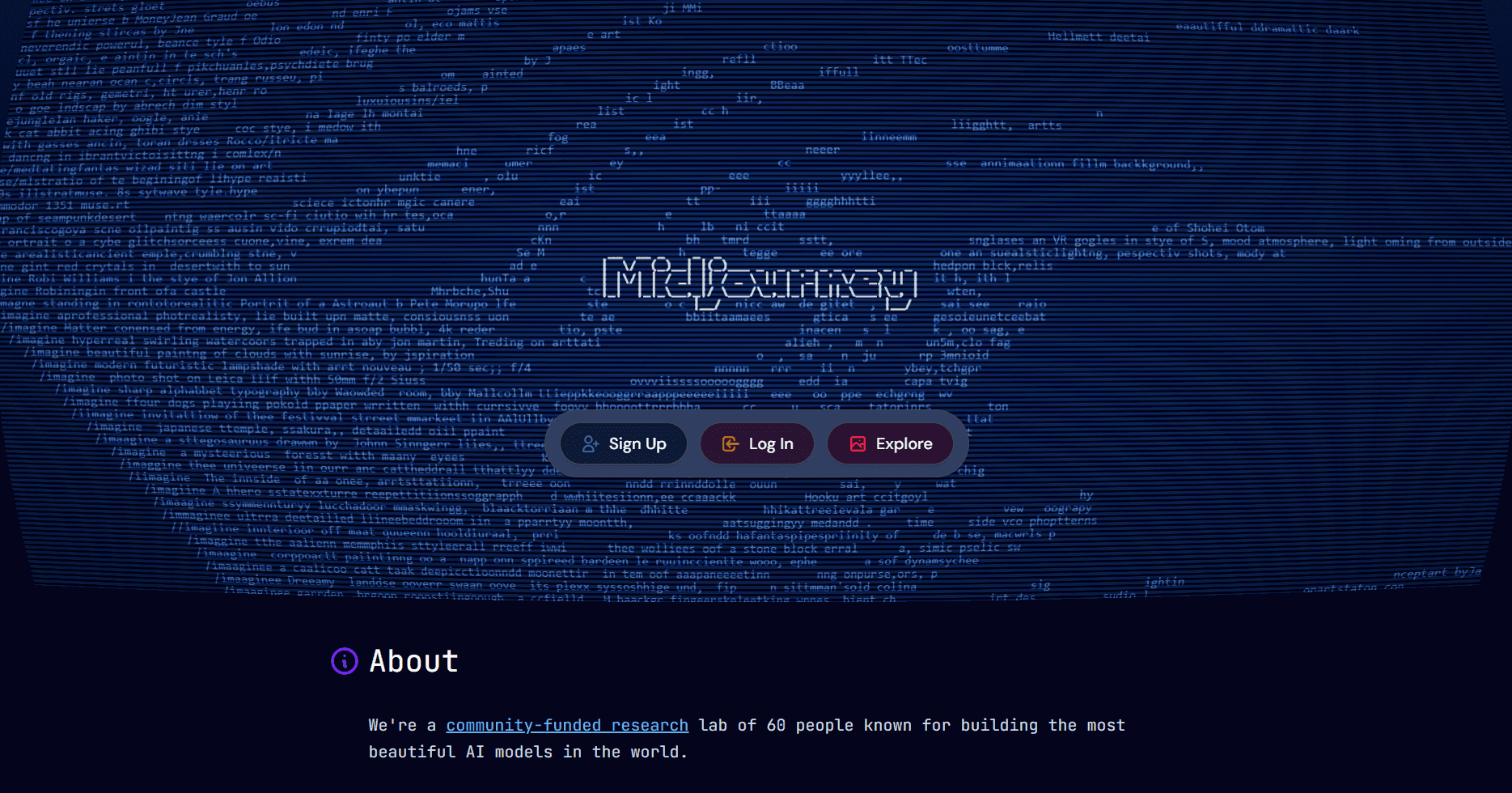
Midjourney produces some of the highest quality AI-generated images available, making it valuable for marketing visuals, concept art, and creative direction. Midjourney leverages generative AI to produce high-quality, unique images for marketing and branding, enabling startups to quickly generate custom visuals tailored to their needs.
Key Features:
High-fidelity image generation with distinctive aesthetic quality creates visuals that stand out from generic stock photography, differentiating your brand in crowded markets
Style customization and reference image support let you match your existing brand aesthetic or explore new visual directions without commissioning illustrators
Variation and upscaling tools refine initial generations into production-ready assets, turning rough concepts into polished hero images for landing pages
Web interface and Discord community provide both focused workspace and inspiration from other creators tackling similar visual challenges
Consistent character generation maintains visual continuity across marketing materials, useful for creating mascots, personas, or recurring visual themes in your content
Pricing:
Basic: $10/month for limited generations
Standard: $30/month for 15 hours fast GPU
Pro: $60/month for 30 hours fast GPU
Why Choose Midjourney for Your Startup:
When you need distinctive visual content that stock photos cannot provide, Midjourney delivers. Particularly valuable for landing pages, pitch decks, and brand imagery that needs to stand out. The consistent character feature is useful for creating cohesive visual narratives across materials.
Research and Idea Generation Tools
These tools accelerate the research and discovery phases that inform strategy, product development, and market positioning. They also help entrepreneurs generate and validate new business ideas by exploring market gaps and opportunities.
16. Perplexity (AI Research Assistant)
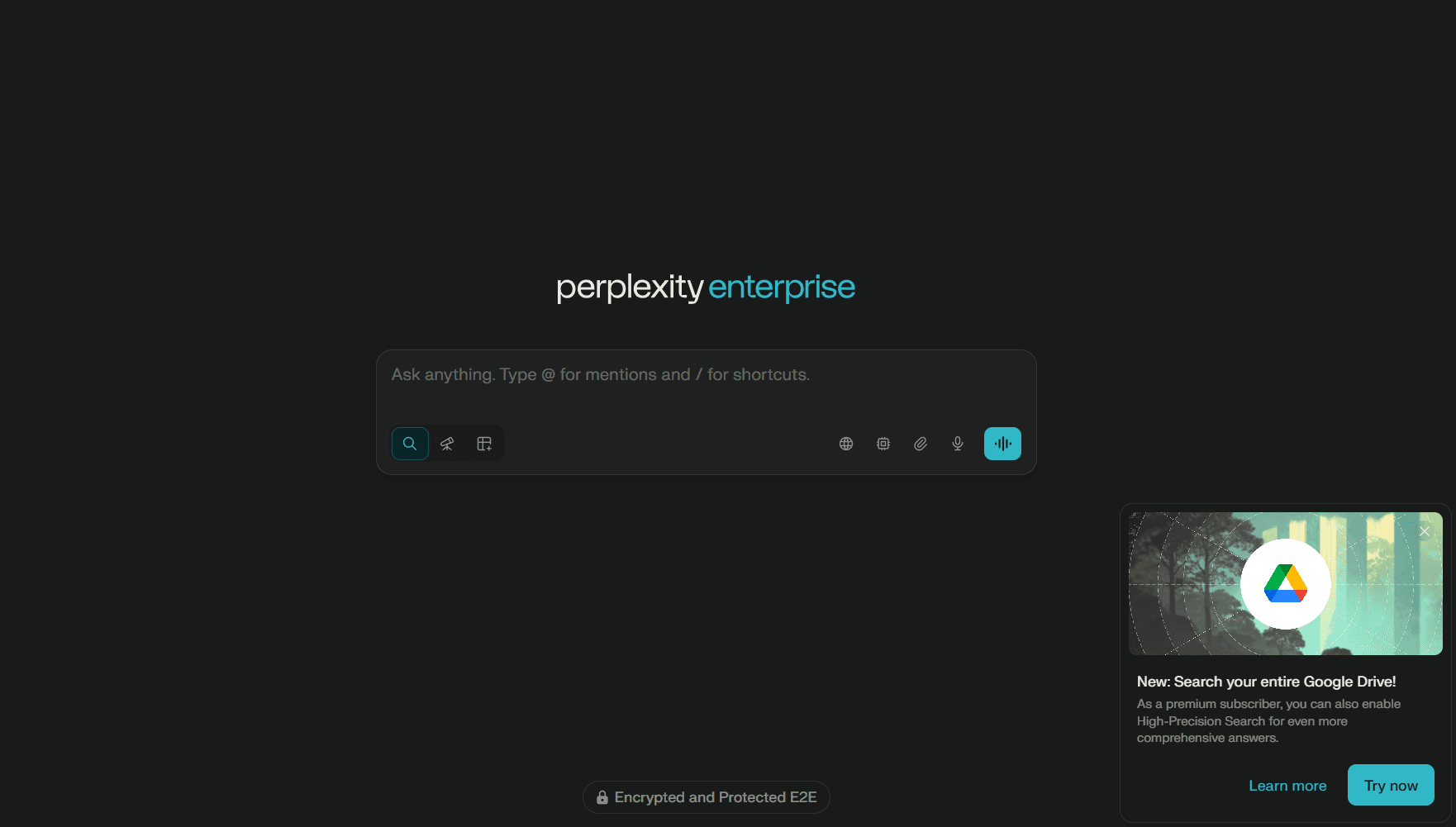
Perplexity combines search with AI synthesis to provide researched answers with citations. It has become essential for competitive research, market analysis, and staying current on industry developments.
Key Features:
Real-time web search with AI-synthesized answers condenses hours of manual research into minutes, whether you are sizing a market, analyzing competitors, or preparing for investor due diligence
Source citations for fact verification let you trace claims back to original sources, critical when including data in pitch decks or making strategic decisions based on market research
Follow-up questions enable deeper exploration without starting new searches, useful when initial findings reveal new questions during competitive analysis
Collections organize research by project, keeping your market research, competitor intel, and customer discovery findings separated and accessible for team reference
Pro Search with enhanced reasoning handles complex multi-part questions that require synthesizing information across many sources
API access enables integration with your workflows, useful for building automated competitive monitoring or market research systems
Pricing:
Free: Limited Pro searches
Pro: $20/month for unlimited Pro searches
Enterprise: Custom pricing
Why Choose Perplexity for Your Startup:
Perplexity replaces hours of manual research with synthesized, cited answers. For market research, competitive analysis, and technical due diligence, it provides a significant time advantage. The citations allow you to verify claims and dig deeper into sources when needed.
18. SparkToro (Audience Intelligence)
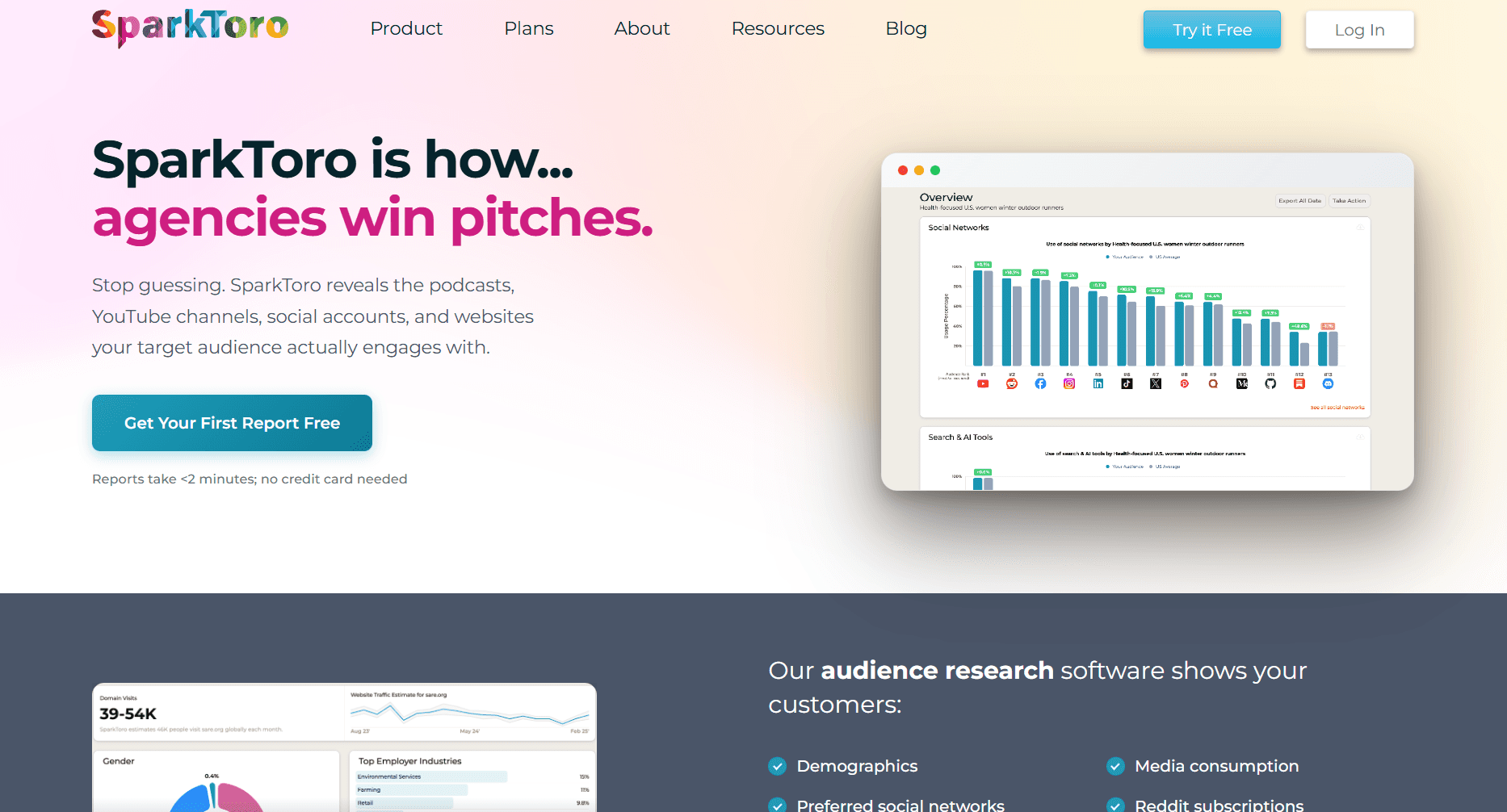
SparkToro reveals what your target audience reads, watches, and follows online. This intelligence shapes content strategy, partnership opportunities, and advertising targeting.
Key Features:
Audience research by keywords, competitors, or social profiles reveals where your target customers spend attention online, helping startups identify and understand their target market for more effective marketing and product launch strategies, and informing channel strategy without expensive market research
Media consumption patterns identify which podcasts, publications, and YouTube channels your audience follows, revealing partnership and advertising opportunities you would not find through guesswork
Demographics and behavioral insights provide audience characteristics beyond basic firmographics, helping you refine positioning and messaging for specific segments
Influencer identification surfaces creators with authentic audience overlap, more effective than vanity-metric influencer databases for partnership outreach
Export for campaign targeting feeds audience insights directly into ad platforms, improving targeting precision for paid acquisition campaigns
Pricing:
Free: 5 searches per month
Basic: $50/month for 50 searches
Standard: $150/month for unlimited searches
Why Choose SparkToro for Your Startup:
Understanding where your audience spends attention is invaluable for marketing efficiency. SparkToro reveals channels and influencers you might never discover otherwise. The data can inform everything from content partnerships to podcast advertising to influencer outreach.
AI Implementation Best Practices for Startups
Adopting AI tools effectively requires more than signing up for subscriptions. These practices help startups extract maximum value while avoiding common pitfalls and can significantly accelerate startup growth by maximizing the value of AI tools.
Start with your biggest bottleneck. Identify the workflow that most constrains your progress and find the AI tool that addresses it directly. Trying to implement multiple AI tools simultaneously leads to shallow adoption and confusion. One well-integrated tool beats five poorly used ones.
Invest in prompt development. The quality of AI outputs depends heavily on how you interact with the tools. Spend time developing prompts, templates, and workflows that produce consistent results. Document these for your team. A library of proven prompts becomes a competitive advantage.
Build feedback loops. Track where AI outputs require heavy editing and use these patterns to improve your prompts and tool selection. If a tool consistently underperforms, consider whether it is the wrong tool for your use case rather than continuing to force it.
Establish quality standards. AI-generated content should meet the same quality bar as human-created content. Define what “good enough” looks like for different use cases. First drafts that need 50% revision may not be saving time compared to starting from scratch.
Respect intellectual property and confidentiality. Understand what data you are sending to AI tools and how it may be used for training. For sensitive business information, use tools with clear data privacy commitments or enterprise tiers that guarantee data isolation and secure your personal access to these platforms with a reliable password manager to prevent unauthorized account access
Plan for tool evolution. The AI landscape changes rapidly. Build workflows that can adapt to new tools rather than becoming dependent on specific vendors. Maintain exports of important work and avoid proprietary formats when possible.
Building Your AI Stack: Practical Recommendations
The tools you choose should match your stage, team composition, and immediate priorities. Here are practical starting points based on real startup experiences.
For solo founders and very early stage (pre-seed, bootstrapping):
Start with Claude or ChatGPT for general assistance across writing, research, and brainstorming. Add GitHub Copilot Free for coding tasks. Use Notion’s free tier with AI for organization and documentation. When you need to pitch, Alai’s free tier provides enough credits to create and iterate on your deck. Total cost: $0-40/month.
At this stage, breadth matters more than depth. You need AI that can assist with whatever comes up today, not specialized tools for specific workflows you have not established yet. Resist the temptation to add tools until you have clear, repeated needs that justify them.
For funded startups with small teams (seed to Series A):
Upgrade to Claude Pro or ChatGPT Plus for more reliable access and advanced features. Add Copilot Pro or Cursor Pro for development acceleration. Notion Plus ensures your team has consistent AI assistance in documentation. Fireflies captures meeting intelligence that keeps everyone aligned despite distributed work. Alai handles the increased presentation volume that comes with fundraising, sales, and partnerships. AI tools like Jasper and ChatGPT can also help your team develop and execute effective marketing strategies, from content creation to campaign ideas, to boost your online presence and engagement. Total cost: approximately $75-150/month per person.
At this stage, focus on tools that create institutional knowledge. Meeting transcripts, documented decisions, and searchable archives become increasingly valuable as team size grows and context becomes harder to maintain.
For growth-stage companies (Series A and beyond):
Layer in team plans across core tools for consistent access and collaboration features. Add specialized solutions like Jasper for marketing teams producing high content volume, Salesforce Einstein for sales teams with CRM workflows and Alai to automate recurring deck creation for sales, customer success and internal reporting. Consider Cursor or Claude Code for development teams ready for more agentic workflows. Evaluate enterprise tiers that provide better security, support, and customization.
At this stage, integration depth matters more than individual tool capability. Tools should connect to each other and to your core systems. Evaluate whether adding a new tool creates value that exceeds the coordination cost it introduces.
The key principle across all stages: Start with tools that address your most painful bottlenecks and expand as those needs evolve. Avoid the temptation to adopt every tool simultaneously. Focus and mastery of a few tools beats superficial use of many. Review your stack quarterly and be willing to remove tools that are not delivering value.
Conclusion
AI tools have matured from experimental technology to essential startup infrastructure. Many of the most effective AI tools for startups are powered by machine learning, which automates tasks, enhances content creation, and improves system integration for faster, more efficient workflows. The companies that learn to leverage these tools effectively will operate with the efficiency of teams much larger than their headcount suggests.
The tools reviewed here represent the current best-in-class options across categories that matter for startups. But the landscape continues to evolve rapidly. The winning strategy is not to chase every new release but to deeply integrate the tools that address your specific challenges and build workflows that compound their value over time.
What distinguishes successful AI adoption is not the tools themselves but how effectively teams incorporate them into daily work. The founders who treat AI as a force multiplier, investing time to learn tools deeply and build team workflows around them, will outpace competitors who view AI as a novelty or afterthought.
Frequently Asked Questions
What is the best AI tool for startup founders in 2026?
There is no single best tool, as needs vary by function. For writing and strategy, Claude offers the strongest results with its nuanced understanding and extended context. For development, GitHub Copilot provides proven productivity gains with broad IDE support. For presentations and pitch decks, Alai is purpose-built for startup needs with context-aware AI trained on real pitch decks. Most effective startup AI stacks combine 3-5 tools across categories, chosen based on the specific workflows that matter most for your stage and business model.
How much should startups budget for AI tools?
Early-stage startups can access powerful AI capabilities for $0-50/month using free tiers and individual subscriptions. Funded startups with small teams typically spend $75-200/month total across their AI stack. Growth-stage companies with larger teams might spend $50-150/user/month depending on the tool mix. The ROI in time savings typically exceeds costs within the first month of proper adoption. Budget decisions should be driven by the time value saved rather than absolute costs.
Which AI tools help with creating pitch decks?
Alai is the best AI pitch deck generator for startups. Its AI is trained on 1,000+ funded decks, so it understands investor expectations: TAM pyramids, competitive matrices, traction timelines. Four layout options per slide let you find the visual that tells your story best. Separate content and design controls mean you can implement investor feedback in minutes instead of hours. Nano Banana Pro creates custom visually heavy that match your brand, and analytics show which slides investors actually spend time on. See our comparison of AI pitch deck generators for detailed analysis.
Can AI tools replace hiring for early-stage startups?
AI tools extend capabilities rather than replacing roles. A non-technical founder can use Replit to build prototypes, but will still need developers for production systems. A solo marketer can use Jasper to produce more content, but strategic direction requires human judgment. AI is best viewed as a force multiplier for existing team members rather than a substitute for hiring. The startups that benefit most use AI to help their people work faster, not to avoid building teams.
What AI tools are best for coding at startups?
GitHub Copilot remains the most widely adopted AI coding assistant, with strong IDE integration and proven productivity gains. The free tier is sufficient for evaluation, and Pro at $10/month offers excellent value. Cursor offers deeper AI integration for developers who want AI-first workflows with natural language editing. Claude Code excels for agentic tasks where you want AI to handle larger chunks of work autonomously. Replit is ideal for rapid prototyping and non-technical founders building MVPs. The best choice depends on your team’s workflow preferences and the complexity of your development needs.
How do I evaluate whether an AI tool is working for my startup?
Measure time savings on specific tasks before and after adoption. Track output quality by monitoring how much AI-generated content requires editing. Survey team members on whether tools are genuinely helpful or creating friction. Review usage patterns to identify tools that are adopted versus tools that are purchased but rarely used. Set a 90-day evaluation period for new tools with clear success criteria before committing long-term.
PAGES
Compare Tools
resources