·
BASICS
·
35 min read

Marketing Lead
Sales teams that embrace AI are closing more deals, faster. According to recent studies, teams using AI tools report 44% higher productivity and close 45% more deals than teams doing everything manually. In 2026, artificial intelligence has evolved from a competitive advantage to a business necessity, with AI technology driving this shift.
This comprehensive guide breaks down the best AI sales tools across the most important categories, helping you identify which solutions will actually move the needle for your revenue goals. Whether you’re looking to automate prospecting, improve email engagement, create compelling sales presentations, or forecast revenue more accurately, this guide covers it all.
Why AI Sales Tools Matter in 2026
The sales landscape has fundamentally shifted. Buyers are more informed, sales cycles are more complex, and the volume of data available has exploded. Human sales reps simply cannot process the signals, personalize at scale, and optimize their approach without AI assistance.
An AI assistant can support sales reps in their daily activities by automating lead research, scheduling, and customer interactions, making it easier to stay productive and focused on closing deals. For companies that want to scale these efficiencies without building the tech stack themselves, partnering with a specialized outbound sales and marketing agency can provide the technical expertise and infrastructure needed to turn these AI capabilities into a predictable revenue stream
Speaking about benefits, AI-powered sales technology delivers four core benefits that directly impact your bottom line:
Productivity gains: Sales professionals using AI tools save up to two hours per day on administrative work, as AI automation reduces repetitive tasks like data entry, CRM updates, and follow-up communications
Predictive accuracy: Teams using AI-powered forecasting stay within 3-4% of actual revenue numbers
Lead prioritization: Companies report 30% higher conversion rates using AI-based lead scoring
Personalization at scale: Teams can personalize each email or message they send without actually spending hours to do research + formulate content. (Gone are the days of manually adding a personal line for each company on a google sheet)
AI is transforming not just sales, but also related business processes, streamlining workflows and driving greater efficiency across organizations.
The data speaks for itself: 83% of sales teams using AI grew revenue last year, compared to just 66% of teams without AI capabilities.
Key Benefits of Using AI in Sales
Organizations implementing AI sales tools report significant improvements across key performance metrics:
Scalable Growth and Automation
AI automates repetitive tasks such as data entry, lead scoring, and follow-ups, freeing up sales reps to focus on high-value activities. Additionally, AI enables more effective and personalized sales outreach at scale, automating and optimizing outbound campaigns to reach more prospects with tailored messaging. This scalability allows organizations to grow revenue without proportionally increasing headcount.
Increased Sales Productivity
Sales reps save 2+ hours daily on administrative tasks, as a virtual assistant can automate scheduling and follow-ups, with 44% improvement in overall productivity. Teams see 60% reduction in time spent on data entry and CRM updates, leading to faster response times to inbound leads and more time for actual selling activities.
Improved Win Rates
Teams close 45% more deals compared to non-AI teams, with 30% higher conversion rates from AI lead scoring. Better deal qualification reduces wasted effort on unlikely prospects, while AI coaching helps reps handle objections more effectively, supporting the crucial process of building relationships with prospects.
Enhanced Forecast Accuracy
Teams achieve 3-4% variance from actual revenue with AI forecasting, compared to 15-20% with manual methods. Earlier identification of at-risk deals enables proactive intervention, and more reliable pipeline visibility supports better resource allocation.
Scalable Growth
AI coaching enables faster onboarding of new reps, while automation maintains quality as teams grow. Additionally creating automated workflows of processes that work help increase efficiency without increasing headcount.
Decision-Making Framework: How to Choose the Right AI Sales Tools
Selecting the best AI sales tools requires a structured approach. Use this framework to make informed decisions.
Consider Total Cost of Ownership
When evaluating AI sales tools, look beyond the sticker price. Factor in implementation, training, and ongoing support costs. For budget-conscious teams, consider whether the vendor offers a free plan or a free tool, which can provide essential features at no cost and help you assess value before upgrading.
Run Structured Pilots
Before committing, run a structured pilot with your top choices. Set clear success metrics and involve end users. Take advantage of any free trial offers to evaluate the tool’s core features and determine if it meets your business needs without initial risk. This hands-on approach helps you identify the best fit for your workflow.
Assess Vendor Viability
Choose vendors with a proven track record, strong customer support, and ongoing product development. If you are part of a large organization, ensure the tool is suitable for enterprise companies, offering scalability, advanced features, and high-tier support. This reduces risk and ensures long-term success.
Step 1: Assess Your Current Pain Points
Before evaluating tools, identify where your team struggles most:
Pain Point | Symptoms | Tool Category to Explore |
Lead Quality | Reps wasting time on unqualified prospects | Lead Generation & Outreach |
Admin Overload | Reps spending hours on data entry | AI-Powered CRM |
Stalled Deals | Opportunities stuck in pipeline | Revenue Intelligence |
Low Outbound Responses | Low response rates on emails | Lead Gen (Email Tools) |
Generic Content | Reps wasting time creating content from scratch or sending generic templates that don’t convert | Sales Enablement |
Low Connect Rates | Can't reach decision makers | Lead Gen (Cold Calling Tools) |
Step 2: Evaluate Integration Requirements
Integration capability often determines tool success:
CRM Compatibility: Does the tool offer native, bi-directional integration with your CRM (Salesforce, HubSpot, etc.)?
Tech Stack Fit: Will it connect with your existing engagement and enablement tools?
Data Flow: Where will data live, and how will reporting work across systems?
Step 3: Calculate Total Cost of Ownership
Build a comprehensive cost picture beyond just licensing:
Direct Costs: Per-user fees, implementation, training, ongoing support
Indirect Costs: IT resources for integration, change management, productivity dip during transition
ROI Factors: Time savings, conversion improvements, cycle time reduction, faster rep ramp
Step 4: Run Structured Pilots
Design evaluations that reveal real-world fit:
Select 5-10 representative users across experience levels
Define specific success metrics before starting
Set 30-60 day evaluation period with weekly check-ins
Gather both quantitative metrics and qualitative feedback
Step 5: Assess Vendor Viability
The tool is only as good as the company behind it:
Company Health: Funding status, customer base size, market position
Product Investment: Release frequency, roadmap, AI sophistication
Support Quality: Implementation help, customer success resources, training programs
Top AI Sales Tools by Category
The most effective sales tech stacks combine tools from multiple categories, including sales AI tools that automate prospecting, outreach messaging, lead qualification, and deal closing. Here’s our breakdown of the top AI tools for sales organized by function.
1. AI-Powered CRM Platforms
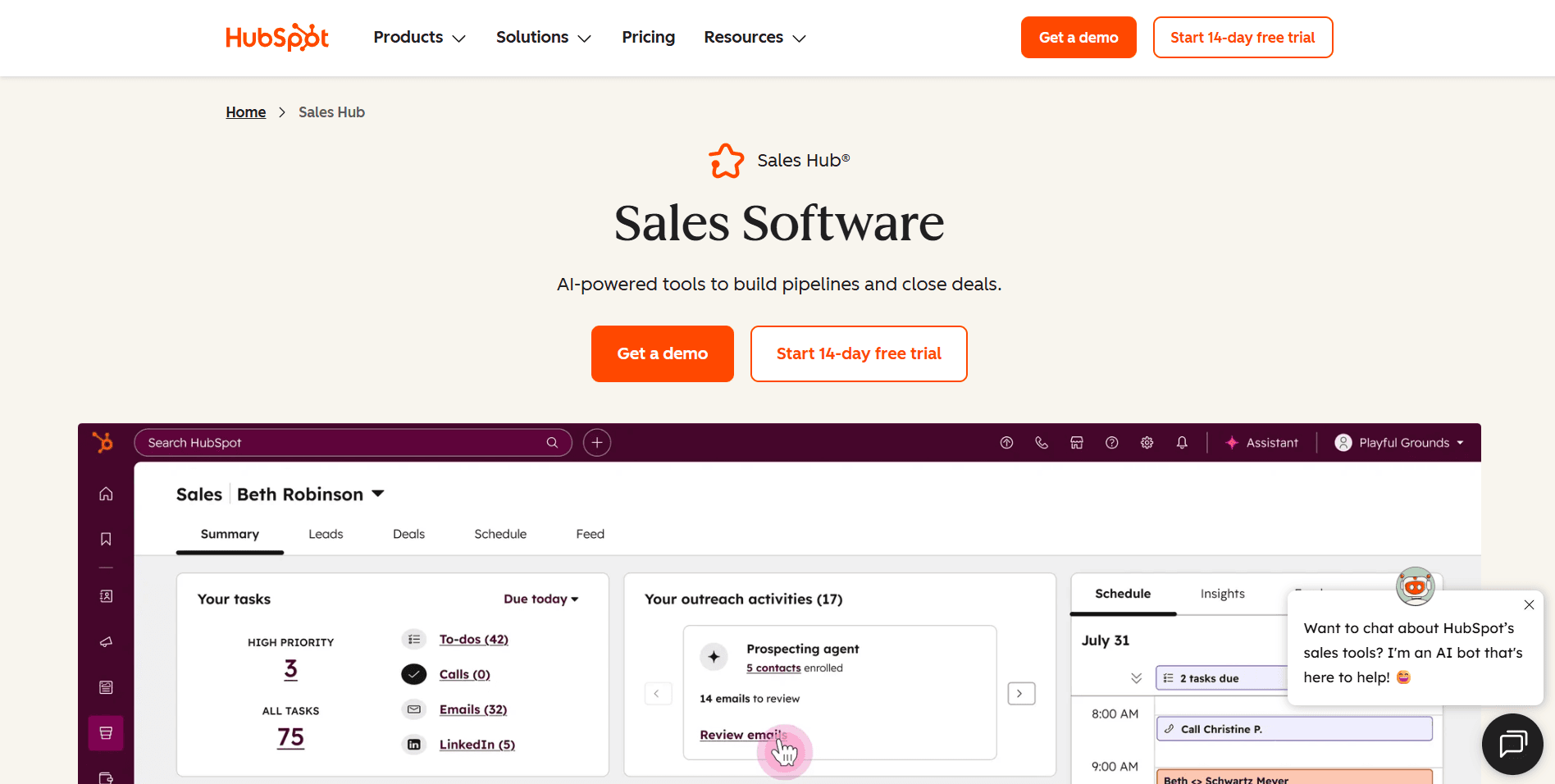
HubSpot Sales Hub
Best For: Enterprise to mid-market teams seeking an accessible, all-in-one platform
HubSpot Sales Hub has emerged as a leading AI-powered CRM for growing organizations that want intelligent pipeline management without enterprise complexity. Its AI layer sits directly within the CRM to enrich records, predict deal outcomes, and surface insights from your customer data.
Key Features:
AI-Powered Deal Scoring & Insights: HubSpot analyzes deal properties, engagement history, and historical win/loss patterns to automatically score opportunities and predict close probability. Deal cards surface AI-generated insights about what's working and what risks exist in each opportunity.
Automatic Contact & Company Enrichment: The CRM automatically enriches new records with company data, social profiles, and firmographic information. When you add a contact, HubSpot pulls in job titles, company size, industry, and other relevant data without manual research.
Smart CRM Data Entry: AI assists with data hygiene by suggesting duplicate merges, flagging incomplete records, and auto-populating fields based on email signatures and conversation content. Reduces the manual data entry burden that kills CRM adoption.
AI-Generated Deal & Contact Summaries: Get instant AI summaries of any deal or contact - recent activity, engagement patterns, key stakeholders, and recommended next steps without clicking through multiple records and timelines.
Unified Customer Database: CRM, marketing, and service data live in a single database. Sales sees marketing engagement, support tickets, and website activity alongside deal information, giving complete customer context in one view.
Pros:
Fast Time-to-Value: Teams are productive in days, not months. The CRM structure is intuitive enough that most reps adopt it without extensive training.
Strong Free CRM: The free tier includes contact management, deal pipelines, and basic reporting, enough to prove value before investing in paid features.
Automatic Activity Logging: Emails and meetings sync automatically to contact records. Reps don't need to manually log activities, improving data completeness.
Native Marketing Integration: See which emails contacts opened, pages they visited, and content they downloaded directly in CRM records. No separate integration needed.
Regular AI Enhancements: HubSpot ships new AI features quarterly, continuously improving CRM intelligence without additional cost.
Cons:
AI Features Gated to Higher Tiers: Advanced AI capabilities like predictive scoring and custom AI insights require Professional ($100/user/month) or Enterprise ($150/user/month).
Limited Pipeline Customization: Complex sales processes with multiple pipelines or unusual stage logic may hit structural constraints compared to Salesforce.
Object Relationship Limits: Custom objects and relationships available, but not as flexible as enterprise CRMs for modeling complex B2B hierarchies.
Forecasting Less Sophisticated: Native forecasting improving but doesn't match dedicated tools like Clari for accuracy and depth.
Pricing: Free CRM available; Starter $20/user/month; Professional $100/user/month; Enterprise $150/user/month
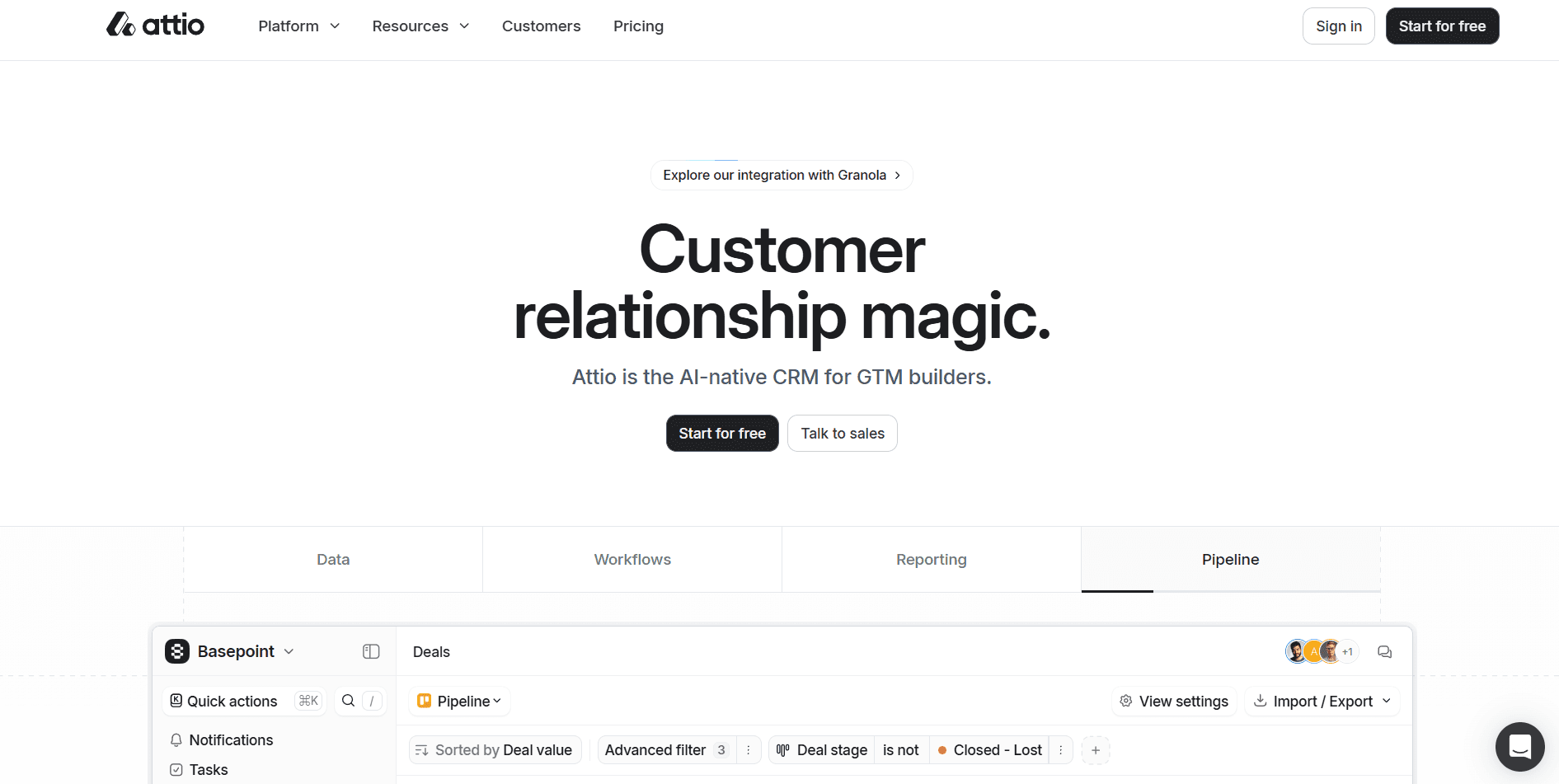
Attio
Best For: Modern teams wanting a flexible, data-driven CRM with powerful automation
Attio is a next-generation CRM gaining significant traction among startups and growth-stage companies. Unlike legacy CRMs, Attio is built on a flexible data model that adapts to how modern teams actually work, with AI woven throughout the platform.
Key Features:
Flexible Data Model: Unlike rigid traditional CRMs, Attio lets you structure data however your business needs. Create custom objects, relationships, and attributes without developer resources. The system adapts to your workflow rather than forcing you into predefined structures.
AI-Powered Enrichment: Automatically enriches contact and company records with data from across the web. Company information, social profiles, funding data, and more populate without manual research.
Smart Lists & Segmentation: Build dynamic lists that automatically update based on any criteria. Segment your database by engagement, deal stage, company attributes, or custom fields with sophisticated filtering.
Workflow Automation: Create automated workflows triggered by any data change. When deals move stages, contacts are added, or fields update, Attio can automatically assign tasks, send notifications, or update records.
Real-Time Collaboration: Built for team selling with real-time updates, commenting, and activity feeds. See what teammates are doing without waiting for sync delays.
Pros:
Modern, Clean Interface: Beautiful design that feels contemporary rather than dated. Reps actually enjoy using it.
Incredible Flexibility: Adapts to any sales process without fighting against rigid structures. Custom objects and fields without enterprise pricing.
Strong API & Integrations: Well-documented API and growing integration ecosystem. Connects with modern tools teams actually use.
Fast Setup: Get productive in days rather than months. No implementation consultants required.
Responsive Development: Small, focused team ships improvements rapidly based on user feedback.
Cons:
Smaller Ecosystem: Fewer third-party integrations than Salesforce or HubSpot. You might need to build custom connections.
Less Enterprise Features: Organizations needing complex approval workflows or territory hierarchies may find limitations.
Newer Platform: Less established track record than legacy CRMs. Some features are still maturing.
Reporting Depth: Analytics improving but not yet matching enterprise CRM capabilities.
Pricing: Free tier available; Plus $29/user/month; Pro $59/user/month; Enterprise custom pricing
2. Social Selling (on LinkedIn)
LinkedIn remains the dominant B2B social channel. These tools leverage AI to maximize effectiveness on LinkedIn through customized data and outreach.
LinkedIn Sales Navigator
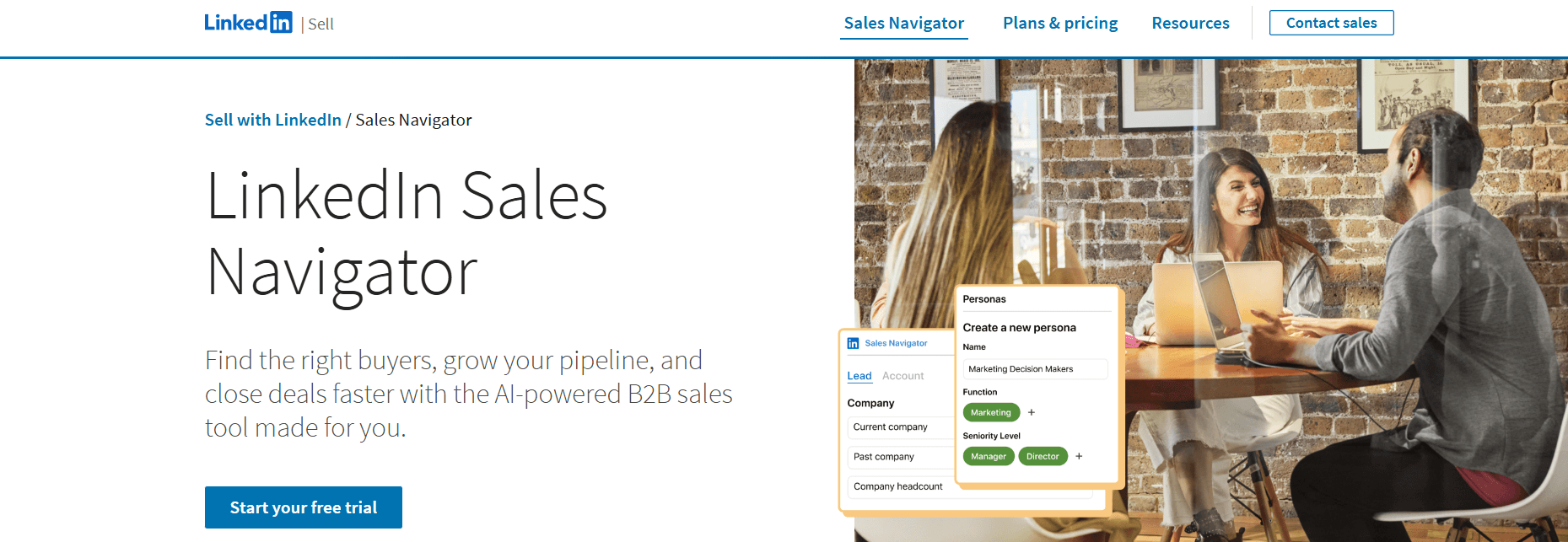
Best For: B2B sales professionals leveraging LinkedIn for prospecting and relationship building
LinkedIn Sales Navigator uses the platform's massive professional dataset and AI to help reps find prospects, understand key insights, and engage in personalized ways.
Key Features:
Advanced Lead & Account Search: Find prospects using 40+ filters including job function, seniority, company size, industry, and geography. Build targeted lists matching your ICP precisely.
AI-Powered Lead Recommendations: Analyzes your sales patterns and successful connections to suggest new prospects. Recommendations improve as you use the platform.
Real-Time Sales Updates: Alerts when prospects change jobs, post content, or have company updates. Engage at moments of relevance.
InMail Credits: Direct message prospects without connections. Higher tiers include more credits.
CRM Integration: Sync activity with Salesforce, HubSpot, and other CRMs.
Pros:
Unmatched LinkedIn Data Access: No other tool provides this level of access to LinkedIn's professional network.
Strong Lead Recommendations: AI suggestions genuinely surface relevant prospects that improve over time.
Real-Time Prospect Intelligence: Job changes and content posts create natural engagement opportunities.
Good CRM Integrations: Native integrations keep LinkedIn activity connected to broader sales processes.
Cons:
Limited to LinkedIn: Provides no value for prospecting outside the LinkedIn ecosystem.
Premium Pricing: Advanced features require higher-tier plans that add up for larger teams.
InMail Effectiveness Varies: Response rates depend heavily on message quality and targeting.
Requires Active LinkedIn Presence: Less effective for industries with lower LinkedIn adoption.
Pricing: Core $99/month; Advanced $149/month; Advanced Plus custom pricing (annual billing)
Dripify
Best For: Teams wanting LinkedIn automation with sophisticated sequencing
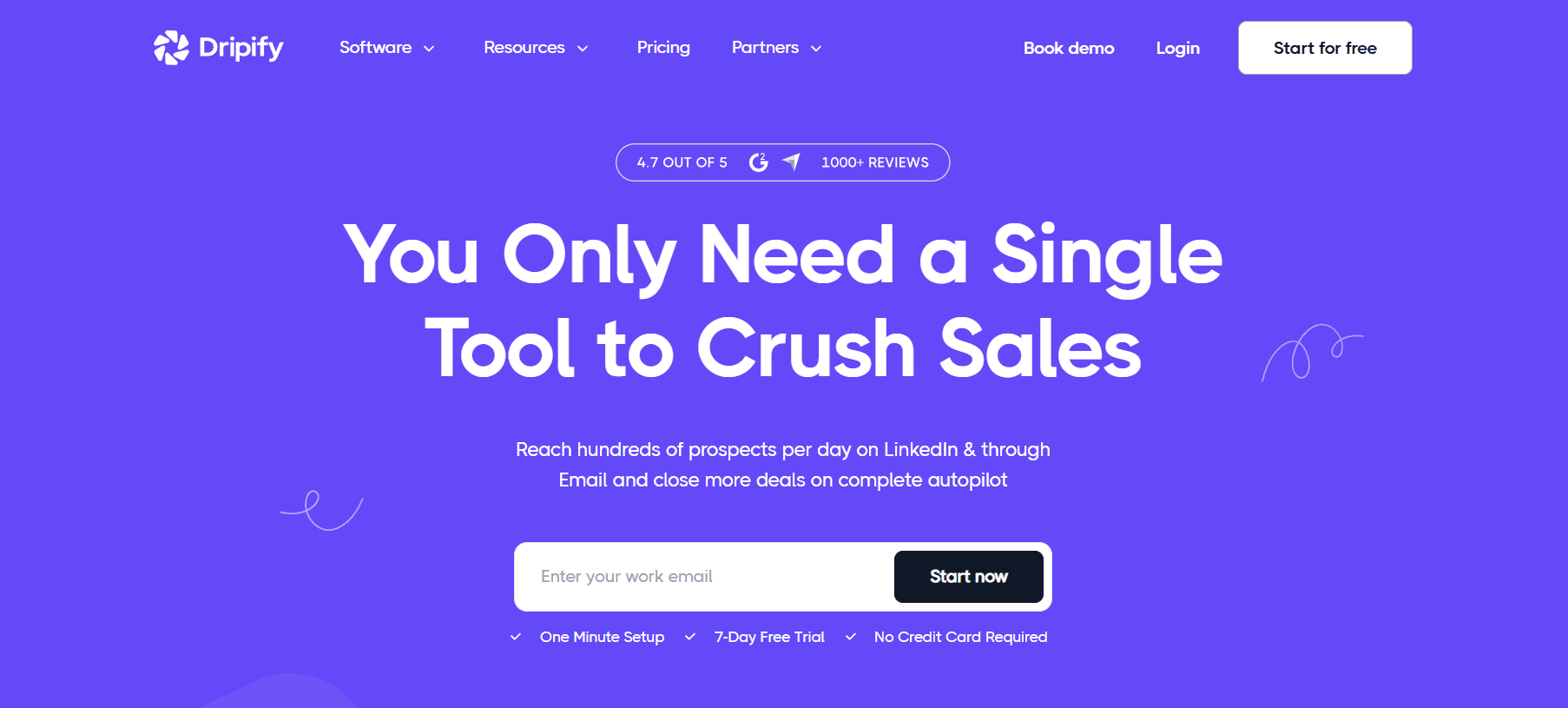
Dripify provides LinkedIn automation with multi-step campaigns, allowing teams to scale LinkedIn outreach while maintaining personalization.
Key Features:
LinkedIn Automation Campaigns: Automated connection requests, profile views, messages, and InMails in sequenced workflows.
Smart Inbox Management: Centralized inbox for managing LinkedIn conversations across team members.
A/B Testing: Test different message variations to optimize response rates.
Analytics Dashboard: Track campaign performance, response rates, and team activity.
Team Collaboration: Manage multiple LinkedIn accounts and campaigns from one dashboard.
Pros:
Sophisticated Sequencing: Multi-step campaigns with conditional logic based on prospect actions.
Good Analytics: Clear visibility into what's working across campaigns.
Team Management: Helpful for managing LinkedIn outreach across multiple reps.
Competitive Pricing: More affordable than some alternatives.
Cons:
LinkedIn Automation Risks: All LinkedIn automation carries account restriction risk. Requires careful use.
Learning Curve: Setting up effective campaigns takes time to master.
Dependent on LinkedIn's Terms: Platform changes can impact functionality.
Pricing: Basic $39/user/month; Pro $59/user/month; Advanced $79/user/month
Heyou
Best For: B2B founders, sales teams, agencies, and employee-led growth teams who want authentic LinkedIn engagement automation to boost reach, visibility, and social selling without using risky bots.
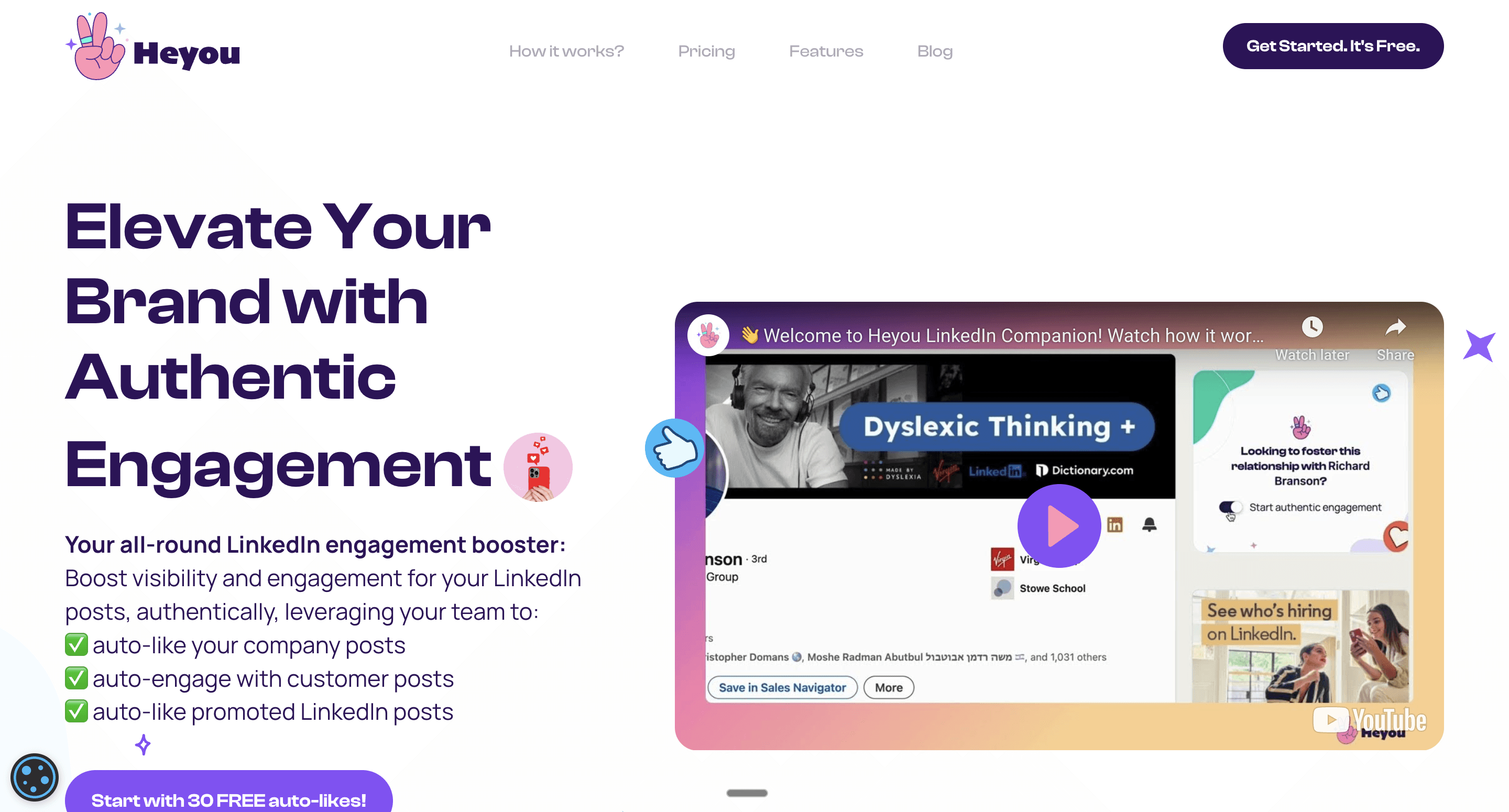
Heyou is a LinkedIn engagement automation platform (Chrome extension + web app) that helps you and your team auto-like LinkedIn posts (company posts, personal posts, customer/prospect posts, and even promoted posts) to increase visibility and engagement - hands-free. It’s positioned as “not-a-bot” and focuses on leveraging real activity to drive social proof and growth.
Key Features:
Auto-Like Company Posts: Get your team to automatically engage with posts published on your LinkedIn company page.
Auto-Like Personal Posts: Enable automatic engagement on posts from selected LinkedIn profiles (customers, prospects, peers, etc.) using relationship toggles.
Auto-Like Promoted Posts: Boost visibility for promoted posts you’re mentioned on by triggering engagement from your team.
Not-a-Bot Approach: Heyou positions itself as safer than typical LinkedIn bots by riding on real engagement activity (vs. spammy automation patterns).
LinkedIn Analytics Report (Organic): Includes reporting/analytics to track engagement impact.
Pros:
More Reach Without Begging Teammates: Turns your team into an engagement engine so you don’t have to chase likes manually.
Hands-Free Consistency: Keeps you active and visible even when you’re busy, especially useful for busy founders/sales teams.
Team + Personal Brand Friendly: Helps employees build their brand while increasing company content performance.
Quick Setup + Clear ROI: Easy “social selling boost” tool—particularly for LinkedIn-heavy GTM teams.
Cons:
Works Best With Active Posting: If you/your company doesn’t post consistently, the impact will be limited.
LinkedIn Policy Sensitivity: Any automation-adjacent tool needs careful usage to avoid triggering LinkedIn restrictions (rate limits / behavior monitoring).
Pricing: Free plan with Team plan starting at $7/month and custom pricing for agencies.
3. Lead Generation & Outreach Platforms
Finding the right prospects and reaching them effectively remains one of sales’ biggest challenges. With the rise of the AI email automation tools, automating and personalizing outreach has become more efficient, allowing sales teams to compose, optimize, and track emails with the help of artificial intelligence. This category covers data providers, email outreach tools, cold calling tools, and LinkedIn prospecting tools.
Data & Intelligence
Clay
Best For: Teams wanting to build sophisticated, automated prospecting workflows
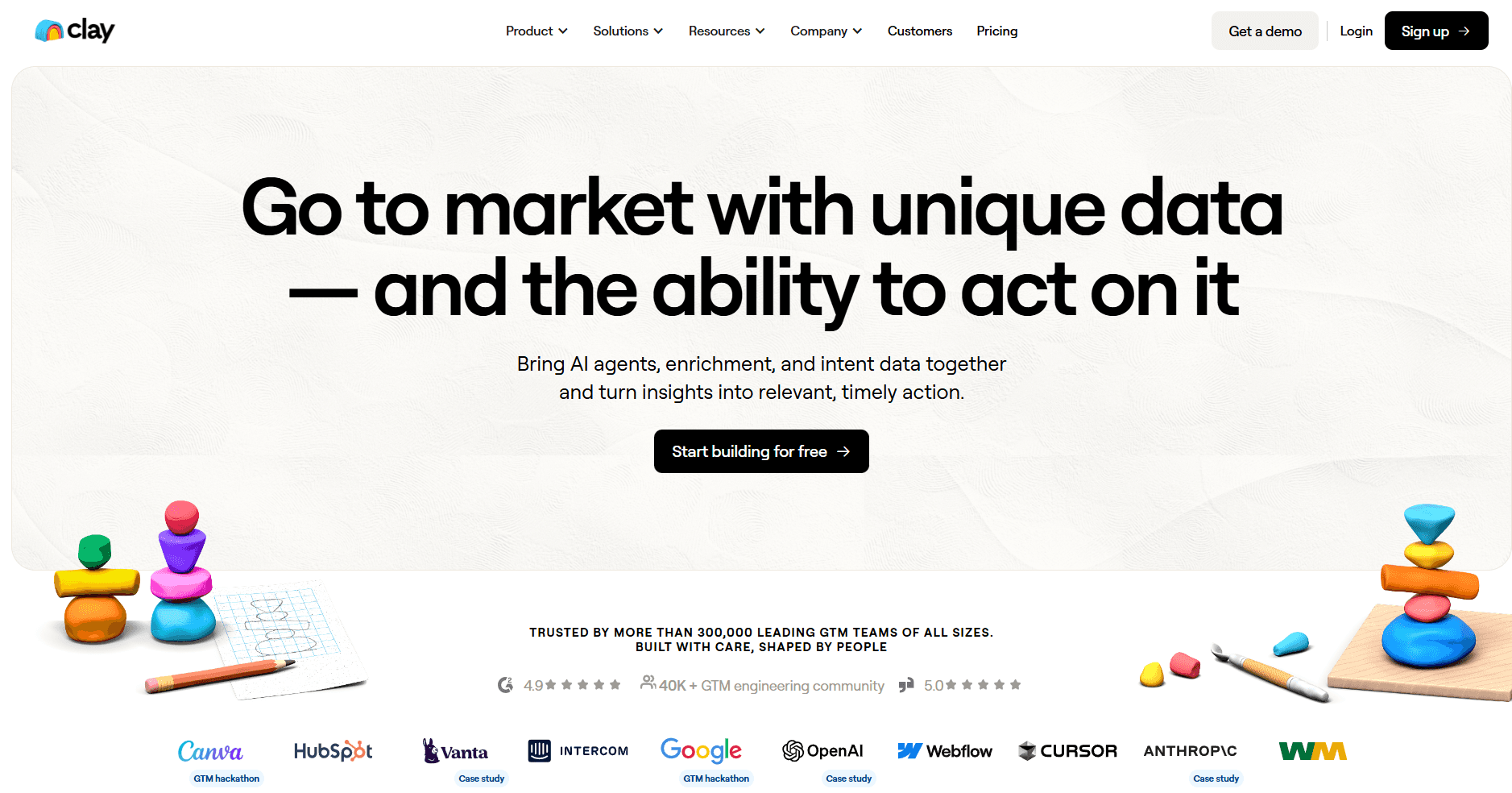
Clay has emerged as one of the most exciting tools in the sales tech stack, functioning as a "spreadsheet on steroids" that connects to 100+ data providers and enables complex enrichment and automation workflows.
Key Features:
Waterfall Enrichment: Query multiple data providers in sequence until you find the information you need. If Apollo doesn't have the email, try Hunter, then Clearbit, then others, all automatically.
AI Research Agent: Clay's AI can research prospects across the web, summarizing company information, recent news, technologies used, and more. Generate personalized insights at scale.
100+ Data Integrations: Connect to virtually any data source - Apollo, ZoomInfo, Clearbit, LinkedIn, Crunchbase, BuiltWith, and dozens more. Mix and match providers.
Automated Workflows: Build sophisticated if-then logic to process leads. Score, route, enrich, and push to your CRM or outreach tools automatically.
AI Writing: Generate personalized email copy based on researched prospect data. Each message references specific details about the recipient's company and role.
Pros:
Unprecedented Flexibility: Build any prospecting workflow you can imagine. Not limited to one data provider's strengths.
Waterfall Enrichment Saves Money: Only pay for data you actually use. Query cheaper sources first, fall back to premium only when needed.
AI Research is Powerful: Automated prospect research that previously required manual work.
Growing Community: Active user community sharing templates and workflows.
Rapid Innovation: Team ships new features and integrations constantly.
Cons:
Learning Curve: Power comes with complexity. Takes time to build effective workflows.
Can Get Expensive: Data credits and AI usage add up with high-volume prospecting.
Requires Technical Thinking: Best for users comfortable with logic-based workflows.
Not a CRM: Designed for enrichment and research, not relationship management.
Pricing: Free tier available; Starter $149/month; Explorer $349/month; Pro $800/month
Apollo.io
Best For: All-in-one prospecting with strong automation at accessible pricing
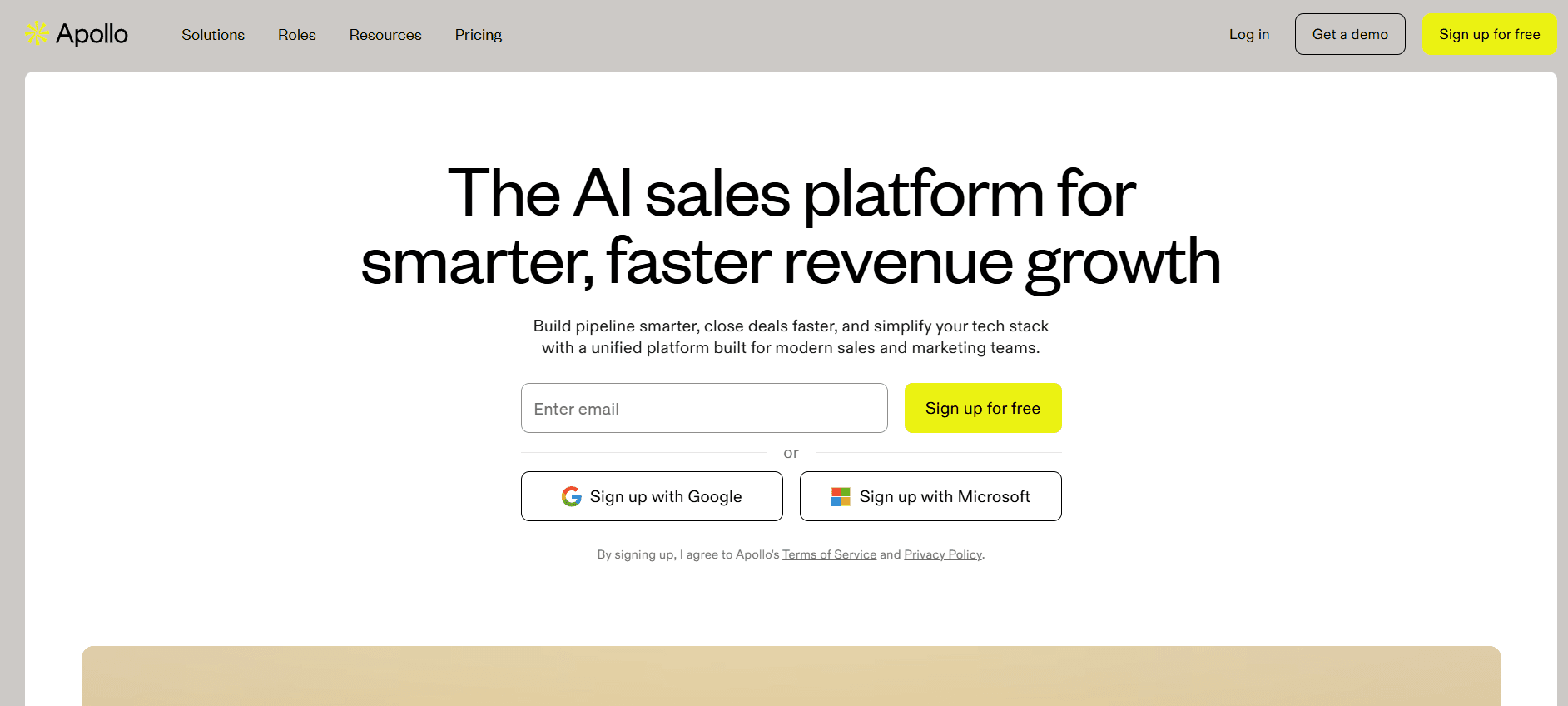
Apollo.io combines a massive contact database (275M+ verified B2B contacts) with engagement tools, making it one of the most popular AI sales tools for comprehensive prospecting.
Key Features:
Extensive Contact Database: 275M+ B2B contacts with email addresses, direct dials, and firmographic/technographic information. Advanced filtering enables precise targeting.
AI-Powered Email Generation: Analyzes prospect data to generate personalized subject lines and email content. Learn from engagement data.
Intelligent Lead Scoring: Machine learning prioritizes prospects most likely to convert based on engagement and fit signals.
Multi-Channel Sequences: Build outreach combining emails, calls, LinkedIn, and tasks with automatic enrolment and A/B testing.
Built-In Dialler: Make calls directly with automatic logging, recording, and local presence.
Pros:
Exceptional Value: Features comparable to platforms costing 3-5x more.
Strong Deliverability Tools: Email warm-up and monitoring help reach inboxes.
Generous Free Tier: Genuine evaluation before committing.
Cons:
Data Accuracy Varies: Quality inconsistent by industry and geography.
Support Response Times: Can be slow during peak periods.
Learning Curve for Advanced Features: Sophisticated features require time to master.
Pricing: Free tier available; Basic $49/user/month; Professional $79/user/month; Organization $119/user/month
Cognism
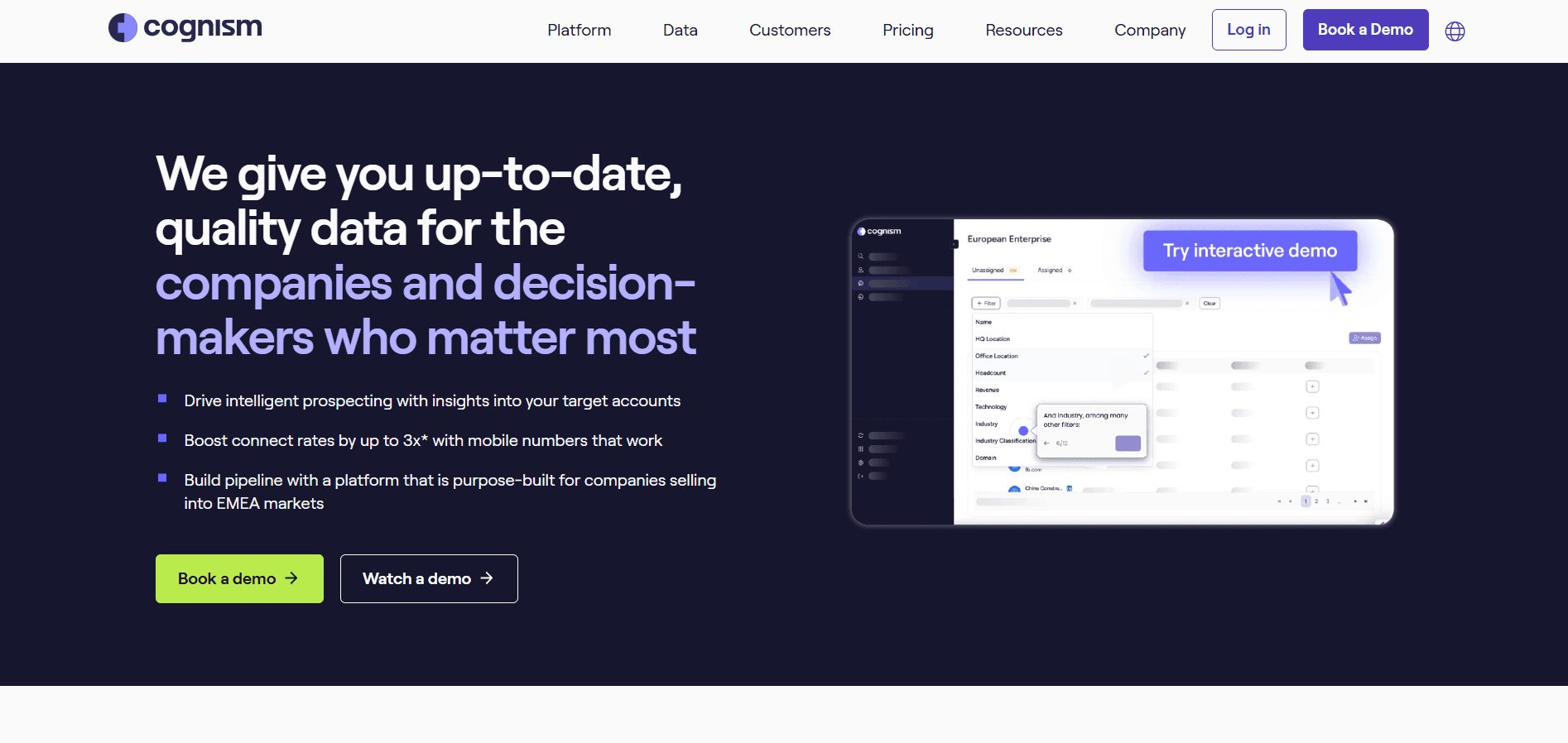
Best For: B2B companies requiring compliant, phone-verified contact data
Cognism provides premium B2B intelligence with phone-verified mobile numbers—critical for cold calling teams.
Key Features:
Diamond Data Phone Verification: Human-verified mobile numbers with 98%+ accuracy. Each number actually called to verify.
Comprehensive Privacy Compliance: Built for GDPR, CCPA, and global regulations. Do-not-call checking handled automatically.
Bombora Intent Data: Buyer intent signals identify companies actively researching relevant topics.
Chrome Extension: Instant enrichment while browsing LinkedIn or company websites.
Pros:
Superior Phone Accuracy: Genuinely differentiated for cold calling. Connect rates improve significantly.
Industry-Leading Compliance: Legal teams rarely object to procurement.
Strong International Coverage: Excellent data in Europe, UK, and international markets.
Cons:
Smaller Database: Total size smaller than ZoomInfo or Apollo.
Premium Pricing: May not be justified for email-only teams.
Limited Engagement Tools: Focuses on data rather than outreach.
Pricing: Custom pricing based on features and licenses
Email Cold Outreach Tools
Smartlead
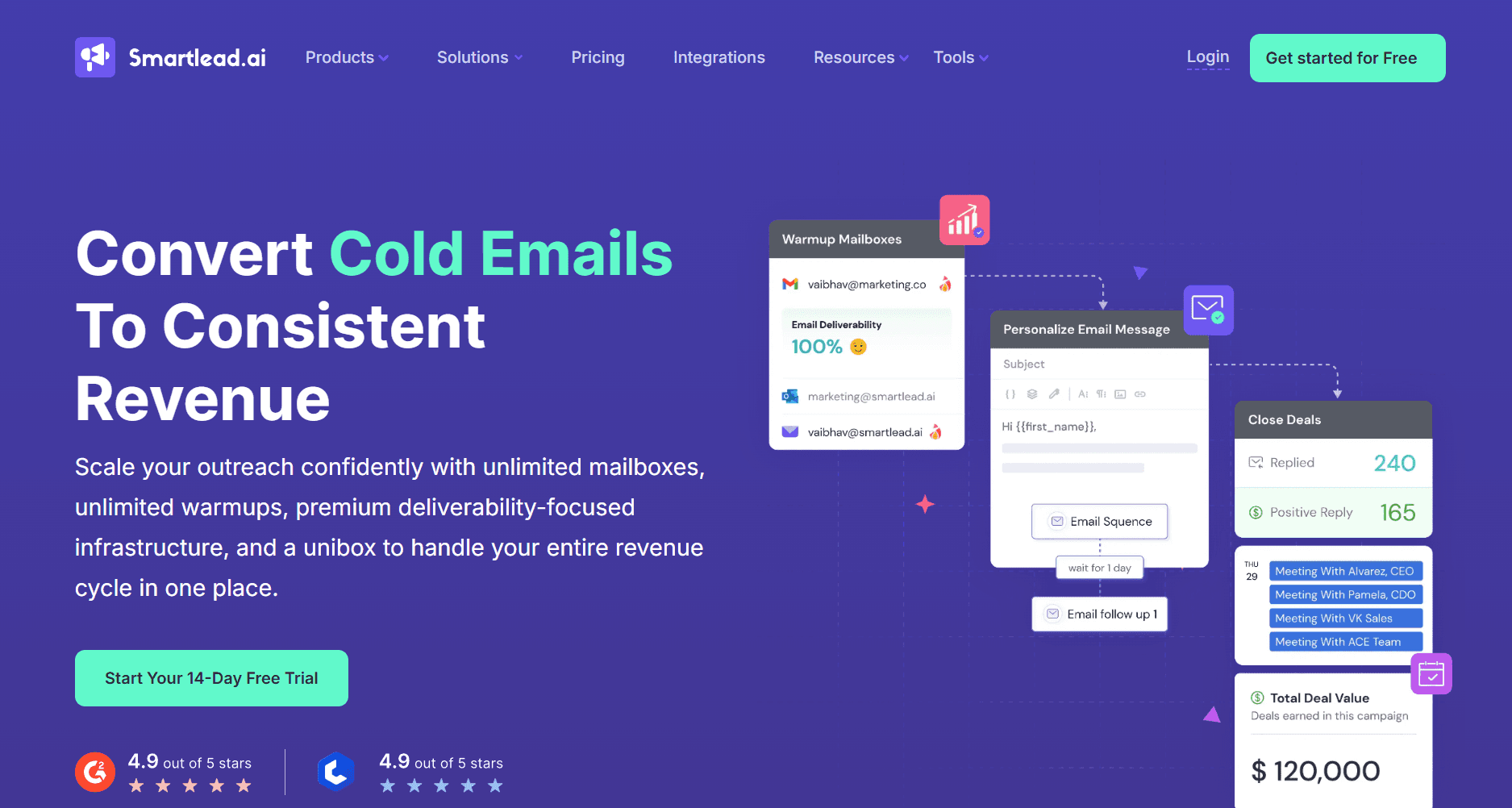
Best For: High-volume cold email at scale with advanced deliverability
Smartlead has rapidly become a favourite among agencies and sales teams running large-scale cold email campaigns, with a focus on inbox placement and unlimited sending accounts.
Key Features:
Unlimited Email Accounts: Connect as many sending accounts as needed without per-account fees. Essential for scaling cold email volume.
AI Warmup: Automated email warmup across all connected accounts improves sender reputation and inbox placement rates.
Unified Master Inbox: Manage replies from all sending accounts in one place. Never miss a response regardless of which account sent the message.
AI-Powered Personalization: Generate personalized email variations at scale using AI. Each recipient gets unique messaging based on their data.
Subsequence Logic: Automatically move prospects to different sequences based on their behavior - replies, opens, clicks, or custom conditions.
Pros:
True Unlimited Scaling: No per-account limits enables massive outreach volume.
Strong Deliverability Focus: AI warmup and rotation features genuinely improve inbox placement.
Unified Inbox is Powerful: Managing responses across dozens of accounts becomes manageable.
Good Value for Volume: Pricing model benefits high-volume senders.
Active Development: Team ships improvements based on user feedback.
Cons:
Built for Cold Email: Less suited for warm outreach or inbound follow-up workflows.
Complexity at Scale: Managing many accounts and sequences requires organization.
Learning Curve: Full feature utilization takes time.
Deliverability Still Requires Skill: Tools help but don't guarantee inbox placement.
Pricing: Basic $39/month; Pro $94/month; Custom pricing for higher volume
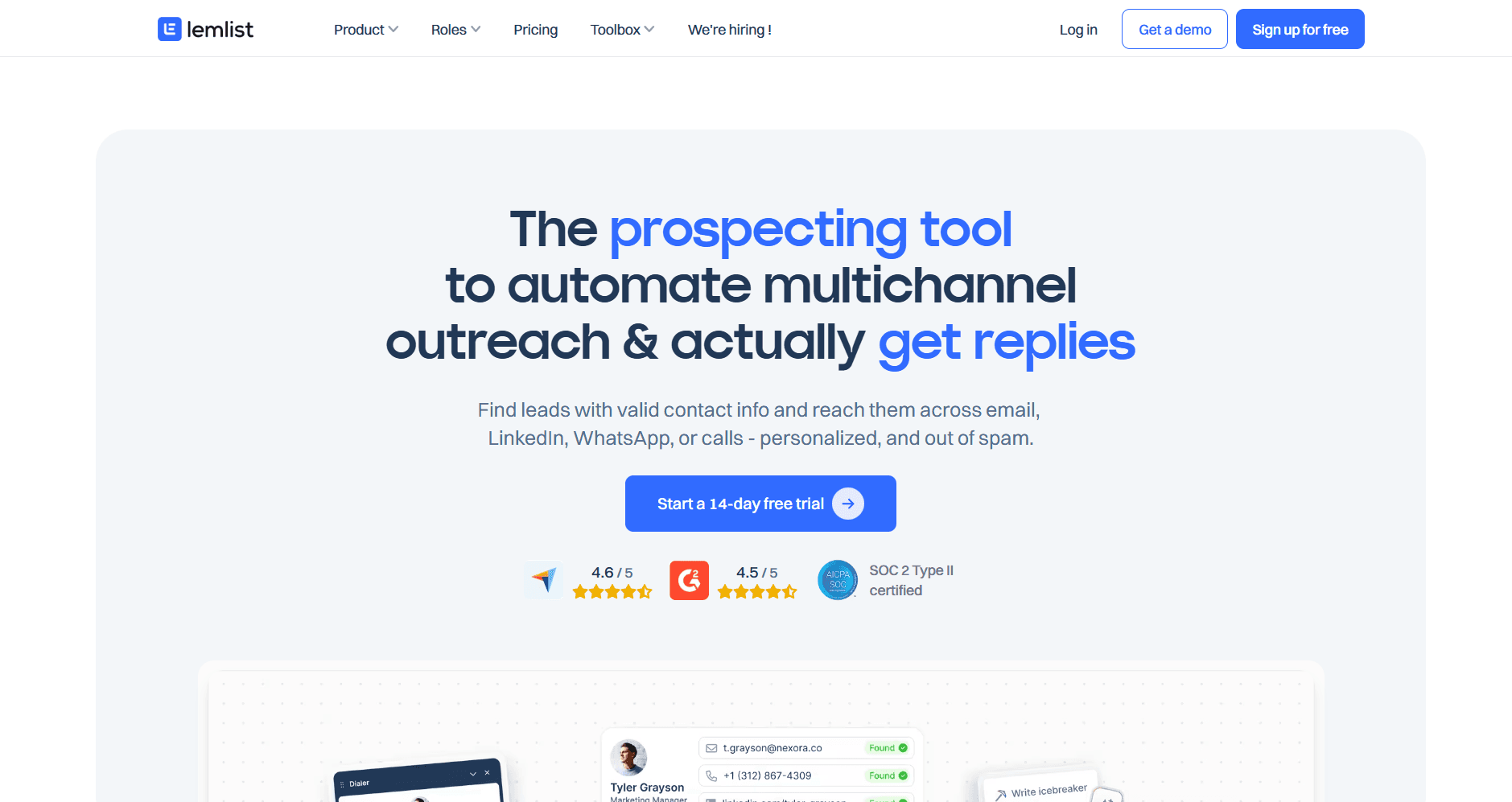
Lemlist
Best For: Personalized cold outreach with images and video
Lemlist differentiates through personalization features including custom images and video, plus a multi-channel approach combining email with LinkedIn.
Key Features:
Custom Image Personalization: Automatically insert prospect details into images, their name, company logo, or custom text. Stand out in crowded inboxes.
Video Prospecting: Record and embed personalized video messages at scale.
Multi-Channel Sequences: Combine email, LinkedIn, and calls in unified campaigns.
Email Warmup (lemwarm): Built-in warmup tool to improve deliverability.
AI Campaign Generation: Generate complete campaign sequences using AI.
Pros:
Unique Personalization: Image and video personalization genuinely differentiates outreach.
Multi-Channel Native: LinkedIn and email in one workflow.
Good Deliverability Tools: lemwarm effectively improves inbox placement.
Active Community: Strong user community sharing templates and strategies.
Cons:
Personalization Can Feel Gimmicky: Overuse of image personalization becomes obvious.
Learning Curve: Full feature utilization requires investment.
Pricing Adds Up: Per-user models with add-ons can get expensive.
Pricing: Email Starter $32/user/month; Email Pro $55/user/month; Multichannel Expert $79/user/month
Cold Calling Tools
Nooks
Best For: SDR teams wanting AI-powered parallel dialing and virtual sales floor
Nooks has emerged as a leading AI dialer, combining parallel calling technology with a virtual sales floor that recreates the energy of in-person SDR teams.
Key Features:
AI Parallel Dialer: Dial multiple numbers simultaneously and connect reps only when someone answers. Dramatically increases talk time and conversations per hour.
Virtual Sales Floor: Remote SDRs work together in a virtual environment with real-time visibility into who's calling, listening capabilities, and instant collaboration.
AI Call Summaries: Automatic transcription and AI-generated summaries of every call. Key points captured without manual notes.
Voicemail Drop: Pre-recorded voicemails dropped automatically to save time while maintaining personalization.
Analytics Dashboard: Track dials, connections, conversations, and meetings across the team with detailed performance metrics.
Pros:
Massive Productivity Gains: Parallel dialing increases conversations by 3-5x compared to manual dialing.
Virtual Sales Floor Energy: Recreates collaborative SDR environment for remote teams. Reps stay motivated and learn from each other.
AI Summaries Save Time: Automatic call documentation eliminates manual note-taking.
Great for SDR Teams: Purpose-built for high-volume outbound calling motion.
Cons:
Designed for Volume: Less suited for AEs doing lower-volume, high-value calls.
Requires Phone-Heavy Motion: Teams not focused on cold calling won't benefit.
Learning Curve: Getting full value from virtual floor features takes adjustment.
Premium Pricing: Investment reflects enterprise focus.
Pricing: Custom pricing based on team size and features
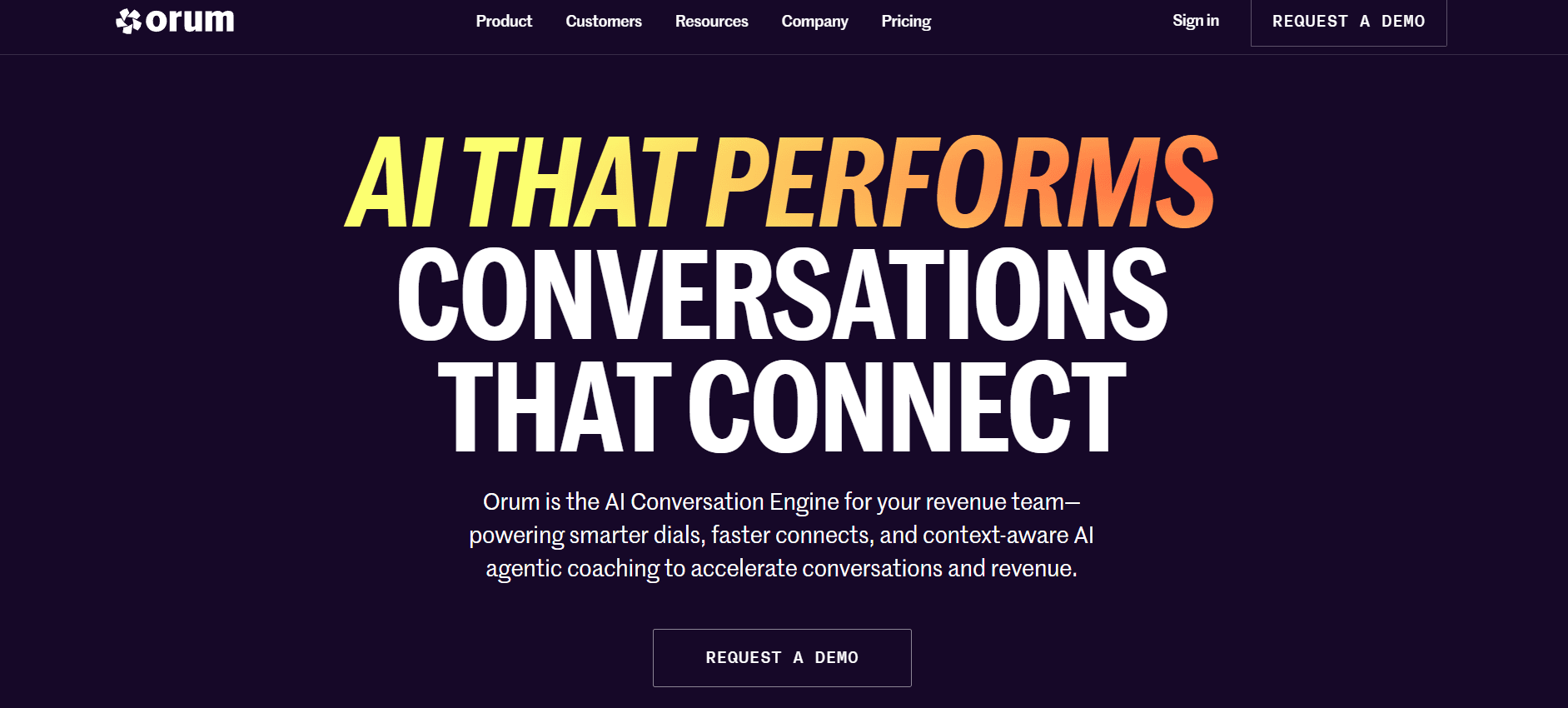
Orum
Best For: AI-powered dialling with conversation intelligence built in
Orum combines parallel dialling with conversation intelligence, providing both productivity gains and call analysis insights.
Key Features:
AI Parallel Dialer: Dial multiple prospects simultaneously with AI detecting live answers versus voicemails. Reps connect only to live conversations.
Virtual Salesfloor: Collaborative calling environment with live listen, whisper coaching, and team visibility.
Conversation Intelligence: Built-in transcription and analysis of calls. Track talk patterns, objections, and successful behaviors.
Objection Detection: AI identifies specific objections and competitor mentions across calls.
CRM Integration: Activity automatically logged to Salesforce, HubSpot, and other CRMs.
Pros:
Dialing + Intelligence Combined: Get productivity gains and conversation insights in one platform.
Strong AI Detection: Effectively distinguishes live answers from voicemails and automated systems.
Good Coaching Features: Managers can listen live and provide real-time guidance.
Solid Integrations: Works well with major CRMs and sales engagement tools.
Cons:
Premium Pricing: Comprehensive features come at enterprise price point.
Phone-Focused: Less value for teams with email-heavy motions.
Requires Volume: Best ROI with dedicated calling teams.
Pricing: Custom pricing; typically $200-300/user/month
AI Sales Agents
MagicBlocks
MagicBlocks is an Autonomous Relationship Sales Platform that deploys AI agents with memory, sales DNA, and omnichannel continuity. They engage, follow up, and sell across chat, SMS, email, and DMs, turning more leads into long-term revenue automatically.
Best For: Agencies, HighLevel users, and service businesses (mortgage, real estate, roofing, solar, contractors, etc) wanting AI sales agents that actually close deals through conversations, not just answer FAQs.
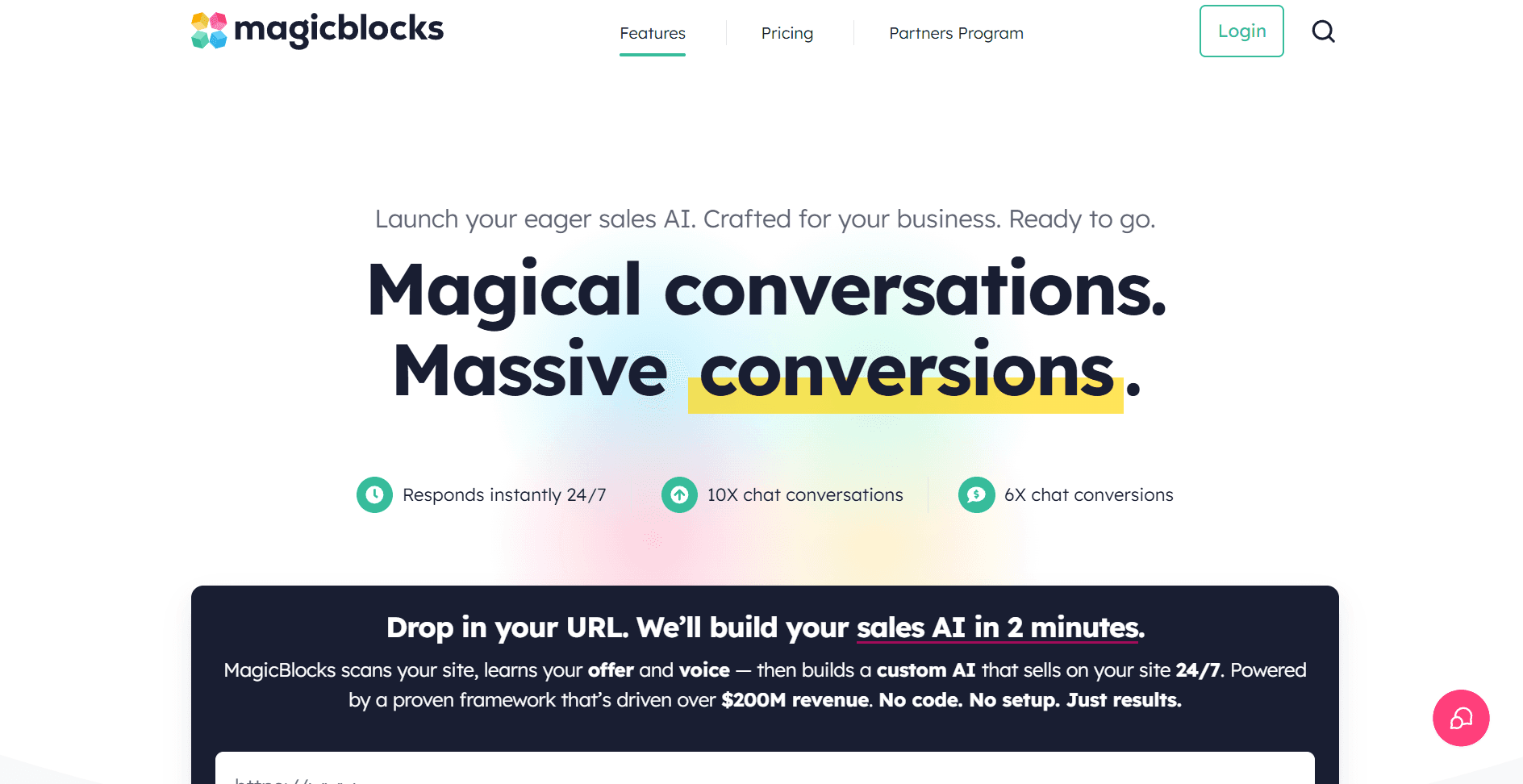
MagicBlocks turns website visitors into revenue through autonomous AI sales agents that build relationships, qualify leads, and close deals across chat and SMS. Unlike chatbots that just respond to questions, MagicBlocks agents actively guide prospects through proven sales psychology (the HAPPA Framework) with CDP-native memory that maintains conversation continuity across every touchpoint.
Key Features:
HAPPA Framework Sales Methodology: AI agents follow proven sales psychology—Hook, Align, Personalize, Pitch, Action. Every conversation is structured to convert, using the same techniques top-performing sales reps use to close deals.
CDP-Native Memory System: Your AI remembers every interaction across chat, SMS, email, and phone. Prospects never repeat themselves. Conversations pick up exactly where they left off, whether it's 3 minutes or 3 weeks later.
Native HighLevel Integration: Built specifically for GoHighLevel users. Syncs contacts, opportunities, appointments, and conversation data bi-directionally. Your AI agent works inside your existing GHL workflows without friction.
Industry-Specific Agent Templates: Pre-trained agents for mortgage brokers, real estate teams, roofing companies, solar installers, and contractors. Each understands industry objections, qualification criteria, and buyer psychology specific to your vertical.
Autonomous Lead Qualification & Nurturing: AI handles discovery questions, surfaces pain points, qualifies budget and timeline, and schedules appointments automatically. Qualified leads land in your CRM with complete context—ready for human follow-up.
Multi-Channel Orchestration: Start a conversation on your website, continue it via SMS, follow up through email, then close over the phone. MagicBlocks maintains context across every channel without breaking relationship continuity.
Pros:
Closes Deals, Not Just Chats: Mortgage companies see 737% increases in applications and 6x more qualified leads. MagicBlocks agents are measured on revenue outcomes, not conversation volume.
Zero Learning Curve for HighLevel Users: Drops directly into your existing GHL workflows. No complicated setup or technical integrations needed. Configure your agent, connect your pipelines, go live.
Relationship Automation vs. Chatbots: Prospects don't realize they're talking to AI because conversations feel genuinely consultative. The HAPPA Framework creates engagement that mirrors human sales conversations.
Industry-Proven Performance: Mortgage companies closing 40% more applications. Real estate teams booking 3x more showings. Roofing contractors converting 65% more estimates to signed contracts.
Scales Relationship Selling: Generate $200M+ in qualified pipeline without hiring more SDRs. Your AI agents work 24/7 across unlimited conversations simultaneously while maintaining personalized engagement.
Cons:
Built for Demand-Driven Businesses: MagicBlocks excels at converting existing traffic into revenue. Works best when paired with marketing that drives qualified visitors to your site, think paid ads, SEO, or content marketing that generates inbound interest.
Optimized for Considered-Purchase Sales: Performs exceptionally well for service businesses with consultative sales cycles (mortgage, real estate, home services, B2B). If you're selling impulse-buy products with zero friction checkout, you might not need relationship-driven AI.
Gets Smarter With Optimization: Out-of-the-box agents convert immediately, but peak performance comes after 2-3 weeks of tuning conversation flows to your specific objections and offer positioning. Teams that invest in optimization see the biggest ROI gains.
Pricing: Free forever plan available with 200 AI messages; Standard $89/month (3,000 messages, 2 agents, all channels); Plus $199/month (10,000 messages, 5 agents); Pro $799/month (80,000 messages, 15 agents). All paid plans include SMS/chat channels, HighLevel integration, and white-label widget.
11x.ai (Alice)
Best For: Teams wanting AI to handle SDR prospecting and outreach autonomously
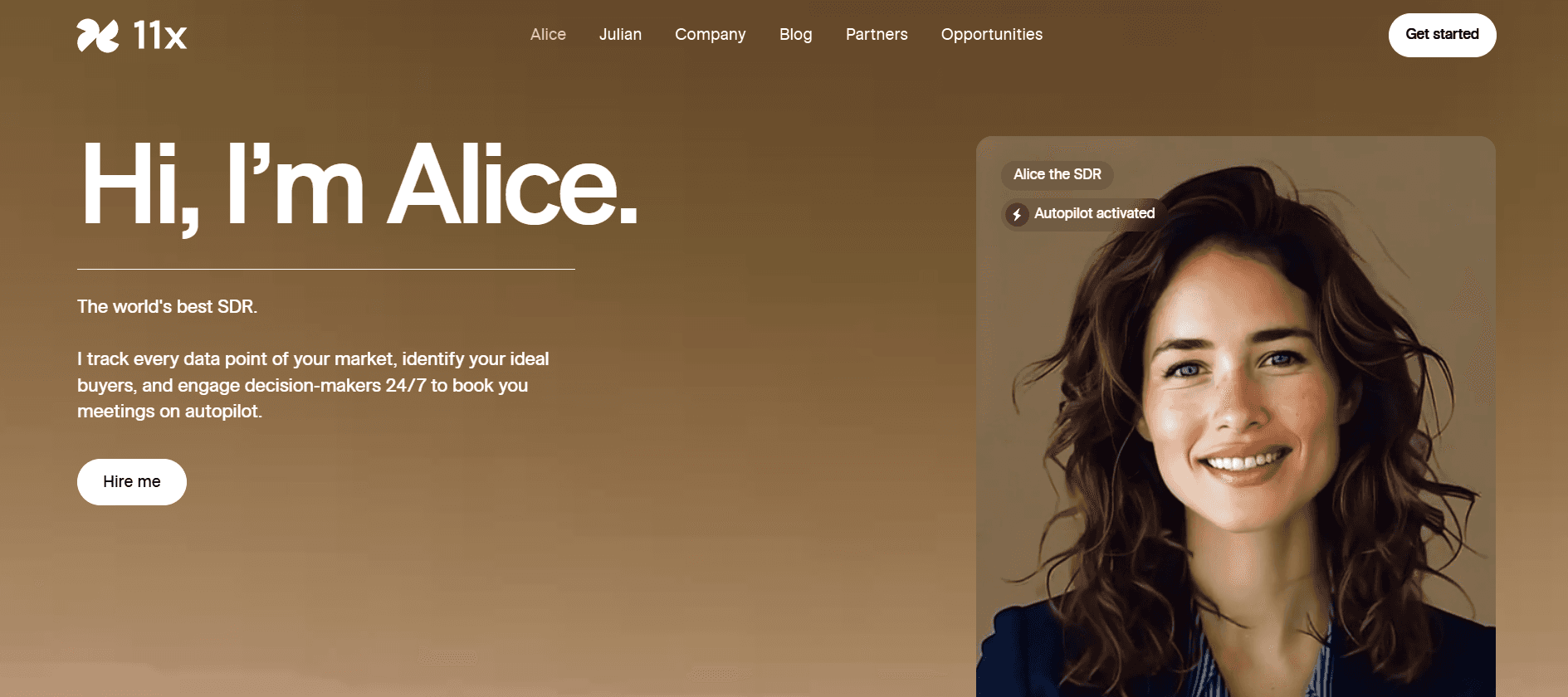
11x.ai offers "Alice," an AI SDR that autonomously researches prospects, writes personalized outreach, and manages follow-up sequences - functioning as a digital worker rather than just a tool.
Key Features:
Autonomous Prospecting: Alice identifies and researches prospects matching your ICP without human input. Build targeted lists based on your criteria.
AI-Written Personalization: Generates highly personalized emails based on deep research into each prospect's company, role, challenges, and recent activity.
Automated Follow-Up: Manages multi-touch sequences autonomously, adjusting messaging based on prospect engagement.
Meeting Booking: Handles scheduling directly with interested prospects, including calendar coordination.
Human-in-Loop Options: Set thresholds for human review and approval of outreach before sending.
Pros:
True Automation: Goes beyond tools to autonomous execution of SDR tasks.
Deep Personalization: Research and personalization exceed what most humans achieve at scale.
Always Working: AI operates continuously without breaks, vacations, or turnover.
Scalable Economics: Potentially more cost-effective than human SDRs at volume.
Cons:
Less Human Touch: Some prospects prefer human interaction. AI can feel impersonal.
Learning Curve: Requires careful setup and tuning to match your voice and ICP.
Newer Category: AI SDR space still maturing. Long-term effectiveness unproven.
Premium Investment: Significant cost that requires volume to justify.
Pricing: Custom pricing; typically equivalent to SDR salary
Artisan (Ava)
Best For: B2B companies wanting an AI BDR for outbound lead generation
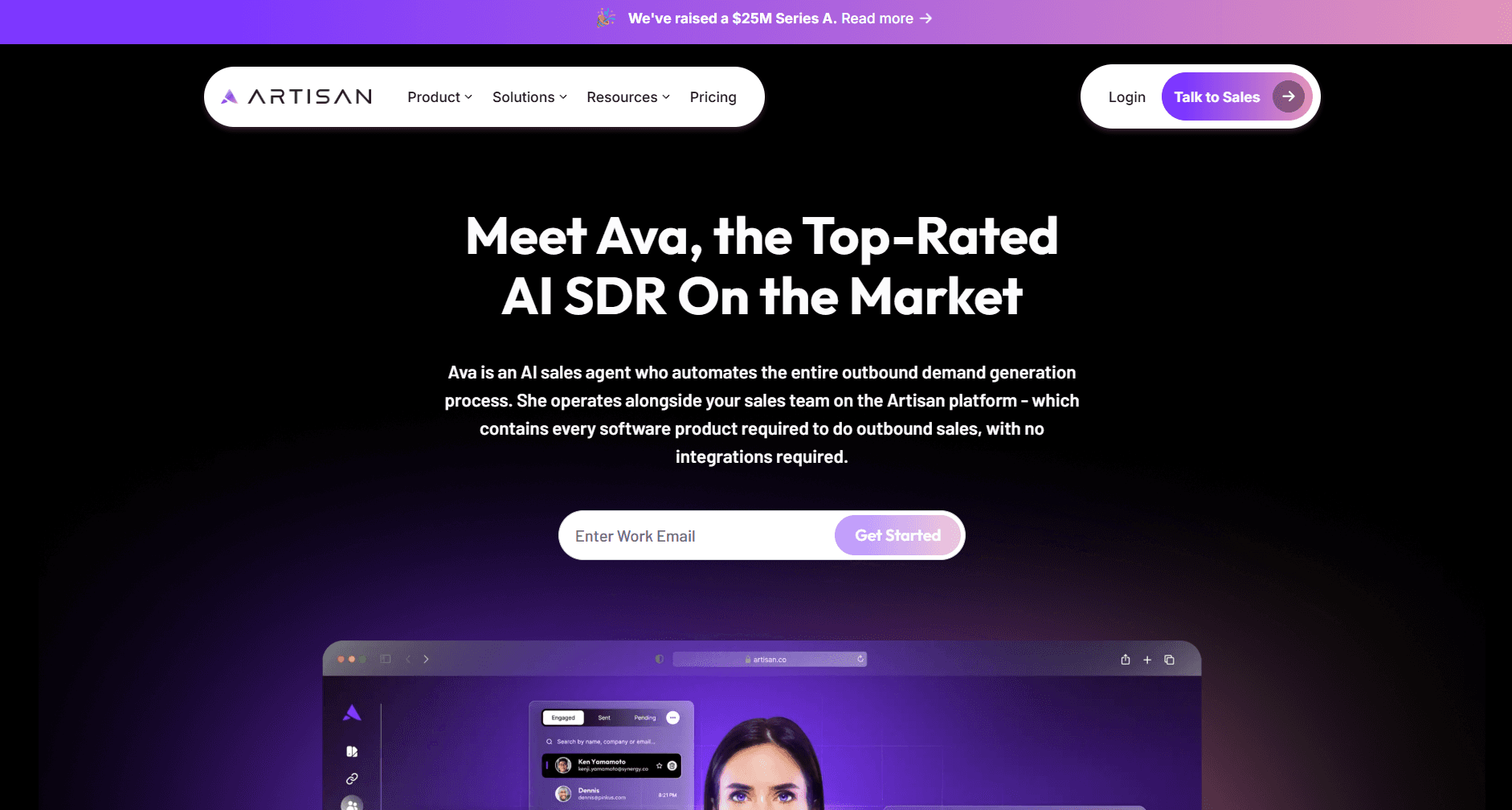
Artisan's "Ava" is an AI Business Development Representative that automates prospecting, outreach, and lead qualification.
Key Features:
AI-Driven Prospecting: Ava builds prospect lists based on ICP criteria using integrated data sources.
Personalized Outreach: Generates custom email sequences with personalization based on prospect research.
Lead Qualification: Engages with responses and qualifies interest level before routing to human reps.
Multi-Channel: Combines email and LinkedIn outreach in coordinated campaigns.
Performance Optimization: Learns from results to improve targeting and messaging over time.
Pros:
Comprehensive BDR Automation: Handles full top-of-funnel process autonomously.
Data Included: Integrated prospect data eliminates need for separate providers.
Continuous Improvement: AI learns and optimizes based on your specific results.
Predictable Economics: Fixed cost versus variable SDR expenses.
Cons:
AI Limitations: Can't handle complex conversations or unexpected situations.
Brand Voice Challenges: Requires effort to make AI output match your tone.
New Category: AI BDR effectiveness still being validated at scale.
Pricing: Custom pricing based on outreach volume
Knock AI
Best For:
B2B companies that want an AI-powered inbound BDR to convert demand into qualified conversations and booked meetings without forms or manual SDR work.
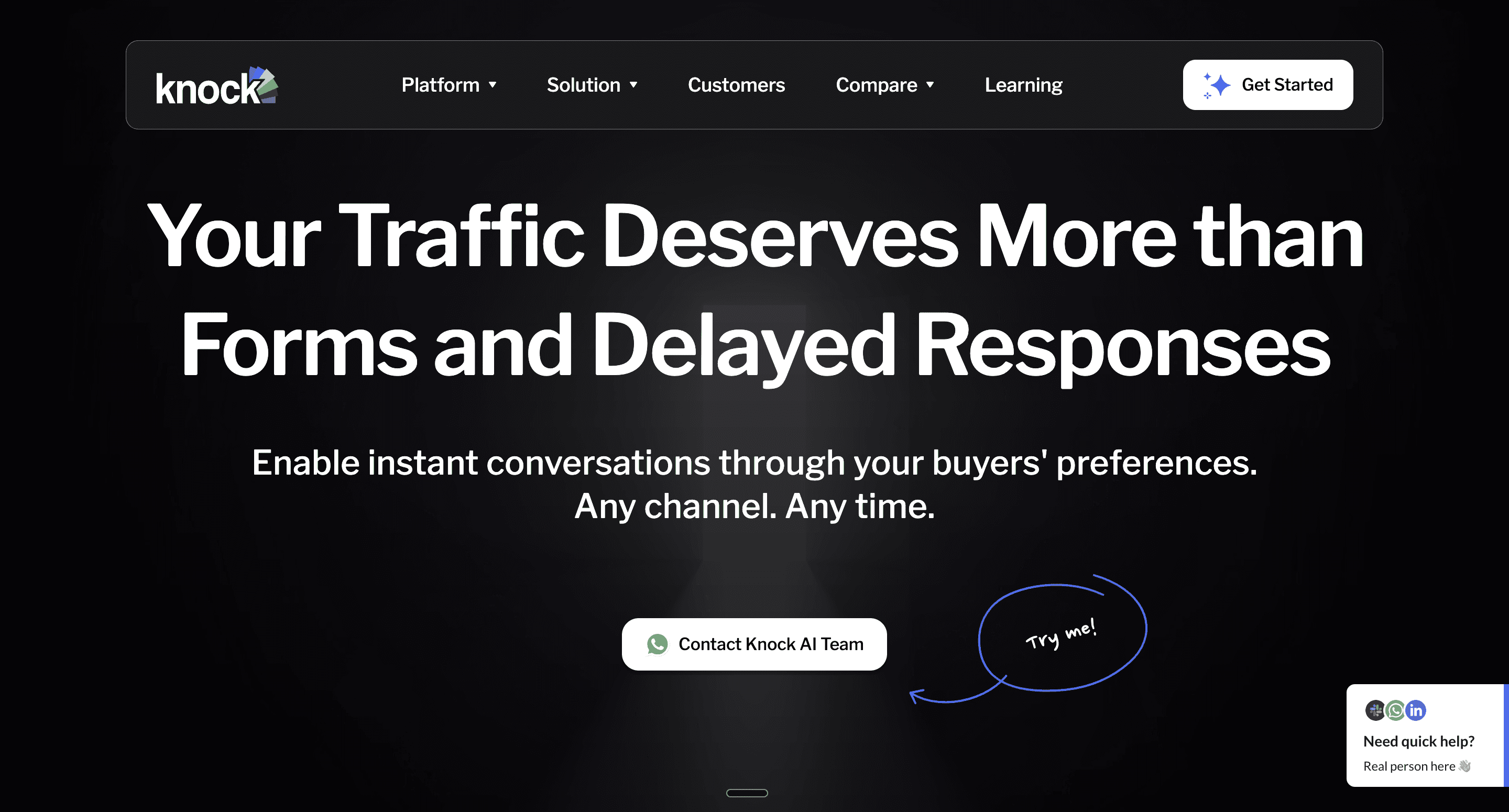
Knock AI is a formless B2B funnel that turns engagement from any channel into real-time conversations and booked meetings. It captures buyer intent from websites, events, ads, AI search, review sites, and social platforms, then uses AI to enrich, qualify, and route leads instantly, without friction.
Key Features
Formless Conversations: Buyers start chats and book meetings instantly without filling forms.
Multi-Channel Entry Points: Capture leads from website, WhatsApp, LinkedIn, Slack, Telegram, G2, webinars, events, ads, and influencer content.
Real-Time Intent Detection: Identifies who the visitor is and how strong their buying intent is as they engage.
AI Lead Enrichment: Automatically enriches leads with firmographic and behavioral data.
AI Qualification & Routing: Qualifies leads in real time and routes them to the right SDR or calendar.
Chat-Based Scheduling: Meetings are booked directly inside the conversation flow.
CRM Integrations: Syncs seamlessly with existing sales and RevOps stacks.
Pros
Removes Funnel Friction: No forms, no delays, no drop-offs.
Instant Speed-to-Lead: High-intent buyers are engaged and booked in real time.
Higher Conversion Rates: Converts anonymous traffic into qualified meetings.
Revenue Impact: Teams report up to 6× revenue uplift from faster, intent-driven routing.
Sales Team Efficiency: Saves SDRs hours every day by automating qualification and scheduling.
Cons
Built for High-Intent Demand: Knock AI is optimized for capturing and converting inbound and intent-driven traffic, making it ideal for teams focused on revenue-ready conversations rather than cold outreach.
Scales With Growth: Performance improves as engagement across channels increases, meaning Knock AI becomes more powerful as your marketing and distribution scale.
Designed for Modern Sales Motion: Works best for teams embracing conversational, formless buying experiences instead of traditional static funnels.
Pricing: Custom pricing based on monthly lead volume and team requirements.
4. Conversational Sales & Live Chat
Tidio
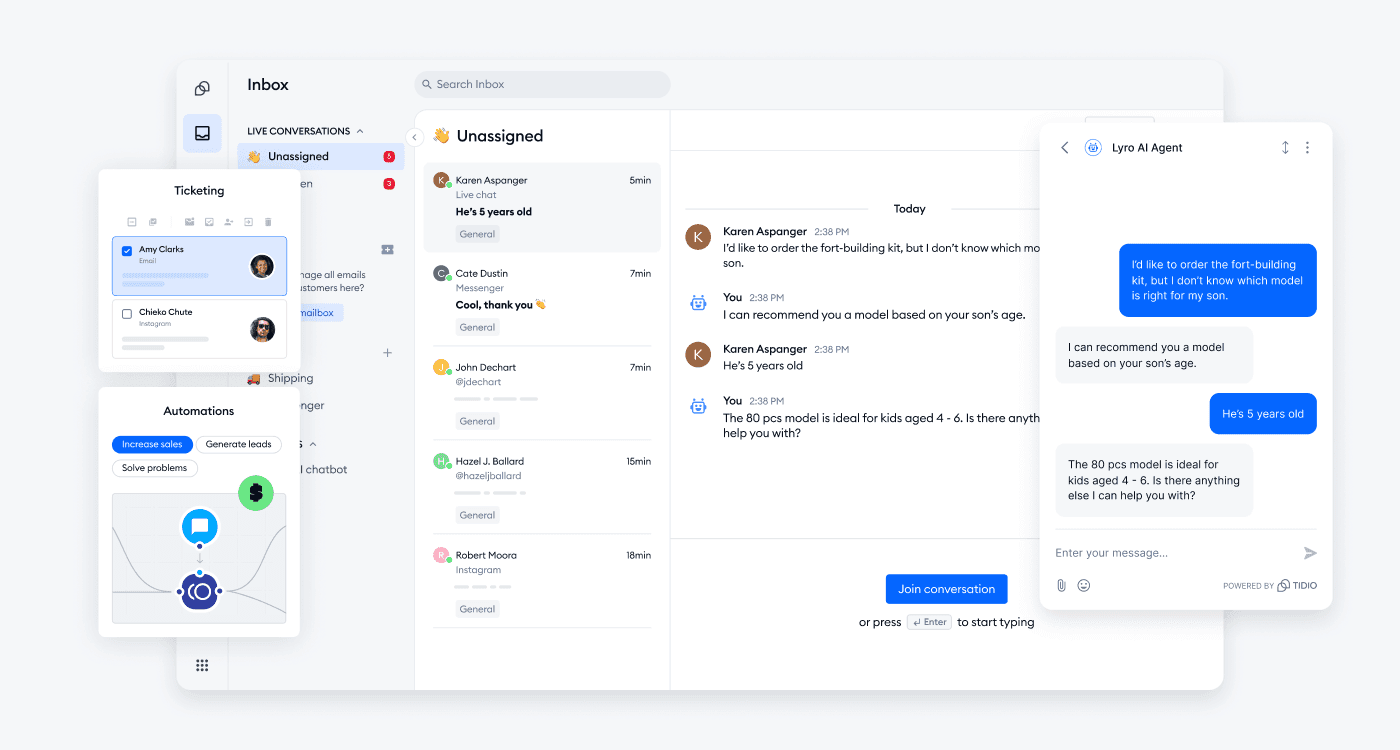
Best for: Tidio is an all-in-one customer service and marketing automation platform designed for small and medium-sized businesses looking to close more deals and strengthen customer relationships. By combining real-time communication with intelligent automation, Tidio enables brands to be available 24/7 without increasing their headcount. The best part? You can get started for free and continue using the core features for as long as you need.
Key Features:
Live Chat & AI Agent: Provides real-time communication and uses Lyro to resolve queries automatically.
Chatbot Flows: Automates lead generation, FAQs, and proactive sales outreach.
Help Desk: Centralizes messages from chat, email, and social channels into one ticketing system.
Analytics & Reporting: Offers insights into customer satisfaction and team performance.
Pros:
Combines live chat, chatbot, and helpdesk in one powerful tool.
Excellent integration with e-commerce platforms.
Automates lead qualification and sales recommendations.
Cons:
Enterprise clients may have access to all advanced productivity tracking metrics only in higher tiers.
Pricing: Tidio offers a free-forever plan with essential features. Paid plans include Starter ($29/month) and Growth ($59/month), with Tidio+ and Premium options available for advanced needs.
5. Sales Enablement
Sales enablement platforms help
Seismic
Best For: Enterprise teams requiring sophisticated content management and personalization
Seismic uses AI to bridge marketing and sales, ensuring sellers find, personalize, and share the most relevant content for any scenario.
Key Features:
AI-Powered Content Recommendations: Reps receive recommendations based on deal stage, industry, persona, and competitive situation.
Personalization at Scale: Customize approved materials while maintaining brand consistency. Marketing controls while sales gains flexibility.
Engagement Analytics: Track how prospects interact with content - pages viewed, time spent, shares.
Integrated Learning: Training capabilities ensure reps know when and how to use materials.
Centralized Repository: All materials in one searchable location with version control.
Pros:
Enterprise-Grade: Handles complexity of large organizations with governance requirements.
Strong Analytics: Content influence on deals transforms marketing-sales collaboration.
Excellent Personalization: Customize without breaking brand guidelines.
Robust Compliance: Satisfies demanding IT and legal teams.
Cons:
Complex Implementation: Significant project requiring content migration and training.
Premium Pricing: Priced for enterprise budgets.
Content Investment Required: Value depends on having quality content.
Pricing: Custom pricing for mid-market and enterprise
Alai
Best For: Sales teams creating personalized presentations and proposals at scale
Alai stands out as the best AI presentation maker for sales teams producing high-quality sales decks at scale. Purpose-built for sales workflows, Alai offers CRM integrations enabling automated, personalized presentation creation at scale.
Connect to your CRM via viaSocket, Zapier or Make, and decks generate automatically, complete with prospect name, industry, pain points, and deal size, without touching a slide. Teams that previously spent hours now have branded, personalized decks after every discovery call.
Key Features:
CRM Integration for Automated Deck Generation: Connect to Salesforce, HubSpot, Pipedrive, or 100+ other sales tools via API, viaSocket, Zapier, or Make. When deals move stages or opportunities are created, personalized presentations generate automatically with prospect-specific details populated throughout. Hours of manual work become automated workflows scaling with your pipeline.
Context-Aware AI Editing: When you edit one slide, AI understands the full presentation context and maintains narrative consistency. Changes flow logically rather than creating disjointed decks - especially useful while updating pricing, numbers or points across slides for a specific prospect. For example you can paste your entire pricing structure and ask AI to add relevant pricing modules based on services added in slide 3.
Engagement Analytics & Tracking: See who viewed your presentation, which slides they spent time on, where they dropped off. Before follow-up calls, know what resonated and what needs reinforcement.
Clean PowerPoint Exports: Unlike competitors whose exports break formatting, Alai's exports maintain design integrity. Share without embarrassing formatting issues.
Nano Banana Pro Integration: Need last minute charts or infographics added to your deck but don’t want to compromise on quality? Use Alai’s Nano Banana Pro integration to create high-quality editable visuals that match the deck’s theme.
Pros:
API Automation is Game-Changing: Automatically generate branded, personalized decks from CRM data. Teams report 80%+ time savings.
Engagement Tracking Informs Strategy: Knowing which slides prospects viewed transforms follow-up conversations.
PowerPoint Exports Work: Genuinely ready to share, maintaining design quality.
Context-aware AI: Allows you to make faster edits without breaking the flow of the deck or adding mismatched information.
Nano Banana Pro Integration: Helps you make high-quality infographics and charts without depending on designers.
Cons:
Smaller Template Library: More focused selection than general design tools.
Standalone Platform: Dedicated application rather than plugin for Google Slides or PowerPoint.
No Offline Mode: Requires internet connectivity.
Pricing: Free tier (300 credits); Plus $16/month (400 credits, PowerPoint export); Pro $25/month (1000 credits, priority support) - annual billing
Looking for more options? Find the best AI presentation makers for sales decks.
Highspot
Best For: Enterprise GTM teams needing unified enablement with AI coaching
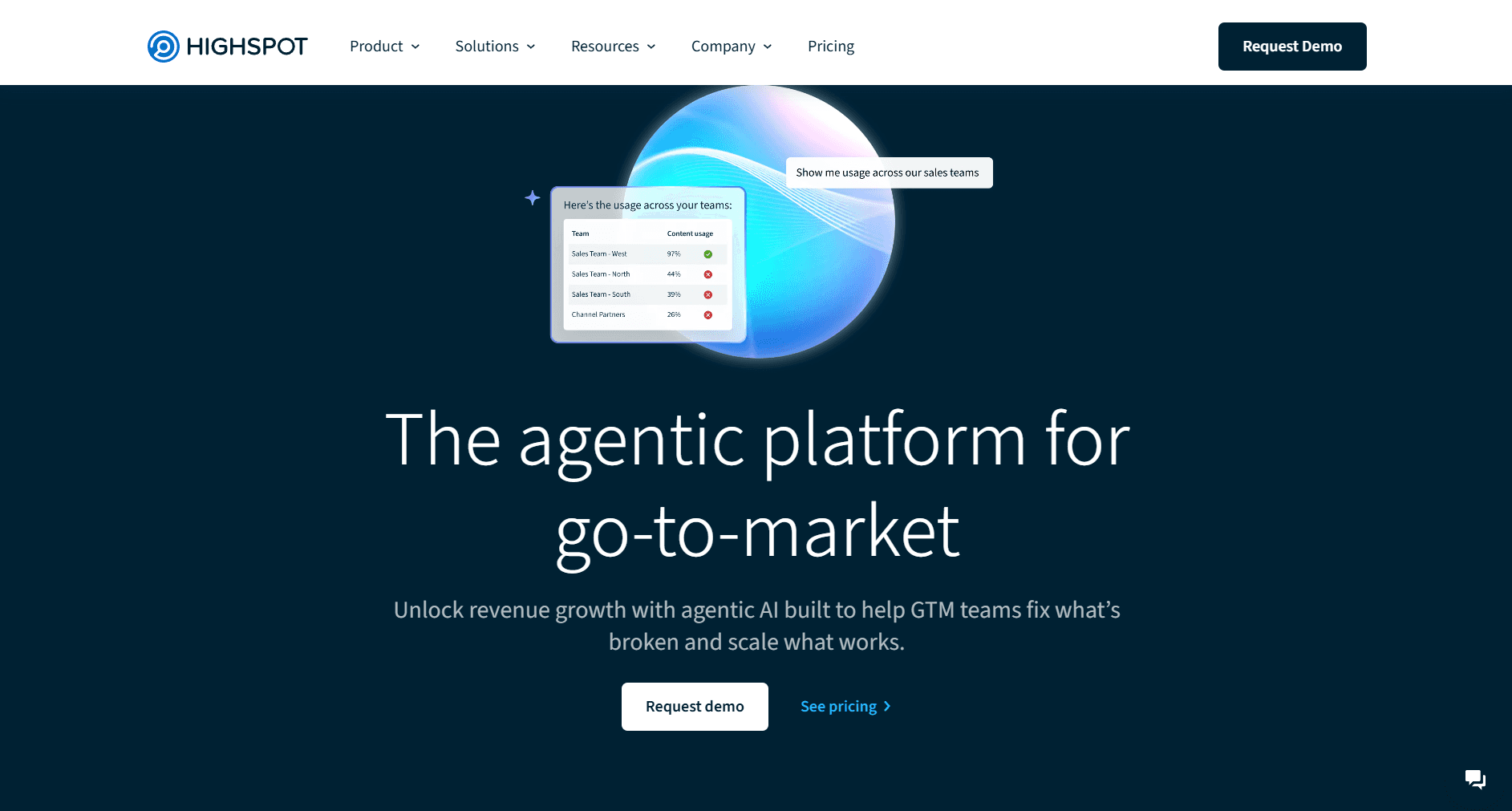
Highspot combines content management with AI-powered coaching, training, and guidance for improved rep performance.
Key Features:
AI-Guided Selling: Recommends content, plays, and actions based on deal context.
Real-Time AI Coaching: AI role-play enables practice with intelligent feedback.
Unified Content & Training: Materials and learning in one platform.
Analytics & Scorecards: Track usage, training completion, and performance metrics.
Pros:
Strong AI Coaching: Comprehensive system combining role-play, recommendations, and analytics.
Unified Approach: Content, training, coaching in one platform.
Good User Experience: Reasonably intuitive despite depth.
Cons:
Enterprise Pricing: Requires meaningful budget.
Implementation Commitment: Significant effort for content and training.
Pricing: Custom pricing for enterprise teams
6. Revenue Intelligence
Understanding pipeline reality requires more than CRM data. These tools analyse conversations, activities, and signals for ground-truth insights, whether in real-time during live calls (SalesEcho) or through post-call analysis and forecasting (Gong, Clari).
SalesEcho
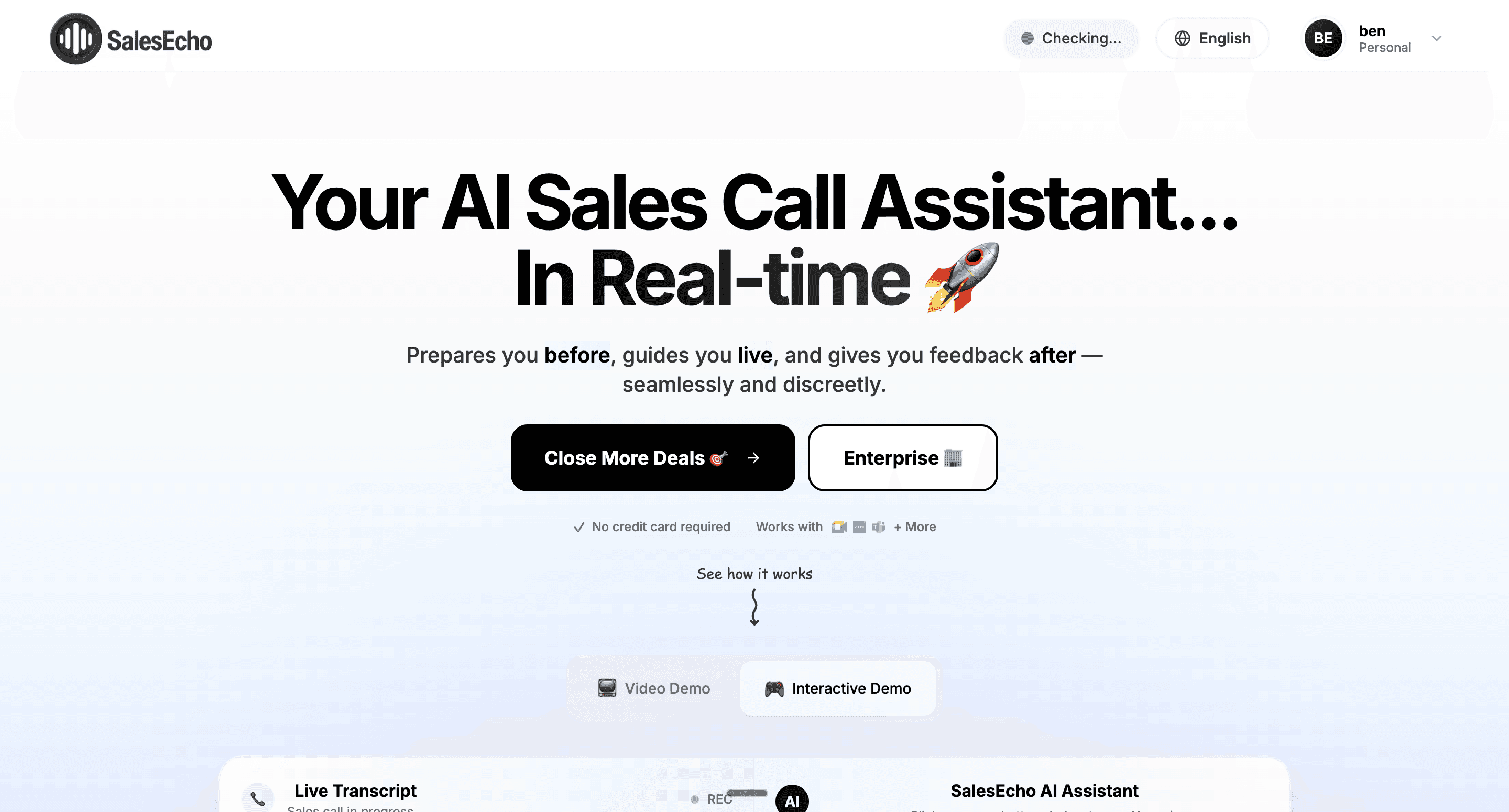
Best For: B2B sales teams that want real-time AI assistance during live sales calls to close more deals and capture perfect notes automatically.
SalesEcho is a real-time AI sales copilot that listens to live calls, understands the conversation, and gives reps instant guidance, summaries, and follow-ups.
Key Features:
Live Call Intelligence: Listens to sales calls in real time and surfaces key insights, objections, and next steps as the conversation happens.
Real-Time Coaching: Suggests what to say next, handles objections, and highlights missed talking points while the rep is still on the call.
Automatic Call Summaries: Generates structured notes, action items, and CRM-ready summaries instantly after each call.
System Audio Capture: Works seamlessly with Zoom, Meet, Teams, and VOIP tools by capturing system audio without complex setup.
Sales Learning Engine: Improves recommendations over time by learning from call outcomes and rep behaviour.
Pros:
Immediate Deal Impact: Helps reps perform better during the call, not just after.
No Workflow Disruption: Runs quietly in the background without forcing reps to change how they sell.
Cleaner CRM Data: Eliminates manual note-taking and inconsistent call summaries.
Scales Best Practices: Top-performer techniques get reinforced automatically across the team.
Cons
Too Helpful: Can surface insights faster than some reps are used to processing.
Rep Adjustment Period: Sales reps may need a short learning curve to trust live AI suggestions.
Always-On Intelligence: Requires teams to be comfortable with AI listening to calls (even though nothing changes for the buyer).
Pricing: Usage-based pricing depending on call volume and team size
Gong.io
Best For: Data-driven teams wanting visibility into customer conversations
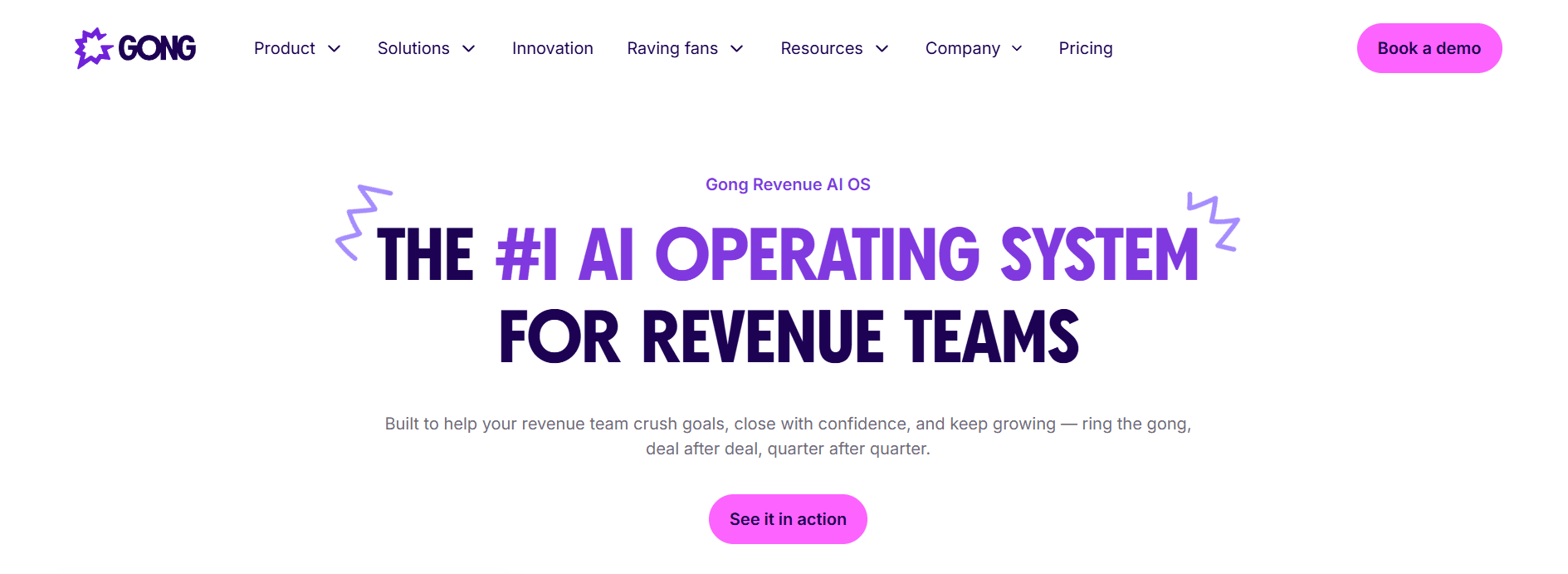
Gong uses AI to record, transcribe, and analyze every sales interaction—calls, meetings, emails. It identifies patterns humans miss and surfaces actionable insights.
Key Features:
Comprehensive Conversation Analysis: Every interaction recorded, transcribed, and analyzed. The platform identifies speakers, topics, questions, and sentiment.
Analyze Sales Calls with AI Algorithms: Uses advanced AI algorithms to analyze sales calls, extracting actionable insights, performance metrics, and real-time feedback to optimize call strategies.
Sentiment Analysis: Evaluates customer emotions and interactions during calls, enabling more tailored and effective sales strategies.
Deal Intelligence & Risk Identification: Engagement analysis across touchpoints assesses deal health. At-risk opportunities flagged automatically.
AI Coaching Recommendations: Identifies coaching opportunities by comparing rep behaviors against successful patterns.
Competitive Intelligence: Tracks competitor mentions, surfacing how prospects describe alternatives.
Reality-Based Forecasting: Analyzes conversation signals rather than rep opinions to predict outcomes.
Pros:
Industry-Leading Accuracy: Best-in-class transcription and insight extraction.
Transforms Coaching: Review AI-identified moments rather than full calls.
True Deal Visibility: Customer sentiment transforms pipeline reviews.
Robust Integrations: Connects with virtually every sales tool.
Cons:
Premium Pricing: Typically $100-150/user/month.
Requires Volume: Value depends on sufficient recorded conversations.
Implementation Complexity: Full deployment requires meaningful effort.
Privacy Considerations: Recording raises compliance questions.
Pricing: Custom pricing; typically $100-150/user/month
Clari
Best For: Revenue teams requiring best-in-class forecasting accuracy
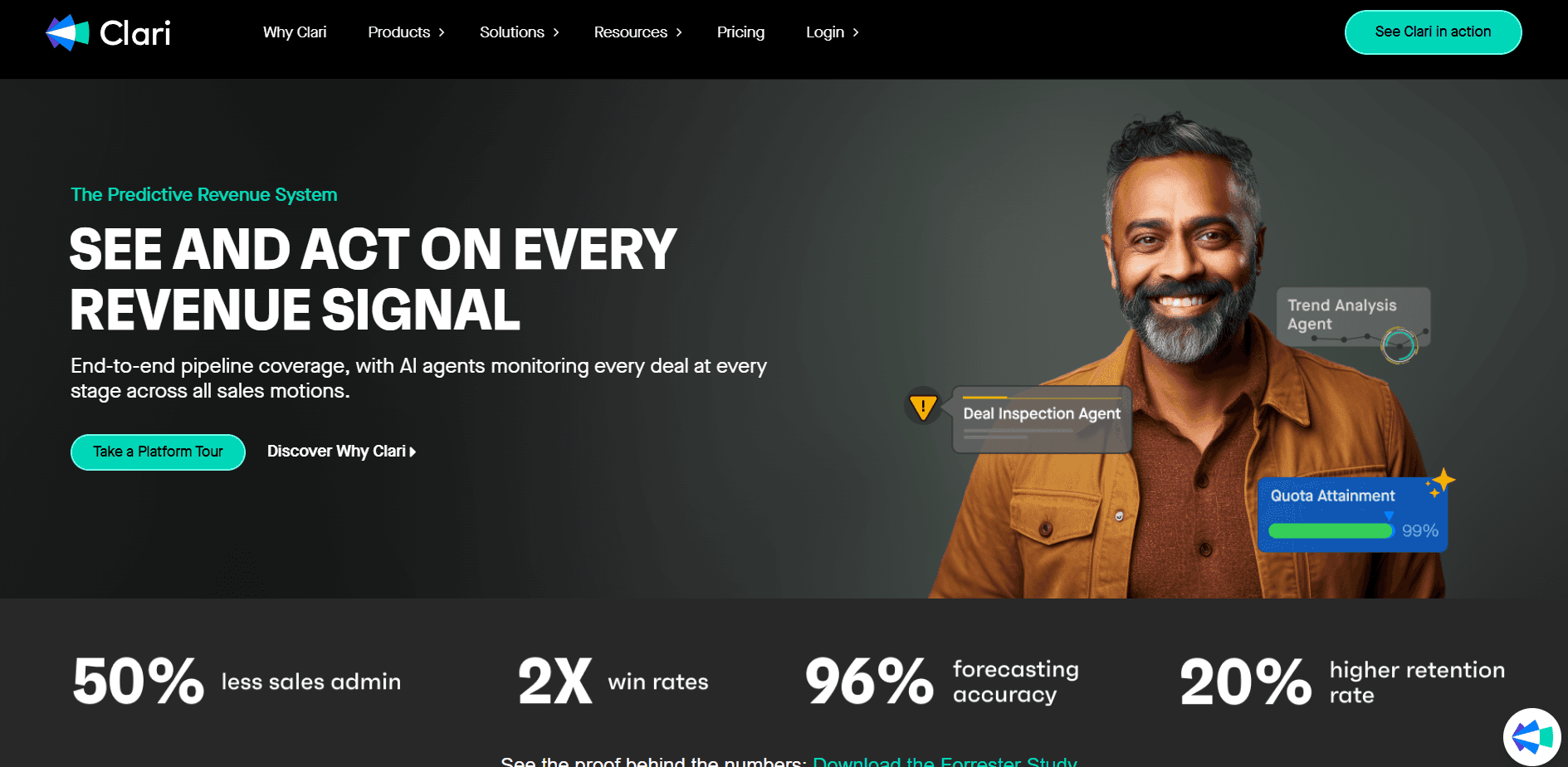
Clari provides end-to-end revenue visibility using AI. Teams consistently report 3-4% forecast accuracy.
Key Features:
AI Predictive Forecasting: Analyzes CRM data, engagement, and history for accurate forecasts.
Pipeline Inspection: Every opportunity analyzed with automatic risk flagging.
Automated Activity Capture: Rep activity captured without manual logging.
AI Deal Summaries: Activity, risks, and recommendations for each opportunity.
Pros:
Forecast Accuracy: Consistently validated by customers.
Comprehensive Visibility: Pipeline coverage, conversion rates, cycle times.
Strong Dashboards: Purpose-built views for each role.
Cons:
Requires Quality Data: Depends on accurate CRM data.
Enterprise Pricing: Significant investment.
Change Management: Leadership commitment essential.
Pricing: Custom pricing for enterprise teams
Implementation Best Practices
Successfully implementing AI sales tools requires more than purchasing software. Follow these practices to maximize investment.
Phase 1: Preparation (Weeks 1-2)
Define Success Metrics: Establish baseline measurements before implementation.
Prepare Your Data: Clean CRM of duplicates and outdated records.
Build Your Team: Identify implementation owner, technical resources, pilot users, executive sponsor.
Phase 2: Configuration & Pilot (Weeks 3-6)
Technical Setup: Complete integrations, configure permissions, test thoroughly.
Run Pilots: Deploy to 5-10 users. Define metrics, gather weekly feedback, iterate.
Phase 3: Rollout & Optimization (Weeks 7-12+)
Expand Thoughtfully: Roll out in waves. Customize training by role.
Reinforce Adoption: Share wins, recognize adopters, address resistance.
Continuous Improvement: Review monthly, stay current on features.
How to Calculate ROI for AI Sales Tools
Time Savings Value
Time Savings = Hours Saved × Reps × Hourly Cost × Working Days
Example: 2 hours/day × 20 reps × $50/hour × 250 days = $500,000 annual value
Productivity Improvement
Pipeline Value = Additional Activities × Conversion Rate × Deal Value
Example: 50 extra activities/week × 52 weeks × 20 reps × 5% meeting rate × 20% close rate × $25,000 = $2,600,000 pipeline
Total ROI
ROI = (Total Value - Total Cost) / Total Cost × 100
Example: ($1,000,000 - $200,000) / $200,000 = 400% ROI
AI Sales Tools Comparison Table
Tool | Category | Best For | Starting Price |
HubSpot Sales Hub | CRM | SMB to mid-market | Free / $20/user/month |
Attio | CRM | Modern, flexible CRM | Free / $29/user/month |
LinkedIn Sales Navigator | Social Selling | B2B LinkedIn prospecting | $99/month |
Dripify | Social Selling | LinkedIn automation | $39/user/month |
Clay | Lead Gen - Data | Prospecting workflows | Free / $149/month |
Lead Gen - Data | All-in-one prospecting | Free / $49/user/month | |
Cognism | Lead Gen - Data | Compliant phone data | Custom |
Lemlist | Lead Gen - Email | Personalized outreach | $32/user/month |
Nooks | Lead Gen - Calling | AI parallel dialer | Custom |
Orum | Lead Gen - Calling | Dialer + intelligence | Custom |
11x.ai (Alice) | Lead Gen - AI SDR | Autonomous prospecting | Custom |
Outreach | Sales Engagement | Enterprise automation | ~$100/user/month |
Salesloft | Sales Engagement | Enterprise selling | Custom |
Tidio | Conversational Sales & Live Chat | Customer engagement | Free / $29/month |
Seismic | Sales Enablement | Enterprise content | Custom |
Alai | Sales Enablement | Sales decks at scale | Free / $16/month |
Highspot | Sales Enablement | GTM performance | Custom |
Revenue Intelligence | Conversation analysis | ~$100/user/month | |
Clari | Revenue Intelligence | Forecasting accuracy | Custom |
Frequently Asked Questions
What is an AI sales tool?
An AI sales tool uses artificial intelligence to automate and enhance sales tasks—lead generation, outreach, conversation analysis, forecasting, and content creation.
Will AI replace sales reps?
No. AI automates administrative tasks, freeing reps for relationship building and strategic work.
How much do AI sales tools cost?
Basic tools start at $20-50/user/month. Comprehensive platforms range $100-200+/user/month. Enterprise requires custom pricing.
What's the typical ROI timeline?
Teams see results within 3-6 months. Productivity gains often appear in 30-60 days.
What are the trending AI sales tools in 2026?
Clay for data orchestration, Nooks and Orum for AI-powered dialing, 11x.ai and Artisan for AI SDRs, Smartlead for cold email at scale, Attio for modern CRM and Alai for sales enablement decks are gaining significant traction.
What integrations matter most?
CRM integration is critical, ensure bi-directional sync. Email and calendar integration are also essential.
Conclusion: Building Your AI-Powered Sales Stack
The best AI sales tools depend on your specific challenges, sales motion, and existing stack. Start with 2-3 tools addressing your most pressing pain points.
For most teams, a strong foundation includes:
AI-enhanced CRM (Salesforce Einstein, HubSpot, or Attio) as your system of record
Lead data + outreach tool (Clay + email tool, or Apollo for all-in-one)
One specialized tool based on biggest gap - calling (Nooks/Orum), presentations (Alai), conversation intelligence (Gong), or forecasting (Clari)
The organizations winning in 2026 aren't just using AI, they're using the right AI for their specific selling motion.
What are the best AI sales tools in 2026?
The best AI sales tools depend on the job: Clay for prospecting workflows, Nooks for sales engagement, Attio for CRM, and Alai when sales teams need polished proposal or meeting decks.
How are sales teams using AI?
Sales teams use AI for prospect research, lead enrichment, outbound writing, call analysis, forecasting, proposal creation, and presentation building. The best stack connects these workflows instead of isolating them.
Can AI help create sales presentations?
Yes. AI can turn discovery notes, product context, and proposal content into a sales presentation, but the output needs strong structure, accurate proof points, and editable design.
What should I check before buying an AI sales tool?
Check data quality, CRM fit, workflow ownership, compliance, collaboration, pricing at scale, and whether the tool saves rep time in the actual sales motion.
Are AI sales tools worth it?
They are worth it when they remove repetitive work without reducing judgment. The highest value usually comes from research, personalization, proposal creation, and follow-up workflows.
PAGES
Compare Tools
resources