·
CASE STUDY
·
13 min read

Marketing Lead
I've spent 2 years creating client presentations as an agency employee. Strategy decks, market analyses, monthly reports - you name it, I've built it. Usually at 2 AM the night before a review meeting.
So when AI presentation makers started promising to cut deck-building time in half, I had to test them. I ran eight tools through actual consulting scenarios: transforming documents into executive summaries, building data-heavy strategy decks, and creating client-ready pitch materials.
Here's what I found and which AI presentation maker will actually help you deliver better client work, faster.
Why Consultants Need a Different AI Presentation Maker
Generic AI presentation tools are built for marketers creating one-off social content. But consulting work is different. You’re dealing with:
Complex data visualization: Waterfall charts, MECE frameworks, hypothesis trees
Document-to-deck workflows: Transforming 50-page research reports into 15-slide executive summaries
Tight deadlines: Sometimes you have 3 hours to turn a strategy session into a polished deliverable
The best AI presentation maker reduce the need for advanced design skills, making it easier for consultants to create polished presentations, fast.
Let me walk you through how each tool ranked against speed, design and ease of iteration (the primary factors I tested them against).
How I Tested These Tools
Generic AI presentation reviews test whether tools can make “a slide about marketing.” That’s not useful for consultants. I evaluated each tool against five criteria that reflect how consulting presentations actually get built, with a focus on content quality, content creation efficiency, and slide creation capabilities.
1. Strategy Deck Quality
Can the tool create consulting-specific frameworks? I tested each tool’s ability to generate:
MECE structures and hypothesis trees
Competitive matrices and feature comparisons
Waterfall charts and funnel diagrams
Hub-and-spoke organizational models
Executive summary slides that synthesize complex information
2. Document-to-Deck Conversion
Consultants rarely start from scratch. I uploaded a 47-page market research report to each tool and evaluated:
How well it identified key insights worth including
Whether it preserved data accuracy during extraction
The logical flow of the resulting deck structure
Time from upload to usable first draft
Additionally, I assessed each tool's ability to edit slides, enhance existing presentations, and transform existing slides into new formats, ensuring they streamline the process of refining and repurposing professional decks.
3. Design Polish
Client perception matters. I assessed:
Visual sophistication compared to top-tier consulting firm standards
Consistency across slides (spacing, alignment, typography)
Quality of data visualization defaults
Additionally, I evaluated the availability of professionally designed templates, presentation templates, and presentation themes, as well as the quality of slide layouts, design elements, and the ability to produce a polished presentation.
4. Iteration Speed
Consulting decks go through multiple revisions. I measured:
Time to implement feedback on individual slides
Whether edits to one slide broke others
Ability to refine with AI assistance after initial generation
Manual effort required for common changes
Additionally, I tested how quickly each tool could create slides, generate slides, and create presentations during iterative revisions.
5. Export Reliability
Most clients expect PowerPoint files. I tested:
Formatting preservation when exporting to .pptx
Chart and diagram integrity after export
Font and colour accuracy
File compatibility with client systems
Best AI Presentation Maker for Consultants: Quick Summary
Tool | Best For | Key Strength | Starting Price |
Alai | Strategy decks and client-facing deliverables | Purpose-built consulting frameworks (matrices, funnels, hub-and-spoke); four layout options per slide (core features); includes basic features like text-to-slide conversion and AI-generated visuals | $16/mo |
Visme | Data-heavy presentations and visual reports | Advanced data visualization; infographic capabilities; chart variety (advanced features); offers basic features such as customizable templates and AI-generated content | $12.25/mo |
Matik | Recurring client reports and QBRs | Automated data pulls from CRM and databases; template-based personalization at scale (core and advanced features) | Custom pricing |
Plus AI | Teams embedded in Google Workspace | Native Google Slides integration; works inside existing workflows (core features); provides basic features like slide customization and AI-generated layouts | $10/mo |
1. Alai: Design Flexibility Meets Consulting Frameworks
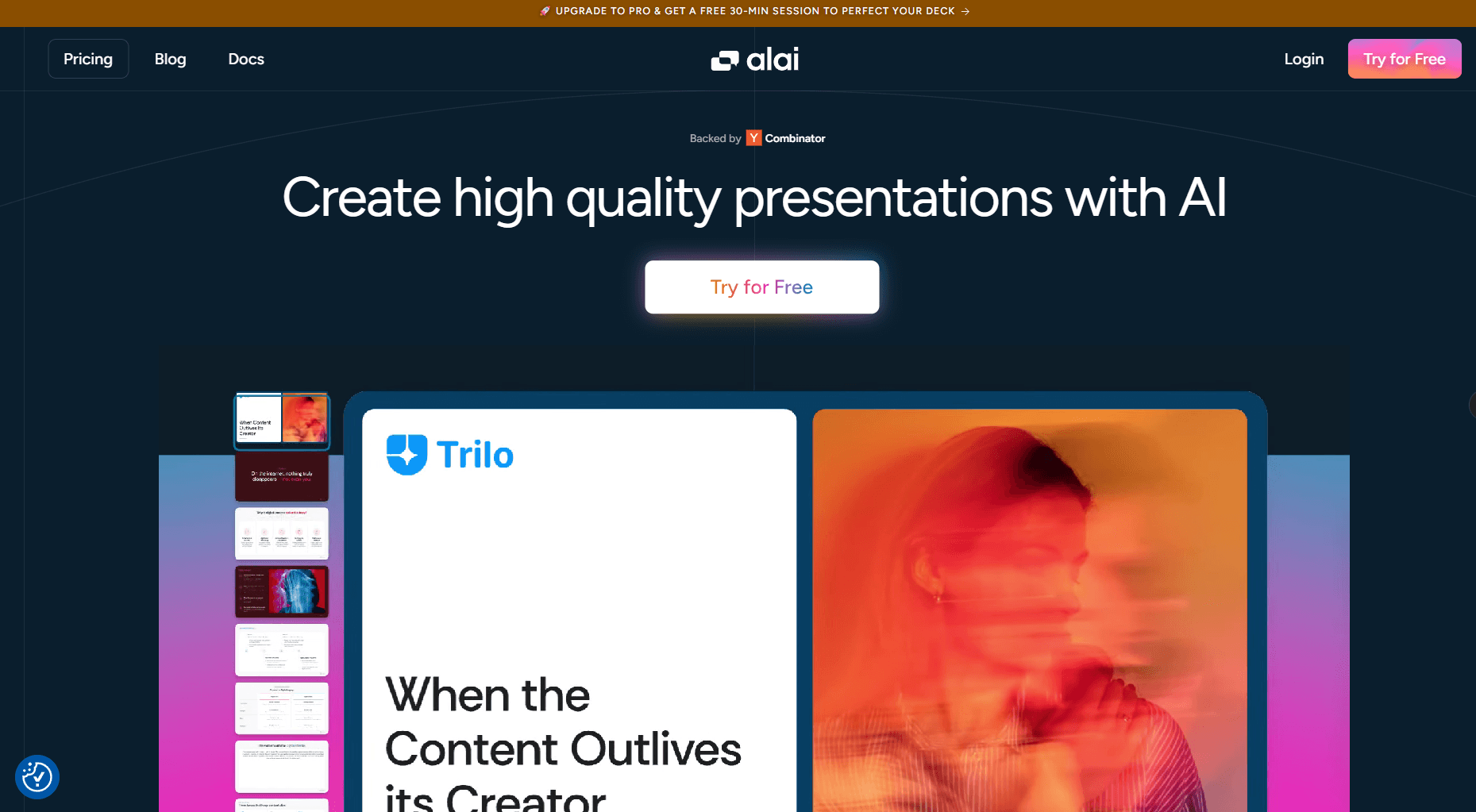
Alai differentiates itself through consulting-specific components and design flexibility. The tool is built around the assumption that users need strategic visualizations, not just bullet points.
Design Elements Made For Consulting
Alai includes components designed for strategy work:
Compare Two blocks for competitive analysis
Feature Matrix layouts for capability assessments
Funnel diagrams for pipeline and conversion analysis
Hub & Spoke structures for organizational models
The best part? Since Alai provides 4 variants for each slide, it allows you to test which element fits your content the best instead of spending time regenerating the same slide multiple times.
Document-to-Deck Conversion
I uploaded the 47-page market research PDF. Alai extracted key insights, structured them into a logical deck flow, and preserved data accuracy.
The tool correctly identified which findings belonged in the executive summary versus the appendix - a distinction that trips up most AI tools.
Design Polish
Alai's output follows modern design principles: generous white space, clean typography, and visual hierarchy ensures each slide looks professionally designed.
The responsive canvas automatically adjusts when you add or remove elements. Spacing, alignment, and typography remained consistent throughout testing.
AI Image Generation with Nano Banana Pro
Alai integrates Nano Banana Pro to create high-quality image slides that are editable and theme consistent.
For consultants, this means generating high-quality market concept illustrations, process diagrams, or infographics without needing design knowledge or prompt engineering.
Custom Themes and Brand Control
Upload your firm's visual identity: colours, fonts, logos. Alai applies your branding consistently across generated slides, so output aligns with established brand guidelines from the first draft.
For boutique firms with distinctive visual identities or consultants working under client brand requirements, this eliminates the manual reformatting step that other tools require.
API for Automated Deck Generation
Alai's API enables automated presentation creation at scale. Connect to your CRM, project management tools, or internal databases to generate decks programmatically.
Use cases for consultants:
Auto-generate weekly client status decks pulling project data
Create personalized pitch decks from CRM opportunity records
Build monthly report templates that populate with fresh metrics
Trigger deck generation from workflow automation tools
This moves Alai from a manual creation tool to an infrastructure layer for presentation automation, particularly valuable for firms with recurring deliverables across multiple clients.
Iteration Speed
Full creative control: edit manually or continue refining with AI. Rewrite text, restyle visuals, or swap layouts without cascading changes to other slides. Context-aware AI ensures edits maintain consistency with your entire deck.
Export Reliability
PowerPoint export preserved formatting completely. Charts stayed formatted, alignments held, and the .pptx file matched the Alai version, critical when clients require native PowerPoint files.
Pricing
Free: 200 AI credits, PDF export
Plus: $16/month (annual) — 400 AI credits, PowerPoint export
Pro: $25/month (annual) — 1000 AI credits, priority support
Best For
Strategy decks, market analyses, board presentations, and deliverables requiring consulting-specific frameworks.
Limitations
Standalone platform with no Google Slides or PowerPoint plugin. No offline mode. Smaller template library than general-purpose design tools, though the AI-generated designs compensate.
Visme: Built for Data Visualization
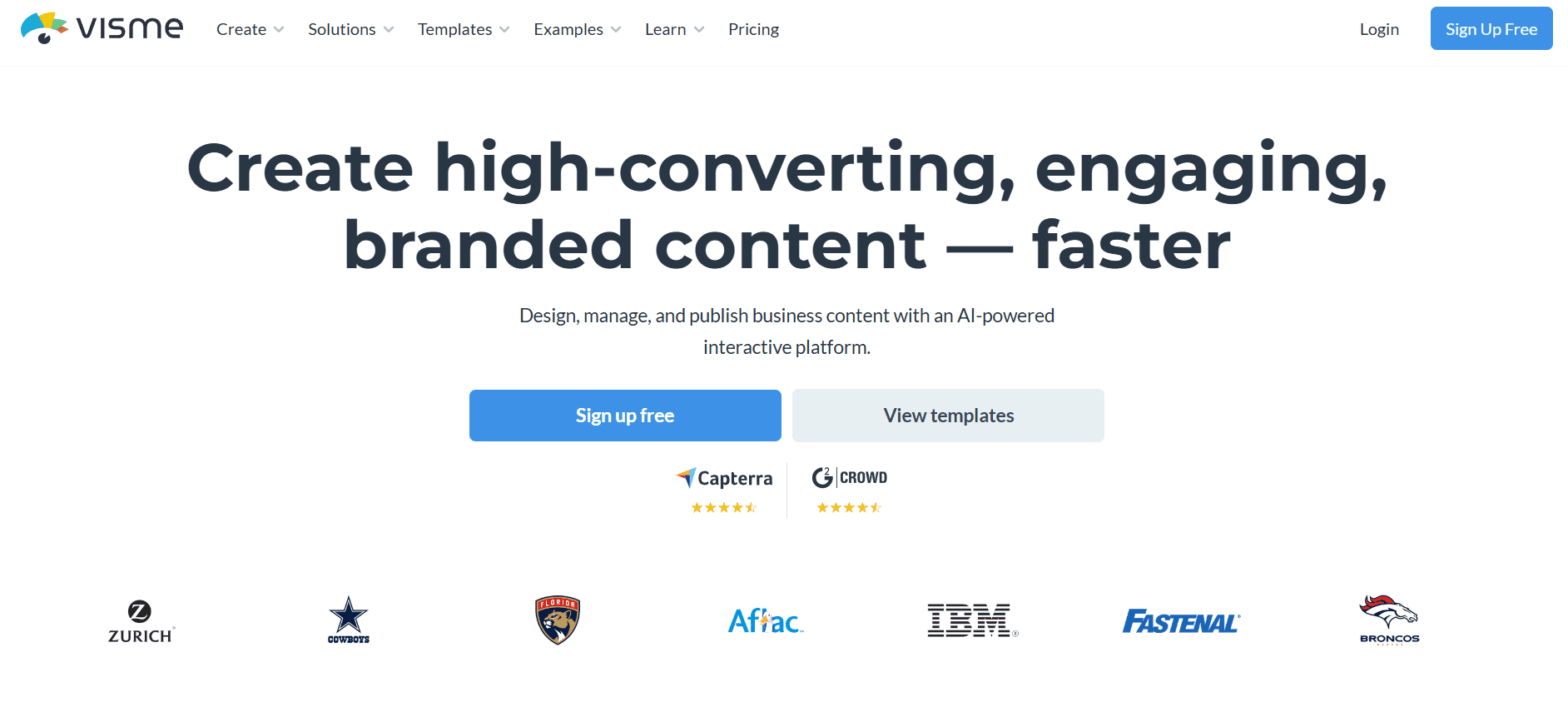
Visme positions itself as a visual communication platform rather than just a presentation tool. For consultants dealing with data-heavy deliverables, the depth of charting and infographic capabilities sets it apart.
Strategy Deck Quality
Visme offers extensive chart types and data visualization options - more variety than most presentation tools. Waterfall charts, Gantt charts, radial diagrams, and statistical graphs are available out of the box.
However, consulting-specific frameworks like MECE structures or hypothesis trees require manual construction. The tool excels at visualizing data but doesn't include pre-built strategic framework templates. You'll use the charting capabilities to build frameworks yourself rather than selecting from consulting-specific components.
Document-to-Deck Conversion
Visme's AI can generate presentations from text prompts, but document-to-deck conversion isn't the tool's primary strength. Uploading a research PDF produces basic results that require significant restructuring.
Where Visme shines is connecting to live data sources. Link spreadsheets or databases and charts update automatically - useful for recurring reports with refreshed metrics.
Design Polish
Strong visual output, particularly for data-centric slides. The infographic heritage shows: charts look polished, and data visualization defaults are sophisticated.
The interface offers more design control than most AI presentation tools, which cuts both ways. You can achieve highly customized output, but you're also making more manual design decisions. The learning curve is steeper than simpler AI-native tools.
Iteration Speed
More manual than AI-driven. Visme provides design tools and components; you assemble them. The AI assists with content generation and design suggestions, but the workflow feels closer to a design tool than an AI presentation generator.
For consultants comfortable with design software, this offers control. For those wanting AI to handle design decisions, expect more hands-on work.
Export Reliability
Exports to PowerPoint, PDF, and HTML. PowerPoint exports generally maintain formatting, though complex animations or interactive elements may not transfer perfectly. Static presentations export cleanly.
Pricing
Basic: Free — limited templates and storage
Starter: $12.25/month (annual) — full template access, basic brand kit
Pro: $24.75/month (annual) — complete brand kit, analytics, priority support
Enterprise: Custom pricing
Best For
Data-heavy consulting deliverables: financial analyses, market sizing, operational dashboards, and reports where chart quality directly impacts credibility. Consultants who need sophisticated data visualization beyond basic bar and pie charts.
Limitations
Steeper learning curve than AI-native tools. Document-to-deck conversion is weaker than competitors. The depth of features requires time investment to use effectively. Less suited for quick deck generation; more suited for polished data presentations where you'll invest design time.
Matik: Automated Data-Driven Decks at Scale
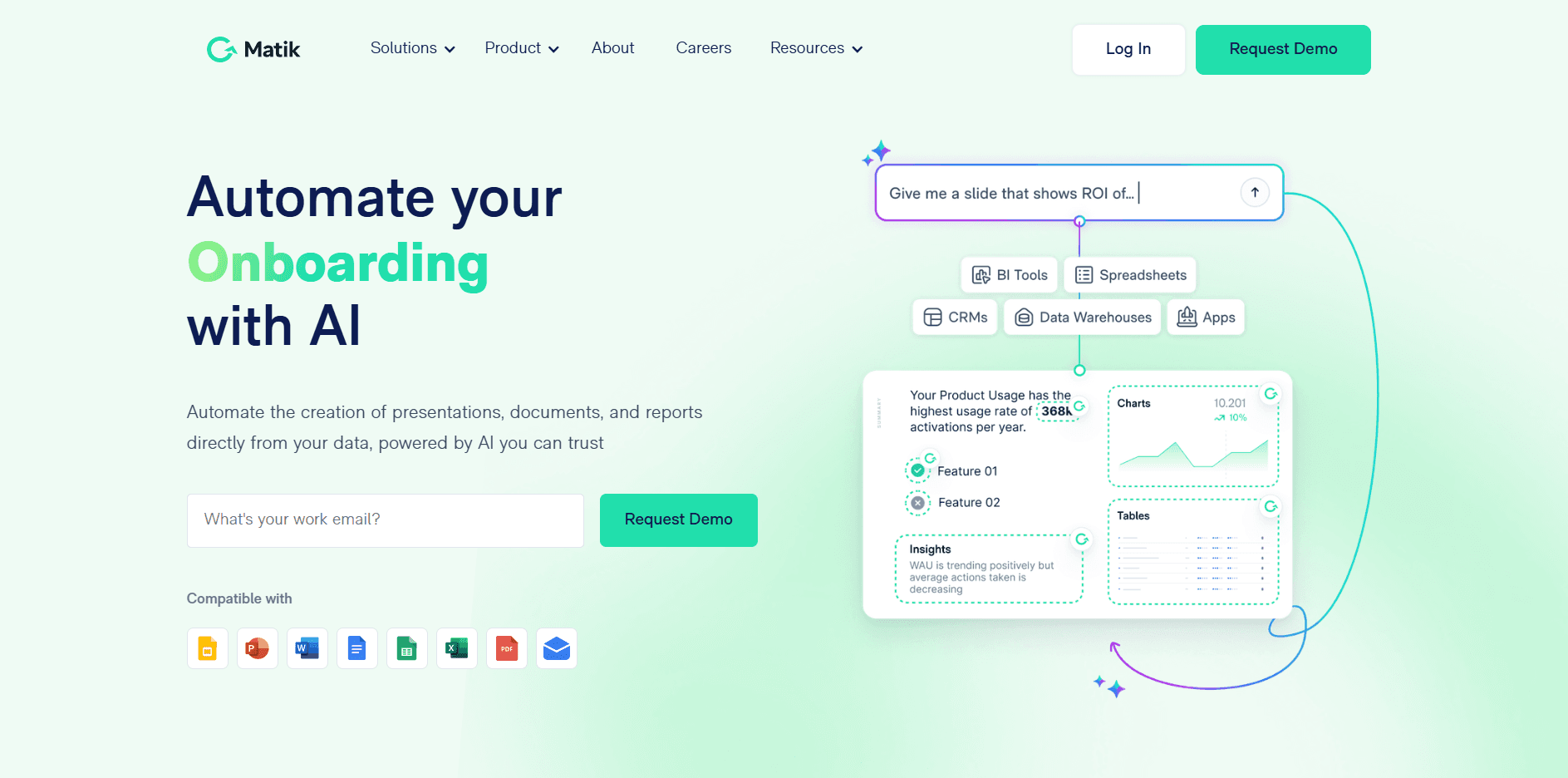
Matik takes a fundamentally different approach than other tools on this list. Rather than generating presentations from prompts, it automates personalized, data-driven decks by pulling information from your CRM, databases, and spreadsheets.
Strategy Deck Quality
Matik doesn't generate strategic frameworks - it populates templates with data. You build the framework once, then Matik fills it with client-specific metrics, account data, or market information automatically.
For recurring deliverables like quarterly business reviews (QBRs), account reviews, or monthly reports, this approach produces consistent strategic narratives personalized with fresh data. For one-off strategy decks, Matik offers less value.
Document-to-Deck Conversion
This isn't Matik's use case. The tool pulls structured data from connected sources (Salesforce, HubSpot, spreadsheets, databases) rather than converting unstructured documents.
Where Matik excels is turning data into presentations without manual data entry. Connect your systems once, build templates, and generate personalized decks for each client or account automatically.
Design Polish
Output quality depends on your template design. Matik populates templates; it doesn't make design decisions. Invest in well-designed master templates and every generated deck inherits that polish. Start with mediocre templates and you'll get mediocre output at scale.
For consulting firms with established visual identities and professional templates, Matik maintains that quality across high volumes of personalized deliverables.
Iteration Speed
Once templates are configured, deck generation is nearly instantaneous. Update the underlying data and regenerate, no manual editing required.
The upfront investment is significant: connecting data sources, building templates, mapping data fields. This pays off for recurring deliverables but represents overhead for occasional use.
Export Reliability
Generates native PowerPoint and Google Slides files. Since Matik works through templates in these formats, export compatibility is inherent rather than a conversion step.
Pricing
Custom pricing based on usage and integrations
Typically requires annual commitment
Contact sales for quotes
Best For
Consulting firms producing recurring client deliverables at scale: QBRs, monthly performance reports, account reviews, or any situation where you're creating similar decks for multiple clients with personalized data. Firms with CRM data they want to flow automatically into client presentations.
Limitations
Requires meaningful setup investment—not a tool you'll use effectively on day one. Less useful for one-off strategy decks or engagements with unique frameworks. The value proposition depends on having recurring deliverables and structured data sources to connect.
Plus AI: Native Google Slides Integration
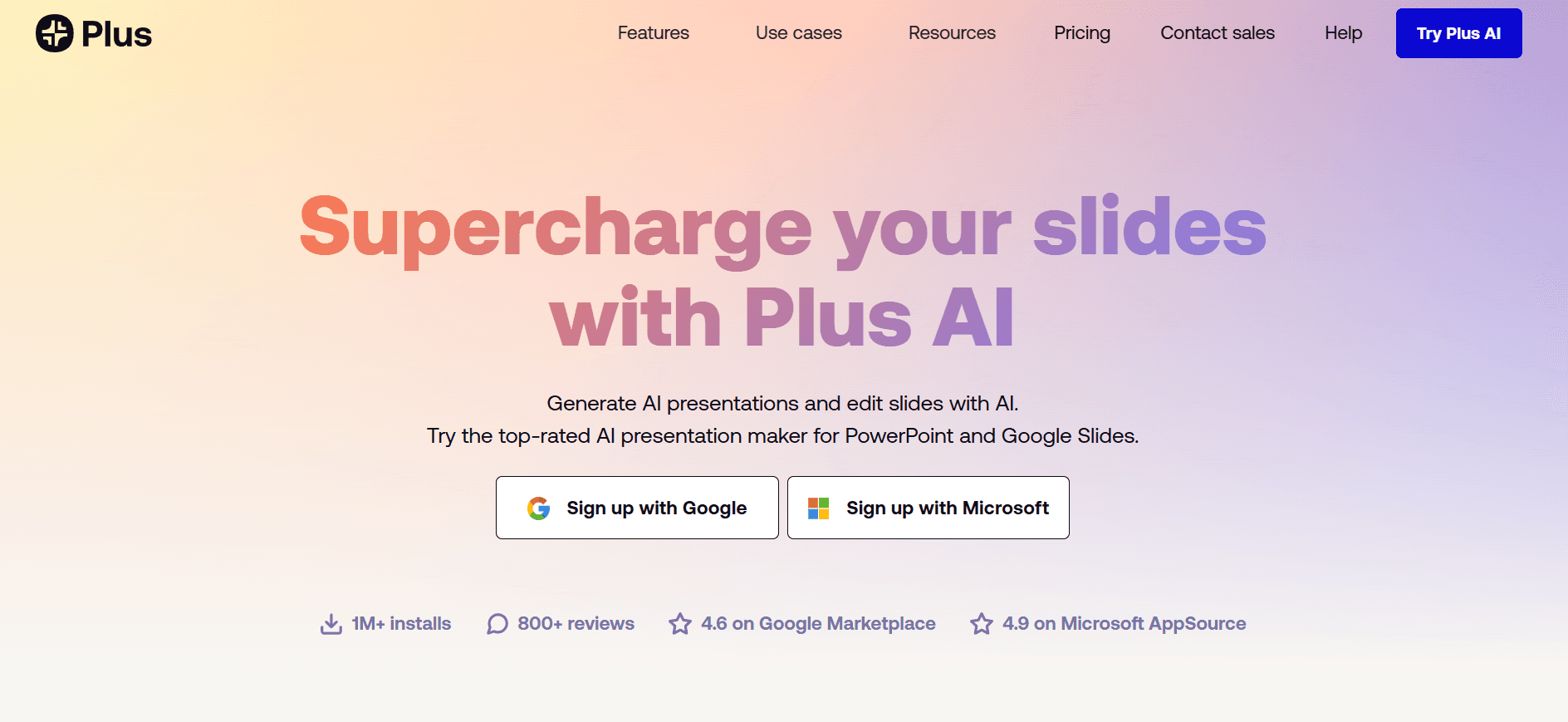
Plus AI works inside Google Slides and PowerPoint as an add-on rather than a standalone platform. For consultants whose teams live in Google Workspace, it adds AI capabilities without changing workflows.
Strategy Deck Quality
Plus AI generates standard presentation content: titles, bullet points, basic visuals. Consulting-specific frameworks like matrices or hub-and-spoke diagrams aren't built in, you'll get the content, then structure it yourself using Google Slides' native tools.
The AI handles content generation well. Prompts about market analysis or competitive positioning produce relevant text. Visual framework creation remains manual.
Document-to-Deck Conversion
Upload documents or paste content and Plus AI structures it into slides. Results are functional starting points that require refinement. The tool captures key points but doesn't always identify the optimal structure for consulting narratives.
The Live Snapshots feature stands out: embed live screenshots from dashboards, apps, or websites directly into slides. One click refreshes all snapshots across the deck—useful for consultants pulling metrics from client systems or analytics platforms.
Design Polish
Output inherits Google Slides' design constraints. Plus AI makes smart layout choices within those constraints, but the ceiling is Google Slides' ceiling.
For teams with polished Google Slides templates, Plus AI generates content that fits the template structure. Starting from blank, output looks like competent Google Slides, professional but not distinctive.
Iteration Speed
Fast iteration within the familiar Google Slides environment. AI can rewrite, expand, or restructure content on command. Native collaboration features work normally, real-time co-editing, comments, version history.
The zero-learning-curve advantage is real: consultants already proficient in Google Slides gain AI capabilities immediately without adopting new software.
Export Reliability
Native Google Slides files with straightforward PowerPoint export through Google's standard conversion. Formatting generally holds, with occasional adjustments needed for complex elements.
Pricing
Basic: $10/month (annual) - unlimited AI presentations, Live Snapshots
Pro: $20/month (annual) - custom themes, longer prompts
Team: $30/month (annual) - custom templates, shared libraries, admin controls
Best For
Consulting teams embedded in Google Workspace who want AI assistance without changing platforms. Organizations with established Google Slides templates and workflows. Situations where Live Snapshots from dashboards or external tools add value.
Limitations
Output quality is bounded by Google Slides' capabilities. Design sophistication doesn't match standalone AI presentation tools. For consultants with platform flexibility, dedicated tools produce more polished results. The add-on approach enhances Google Slides rather than transcending its limitations.
Frequently Asked Questions
Can AI presentation tools create proper consulting frameworks?
Varies significantly by tool. Alai includes purpose-built components for matrices, funnels, and strategic diagrams. Visme offers extensive charting but requires manual framework construction. Matik populates frameworks you've built with personalized data. Plus AI generates content that you then structure using native Google Slides tools.
How much time do these tools save?
Depends on your use case. Alai saves time through design and automation. Visme saves time on data visualization but requires design investment. Plus AI saves time for teams already in Google Slides by adding AI without workflow disruption.
Which tool handles document-to-deck conversion best?
Alai handles unstructured document conversion most effectively, identifying what belongs in executive summaries versus supporting detail. Matik excels at structured data-to-deck automation but doesn't convert documents. Visme and Plus AI offer document conversion but produce results requiring more restructuring.
Do exports work reliably for client delivery?
Alai exports cleanly to PowerPoint. Matik generates native PowerPoint or Google Slides files directly. Plus AI inherits Google Slides' export capabilities. Visme exports well for static presentations; interactive elements may need adjustment.
Which tool works best for data-heavy presentations?
While all tools handle charts and graphs well, Alai stands out due to its Nano Banana Pro integration that allows users to generate high-quality visual within a few clicks.
How should I share my presentation with clients after exporting?
Most consultants export to PowerPoint or PDF, then share via email. For a more professional approach, you can create a link to a PDF of your deck using a dedicated hosting tool. This lets you track who viewed it, set expiration dates, and avoid large email attachments—especially useful for sensitive strategy decks or board presentations.
Choosing the Right AI Presentation Maker
Each tool serves different consulting workflows:
Alai provides the deepest support for consulting-specific frameworks and delivers polished output with minimal manual design work. It works best for strategy decks, board presentations, and deliverables where design quality and strategic structure both matter.
Visme offers sophisticated data visualization for consultants producing analytics-heavy deliverables. The depth of charting options exceeds typical presentation tools, though the learning curve is steeper and the workflow is more design-centric than AI-driven.
Matik solves a different problem entirely: automating personalized, data-driven presentations at scale. For firms with recurring client deliverables and structured data in CRM or databases, the efficiency gains are substantial. For one-off decks, other tools fit better.
Plus AI keeps consultants in their existing Google Workspace environment while adding AI capabilities. The approach trades maximum output quality for zero workflow disruption, a reasonable trade-off for teams deeply invested in Google Slides.
The right choice depends on your deliverable types, data sources, platform constraints, and whether you're optimizing for one-off quality or recurring efficiency.
Related Resources
PAGES
Compare Tools
resources