·
BASICS
·
20 min read

Marketing Lead
Remember when putting together a quarterly marketing report meant spending half your Friday dragging text boxes and building charts from scratch? Those days are behind us.
AI presentation makers have changed how marketing teams work. These tools can now turn your campaign briefs, performance data, proposals and creative concepts into polished decks in minutes instead of hours.
But here's the catch: not every AI presentation tool understands what marketers actually need. Some are built for educators. Others target start-up founders. And a few try to do everything, ending up mediocre at all of it.
I tested over a dozen AI presentation makers specifically from a marketing perspective - creating proposal decks, campaign reports, sales enablement materials, and product marketing presentations. I evaluated how each tool handled marketing-specific requirements: brand consistency, visual storytelling, data visualization, and the ability to produce client-ready decks without hours of manual clean-up.
Some tools impressed. Others wasted more time than they saved.
This guide will help you understand which AI presentations makers are the best fit for marketing teams in 2026.
What Makes an AI Presentation Maker Ideal for Marketing?
Before diving into the tools, here's what actually matters when you're building marketing decks:
Brand Consistency
Marketing lives and dies by brand. The right AI presentation maker applies your logos, fonts, and colours automatically across every slide. No more manually adjusting hex codes at 11 PM.
Look for tools that offer Brand Kits or theme systems where you can save your brand assets once and apply them across every presentation. The best tools go beyond basic colour matching, they understand how to apply brand elements contextually, knowing when to use your primary colour versus an accent.
Visual and Media Support
Marketing presentations need visuals that stop the scroll. The best AI tools pull relevant images, generate custom graphics, and maintain visual hierarchy without you micromanaging every element.
With advanced image generation features, these tools can create AI generated images that match your brand or campaign style. Beyond stock photos, look for marketing-specific visual elements: comparison tables, feature matrices, customer journey maps, and funnel diagrams.
Flexible Export Options
Your deck might start in the AI tool but end up in PowerPoint for a client, Google Slides for internal review, or PDF for an email attachment. Export flexibility isn't optional, it's essential.
Pay attention to export quality, not just format availability. Some tools advertise PowerPoint export but deliver files with broken layouts, missing fonts, or images that shift position.
Collaboration Features
Marketing is a team sport. Real-time editing, commenting, and version control keep everyone aligned without the chaos of "Final_v3_ACTUALLY_FINAL.pptx" files floating around.
Speed
If the AI tool takes longer than doing it yourself, what's the point? The best marketing AI presentation makers get you from brief to first draft in minutes.
API Integrations
Imagine if you could automate your weekly campaign reports by connecting your ai presentation tool with your campaigns/dashboards or if you could send out personalised decks to prospects at scale by connecting your CRM - this is where API integrations become the need of the hour.
How We Evaluated These Tools
Here are the primary factors on which we've reviewed the tools in this guide:
Design quality: Does the output look professional without manual clean-up? Would you send this to a client or present it to leadership as-is? We looked at visual hierarchy, typography choices, spacing, colour usage, and overall polish.
Speed to first draft: How long from prompt to a reviewable deck? We timed each generation and included any revision cycles needed to reach a shareable state. A tool that generates quickly but requires three rounds of regeneration isn't actually fast.
Brand consistency: Can you apply brand elements once and trust them across all slides? We tested with a real brand kit including logos, colour palettes, and typography to see if tools maintained consistency in edge cases like charts, callout boxes, and nested elements.
Marketing-specific elements: Does the tool generate funnels, journey maps, comparison matrices, and timelines natively? Or do you build them manually from basic shapes? Marketing presentations have structural needs that generic bullet-point slides don't address.
Export quality: Does the PowerPoint export maintain formatting? We created complex slides with custom fonts and precise layouts, exported to .pptx, and opened in actual PowerPoint to check for font substitution, layout shifts, and colour accuracy.
Data visualization: Can the tool handle marketing metrics effectively? Does it connect to data sources for automatic updates? We imported real campaign data and evaluated whether visualizations communicated insights clearly.
Analytics: Does the tool track engagement on shared presentations? For marketing teams working across functions, these features determine whether a tool fits real workflows.
Automation capabilities: Does the tool offer API access for programmatic generation? Can you connect it to your marketing stack for automated reports or personalized proposals at scale?
Quick Comparison: AI Presentation Tools for Marketing
Tool | Best For | Key Marketing Feature | Brand Controls | Data Viz | Starting Price |
Alai | Repetitive marketing decks that need automation | API integration, 4 layout options per slide | Theme system | Charts, funnels, matrices | Free (200 credits) |
Pitch | Sales enablement | Pitch rooms + HubSpot integration | Team libraries | Basic | Free |
Visme | Performance reporting | Advanced charts + live data connections | Full Brand Kit | Excellent | Free |
Canva | Brand-heavy content | 1-click Brand Kit application | Excellent | Basic | Free |
Gamma | Async content sharing | Scrollable decks + engagement analytics | Custom branding | Moderate | Free (400 credits) |
Best AI Presentation Makers for Marketing Teams
1. Alai: Best for creating high quality marketing decks at scale
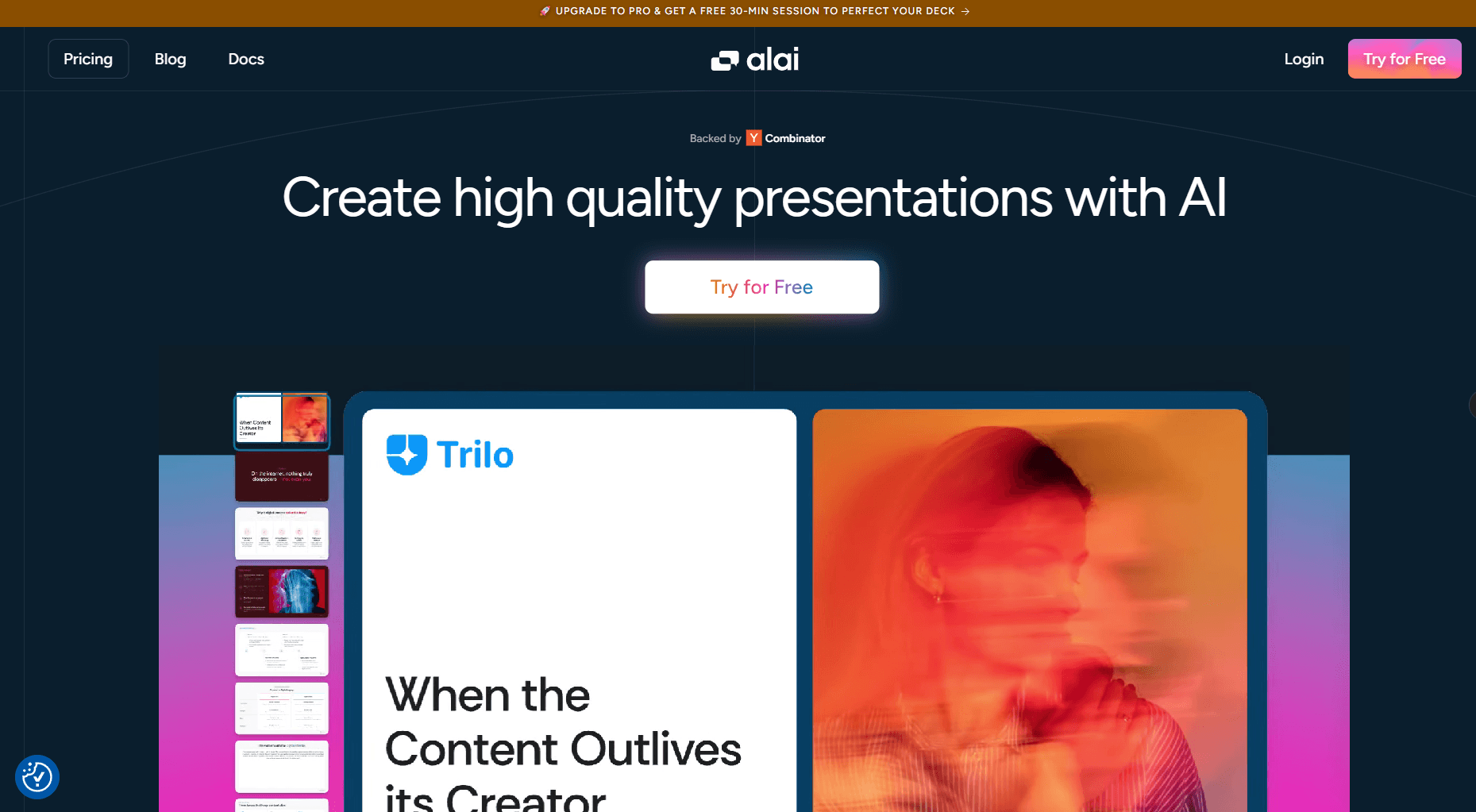
Alai stands out for marketing teams who need polished, client-ready presentations without the revision cycle that plagues other AI tools.
Design Quality
Alai produces client-ready output that you can send without manual clean-up. The 4-layout-options-per-slide approach means you're choosing from polished designs rather than hoping the AI gets it right on the first try. Visual hierarchy is strong - headlines stand out, supporting text stays secondary, and imagery integrates naturally rather than feeling pasted on.
The responsive canvas maintains visual balance automatically. Add or remove elements, and layouts adjust without you manually resizing everything. This is where Alai saves the most time compared to tools that generate static layouts requiring manual adjustment.
Speed to First Draft
Among the fastest tools tested. A 12-slide campaign proposal can go from prompt to reviewable draft within minutes, including selecting preferred layouts for key slides. The 4-options approach actually speeds things up instead of regenerating slides that don't work, you pick from alternatives immediately.
Context-aware editing also accelerates revisions. Change messaging on one slide and AI ensures the changes maintain consistency with all other slides. Other tools treat each slide as isolated, requiring manual alignment after edits.
Brand Consistency
Alai allows you to create custom themes by remixing existing templates or starting from scratch - this allows you to ensure decks stay on brand.
Marketing-Specific Elements
This is where Alai excels. The element library includes funnels, comparison tables, feature matrices, hub-and-spoke diagrams, and timeline visualizations as native, editable components. Ask for a marketing funnel and you get an actual funnel diagram, not bullet points describing the concept.
Export Quality
Best-in-class PowerPoint export. Fonts didn't substitute, layouts didn't shift, and brand colours rendered correctly across every test. This matters enormously for client delivery, nothing undermines a proposal faster than opening a deck on a client's machine and watching the formatting fall apart.
Data Visualization
Good charting capabilities with clean visual output. Charts, graphs, and infographic elements generate natively with professional styling.
High-Quality Visuals
Alai's integration with Nano Banana Pro allows marketers to create high-quality image slides with zero dependency on designers. Mix images slides with regular ones when you need strong visuals such as infographics, charts and diagrams which are both editable and theme consistent.
Learn how to use Nano Banana Pro to create slides.
Analytics
When sharing decks via link, Alai tracks who viewed your presentation, time spent per section, and where viewers dropped off. Useful intelligence for proposals and sales content, you can see which sections engaged prospects before follow-up calls.
Automation Capabilities
Strong API integration for workflow automation. Connect Alai to analytics dashboards to generate weekly performance reports automatically. Integrate with your CRM to create personalized proposals at scale. This transforms Alai from a one-off tool into infrastructure for marketing operations.
Limitations
Smaller template library than Canva, relies on AI generation rather than pre-made starting points
No Google Slides plugin, standalone platform requiring content transfer for Google Workspace teams
No offline mode
Best For:
Campaign proposals, pitch decks, client presentations, automated reporting workflows, product marketing materials
Pricing
Free: 200 AI credits, all premium design elements, PDF export
Plus: $16/month (annual) – 400 AI credits, PowerPoint export
Pro: $25/month (annual) – 1000 AI credits, priority support
2. Gamma: Best for Multi-Format Marketing Content
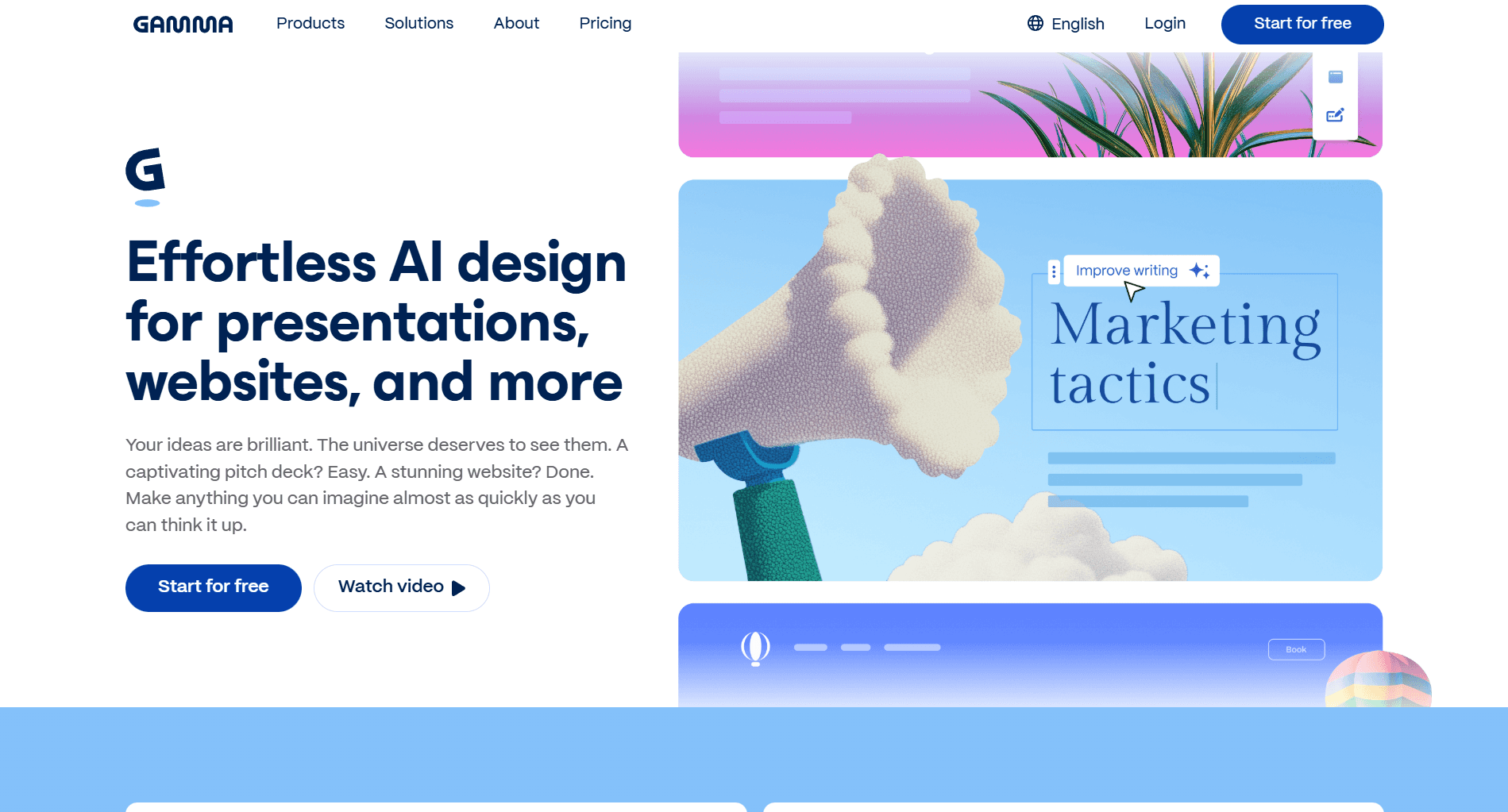
When your presentation will be viewed more than presented, Gamma's scrollable format changes how marketing content gets consumed.
Design Quality
Good output with a distinctive aesthetic. Gamma's scrollable, web-native format looks modern and feels different from traditional slide decks. For content shared digitally - email campaigns, nurture sequences, Slack - this format often works better than conventional presentations.
Design precision is lower than tools like Alai. You have less control over exact element placement and layout details. Gamma prioritizes content flow and readability over pixel-perfect design control.
The trade-off works for many marketing use cases. Leave-behind content and async materials benefit from Gamma's clean, scannable format. Client presentations requiring polished, precise design may need a different tool.
Speed to First Draft
Fast generation with the most generous free credits (400 on signup). Gamma's AI creates complete presentations quickly, and the scrollable format means you're not constrained by slide boundaries - content flows naturally without forcing artificial breaks.
The catch: Gamma's AI can feel like a black box. Edits sometimes trigger unintended changes elsewhere in the deck. If you need precise control over revisions, this unpredictability slows things down.
Brand Consistency
Custom branding available on paid plans, but less granular control than Canva or Alai. You can apply brand colours and logos, but the depth of brand management is limited. For teams with strict brand guidelines requiring detailed control, Gamma may fall short.
Marketing-Specific Elements
Basic elements with some interactive advantages. Standard marketing visuals like funnels and matrices require manual construction. However, Gamma's interactive elements add capabilities others lack.
Accordion and toggle sections let readers expand content for detail without cluttering the main flow. Interactive CTAs - buttons linking to demos, calendars, sign-ups - convert interest to action within the content experience. These work well for lead generation and nurture content.
Embed support is strong. Drop videos, Figma prototypes, Airtable bases, Calendly widgets, or live data directly into presentations. Interactive elements engage viewers more than static content.
Export Quality
PowerPoint exports frequently lose formatting. If you need .pptx delivery, Gamma isn't the right choice. The scrollable web format doesn't translate well to traditional slides, and exports often require significant clean-up.
For content that stays digital, shared via link, embedded in emails, published as web pages—this limitation doesn't matter. For client deliverables requiring PowerPoint, it's a dealbreaker.
Data Visualization
Moderate charting capabilities. Basic charts work fine, but nothing approaching Visme's depth. No live data connections. For data-heavy presentations, look elsewhere.
Analytics
Strong engagement tracking. Gamma shows who viewed your presentation, time spent per section, scroll depth, and drop-off points. For content marketing and lead nurture materials, this data helps identify what resonates and where you're losing audience attention.
The scrollable format actually enhances analytics value - scroll depth gives more granular insight into engagement than slide-level tracking in traditional presentations.
Automation Capabilities
API access available on Pro plan for programmatic generation. Less documented and mature than Alai's API, but possible for teams wanting to build automation workflows.
Multi-format creation from one platform—presentations, documents, and webpages using consistent tools—provides some workflow efficiency even without full API automation.
Limitations
Edits can trigger unintended changes across the deck
Scroll format doesn't suit live presentations or boardroom settings
PowerPoint exports frequently break formatting
Less design precision than direct manipulation tools
Brand controls less robust than competitors
Best For:
Leave-behind decks, email campaign content, content marketing, product documentation, investor updates
Pricing
Free: 400 credits at signup, PDF/PPTX export
Plus: $8/month – 1,000 monthly credits, custom branding
Pro: $18/month – 4,000 credits, detailed analytics, API access
3. Canva: Best for Brand-Heavy Marketing Content
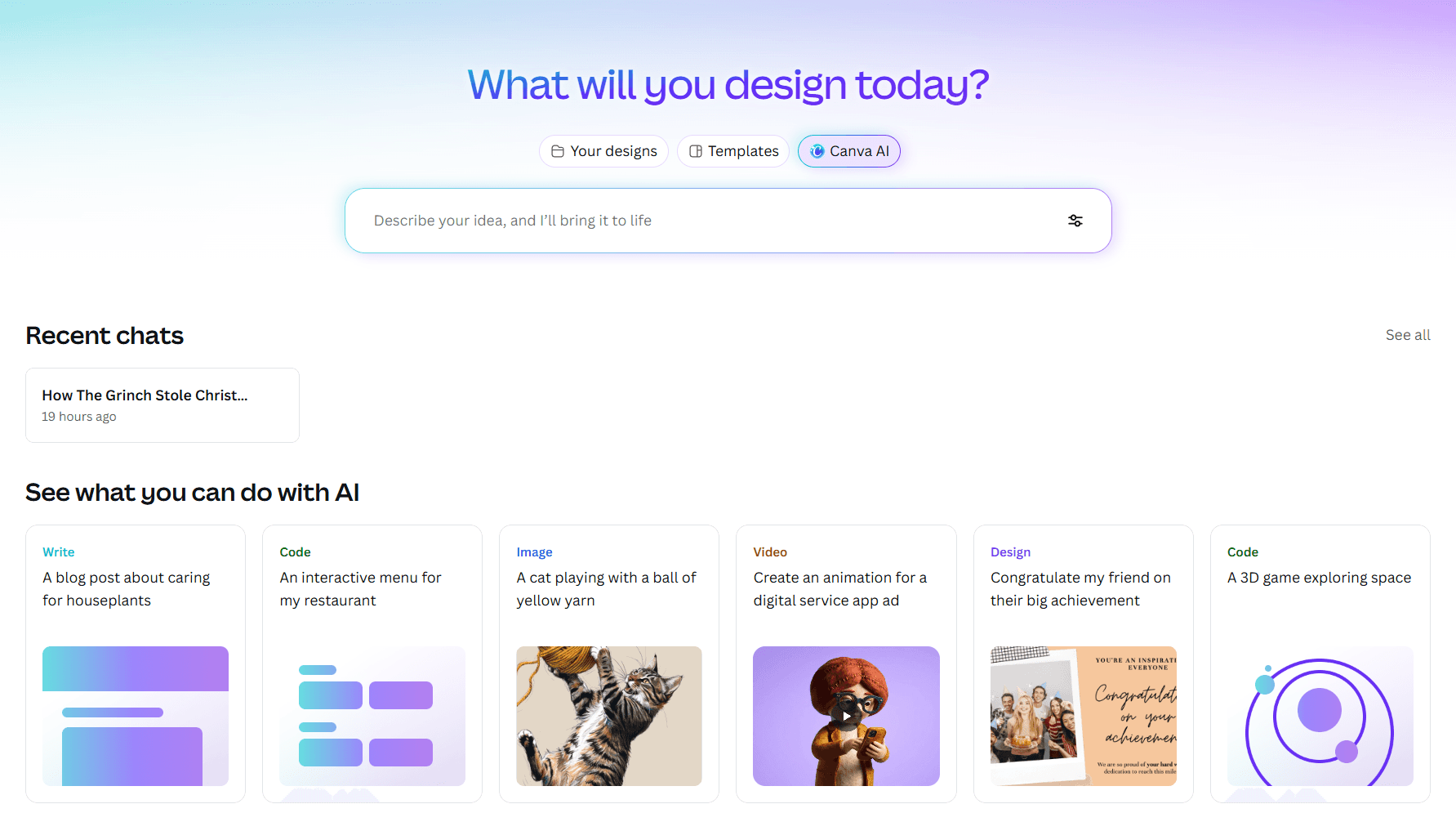
When brand consistency matters more than AI generation speed, Canva's ecosystem delivers unmatched breadth and accessibility.
Design Quality
Template-dependent. Canva's best templates produce professional, polished results. Its weaker templates look generic. Quality varies based on your starting point, which means template selection becomes a critical skill.
The good news: with thousands of templates organized by industry and use case, you can usually find something strong. The risk: Canva's popularity means your deck might look familiar to clients who've seen similar templates. For distinctive creative work, this is a limitation.
Design output is clean and consistent once you're working within a template. The challenge is Canva doesn't adapt layouts intelligently—add more content than a slide was designed for, and you're manually adjusting elements rather than having the layout respond.
Speed to First Draft
Fast with templates, slower from scratch. If you find a relevant template and your content fits its structure, Canva is quick. If you're building custom layouts or working with content that doesn't match template assumptions, expect more manual work.
Magic Design AI suggests template-based layouts from prompts, but suggestions are inconsistent. It's template matching rather than true AI generation - useful for finding starting points, not for creating custom presentations on demand.
Brand Consistency
Best-in-class Brand Kit. This is Canva's standout feature for marketing teams.
Save your complete brand identity—primary and secondary colours, font combinations, logos in various formats, photography guidelines—and apply them with one click across any design. Create multiple brand kits for different sub-brands, campaigns, or clients.
Brand elements held perfectly across all our test materials. Charts, callout boxes, nested elements—everything stayed on-brand without manual intervention. For organizations struggling with brand consistency across teams or regions, this alone justifies Canva.
Marketing-Specific Elements
Limited native support. Canva handles standard presentation elements well but lacks purpose-built marketing components. Funnels, journey maps, and comparison matrices require manual construction from basic shapes—or importing graphics created elsewhere.
The massive stock library partially compensates. Millions of photos, videos, illustrations, and icons available without leaving the platform. Finding a relevant visual is usually possible, even if building custom marketing diagrams is cumbersome.
Export Quality
Generally reliable. PowerPoint exports maintained formatting well in our tests. Template-based designs export more cleanly than heavily customized layouts.
Multi-format export options are broad—PowerPoint, PDF, video (animated presentations), and QR codes generated via an integrated QR code maker. You can create presentation videos with recorded narration for async distribution, which is useful for content that will be viewed rather than presented.
Data Visualization
Basic charts only. Canva supports standard bar, line, and pie charts with decent styling, but nothing approaching Visme's depth. No live data connections—every chart requires manual data entry.
For data-heavy presentations, Canva isn't the right choice. For presentations where data is secondary to brand and visual storytelling, it's adequate.
Analytics
Minimal. Canva doesn't provide meaningful engagement tracking on shared presentations. If understanding viewer behavior matters, look elsewhere.
Automation Capabilities
Limited for presentations specifically. Canva offers some automation for other content types (social scheduling, bulk creation from spreadsheets), but presentation automation is minimal. No API access for programmatic deck generation.
Limitations
General design tool first; presentation-specific features feel secondary
Magic Design AI suggestions inconsistent
Lacks marketing-specific building blocks
No responsive canvas; manual element positioning required
Template familiarity risk with clients
Best For:
Brand launches, social campaign decks, internal communications, teams already using Canva for other marketing assets
Pricing
Free: Basic templates, limited AI features
Pro: $15/month – Full template library, 100M+ premium assets, Brand Kit
Teams: $30/user/month – Advanced collaboration and brand controls
4. Pitch: Best for Sales and Marketing Alignment
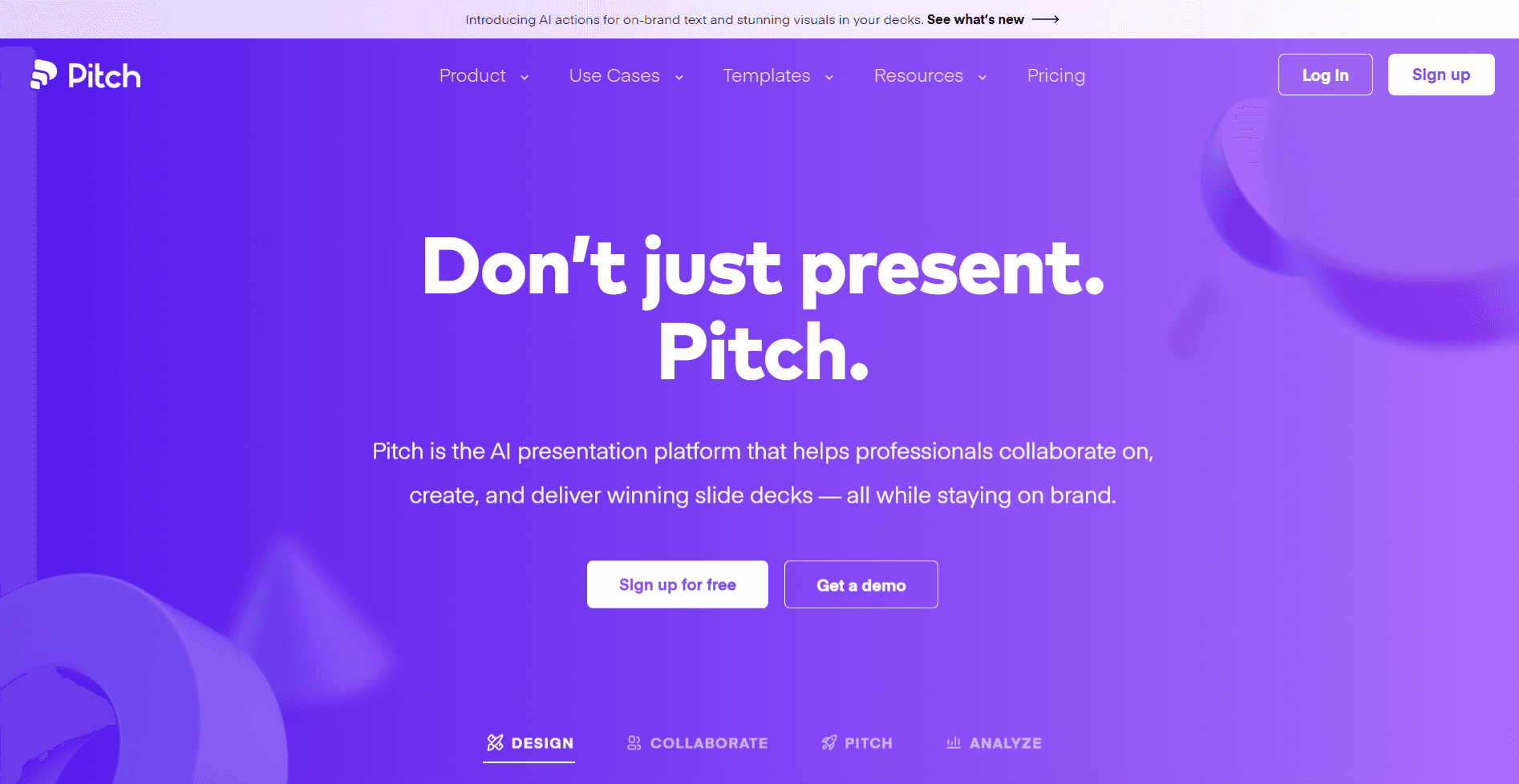
When marketing creates content that sales actually uses, pipeline moves. Pitch bridges that gap better than any other presentation tool by treating distribution and engagement as core features.
Design Quality
Professional output with clean, modern aesthetics. Designs feel polished enough for client-facing work, though less visually distinctive than Alai. Pitch prioritizes consistency over creativity, smart templates and design guardrails keep everything looking professional, which works well for sales enablement where brand consistency matters more than creative flair.
The trade-off: those guardrails can feel restrictive when you want more creative control. If you're building a bold campaign launch deck, Pitch's structured approach may limit your options.
Speed to First Draft
Moderate speed. Pitch's AI assists with content generation but isn't as powerful as AI-native tools like Alai or Gamma. Expect more manual work building slides, particularly for complex layouts. A 12-slide sales enablement deck took roughly 20 minutes to reach a shareable state—faster than building from scratch, but slower than tools where AI does more heavy lifting.
Where Pitch saves time: reusing content from team libraries and templates. If your team has built a library of approved slides, assembling new decks becomes fast.
Brand Consistency
Strong brand controls through team libraries. Store approved messaging, brand assets, and slide templates centrally. Sales pulls from marketing-approved content rather than creating off-brand materials independently. For organizations where brand drift is a problem every rep creating their own version of the pitch deck, this centralized control is valuable.
Marketing-Specific Elements
Basic elements only. Pitch handles standard slides well but lacks native support for marketing-specific visuals like funnels, journey maps, or comparison matrices. You'll build these manually from shapes and text boxes, or import them as images.
Interactive embeds partially compensate, you can drop Figma prototypes, Calendly widgets, and Loom videos directly into slides, making presentations more engaging even without sophisticated built-in elements.
Export Quality
Generally good, with occasional issues. PowerPoint exports maintained formatting in most tests, but complex layouts sometimes shifted. If .pptx delivery is critical, test your specific deck before sending to clients.
Data Visualization
Basic charting only. Pitch isn't built for data-heavy presentations. Simple bar and line charts work fine, but if your deck relies on complex visualizations or needs to communicate detailed metrics, look elsewhere.
Analytics
This is Pitch's standout strength. Comprehensive engagement tracking shows who opened your deck, which slides they viewed, time spent per section, and where interest dropped. Share this data with sales before follow-up calls so they know what resonated.
Pitch Rooms extend this further—bundle your presentation with case studies, pricing sheets, demos, and scheduling links in one shareable space. Track engagement across all materials, not just the deck itself.
The HubSpot integration creates closed-loop reporting. Create pitch rooms from deals, auto-populate company details, and log engagement back to contact records automatically. Finally understand which presentation content correlates with closed revenue.
Automation Capabilities
Limited API access compared to Alai. The HubSpot integration handles CRM connectivity well, but broader workflow automation requires workarounds. If you need programmatic deck generation at scale, this isn't the right tool.
Limitations
Design guardrails feel restrictive for creative campaigns
AI generation lighter than AI-native tools - helps organize more than create
Strongest value requires paid tiers
Limited marketing-specific visual elements
Best For:
Sales enablement decks, proposal follow-ups, account-based marketing materials, partner enablement
Pricing
Free: Unlimited presentations (branded)
Pro: $20/month – Advanced links, pitch rooms, custom exports
Business: $80/month – Unlimited pitch rooms, priority support
5. Visme: Best for Data Visualization
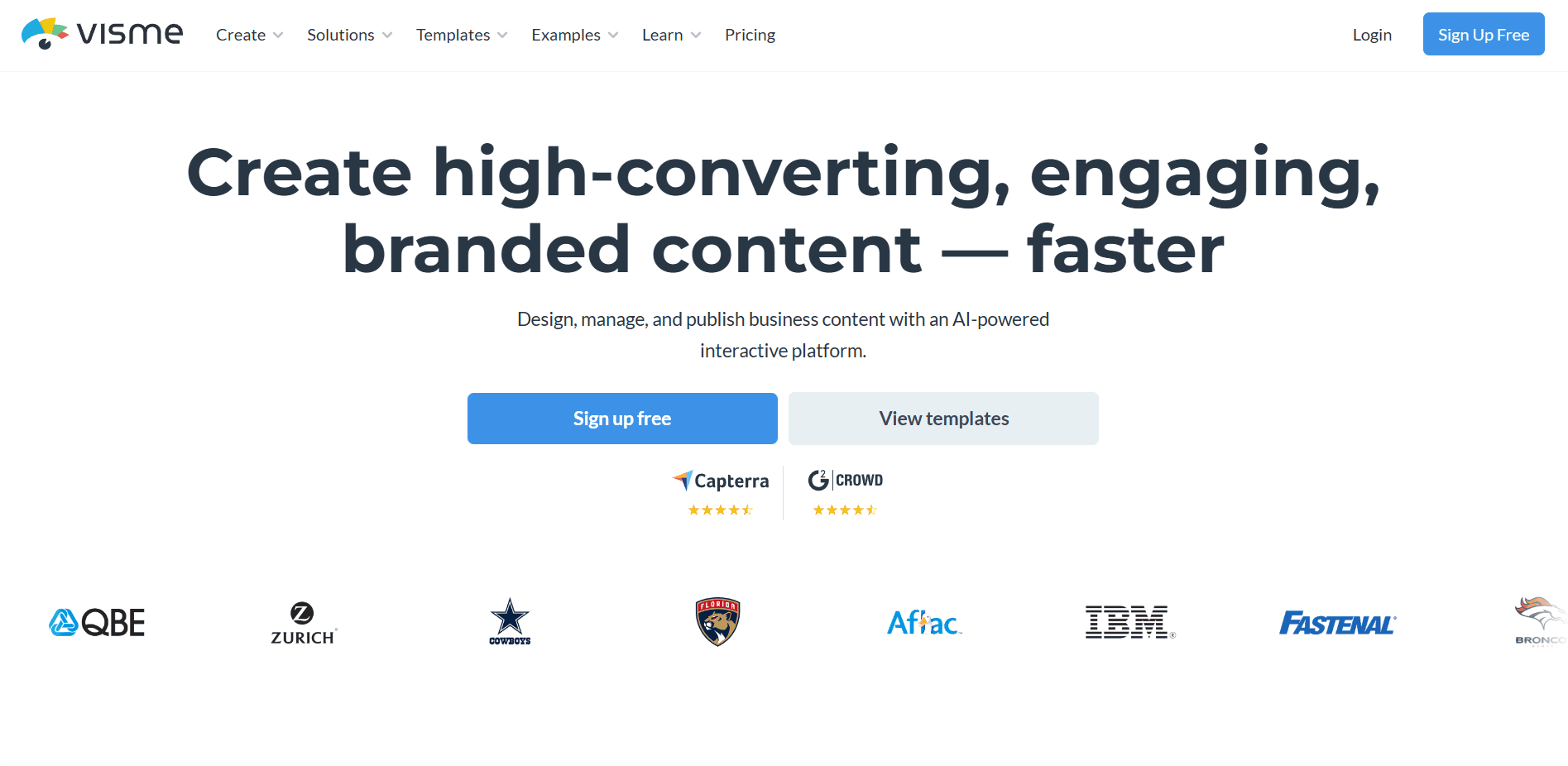
When your marketing deck lives or dies by data, Visme delivers visualization capabilities that standard presentation tools can't match.
Design Quality
Good but not exceptional. Visme produces professional-looking output, though designs can feel busier than cleaner tools like Alai. The interface complexity sometimes shows in the output—there's a temptation to use too many of the available elements.
For data-heavy presentations, this actually works in your favor. Visme's strength is packing information density into slides while maintaining readability. Performance reports and analytics decks look appropriately detailed rather than sparse.
Speed to First Draft
Slower than competitors due to learning curve. The interface is feature-rich but cluttered, and it takes time to find what you need. First-time users should expect a ramp-up period before reaching full productivity.
Once familiar with the tool, speed improves significantly—especially for data-focused work. Building a quarterly performance report with multiple chart types is faster in Visme than in tools where you'd need to create visualizations manually or import them from other software.
Brand Consistency
Full Brand Kit capabilities. Save logos, colours, fonts, and apply them across presentations, infographics, and reports. Consistency held well across our test materials, including complex charts and data widgets.
Marketing-Specific Elements
Strong for data elements, weaker for narrative building blocks. Visme excels at charts, infographics, data widgets, counters, and progress indicators. It's less strong at marketing storytelling elements like customer journey maps or comparison matrices—these exist but aren't as refined as the data visualization tools.
The infographic builder is genuinely useful. Create standalone infographics or embed infographic elements within presentations. Campaign overviews and process explanations often communicate better as infographics than traditional slides.
Export Quality
Generally good with occasional issues on complex charts. PowerPoint exports maintained formatting in most tests. Animated elements and interactive widgets don't translate to static exports, so plan accordingly if you need .pptx delivery.
Data Visualization
Best-in-class. This is Visme's core strength and the reason to choose it.
Advanced charting goes well beyond basic bars and lines. Funnel charts for conversion analysis, radial charts for benchmark comparisons, progress indicators for goal tracking, pictographic charts that communicate volumes intuitively. If you can imagine a way to visualize marketing data, Visme probably supports it.
Live data connections set Visme apart. Link charts directly to Google Sheets or Excel. Update your data source, refresh the chart, done. For weekly reports and recurring presentations, this eliminates hours of manual recreation. No more screenshot cycles before every stakeholder meeting.
Chart animations let you reveal insights progressively during presentations—build charts piece by piece to control the narrative and highlight specific data points for emphasis.
Analytics
Basic engagement tracking on shared presentations. Visme provides view counts and some engagement data, but nothing approaching Pitch's depth. If engagement analytics are critical, Visme isn't the right choice.
Automation Capabilities
Limited. Visme focuses on manual creation rather than programmatic generation. The live data connections provide some automation for recurring reports, but there's no API for generating presentations at scale.
Limitations
Interface feels cluttered; expect a learning curve
AI generation less sophisticated than dedicated AI presentation tools
Collaboration features less developed than Pitch or Canva
Stronger at data than narrative presentation elements
Best For:
Campaign performance reports, quarterly business reviews, analytics presentations, data-heavy pitch decks, marketing dashboards
Pricing
Basic: Free – Limited templates and assets
Starter: $12.25/month – More templates, basic analytics
Pro: $24.75/month – Full features, analytics, advanced export
How to Choose the Right AI Presentation Maker for Your Marketing Team
Choose Alai when:
Design quality and speed are both non-negotiable
Campaign proposals and client decks are your primary use case
You want to automate recurring reports via API
Clean PowerPoint export matters for client delivery
You need native marketing elements like funnels and matrices
Choose Pitch when:
Sales enablement is your focus
You need to track prospect engagement with shared content
Your team uses HubSpot or similar CRM
Marketing and sales alignment is a priority
Collaboration matters more than design creativity
Choose Visme when:
Data visualization drives your presentations
You create performance reports regularly
Charts need to update from live data sources
You need infographic capabilities alongside slides
Stakeholders make decisions based on metrics
Choose Canva when:
Brand consistency across all marketing assets matters most
You prefer templates over AI generation
Your team already uses Canva for other design work
You need one tool for presentations, social, video, and print
Choose Gamma when:
Your presentations will be viewed asynchronously
Engagement tracking on shared content matters
Scrollable, web-native formats fit your audience
PowerPoint export isn't required
Frequently Asked Questions
Which free AI presentation maker is best for marketing teams?
For design quality, Alai's free plan (200 credits) provides all premium design elements and PDF export with no feature restrictions. Gamma offers the most generous credits (400) for volume. Canva's free tier works well for template-based approaches with solid brand controls.
Can these tools maintain brand guidelines across presentations?
Yes, but capabilities vary. Canva offers the most robust Brand Kit—complete identity saved and applied universally. Alai supports themes that apply consistently. Pitch provides team libraries for centralized control. For enterprise needs, shared libraries prevent brand drift across organizations.
Which tool is best for campaign performance reports?
Visme excels with advanced charting and live data connections—connect to analytics exports and refresh charts without recreation. For automated weekly reports, Alai's API connects dashboards and generates updated decks programmatically.
Do AI-generated presentations export to PowerPoint reliably?
Quality varies significantly. Alai prioritizes clean exports—formatting maintains integrity. Canva generally works well for template-based designs. Gamma exports frequently lose formatting—avoid if .pptx delivery matters.
What's the best tool for sales pitch decks?
Pitch works best when engagement tracking and CRM integration matter. Alai delivers higher design quality for the deck itself. Many teams use Alai for creation and Pitch for distribution.
Can these tools handle personalization at scale?
Alai's API enables programmatic generation from CRM data. Pitch's HubSpot integration auto-populates prospect details. Others require manual customization.
Final Verdict
For client proposals and campaign decks: Alai delivers design quality that represents your work professionally. The 4-options-per-slide approach eliminates revision cycles. Context-aware AI maintains narrative consistency. Clean exports mean no formatting cleanup before client delivery.
For sales enablement: Pitch provides engagement tracking, CRM integration, and content bundling that keeps marketing and sales aligned. You know what's resonating before the follow-up call.
For performance reporting: Visme's data visualization exceeds any other presentation tool. Live data connections eliminate the weekly chart recreation cycle.
For brand-heavy content: Canva's Brand Kit maintains visual consistency across everything marketing creates. One platform handles presentations alongside social, video, and print.
For async sharing: Gamma's scrollable format matches how people consume content shared via email or Slack. Engagement analytics provide attribution data on presentation content.
The best tool is the one that helps you create better marketing presentations faster. Start with a free plan and test on a real deliverable—a campaign proposal, a performance report, or an enablement deck you actually need. You'll know within one presentation whether the tool fits your workflow.
Looking for a broader comparison beyond marketing-specific use cases? See our complete guide to Best AI Presentation Makers.
Related Reading
PAGES
Compare Tools
resources