·
CASE STUDY
·
43 min read

Marketing Lead
Every team in your company is fighting the same battle: too much busywork, not enough hours for the work that actually matters. The best AI productivity tools can tip that balance, but the market is flooded with options that overpromise and underdeliver. The real productivity gains come from picking tools that solve specific problems within your actual workflow.
I spent weeks testing the best AI productivity tools across every major business function and narrowed it down to 19 that genuinely earn their keep. Rather than organizing by feature type, I’ve grouped them by the department and workflow they serve best. Find your team, identify your biggest bottleneck, and start there.
Best AI Productivity Tools for 2026: How to Use This List
If you are looking for the best AI productivity tools in 2026, start with the recurring task you need to improve—not a universal “best” label. This guide groups tools around business functions so you can move from a specific bottleneck, such as preparing a deck, managing sales communication, processing documents, or coordinating work, to the relevant part of the list. A tool can be useful for one team and unnecessary for another, even when both teams use AI every day.
Disclosure: Alai publishes this guide, and Alai is one of the tools included in it. That means our coverage of presentation workflows reflects the perspective of a company that makes presentation software. Treat Alai-specific descriptions as publisher information, and compare them with your own requirements and the product documentation before making a purchasing decision. Clear disclosure of a material relationship is important because readers should be able to distinguish editorial guidance from a seller’s interest; the U.S. Federal Trade Commission’s disclosure guidance says disclosures should be clear and conspicuous.
Use the entries below as a research starting point rather than as a substitute for a trial, security review, or procurement process. Product plans, limits, integrations, permissions, and availability can change. Before adopting a tool, open the vendor’s current documentation and confirm the details that affect your workflow: what data the tool can access, who can approve access, what happens when an automation fails, how exports work, and whether the team can review or reverse important changes. If the output will inform a customer commitment, financial decision, hiring decision, or published claim, assign a person to review it before it is used.
The practical comparison is usually narrower than “Which platform has the most AI features?” Write down one repeatable job, the input it starts with, the expected output, and the person who owns the result. Then compare only the tools that serve that job. For example, a team that already has an approved outline may need help producing and editing slides; a team that needs to answer a policy question may instead need to check the source material and access rules first. Keeping the decision tied to a real deliverable makes it easier to spot an attractive feature that does not solve the actual bottleneck.
As you read, separate vendor-stated capabilities from your own evaluation. A vendor can describe what a product is designed to do, but only your team can decide whether the controls, output quality, and workflow fit are acceptable. The FTC’s Endorsement Guides FAQ also explains that endorsements must reflect honest opinions and cannot make unsupported claims. That is a useful standard for interpreting any ranked software list, including this one.
If your immediate need is presentations, read our guide to the best AI presentation makers alongside the relevant entry here. If you are evaluating Alai specifically, Alai 101 explains its workflow and editing process. For every option, use the same decision rule: verify the current vendor information, test the narrow workflow you actually need, and keep a responsible reviewer involved when the output affects people, money, policy, or external communication.
What Are AI Productivity Tools?
AI productivity tools are software applications that use artificial intelligence to help individuals and teams get more done in less time. They go beyond traditional software by learning from your behavior, automating repetitive tasks, and generating content or insights that would otherwise take hours to produce manually. These advanced features are made possible by powerful AI capabilities and the latest advancements in AI technology.
At their core, these tools combine three capabilities. Machine learning allows them to improve the more you use them; a scheduling tool learns your meeting patterns, a writing tool adapts to your brand voice. Predictive analytics helps them anticipate what you need next, like flagging a project at risk of missing its deadline or surfacing the email that needs your attention first. And automation handles the execution itself, whether that’s drafting a follow-up email, categorizing expenses, or building a slide deck from a brief. These features are enabled by sophisticated AI models that power the underlying intelligence of these tools.
The result is software that doesn’t just store or display information but actively works alongside you. Think of it as the difference between a filing cabinet and a colleague who organizes your files, knows where everything is, and hands you exactly what you need before you ask.
Additionally, as these tools handle increasingly sensitive workflows, understanding the risk of adversarial artificial intelligence where malicious inputs are crafted to manipulate AI model outputs is becoming a relevant part of evaluating which tools to trust with business-critical data (but, more on that later)
For now, the objective of this blog remains simple, to show you AI tools that actually boost productivity and to help you decide which ones are relevant for your needs.
What Do AI Productivity Tools Actually Do?
The term “AI productivity tool” covers a wide range of applications, but the core functions fall into a few categories that map directly to how knowledge workers spend their time.
Content creation and editing. AI tools can draft blog posts, social media captions, email sequences, ad copy, and even full presentations. They don’t replace the human voice but they eliminate the blank-page problem and compress first-draft timelines from hours to minutes. Some tools go further by adapting to your brand voice, so every output sounds consistent regardless of who on the team prompted it. AI-generated content plays a key role in boosting productivity by quickly producing drafts that can be refined for nuance and depth. It also extends to visuals, where an AI image generator helps teams to quickly create graphics that complement and enhance their content.
Communication management. From AI-powered email clients that prioritize your inbox and draft replies in your tone, to meeting assistants that transcribe calls, extract action items, and sync notes to your CRM, these tools tackle the communication overhead that eats up a significant chunk of every professional’s day. Many AI tools can also automatically generate and organize meeting notes, making it easier to track discussions and follow up on action items.
Research and analysis. Instead of opening twenty browser tabs and manually synthesizing what you find, AI research tools pull answers from multiple sources, cite them inline, and let you ask follow-up questions. Some platforms offer AI-powered search capabilities, providing advanced summaries and privacy features. Additionally, certain tools integrate with Google Search to enhance research workflows, allowing users to fact-check and gather comprehensive information efficiently. For teams that work with dense documents like financial reports, contracts, or regulatory filings, source-grounded AI tools can analyze hundreds of pages and surface specific answers in seconds.
Workflow automation. These tools connect your apps and automate the repetitive handoffs between them. When a lead fills out a form, the right automation can add them to your CRM, notify your sales team, and trigger a welcome sequence without anyone lifting a finger. The best automation platforms now let you describe what you want in plain language and build the workflow for you. Many AI productivity tools are available as Chrome extensions, enabling direct integration within your browser for seamless workflow automation. Automation AI serves as the orchestration layer, connecting multiple tools and apps to streamline enterprise workflows.
Scheduling and time management. AI calendar tools go beyond simple booking. They analyze your team’s schedules, protect blocks of focus time, automatically reschedule flexible meetings, and even plan your day by turning your to-do list into time-blocked calendar entries. AI-powered scheduling automates calendar management, optimizing meeting times and reducing manual coordination.
Design and visual content. Whether you need a presentation deck, ad creatives, social media graphics, or training videos, AI design tools generate polished visual content without requiring design expertise. The best ones adapt layouts to your content rather than forcing you into rigid templates. These solutions are part of a broader ecosystem of AI productivity apps, which also include tools for scheduling, task management, and other specialized needs.
The common thread across all of these is that AI handles the repetitive, time-intensive parts of the work so you can focus on the decisions, strategy, and creativity that actually require a human brain. AI tools can automate tasks across different workflows, with specialized solutions like AI email assistants, AI chatbots, task management platforms, and task managers helping users streamline communication, organization, and productivity.
How to Decide Which AI Productivity Tools You Need
With hundreds of AI tools competing for your attention, the temptation is to sign up for everything and hope something sticks. That approach almost never works. Here’s a more practical framework for choosing the right tools.
Audit where your time actually goes. Before evaluating any tool, spend a week tracking how you and your team spend your hours. You’ll likely find that a handful of activities consume a disproportionate amount of time: writing emails, building decks, attending meetings, chasing approvals, or manually moving data between platforms. Those are your high-impact targets.
Match tools to bottlenecks, not buzzwords. A tool that automates something you do for five minutes a week won’t move the needle. Focus on workflows where you or your team spend hours every week and where the quality bar is “good enough” rather than “requires deep creative judgment.” For marketing teams - presentation creation, email triage, social media operations are all prime candidates. Similarly for hiring workflows, tools like an AI interview assistant can help streamline candidate screening, summarise interviews, and reduce manual evaluation time. Many growing teams are also adopting AI recruiting software to simplify sourcing, candidate engagement, and hiring coordination across the recruitment process.
Prioritize tools that integrate with your existing stack. The most powerful AI tool in the world is useless if it lives in isolation. Before committing, check whether it connects natively with your CRM, email client, project management platform, and communication tools. A tool that plugs into what you already use will deliver value faster than one that requires you to change your entire workflow. AI productivity tools should complement your existing tools and fit seamlessly into your entire tech stack to maximize efficiency across all systems.
Start with one tool per function. Adopt one tool, give your team two to three weeks to build the habit, and measure the impact before adding the next. Spreading across five new tools simultaneously means none of them get the attention needed to actually stick. Once your team is comfortable, you can add other tools to expand capabilities and handle more complex workflows as your needs grow.
Factor in the learning curve. Some tools deliver value on day one (like an AI email client). Others require configuration, training data, or team-wide adoption before the ROI shows up (like a workflow automation platform or a performance management system). Be honest about your team’s appetite for change and plan accordingly.
Reassess quarterly. The AI landscape moves fast. Tools improve, pricing changes, and new entrants appear regularly. Set a quarterly cadence to evaluate whether your current tools are still the best fit or whether something better has emerged. New tools may also offer more control or customization options for advanced users, so it’s worth reviewing what’s available.
With that framework in mind, here are the 19 tools that earned their spot across five core business functions.
Choose an AI Productivity Tool by Workflow Risk, Not Department
The best AI tool for business productivity is the one that removes a repeatable bottleneck without creating an unreviewable one. Before choosing from the list below, classify the work by what the AI is expected to do: retrieve information, create a draft, take an action across systems, or produce a final asset. That distinction matters more than whether the tool is marketed to marketing, sales, finance, or operations.
If your bottleneck is… | Start with… | Use it when… | Do not treat it as… |
Finding an answer buried in company documents | A connected knowledge tool such as Notion AI | The answer may live across your workspace, Slack, Drive, tickets, or other approved business systems. | A replacement for checking the cited source, permissions, or the current policy. |
Analyzing a defined set of reports, filings, or project documents | A source-grounded research tool such as NotebookLM | You need conclusions tied to a closed, reviewable source set. | A general web-research tool or a substitute for validating numbers and recommendations. |
Moving data or triggering repeatable work between apps | An automation platform such as Zapier | The trigger, destination, owner, and acceptable outcome are clear. | An autonomous decision-maker for exceptions, customer commitments, or sensitive approvals. |
Turning an approved brief into a stakeholder-ready presentation | A dedicated presentation workflow such as Alai | The facts, message hierarchy, audience, and intended action are already defined. | The research or fact-checking stage itself. |
1. Separate connected knowledge search from source-grounded analysis
These two workflows can look similar because both begin with a question. They solve different business problems. Connected knowledge search is for questions such as “What did we decide about enterprise packaging last quarter?” where the answer may be distributed across several tools. Notion Enterprise Search says it can search workspace and connected-app information and provides citations so users can return to the underlying source. That makes it useful for discovery, but the cited page—not the generated answer—should remain the record your team relies on.
Source-grounded analysis is better when you intentionally want the model constrained to an approved packet: for example, three customer interview transcripts, a board deck, and the latest financial model. Google states that NotebookLM chat responses use data from the sources in the notebook. Use this approach when evidence boundaries matter. It is especially valuable for finance, legal-adjacent, HR, or executive work where a plausible answer is not enough—you need to know what material supported it.
2. Automate deterministic handoffs; keep judgment checkpoints human
Automation is the right first investment when the task has a stable trigger and a clear next action: a form submission creates a CRM record, a paid invoice updates a tracker, or a completed call creates a follow-up task. Zapier describes its Agents as able to work with live business data and take work across connected apps. That capability is useful only after you define boundaries: which systems it may access, what it may change, who receives exceptions, and which actions require approval.
A practical rule is to automate the transfer before automating the judgment. Let the workflow collect meeting notes, enrich a record, or prepare a draft. Require an accountable person to approve discounts, publish customer-facing claims, send sensitive messages, or change a system of record. This keeps AI from simply moving a manual bottleneck into a faster but harder-to-audit process.
3. Treat presentations as the final production layer
For decks, proposals, and executive updates, create a short approved brief before generating slides: audience, decision required, three to five core claims, approved data, and source links. Then use Alai to turn that brief into a visual narrative, rather than asking a slide generator to discover the strategy on its own. See Alai 101 for the generation-to-editing workflow, and compare dedicated deck tools in our guide to the best AI presentation makers.
This sequence—evidence first, automation second, presentation last—helps businesses get the speed benefit of AI while keeping ownership, source review, and decision quality visible.
Quick Overview: All 19 Tools at a Glance
Tool | Department | Best For | Pricing |
Marketing - Design | AI presentation maker with designer-quality output | Free plan; paid from $16/mo (yearly plan) | |
Jotform | Marketing - Data Collection | AI-Powered Form Creation and Workflow Assistance | Free plan available. Paid plans start at $34/month |
Marketing - Social Media | AI-assisted social scheduling and content repurposing | Free plan; paid from $6/channel/mo | |
Fast Content Writing & Editing | Latest AI writing, editing, & proofreading tools for writers, students, and marketers | Basic $4.17/month Standard $12.50/month Company $29.17/month | |
Vista Social | Marketing - Social Media Management | AI built to merge multiple social media tools into one unified interface | Free trial, paid plan from $79/mo |
AI Summarizer | Marketing - Content refinement and productivity | AI-powered writing toolkit designed to help users process and improve written content quickly | Free version available. Basic plan “GO” starts at $5.60/month ($67 billed yearly) |
Marketing - Instant writing and editing | AI powered writing and editing tool for bloggers, marketers and academic writers | Weekly $5.99, Monthly $12.99, and Yearly $125 | |
Marketing - Content | Long-form branded content at scale | From $49/mo | |
Marketing - Ads | AI-generated ad creatives optimized for conversions | From $39/mo | |
Marketing - Video | Text-based video and podcast editing | Free plan; paid from $24/mo | |
Sales - Outreach | Multi-channel prospecting and sequencing | Free plan; paid from $49/user/mo | |
Sales - Content | Personalized sales copy and GTM workflows | Free plan; paid from $49/mo | |
Sales - Email | Blazing-fast email management with AI drafting | From $30/mo | |
Sales - Meetings | Meeting intelligence with CRM integration | Free plan; paid from $19/mo | |
Finance | AI-powered expense management and spend control | Custom pricing | |
Finance | AI-powered research with cited sources | Free plan; paid from $20/mo | |
Finance | Source-grounded document analysis | Free | |
Business Ops | AI-powered workspace for docs, wikis, and projects | Free plan; AI add-on $10/mo | |
Business Ops | No-code workflow automation across 6,000+ apps | Free plan; paid from $29.99/mo | |
Business Ops | Auto-scheduled task and calendar management | From $34/mo | |
Business Ops | AI calendar optimization for teams | Free plan; paid from $6.75/mo | |
HR — Training | AI avatar video creation for onboarding and L&D | Free plan; paid from $29/mo | |
HR — Hiring | AI-powered inclusive job descriptions and hiring language | Custom pricing | |
HR — Performance | AI-enhanced performance reviews and employee engagement | Custom pricing | |
Mindgrasp | HR — Learning & Development | Mindgrasp AI is a powerful AI study Tool designed to help professionals learn faster by turning complex materials into clear, digestible insights | Free plan available |
Venngage | Design — AI design and visual content for Marketing, Sales & HR | AI design tool that helps you create social media posts, infographics, presentations, reports, posters, proposals, carousels, and more | Free plan available. Premium from $19/month. |
AI Productivity Tools For Marketing
Marketing teams are expected to ship more content across more channels with the same (or smaller) headcount. The tools below are organized by the specific marketing workflow they address: design, social media, long-form content, paid ads, and video production.
If you’re building out a full marketing stack, our complete guide to the best AI marketing tools in 2026 covers the landscape in depth.
Alai: AI For Making High Quality Presentations
Category: Design and visual storytelling
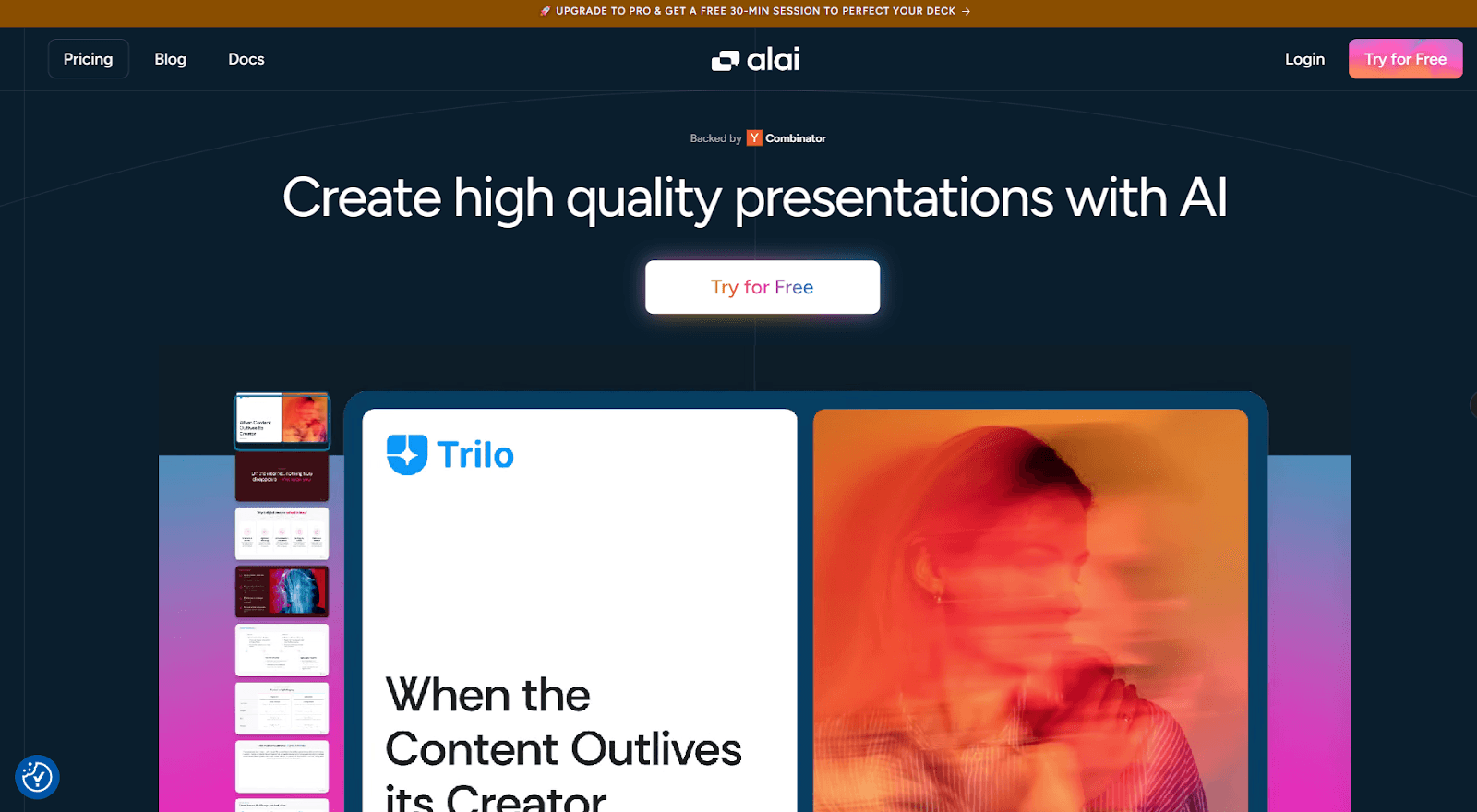
Alai is an AI presentation maker used by marketing teams, consultants, and founders who create decks constantly - campaign proposals, strategy decks, client pitches, quarterly reviews - and need high-quality design.
In terms of design, Alai is built on modern design principles: clean visual hierarchy, balanced whitespace, and layouts with a responsive canvas that ensures elements auto-adjust as you add or remove content. It also includes native marketing elements that most other tools simply don't offer - funnels, comparison matrices, timelines, hub-and-spoke diagrams, so you get purpose-built components instead of workarounds with basic shapes. Additionally, where most AI slide tools generate one layout and force you to regenerate until something works, Alai generates four distinct layout options per slide, so you pick the design that fits your narrative and move on.
Once the structure is in place, iteration is fast. Agent Mode lets you refine slides through natural language - "make this a comparison table," "add a funnel to this slide" and edits stay context-aware across the full deck, so messaging doesn't drift as you revise. For slides that need richer visuals, Nano Banana Pro integration generates editable, theme-consistent image slides like infographics and data charts without involving a designer or complex prompt engineering.
At scale, Alai moves from a creation tool to an automation layer. Its API and MCP server integration let you programmatically generate presentations from CRM data, analytics dashboards, or internal databases - turning what used to be hours of manual slide-building into an automated workflow. Alai accepts notes, PDFs, URLs, screenshots, and existing PowerPoints as input, and its PowerPoint exports preserve formatting with the best fidelity I tested. Shared links include engagement tracking — who viewed, time per section, and where they dropped off so you know exactly where you stand before a follow-up.
Best for: Marketing teams and consultants producing decks at volume who need professional output without a designer.
Pros:
4 layout options per slide — no regeneration roulette
Context-aware Agent Mode editing across full decks
Native marketing elements: funnels, matrices, timelines, hub-and-spoke diagrams
API + MCP integration for programmatic deck generation
Best-in-class PowerPoint export fidelity
Engagement tracking on shared links
Cons:
Template library still growing vs. legacy tools
No Google Slides plugin
No offline mode
Pricing: Free (200 credits). Plus $20/mo (600 credits). Pro $30/mo (1,200 credits). Ultra $80/mo (5000 credits)
Want to see how Alai compares to the field? Our ranking of the best AI presentation makers covers the full landscape. We also have dedicated breakdowns for marketing teams, sales decks, and consulting strategy decks.
Jotform AI: AI-Powered Form Creation and Workflow Assistance

Category: Form creation and data collection
Jotform AI is an AI-powered form builder that allows users to generate forms from a simple text prompt or just by voice. Instead of manually creating fields and structure, users describe the form they need by typing or talking, and the platform automatically generates a ready-to-use form with relevant inputs. The form creation process is designed to be conversational. Users can refine, edit, and customize their forms through an AI chatbot inside the Form Builder, which makes iteration faster without rebuilding the form from scratch.
The tool supports multiple use cases, including forms with conditional logic, surveys, and quizzes, which can be generated from text prompts or uploaded documents. The platform is free to use, although form creation limits may vary depending on the subscription plan.
Jotform emphasizes data privacy by keeping collected form data secure and not using user prompts to train its AI model, although form structures and fields may be used to improve the system.
Best for: Teams and individuals who want to quickly generate structured forms, surveys, or quizzes using AI with minimal setup.
Pros:
Generates complete forms from a single text prompt or by talking
AI can set up complex forms with conditional logic and calculations
Automatically optimized for mobile, tablet, and desktop
Free to use
Cons:
Form limits depend on subscription plan
Less design customization options compared to manual editing
Slight learning curve for advanced features
Pricing: Free plan available. Paid plans start at $34/month (Bronze), $39/month (Silver), and $99/month (Gold), with an Enterprise plan offering custom pricing.
Buffer: Social Media Management
Category: Social media scheduling and analytics
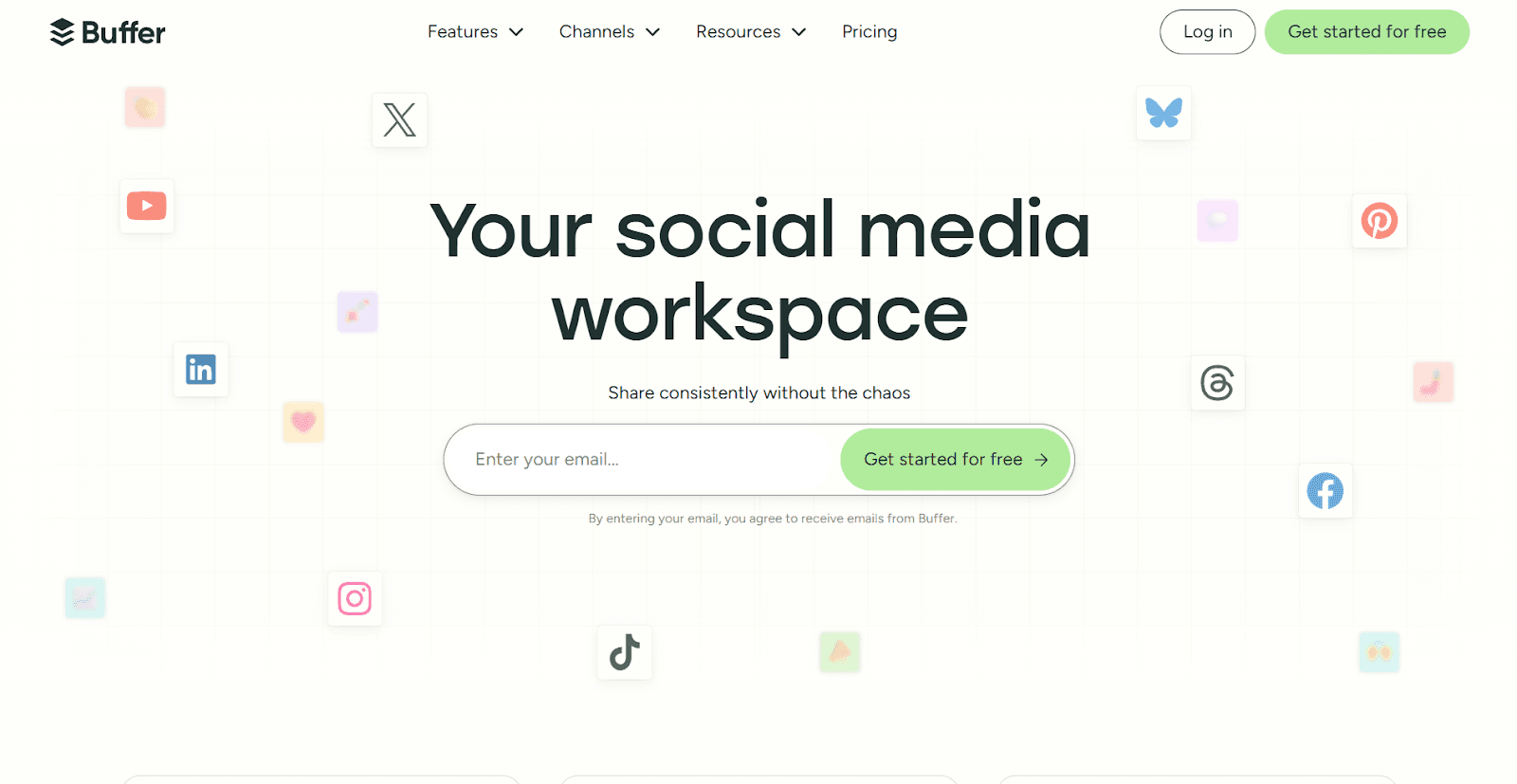
Buffer has been a go-to social media management tool for years, and its AI features have made it meaningfully more useful. The AI Assistant helps you brainstorm post ideas, repurpose existing content for different platforms, and adjust tone, length, and style with a single click. It works across Instagram, LinkedIn, X, TikTok, Facebook, Threads, Bluesky, and more.
What makes Buffer stand out in a crowded market is its simplicity. Where tools like Hootsuite and Sprout Social have grown into sprawling enterprise platforms, Buffer stays focused on what most marketing teams actually need: scheduling, analytics, engagement, and content creation. The per-channel pricing model also keeps costs predictable as you scale.
Best for: Small to mid-size marketing teams and creators who want clean, reliable social scheduling with AI content assistance.
Pros:
AI Assistant for brainstorming, repurposing, and tone adjustment included free
Clean, intuitive interface that doesn't overwhelm
Per-channel pricing keeps costs predictable
Supports all major platforms including Threads and Bluesky
Cons:
Limited TikTok and YouTube Shorts functionality
No built-in social listening or advanced monitoring
Analytics are solid but not enterprise-grade
Pricing: Free plan with 3 channels. Essentials at $6/month per channel. Team plan at $12/month per channel.
Prepostseo: Complete Writing & Content Refinement Platform
Category: Content Writing, Editing, & Improving
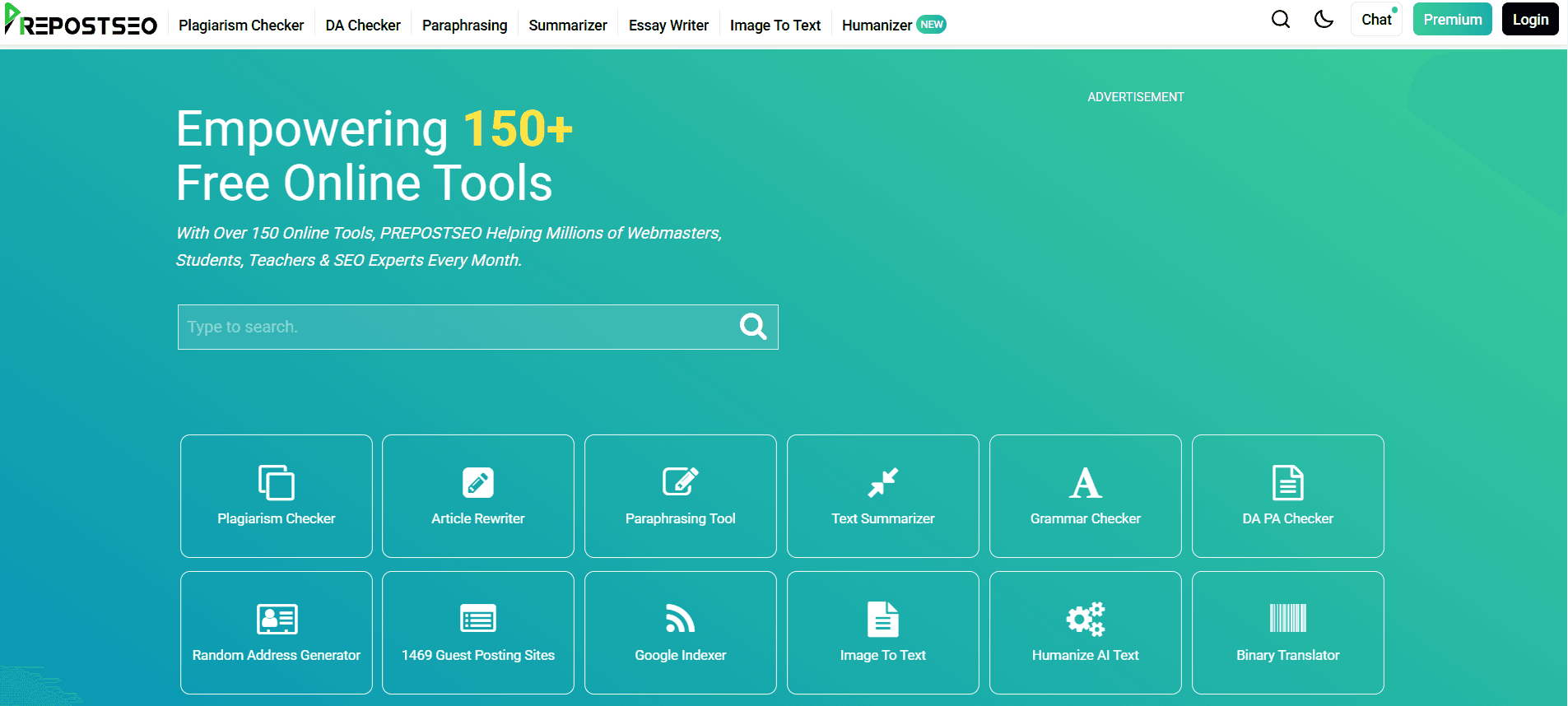
Prepostseo is a one-stop solution that offers a wide range of online tools to support academic writers, bloggers, and marketers in writing. It helps to improve both productivity and content quality; for this, it provides writing, editing, and proofreading-related tools.
Almost all of its tools are AI-powered, which helps users in different ways. Whether you need to create a compelling paragraph, write a complete essay, get an answer to a specific question, compose or reply to an email, Prepostseo provides dedicated tools for each task. These tools help you instantly create personalized content drafts for any purpose, simplifying your writing tasks, saving time and effort.
Prepostose comes up with a comprehensive set of content editing and proofreading tools. It's tools like plagiarism checker, AI content detector, and readability score checker are useful to instantly proofread your content. Similarly, its paraphrasing tool, AI humanizer, grammar checker, and others help to ensure that your final draft is readable, original, and error-free.
Best for: Professionals, academic writers, bloggers, marketers, and copywriters.
Pros:
All Prepostseo tools work quickly to save users’ time.
It offers a wide collection of tools to meet the needs of all users.
The working of every tool is quite accurate.
Almost all of Prepostseo's tools are multilingual.
No tool is totally premium, but freemium (available in free and premium versions)
Cons:
Some Advanced features require users to buy a subscription.
The free version includes frequent ads.
Pricing: Prepostose offers different plans: Basic $4.17/month, Standard $12.50/month, & Company $29.17/month (if billed annually).
Vista Social : AI-powered social media management
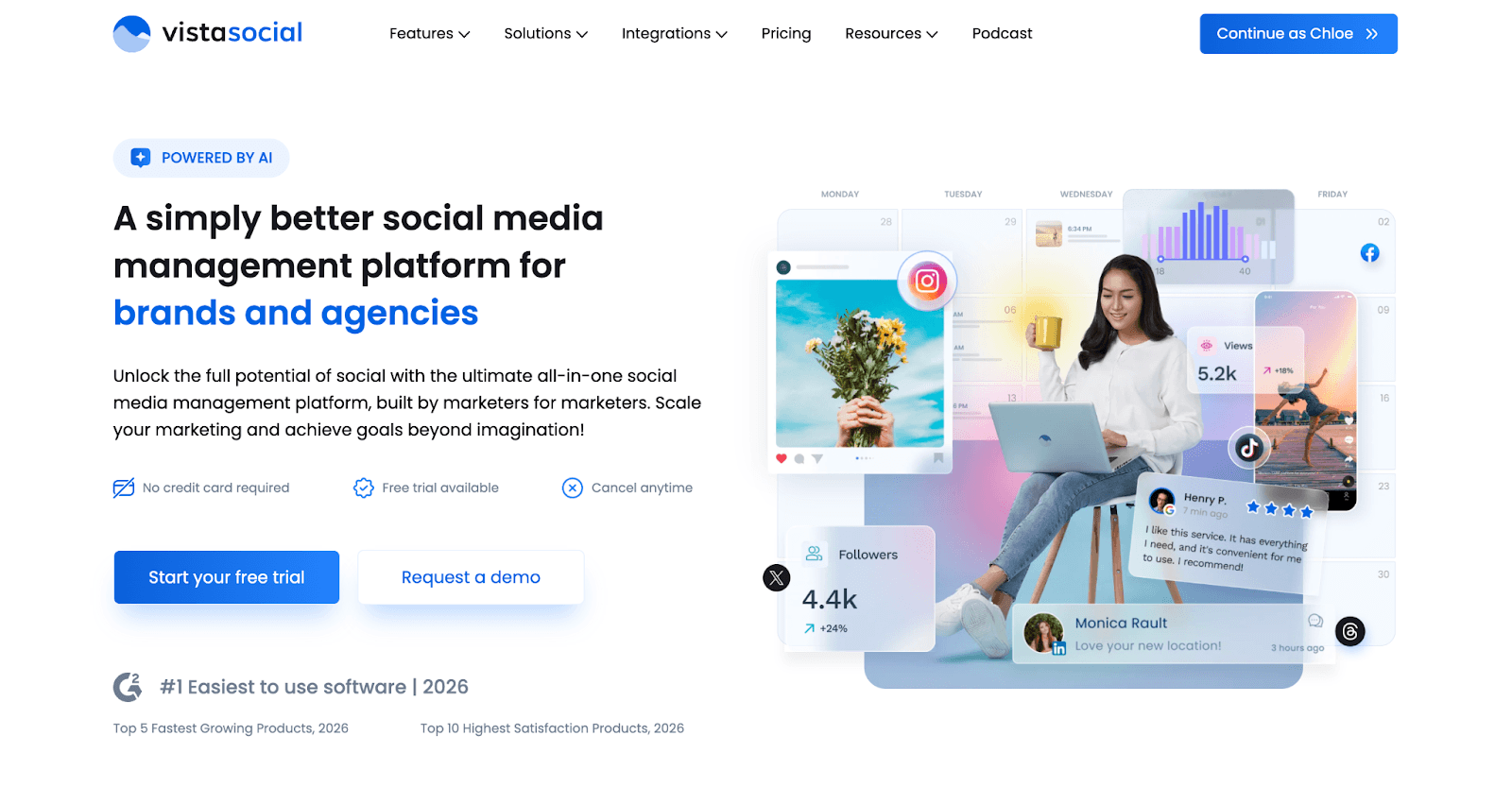
Vista Social presents itself as an integrated social media management solution built to merge multiple tools into one unified interface. Its standout quality lies in its extensive coverage, bringing together publishing, engagement, listening, reviews, and analytics under a single roof, making it especially attractive to agencies and businesses seeking to reduce tool sprawl.
Through my assessment of competing platforms, Vista Social's breadth of capabilities stood out. Rather than offering surface-level features, the platform delivers advanced functionality like social listening, automated DM workflows, and review management. These are capabilities that rival solutions either omit completely or monetize separately.
Best for: Agencies seeking comprehensive social media automation tools for client management.
Pros
All-encompassing feature suite reduces tool subscriptions
Powerful DM automation and chatbot capabilities
Excellent value proposition for agency use cases
Support for newer platforms (Threads, Bluesky)
Cons
Higher learning investment due to extensive features
Team collaboration tools locked behind premium tiers
AI credit allocation has defined limits
Dashboard complexity can be daunting at first
Pricing:
Vista Social provides a 14-day free trial for feature exploration, with paid tiers structured to grow alongside your requirements.
AI Summarizer: Smart Content Writing Toolkit
Category: Content refinement and productivity
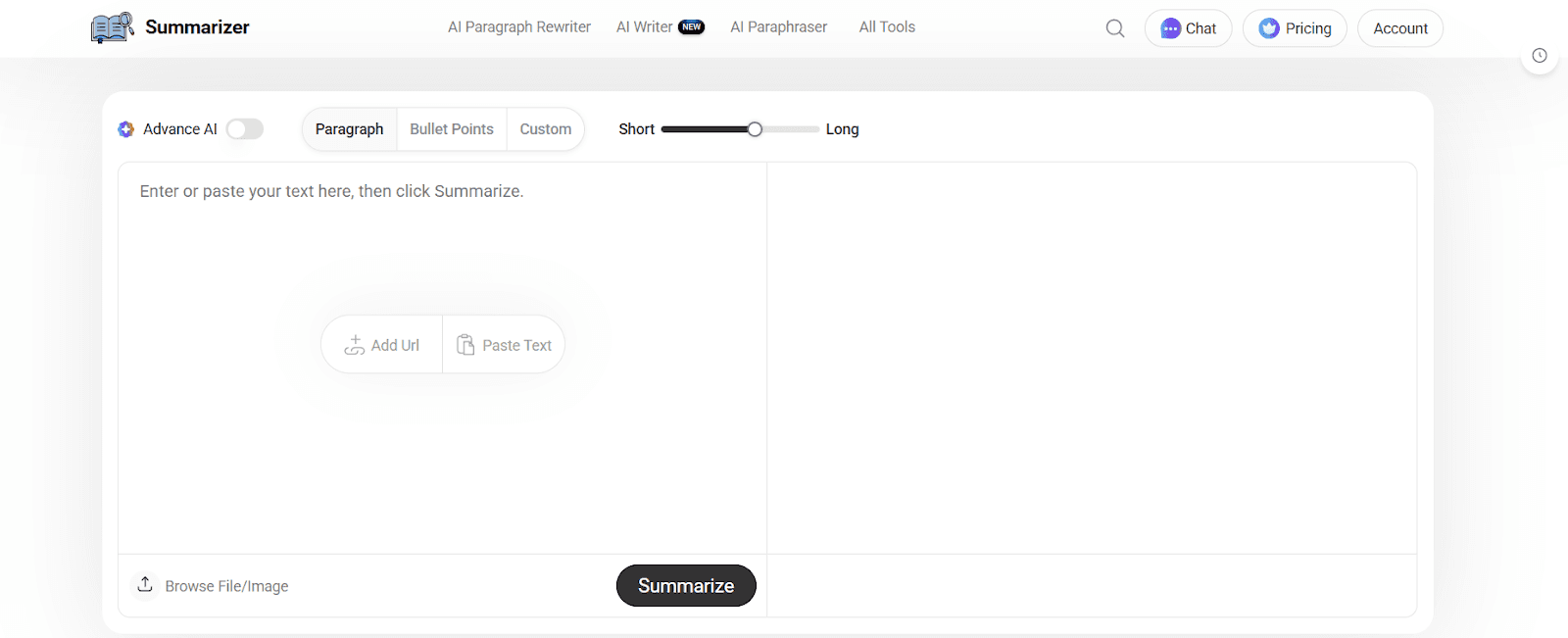
AI Summarizer is a practical AI-powered writing toolkit designed to help users process and improve written content quickly. While it’s mainly popular for shortening long articles into clear summaries, the platform also includes additional writing tools that support rewriting, originality checking, and improving AI-generated drafts. It’s especially helpful for marketers, students, and content teams who work with large volumes of text and need faster turnaround times.
Instead of reading through lengthy reports or blog drafts line by line, users can extract key points in seconds and focus on strategy or editing. The platform runs entirely online, making it easy to paste content, refine it, and move forward without complex setup.
Best for: Writers, marketers, and students who need to summarize, rewrite, and polish content efficiently.
Pros:
Quickly condenses long-form text into digestible summaries
Includes tools for paraphrasing and checking originality
Simple interface with no technical learning curve
Helps speed up content review and research workflows
Cons:
Users with free plan need to verify the captcha every time they use the tool
Advanced usage may depend on premium access
Pricing: Free version available. Basic plan “GO” starts at $5.60/month ($67 billed yearly).
Editpad: Instant Writing & Editing Platform
Category: Writing, Proofreading, & Optimization
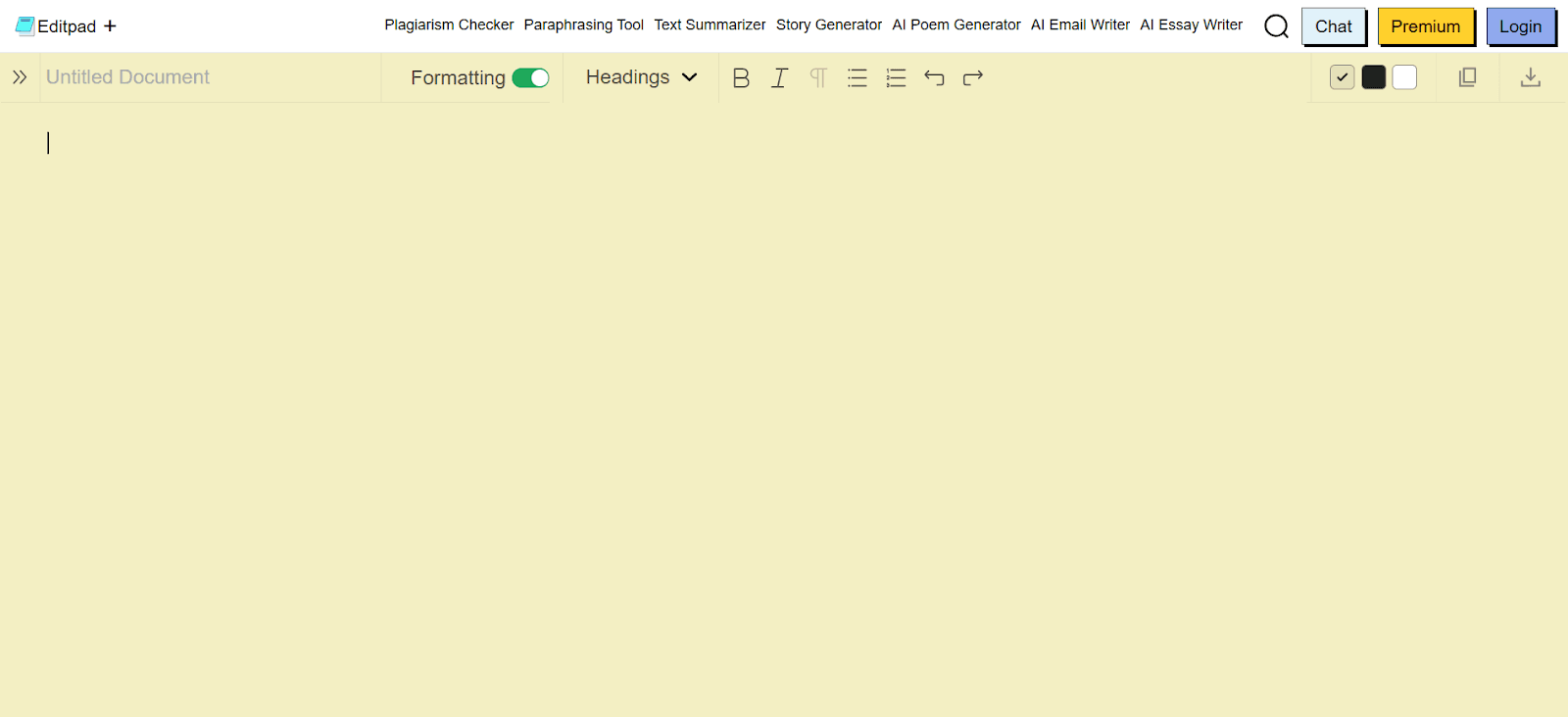
Editpad is a helpful platform for bloggers, marketers, and academic writers to streamline their writing workflow. While its signature tool is notepad, it goes far beyond note-taking by offering a wide suite of AI-powered tools.
Its AI generators, like paragraph generator, AI text generator, conclusion generator, AI essay writer, poem generator, AI email generator, and others, help users instantly get personalized content to their needs.
In addition, Editpad includes AI tools to assist in quick content proofreading, such as a grammar checker, plagiarism checker, AI detector, and readability checker. Instead of spending long hours manually proofreading, Editpad lets you do accurate checks within seconds, saving time and effort.
Once you’ve proofread content, Editpad's content optimization tools let you instantly refine the overall quality. For instance, its paraphraser improves readability, the humanizer makes content sound human-like, and the text summarizer avoids fluffiness. Similarly, you can find more AI tools for other purposes on Editpad.
Overall, Editpad provides a reliable set of tools to support content writing, optimization, and proofreading in one place.
Best for: Content writers, students, researchers, and marketers who need an all-in-one writing solution.
Pros:
Offers a seamless note-taking experience anytime, anywhere
Helps accurately write, refine, and proofread any content.
Supports a wide range of languages.
Both free and paid plans are available
Cons:
Using some advanced features requires a premium plan to buy.
Free users have to see distracting ads.
Pricing:
Editpad offers multiple plans: Weekly $5.99, Monthly $12.99, and Yearly $125.
Jasper: Long-Form Content Creation
Category: Branded content at scale
Jasper is purpose-built for marketing teams that need to produce high volumes of branded content without sacrificing consistency. You can train it on your brand voice, style guidelines, and past content, so every output stays on-brand whether you're writing a blog post, landing page, or email sequence.
The Campaign feature is where Jasper justifies its price. Input a single brief, and it generates a coordinated set of assets: blog drafts, ad copy, email sequences, and social posts, all aligned to the same messaging. For teams that previously spent days producing multi-channel campaign content, this collapses the timeline dramatically.
Best for: Marketing teams producing branded content at volume across multiple channels.
Pros:
Brand voice training produces consistent output across all formats
Campaign mode generates multi-channel assets from one brief
Strong template library for marketing use cases
Built-in team collaboration and approval workflows
Cons:
Expensive for solo marketers or small teams
Long-form output still requires human editing for nuance
Full value requires upfront investment in brand voice setup
Pricing: Creator plan starts at $49/month. Pro plan at $69/month.
AdCreative.ai: Ad Creative Generation
Category: Paid advertising and performance marketing
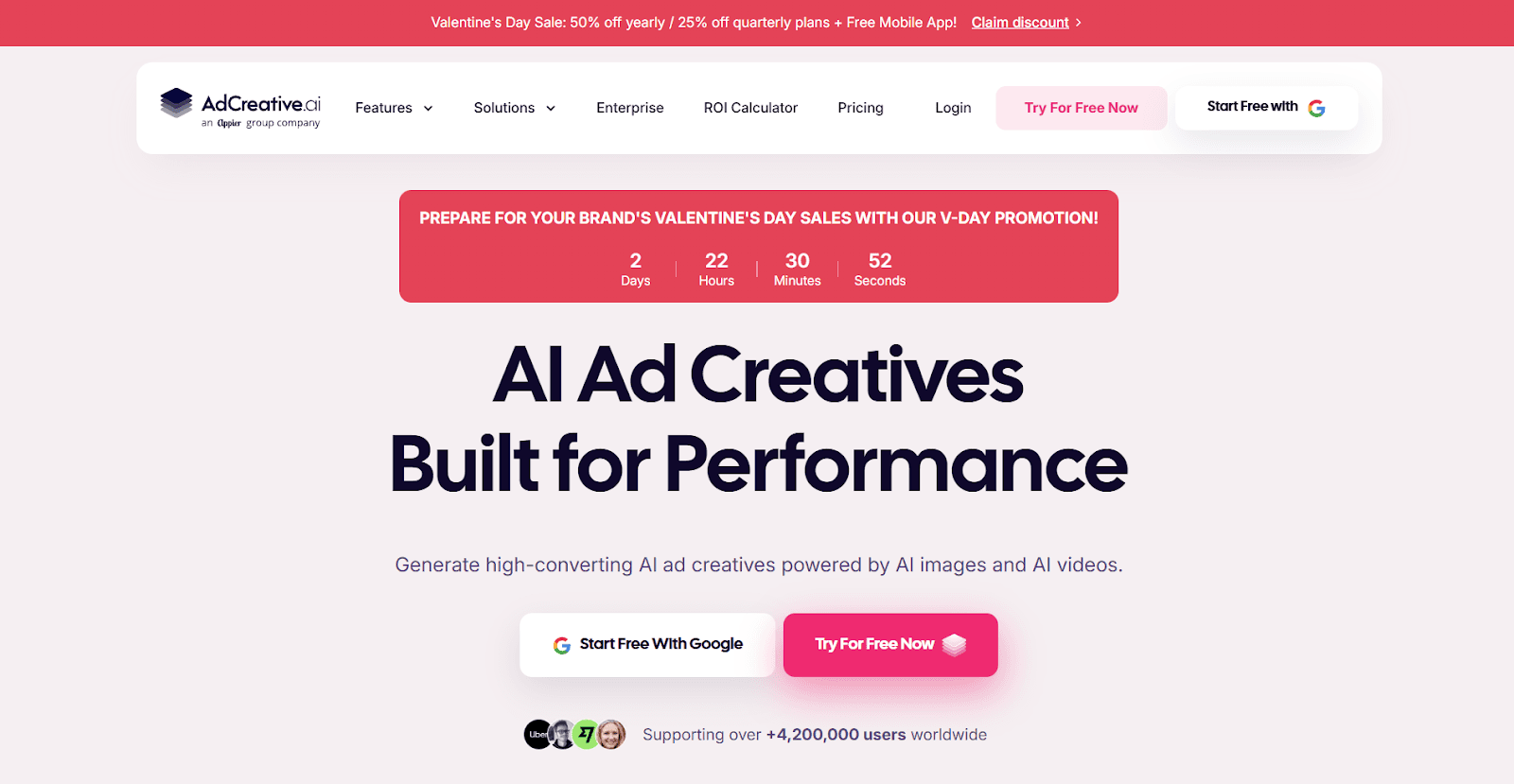
Creating high-performing ad creatives is one of the most time-consuming parts of running paid campaigns. AdCreative.ai uses AI trained on millions of high-converting ads to generate static and video ad creatives optimized for platforms like Meta, Google, and LinkedIn. You upload your brand assets, describe your campaign, and the tool generates dozens of variations scored by predicted conversion performance.
The Creative Scoring feature is the real differentiator. Instead of guessing which creative will perform, the AI scores each variant before you spend a dollar on media. You can also analyze competitor ads, generate product photoshoots from simple product images, and deploy creatives directly to your ad accounts.
Best for: Performance marketers and e-commerce brands running high-volume ad campaigns across Meta, Google, and LinkedIn.
Pros:
AI-scored creatives predict conversion performance before launch
Direct integration with Facebook Ads Manager and Google Ads
Product photoshoot AI turns basic images into professional ad visuals
Competitor ad analysis for creative intelligence
Cons:
Creative output can feel repetitive across variations
Limited post-generation customization compared to design tools
Credits don't roll over; best pricing requires annual commitment
Pricing: Starter plan at $39/month (10 downloads). Professional at $249/month. 7-day free trial available.
Descript: Video and Podcast Editing
Category: Video production and repurposing
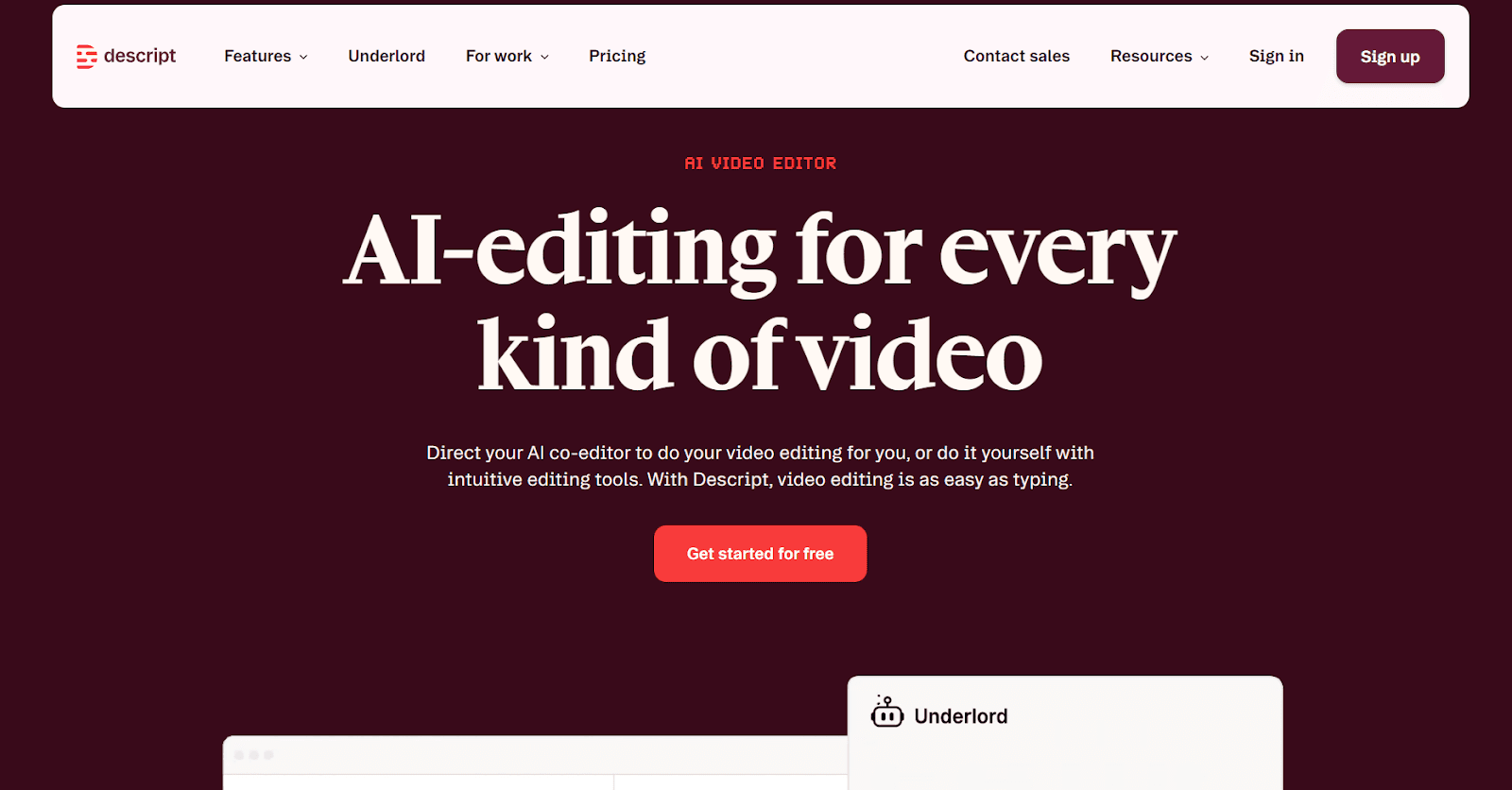
Traditional video editing is a specialized skill that most marketers don't have. Descript eliminates the barrier by letting you edit video the same way you edit a document. Upload your footage, and it generates a transcript. Delete a sentence from the transcript, and it's cut from the video. This text-first approach makes video editing accessible to anyone on the team.
Beyond basic cuts, Descript's AI handles filler word removal, Studio Sound for audio cleanup, eye contact correction, and AI voice cloning for quick fixes. For teams producing webinar clips, YouTube content, podcast episodes, or social video, it compresses what used to be hours of editing into minutes.
Best for: Marketing teams creating regular video or podcast content without dedicated editors.
Pros:
Text-based editing removes the video editing learning curve
Filler word removal and Studio Sound save hours of cleanup
Screen recording and social clip creation built in
Team collaboration for review workflows
Cons:
Processing can be slow for longer files
AI voice cloning requires careful setup for natural results
Advanced features like multicam editing need higher-tier plans
Pricing: Free plan with basic features. Hobbyist plan starts at $24/month.
Editpad: Instant Writing & Editing Platform
Category: Writing, Proofreading, & Optimization
Editpad is a helpful platform for bloggers, marketers, and academic writers to streamline their writing workflow. While its signature tool is notepad, it goes far beyond note-taking by offering a wide suite of AI-powered tools.
Its AI generators, like paragraph generator, AI text generator, conclusion generator, AI essay writer, poem generator, AI email generator, and others, help users instantly get personalized content to their needs.
In addition, Editpad includes AI tools to assist in quick content proofreading, such as a grammar checker, plagiarism checker, AI detector, and readability checker. Instead of spending long hours manually proofreading, Editpad lets you do accurate checks within seconds, saving time and effort.
Once you’ve proofread content, Editpad's content optimization tools let you instantly refine the overall quality. For instance, its paraphraser improves readability, the humanizer makes content sound human-like, and the text summarizer avoids fluffiness. Similarly, you can find more AI tools for other purposes on Editpad.
Overall, Editpad provides a reliable set of tools to support content writing, optimization, and proofreading in one place.
Best for: Content writers, students, researchers, and marketers who need an all-in-one writing solution.
Pros:
Offers a seamless note-taking experience anytime, anywhere
Helps accurately write, refine, and proofread any content.
Supports a wide range of languages.
Both free and paid plans are available
Cons:
Using some advanced features requires a premium plan to buy.
Free users have to see distracting ads.
Pricing:
Editpad offers multiple plans: Weekly $5.99, Monthly $12.99, and Yearly $125.
AI Productivity Tools For Sales
Sales teams live in their inboxes, on calls, and inside their CRM. Every minute spent on admin is a minute not spent closing. When choosing AI productivity tools, a key factor is evaluating how much time or effort each tool saves compared to manual processes. The tools below tackle the four core sales bottlenecks: multi-channel prospecting, personalized copy, email management, and call intelligence.
For a broader look at AI across the sales workflow, our guide to the best AI sales tools covers the full landscape.
Apollo.io: Multi-Channel Prospecting and Outreach
Category: Outbound prospecting and sequencing
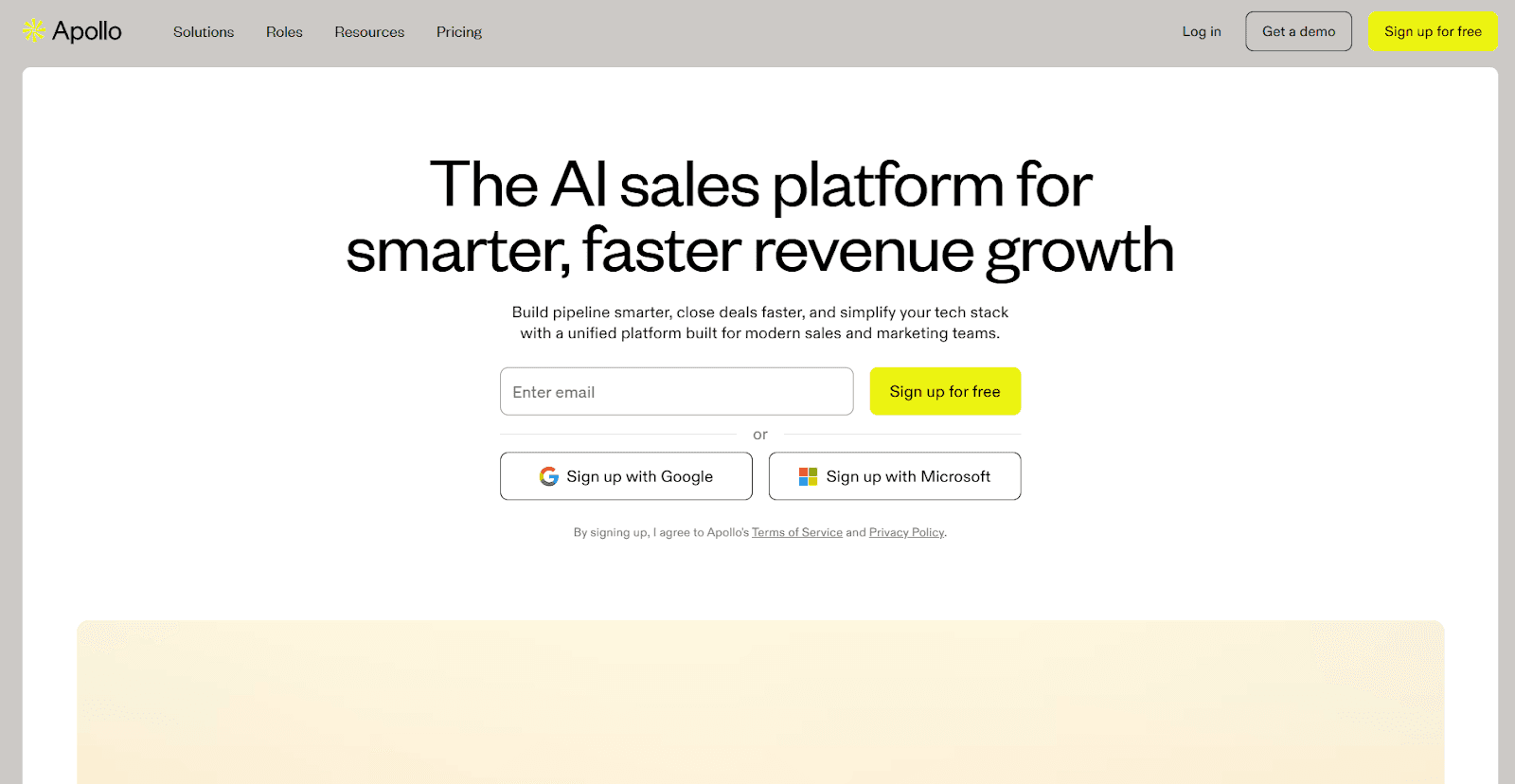
Apollo.io is an all-in-one B2B sales platform that combines a massive contact database (210M+ contacts) with built-in email sequencing, a dialer, and pipeline management. Instead of stitching together separate tools for data, outreach, and CRM, Apollo puts them all in one place.
The AI features accelerate every stage of outbound. Advanced filters let you target prospects by technographics, funding rounds, hiring activity, and revenue. From there, you can build multi-step sequences with A/B testing, automate follow-ups, and track engagement, all without leaving the platform. The AI assistant helps with prospect research and call summaries.
Best for: SDRs, AEs, and growth teams running structured outbound campaigns at scale.
Pros:
210M+ contact database with advanced targeting filters
Built-in email sequencing with A/B testing
Dialer with call recording on higher-tier plans
Integrates natively with Salesforce, HubSpot, and Outreach
Cons:
Credit-based system can drive unexpected costs at scale
Phone number accuracy is inconsistent
LinkedIn outreach still requires manual execution
Advanced features are gated behind higher-tier plans
Pricing: Free plan with limited credits. Basic at $49/user/month (annual). Professional at $79/user/month.
Copy.ai: Sales Copy and GTM Workflows
Category: Personalized outreach and sales enablement
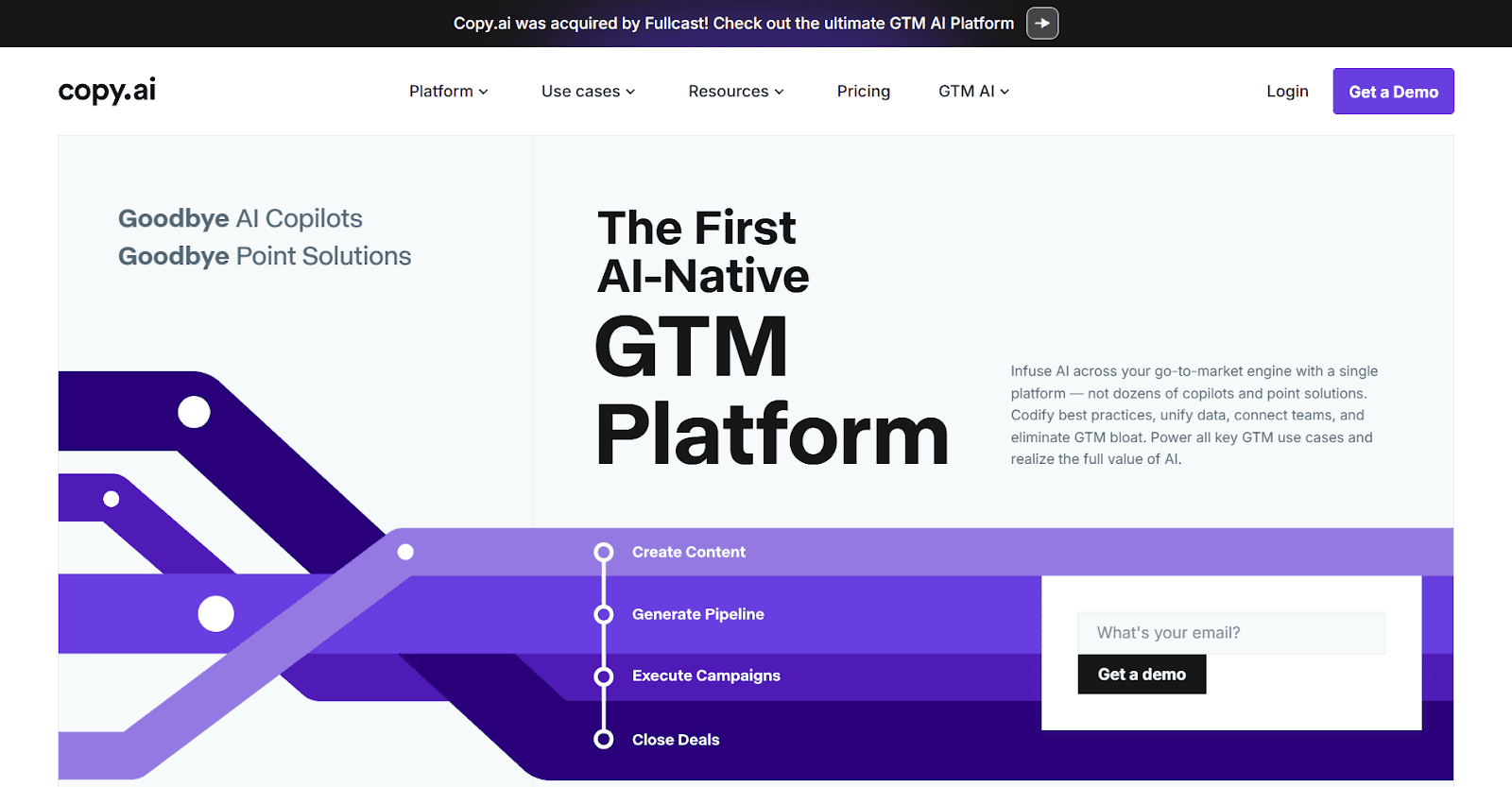
Copy.ai has evolved from a simple copywriting tool into a full go-to-market AI platform. Its standout capability for sales teams is the workflow builder, which chains together prospect research, personalized message generation, and CRM updates into automated sequences. Define your messaging framework, and Copy.ai handles personalization at scale.
Where Apollo focuses on the data and delivery infrastructure, Copy.ai excels at the messaging layer. It generates the actual words: first-touch emails, follow-up sequences, LinkedIn connection messages, and objection-handling responses, all informed by CRM data and prospect context.
Best for: Sales teams that need high-quality personalized messaging at scale, not just contact data.
Pros:
Workflow automations connect research, writing, and CRM updates
Strong at generating variations for A/B testing
CRM integrations for data-enriched personalization
Generous free plan to test the waters
Cons:
Workflow builder has a learning curve
Long-form content quality is inconsistent
Most powerful features locked behind higher tiers
Pricing: Free plan with 2,000 words per month. Pro plan starts at $49/month.
If your sales team also needs help with pitch decks and proposals, our guide on creating AI-powered sales proposals walks through the workflow. We've also ranked the best AI tools for sales presentations specifically.
Superhuman: Email Management
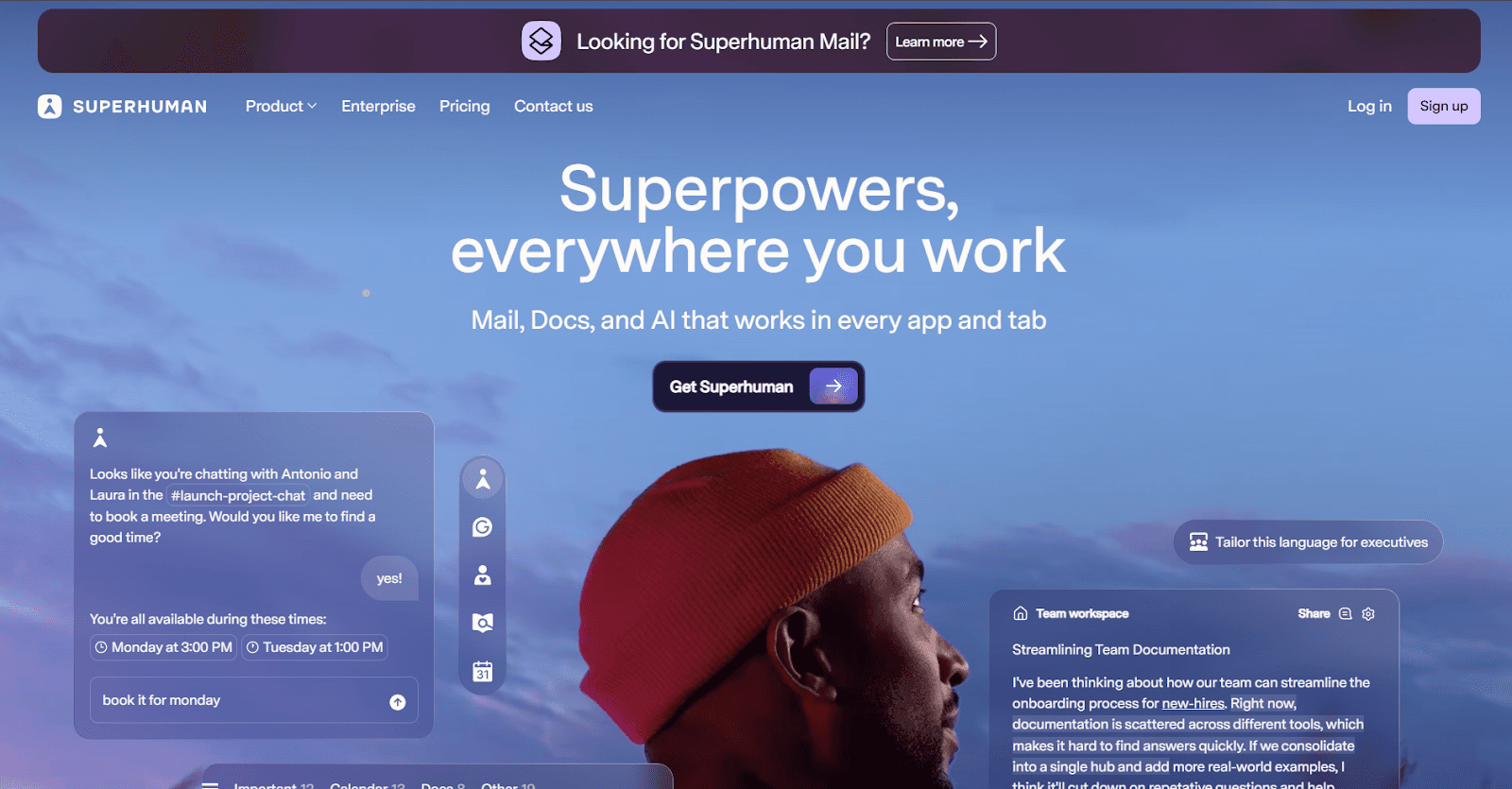
Category: Email speed and prioritization
For sales reps, email speed directly correlates with pipeline velocity. Superhuman is a premium email client built around that principle. Its AI drafts emails that match your personal writing style, summarizes long threads instantly, and surfaces the most important messages first through Split Inbox.
The combination of keyboard shortcuts, AI drafting, and smart prioritization means reps spend less time managing email and more time on high-value conversations. Power users consistently report saving three to four hours per week. Read status tracking and snooze-based follow-up reminders ensure no deal-critical email slips through.
Best for: Sales reps, AEs, and founders whose pipeline depends on fast, polished email communication.
Pros:
AI drafts genuinely match your personal writing tone
Split Inbox auto-categorizes incoming mail by priority
Keyboard-first design makes every action fast
Read receipts and follow-up reminders built in
Cons:
$30/month is premium for an email client
Limited to Gmail and Outlook
Some power features have a learning curve
Pricing: Starts at $30/month.
Fireflies.ai: Call Intelligence
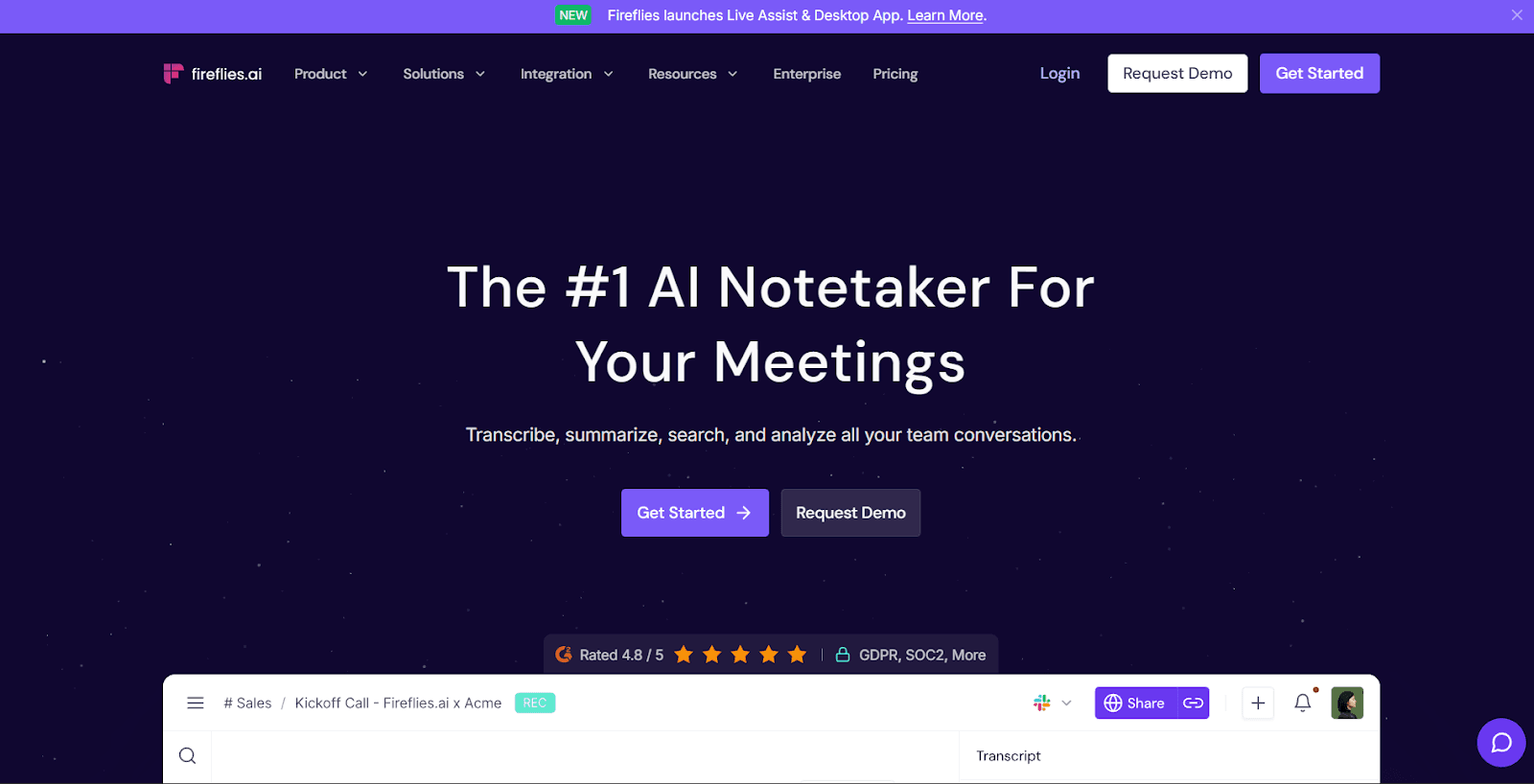
Category: Meeting transcription and CRM sync
Sales calls contain some of the most valuable data in any organization, but most of it disappears the moment the call ends. Fireflies.ai automatically joins your calls, transcribes them, extracts action items, and pushes everything into your CRM.
The intelligence layer is what makes it particularly valuable for sales. It tracks sentiment throughout calls, flags buying signals, identifies objections, and builds a searchable archive of every prospect interaction. Over time, this makes deal reviews and coaching sessions far more productive.
Best for: Sales teams that need call data flowing into their CRM and want intelligence from every prospect conversation.
Pros:
Deep CRM integrations (Salesforce, HubSpot, Pipedrive)
AI search across all call transcripts
Sentiment analysis and topic tracking for deal intelligence
Custom vocabulary training for industry jargon
Cons:
UI can feel cluttered with so many features
Some integrations require higher-tier plans
Audio quality heavily impacts transcription accuracy
Pricing: Free plan with limited credits. Pro starts at $19/month per seat. Business plan and enterprise plans are also available, tailored for larger teams or organizations.
Best AI Productivity Tools For Finance
Finance teams deal with dense reports, time-sensitive data, and strict accuracy requirements. The AI tools best suited for finance help you process information faster, manage spend, and analyze documents without sacrificing the precision your work demands.
Ramp: Expense Management and Spend Intelligence
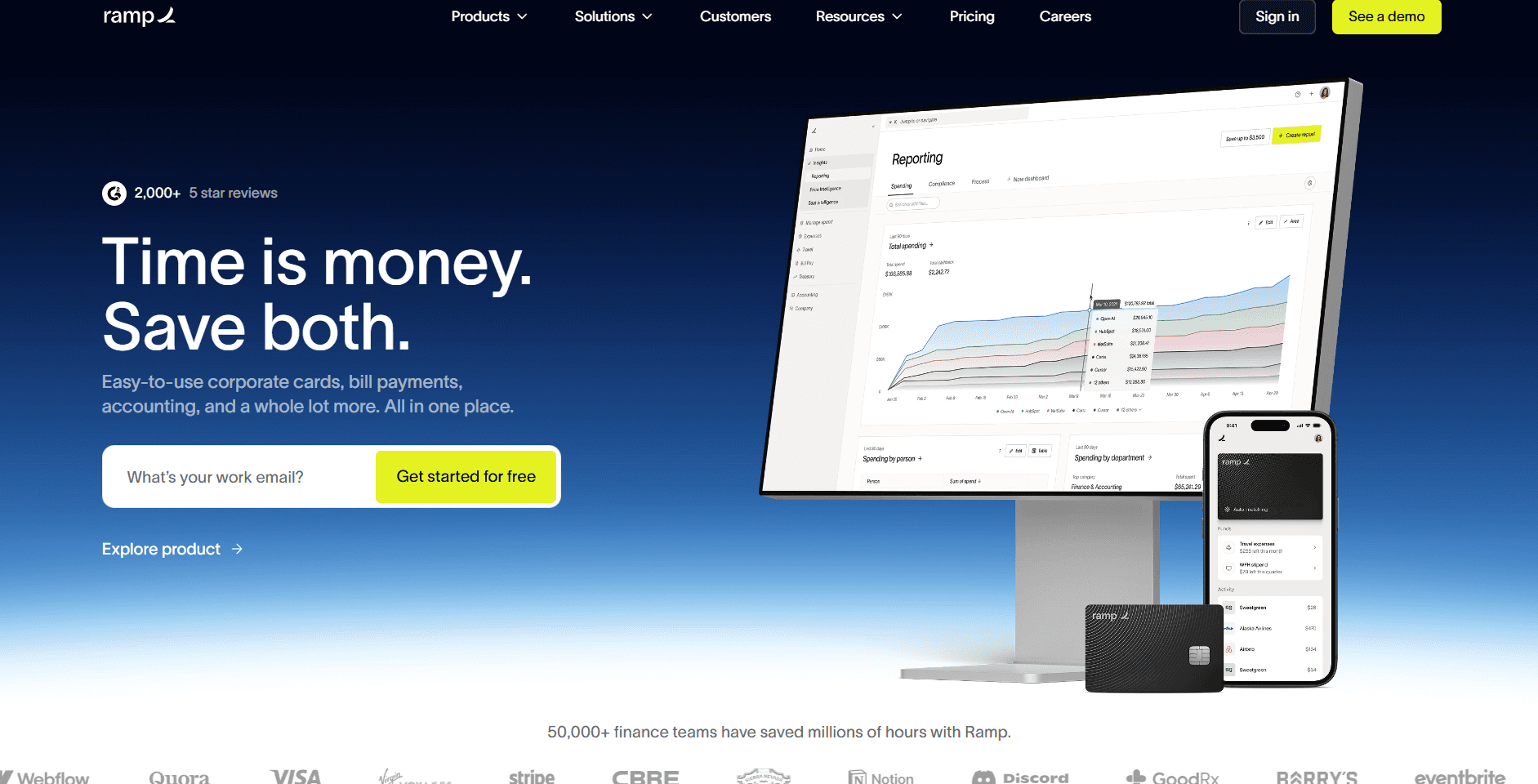
Category: Corporate spend management
Ramp combines corporate cards with AI-driven expense management. It automatically categorizes transactions, flags duplicate charges, identifies subscription waste, and surfaces savings opportunities across your company's spend. AI receipt matching alone saves finance teams hours of manual reconciliation each month.
What sets Ramp apart is its proactive intelligence. It doesn't just record what was spent; it identifies patterns. It flags vendors you're overpaying, unused subscriptions, and spending anomalies that might signal policy violations. For finance teams managing budgets across departments, this level of automated oversight is transformative.
Best for: Finance teams at growing companies that need automated expense management with spend intelligence.
Pros:
AI transaction categorization and receipt matching
Proactive savings recommendations and subscription monitoring
Real-time spend visibility across departments
Integrates with QuickBooks, NetSuite, Sage, and Xero
Cons:
Primarily designed for US-based companies
Custom pricing requires a sales conversation
Some advanced features take time to configure
Pricing: Free corporate card program. Software pricing is custom.
Perplexity AI: Research with Cited Sources
Category: Financial research and due diligence
Perplexity AI combines a search engine with an AI assistant to synthesize answers from multiple web sources with inline citations. For finance teams researching market trends, competitor benchmarks, regulatory changes, or data for financial models, it replaces the tedious cycle of opening tabs and manually piecing information together.
Pro Search conducts multi-step research by asking clarifying questions and pulling from authoritative sources. For competitive analysis, market sizing, or due diligence research, it delivers citable answers in seconds rather than hours.
Best for: Finance analysts who need fast, citable research for reports and strategic decisions.
Pros:
Inline citations on every answer for source verification
Pro Search handles complex multi-step queries
Clean interface built for research, not content generation
Collections for organizing ongoing research threads
Cons:
Free plan limits Pro Search queries
Occasionally surfaces outdated sources
Not a replacement for specialized databases like Bloomberg or PitchBook
Pricing: Free plan with basic search. Pro at $20/month.
NotebookLM: Source-Grounded Document Analysis
Category: Document analysis and synthesis
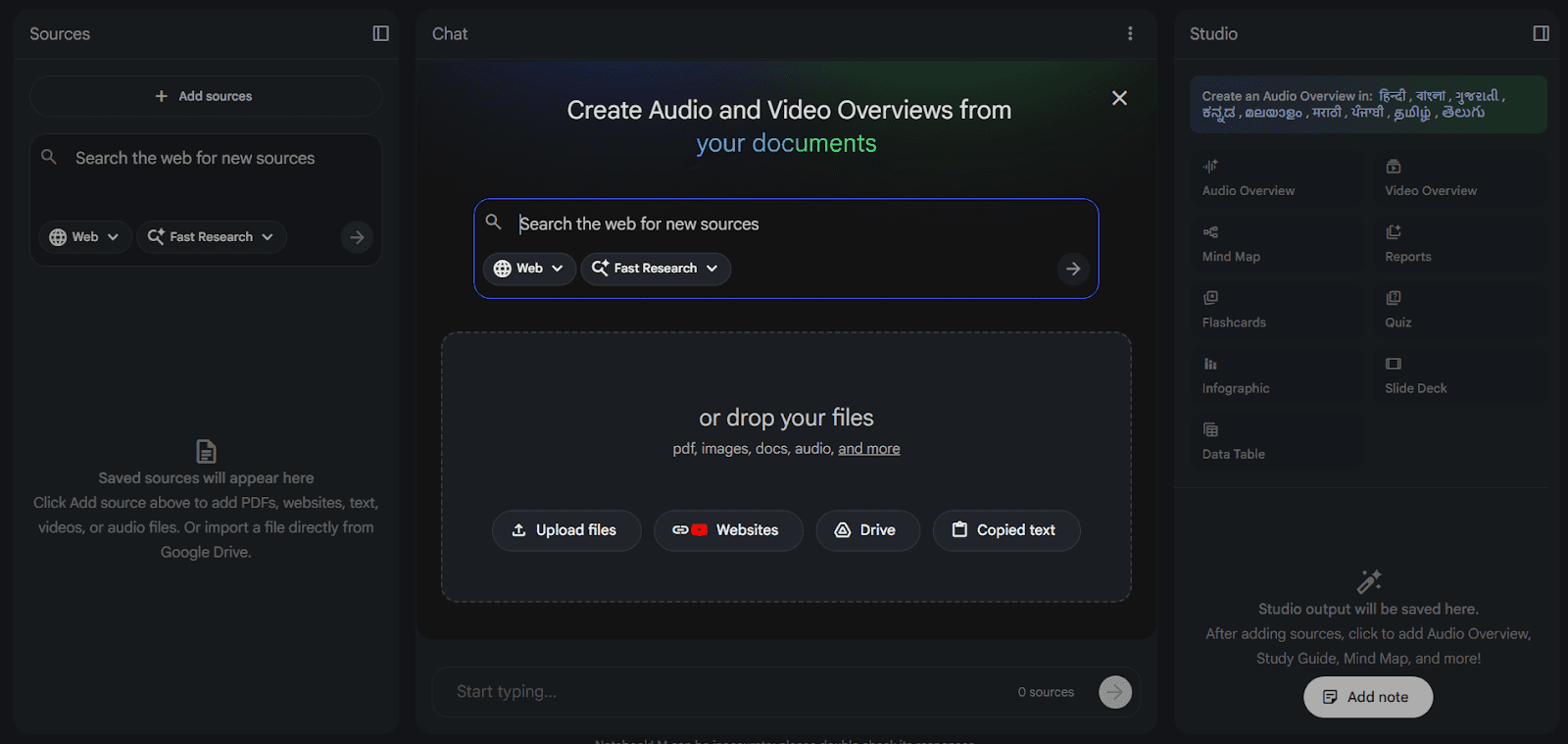
Google's NotebookLM takes a fundamentally different approach to AI research. You upload your own sources (PDFs, docs, websites, YouTube videos) and the AI works exclusively with that material. Every insight is grounded in what you provided, with zero risk of hallucinated information from external sources.
This source-grounding is critical for finance, where accuracy isn't optional. Upload earnings reports, 10-K filings, board presentations, or financial models and ask questions like "What were the key risk factors across these three filings?" The AI stays strictly within your material. The Audio Overview feature also generates podcast-style discussions of your uploads, which is a surprisingly effective way to absorb dense documents.
Best for: Finance professionals analyzing stacks of dense documents who need accuracy and source traceability.
Pros:
Completely source-grounded, no hallucinated external data
Supports PDFs, Google Docs, web pages, YouTube, and more
Audio Overview turns dense documents into listenable content
Free to use
Cons:
Only works with content you upload, no web search
Limited to 50 sources per notebook
Audio quality varies with source complexity
Pricing: Free.
Best AI Productivity Tools For Business Ops
Operations teams are the connective tissue of any organization. They manage the systems, processes, and workflows that keep everything running. These tools help ops teams automate repetitive work, optimize schedules, and maintain a single source of truth for company knowledge. Increasingly, some business ops tools now include an 'ai studio' - an integrated feature for automating workflows and facilitating data-driven decision-making.
For founders and ops leaders building their full tool stack, our guide to the best AI tools for founders covers how these pieces fit together.
Notion AI: Workspace and Knowledge Management
Category: Docs, wikis, and project management
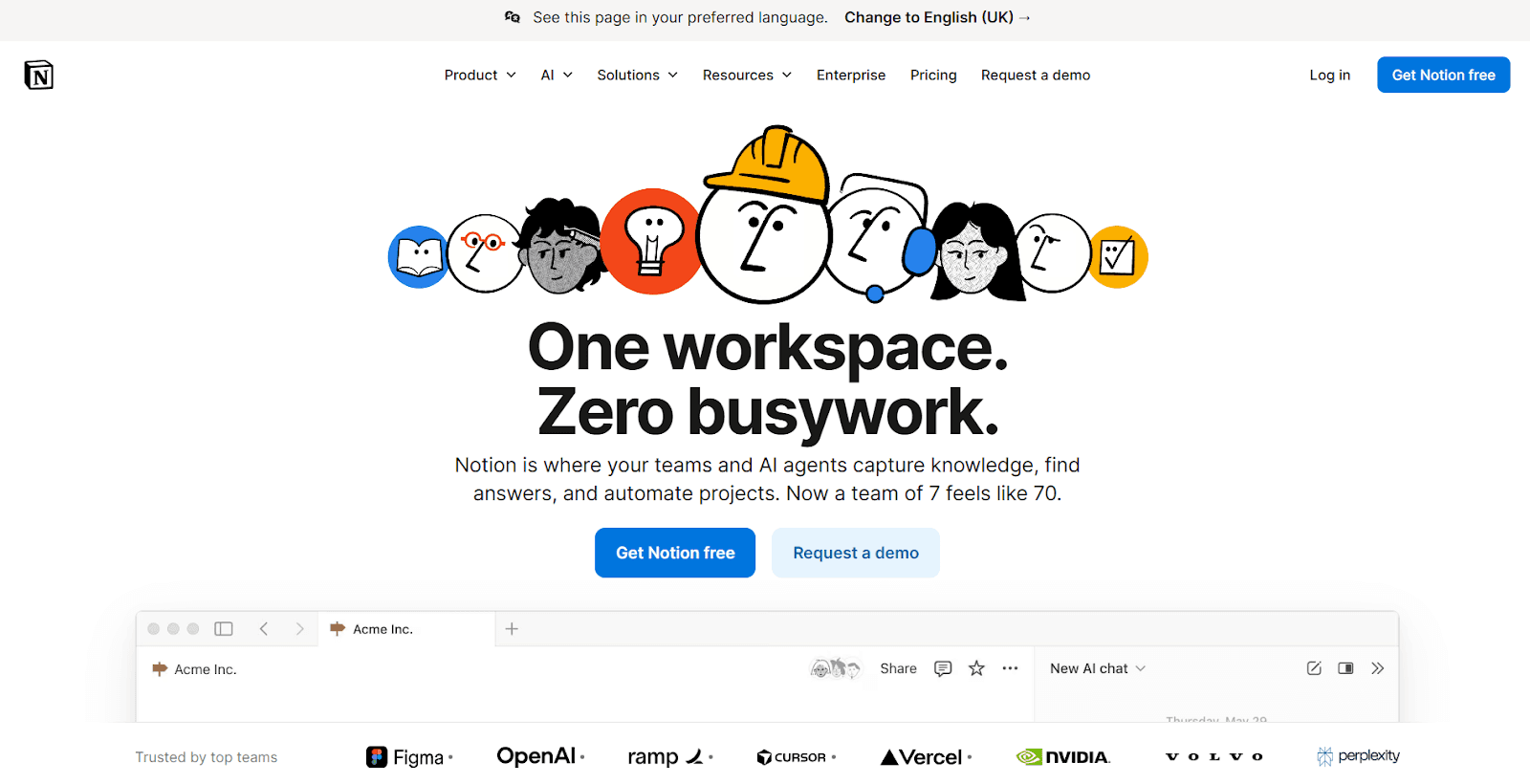
Notion has become the default workspace for startups and scaling teams, and its AI layer makes it significantly more powerful. Notion AI summarizes pages, generates content, extracts action items, auto-fills database properties, and answers questions across your entire workspace.
The Q&A feature is the standout for ops teams. Instead of searching through dozens of wiki pages or digging through Slack, ask Notion AI a question and it pulls the answer from your knowledge base. For teams managing SOPs, vendor docs, onboarding guides, and project trackers all in one place, this alone is worth the AI add-on cost.
Best for: Teams already using Notion who want AI layered into their existing workflows.
Pros:
AI works contextually within your existing workspace
Q&A searches across all pages, databases, and wikis
Flexible enough for docs, project boards, CRM, and more
Massive template gallery
Cons:
AI add-on cost scales with team size
Can be overwhelming to set up from scratch
AI features are most valuable within Notion's own ecosystem
Pricing: Free personal plan. Plus at $12/month. AI add-on is $10/member/month.
For startups building their ops stack, our guide to the best AI tools for startups shows how Notion fits into a broader system.
Zapier: Workflow Automation
Category: Cross-platform automation
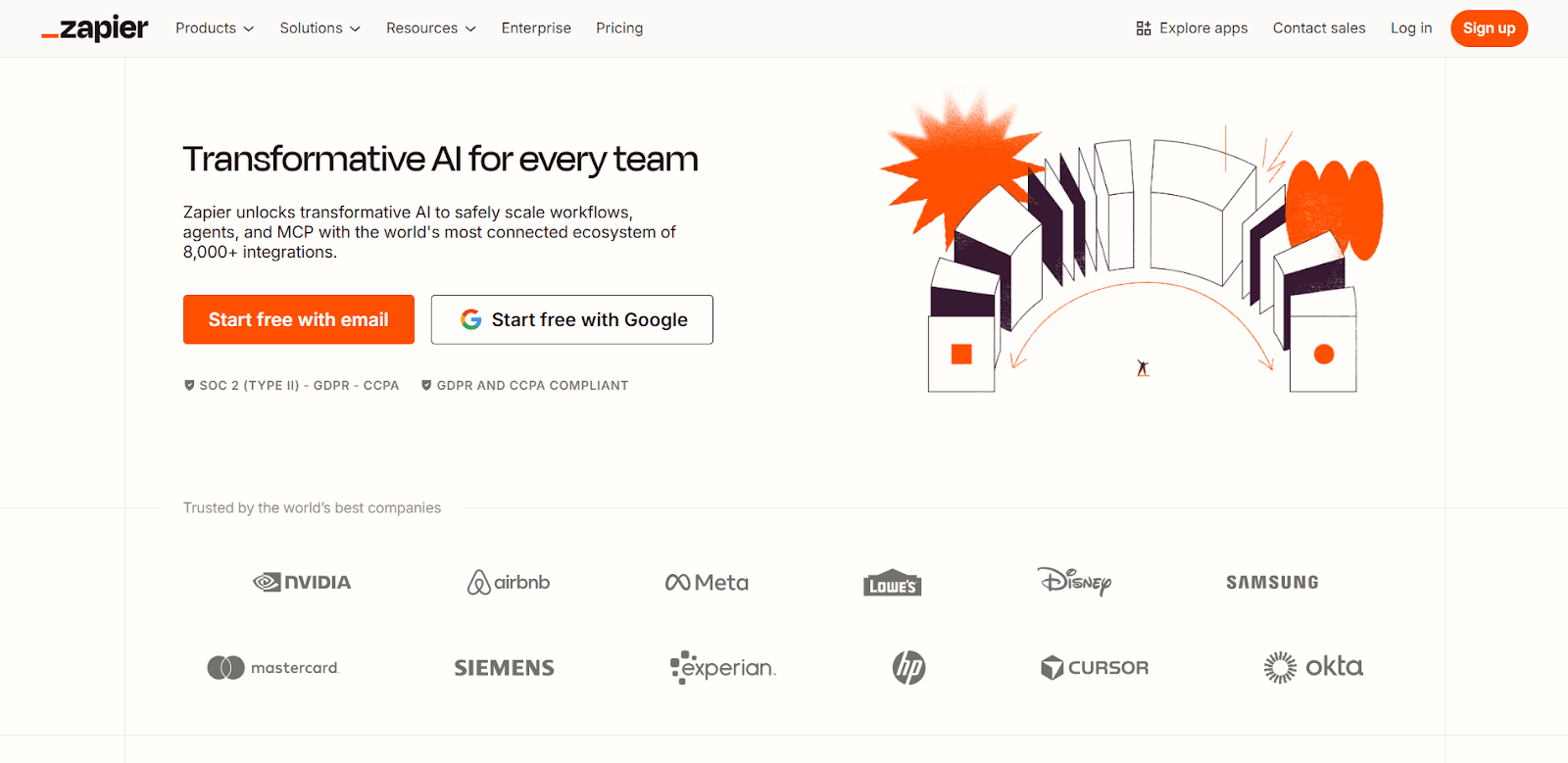
Zapier connects over 6,000 apps and lets you build automated workflows without writing code. When a lead fills a form, Zapier can add them to your CRM, notify sales in Slack, and trigger a welcome email. When an invoice is paid in Stripe, it updates your spreadsheet, sends a confirmation, and logs the transaction.
Its AI features now let you describe automations in plain language and Zapier builds them for you. The newer Agents feature creates AI assistants that can take multi-step actions across your tool stack. For ops teams managing dozens of cross-platform processes, Zapier eliminates hours of manual data transfer and reduces copy-paste errors.
Best for: Operations teams automating cross-platform workflows without developer support.
Pros:
Connects to virtually every SaaS tool in your stack
Natural language automation builder
Agents feature for multi-step AI-powered actions
Extensive template library and battle-tested reliability
Cons:
Multi-step Zaps require paid plans
Debugging failed automations can be frustrating
Per-task pricing gets expensive at high volumes
Pricing: Free plan with unlimited single-step Zaps. Paid plans start at $29.99/month.
Motion: Task and Calendar Management
Category: Auto-scheduling and prioritization
Motion takes your tasks, deadlines, and meetings and automatically schedules everything into your calendar. As priorities shift or meetings get added, it re-optimizes your day continuously. It eliminates the daily ritual of staring at a to-do list and deciding what to work on next.
For ops leaders juggling strategic projects alongside a packed meeting schedule, Motion ensures important work actually gets calendar time instead of languishing on a list. Team features surface capacity issues before anyone misses a deadline.
Best for: Ops managers and team leads who want their calendar to reflect actual priorities.
Pros:
Auto-scheduling removes daily planning friction
Continuous re-optimization as priorities change
Team capacity planning prevents overload
Combines tasks, calendar, and project views
Cons:
$34/month is steep compared to simpler task managers
Requires willingness to let AI manage your schedule
Mobile app less polished than desktop
Pricing: Plans start at $34/month.
Clockwise: Calendar Optimization
Category: Focus time protection and team scheduling
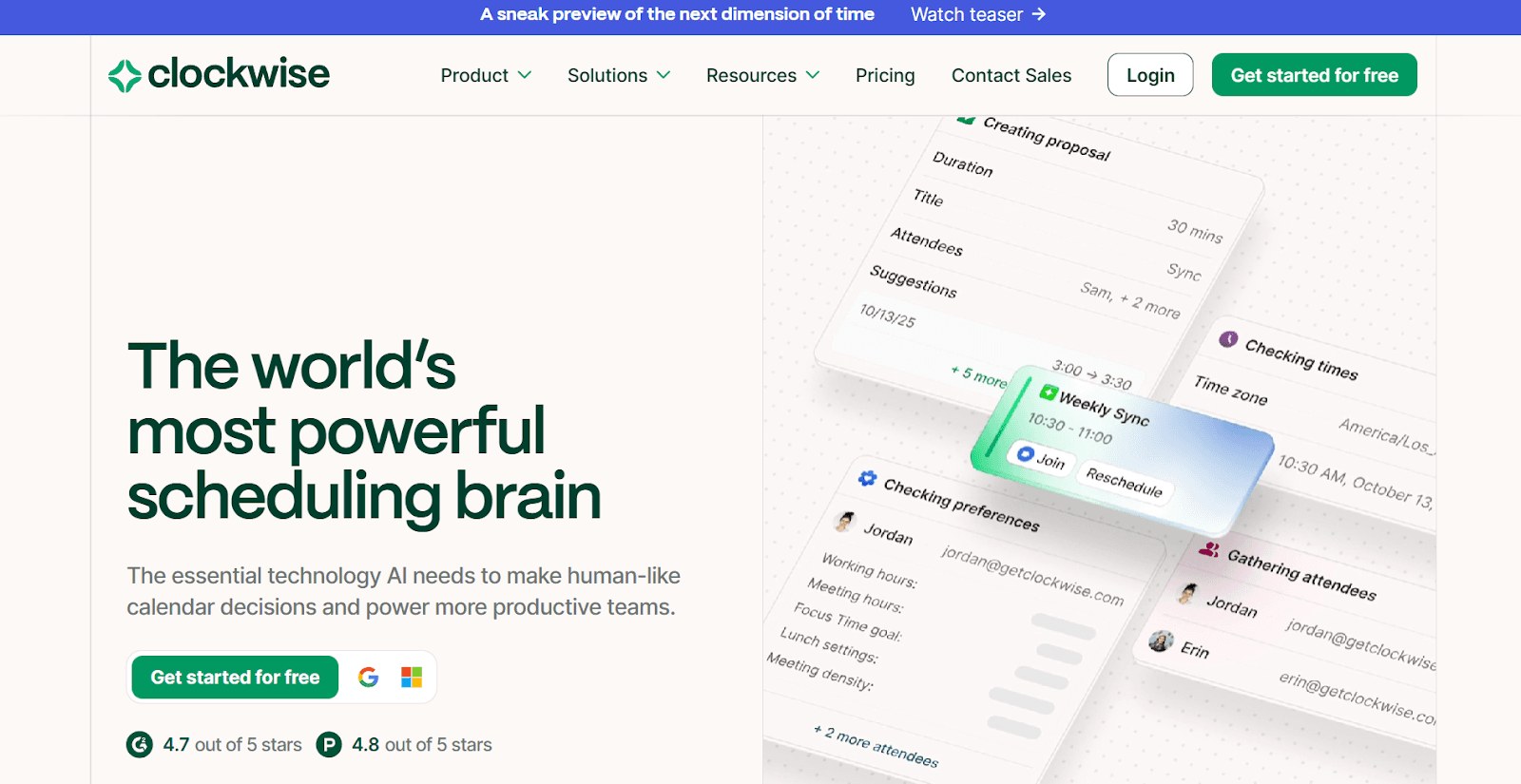
Clockwise focuses on one specific problem and solves it well: protecting focus time. It analyzes your team's calendars and automatically moves flexible meetings to create longer uninterrupted blocks for deep work. Its AI assistant, Prism, handles availability queries, scheduling, and conflict resolution through a chat interface.
The real value appears at the team level. Clockwise doesn't just optimize your schedule; it optimizes everyone's, finding meeting slots that preserve focus time for the entire group. For cross-functional ops teams trying to protect maker time, it's one of the most impactful tools you can adopt.
Best for: Teams struggling with calendar fragmentation who want to protect deep work time.
Pros:
Automatically moves flexible meetings to protect focus blocks
Team-wide optimization, not just individual
Easy availability sharing for external scheduling
Works with Google Calendar and Outlook
Cons:
Greatest value requires team-wide adoption
Limited benefit for solo professionals
Free plan is heavily restricted
Pricing: Free plan with basics. Paid plans start at $6.75/month, billed annually.
Best AI Productivity Tools For HR
HR teams handle some of the most communication-intensive work in any organization: hiring, onboarding, training, performance management, and employee engagement. The tools below address three distinct HR workflows that AI can meaningfully accelerate.
Synthesia: Training and Onboarding Videos
Category: Scalable video content for L&D
Producing training and onboarding videos traditionally requires cameras, studios, and presenters that most HR teams don't have budget for. Synthesia lets you generate professional-looking videos from a text script using AI avatars. Write the script, choose an avatar, and the tool produces a polished video in minutes.
The real value for HR is the update cycle. When a policy changes, you edit the script and regenerate rather than re-filming. With 230+ avatar options, 140+ languages, and custom avatar creation, Synthesia scales video production in ways traditional filming simply cannot.
Best for: HR and L&D teams that need scalable training, onboarding, and internal communication videos.
Pros:
No filming equipment, studio, or on-camera talent required
140+ languages with natural-sounding voiceovers
Scripts can be updated and regenerated instantly
Custom avatars for brand consistency
Cons:
AI avatars still look noticeably artificial in some contexts
Limited control over gestures and expressions
May feel impersonal for sensitive communications
Pricing: Free plan with limited minutes. Starter at $29/month.
Textio: Inclusive Hiring Language
Category: Job descriptions and recruitment messaging
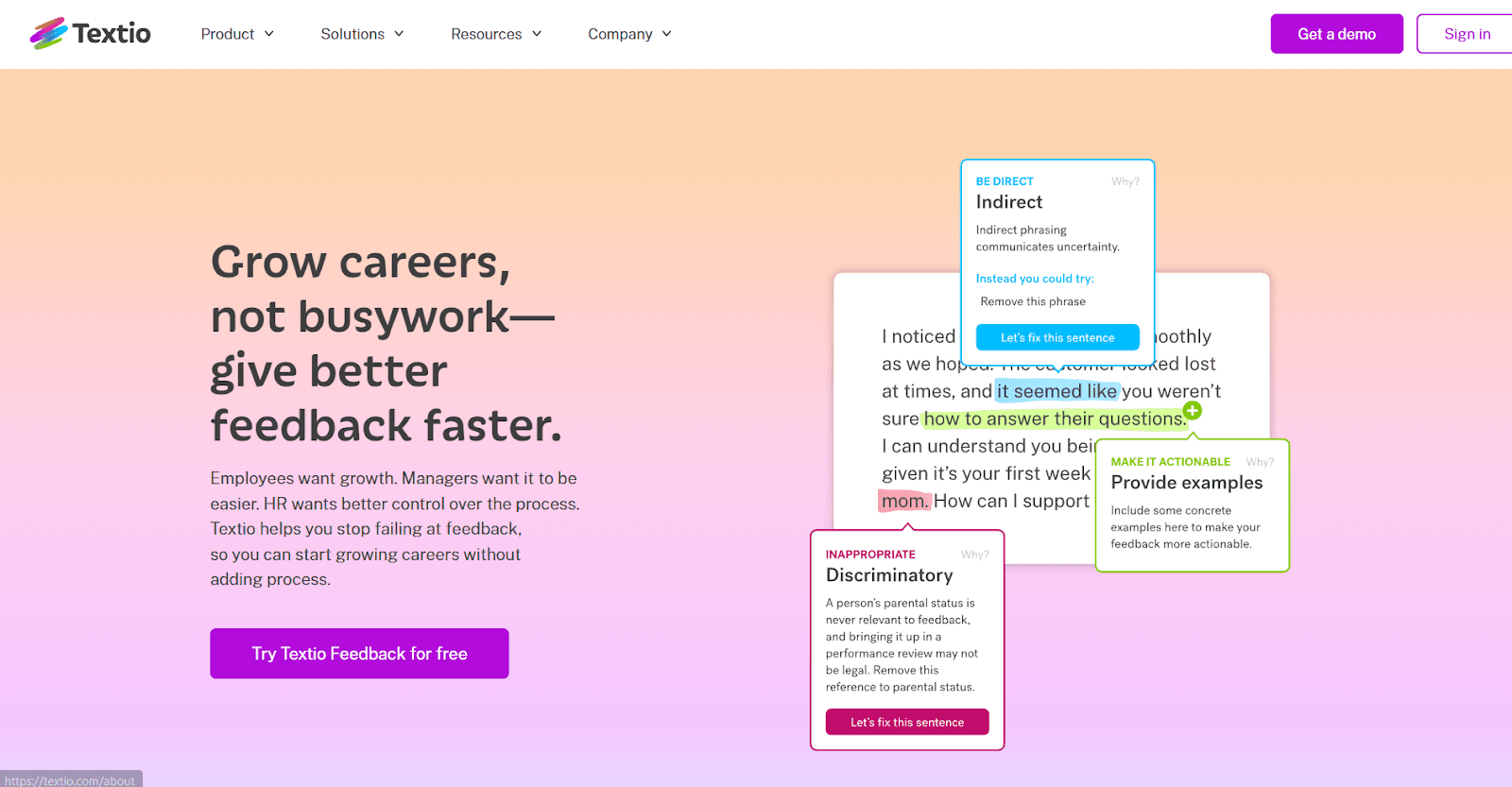
The language in your job descriptions directly impacts who applies. Textio uses AI to analyze and optimize hiring content for inclusivity, clarity, and effectiveness. It flags phrases that statistically discourage candidates from underrepresented groups, suggests alternatives, and scores your job listings based on how likely they are to attract diverse, qualified applicants.
Beyond job descriptions, Textio also helps with recruiter outreach messages, interview feedback, and performance review language. For HR teams focused on improving hiring outcomes and reducing bias in their written communications, it provides a data-driven approach that generic writing tools simply can't match.
Best for: HR and talent acquisition teams committed to inclusive, effective hiring language.
Pros:
Data-driven analysis of language bias in job postings
Scores listings on predicted inclusivity and effectiveness
Covers recruiter outreach, feedback, and reviews beyond just job descriptions
Benchmarks your language against industry data
Cons:
Custom pricing requires a sales conversation
Most valuable at scale with high-volume hiring
Focused scope means it won't replace general writing tools
Pricing: Custom pricing based on company size and usage.
Leapsome: Performance Management and Engagement
Category: Reviews, goals, and employee development
Performance reviews are one of the most dreaded processes in any organization, for managers and employees alike. Leapsome uses AI to streamline the entire cycle: writing review drafts, calibrating feedback, tracking goals, running engagement surveys, and identifying development gaps. It connects performance data with engagement insights so HR teams can spot trends before they become turnover problems.
The AI writing assistant helps managers craft constructive, specific feedback faster. Instead of staring at a blank review form, managers get AI-generated draft summaries based on goal progress and peer feedback, which they then refine. For HR leaders, the platform surfaces team-level patterns in engagement and performance that would take weeks to compile manually.
Best for: HR teams at mid-size and enterprise companies looking to modernize their performance and engagement processes.
Pros:
AI-assisted review writing saves managers hours per cycle
Connects performance data with engagement survey insights
Goal tracking, 1:1 management, and learning paths in one platform
Strong analytics for identifying team-level trends
Cons:
Custom pricing means no self-serve sign-up
Requires organizational buy-in for full value
Setup and configuration take time for larger orgs
Pricing: Custom pricing based on company size and modules selected.
Mindgrasp: AI-Powered Study Assistant for Smarter Learning
Category: Education, Study & Research
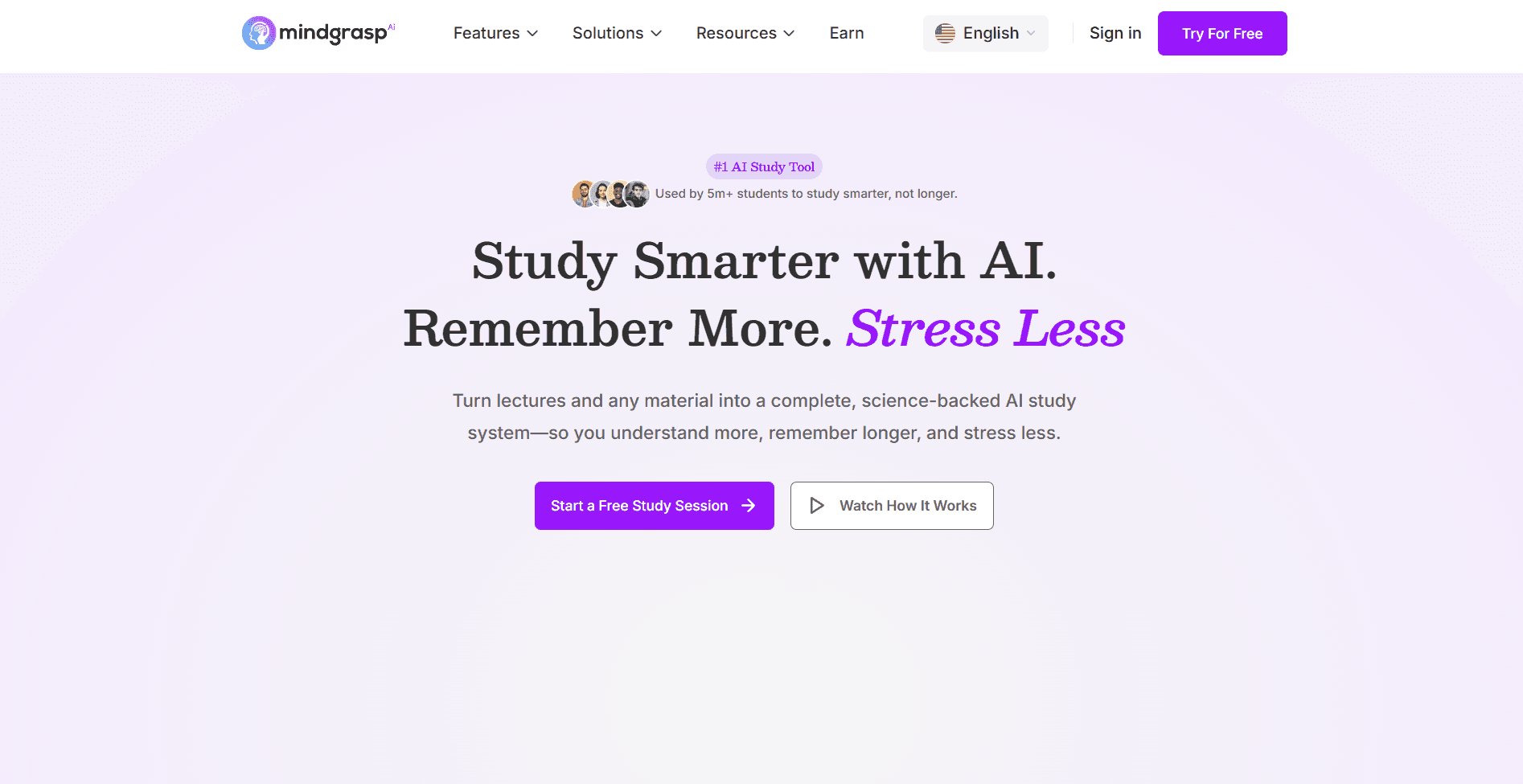
Mindgrasp AI is a powerful AI study Tool designed to help professionals learn faster by turning complex materials into clear, digestible insights. Instead of spending hours reading through dense textbooks, PDFs, or watching long lectures, users can upload their content and instantly generate summaries, notes, and key takeaways.
The platform supports multiple formats, including PDFs, videos, online articles, and lecture recordings, making it a flexible companion for modern learning. Its AI can break down difficult concepts, highlight important points, and even answer questions based on the uploaded material, helping users move from passive reading to active understanding.
One standout feature is its ability to convert content into structured notes and study guides, allowing users to review information more efficiently before exams or presentations. By automating the most time-consuming parts of studying, Mindgrasp helps learners focus on comprehension rather than information overload.
Best for: Professionals, researchers, and lifelong learners who want to quickly understand and retain information from large or complex study materials.
Pros:
Quickly summarizes long documents, videos, and lectures
Supports multiple content formats for flexible learning
Helps generate structured notes and study guides
Saves significant time during research and revision
Cons:
Requires uploading materials (no broad web search capability)
Accuracy depends on the quality of the input content
Advanced features may require a paid plan
Pricing: Free plan available; premium plans unlock additional features and higher usage limits.
RemNote: AI-Powered Note-Taking and Flashcard Creation
Category: Education, Learning & Knowledge Retention
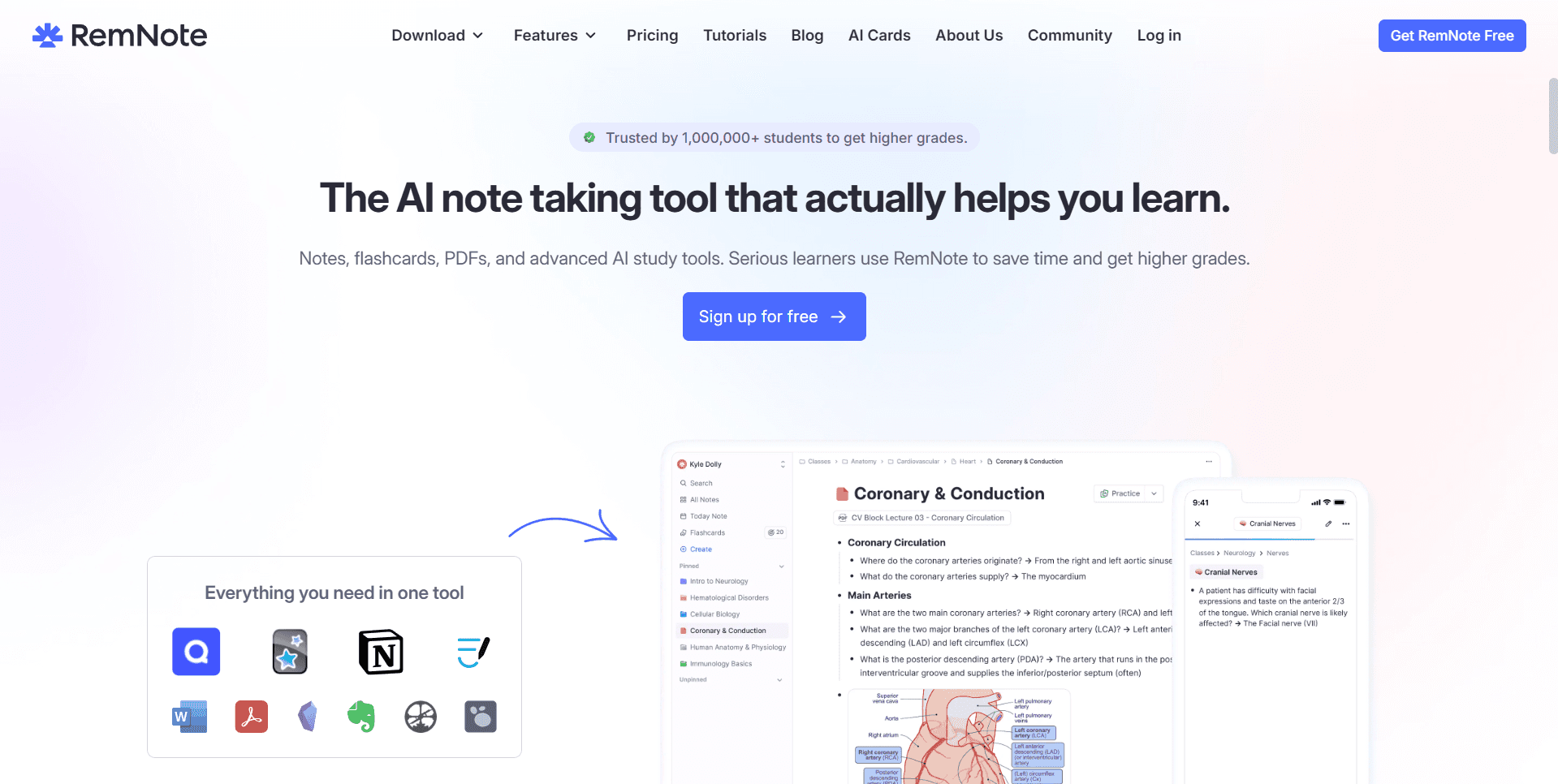
RemNote is an advanced note-taking and learning platform built for students, researchers, and professionals who want to retain information more effectively. What makes the platform stand out is its integrated AI flashcard generator, which can instantly turn notes, PDFs, and study materials into interactive flashcards for active recall and spaced repetition learning.
The platform combines document organization, linked knowledge management, and AI-powered study tools into a single workspace. Users can create structured notes while automatically generating flashcards from key concepts, definitions, and highlighted text, reducing the manual effort typically required for exam preparation or long-term learning.
RemNote also supports spaced repetition scheduling, helping learners review information at the optimal time to improve memory retention. Its flexible knowledge graph and bi-directional linking system make it especially useful for managing complex subjects, research projects, or professional certifications.
Best for: Students, lifelong learners, researchers, and professionals who want to streamline studying, improve retention, and automate flashcard creation from their learning materials.
Pros:
Built-in AI flashcard generator for faster study workflows
Combines note-taking, knowledge management, and spaced repetition
Supports active recall learning techniques for better retention
Ideal for organizing large volumes of interconnected information
Cons:
Might only be useful for teams which require frequent knowledge upskilling
Pricing: Has a free trial with paid plans starting at $4 per month.
Best AI Productivity Tools For Design
Venngage: AI-Generated Designs for Marketing, HR, and Sales
Category: AI design and visual content
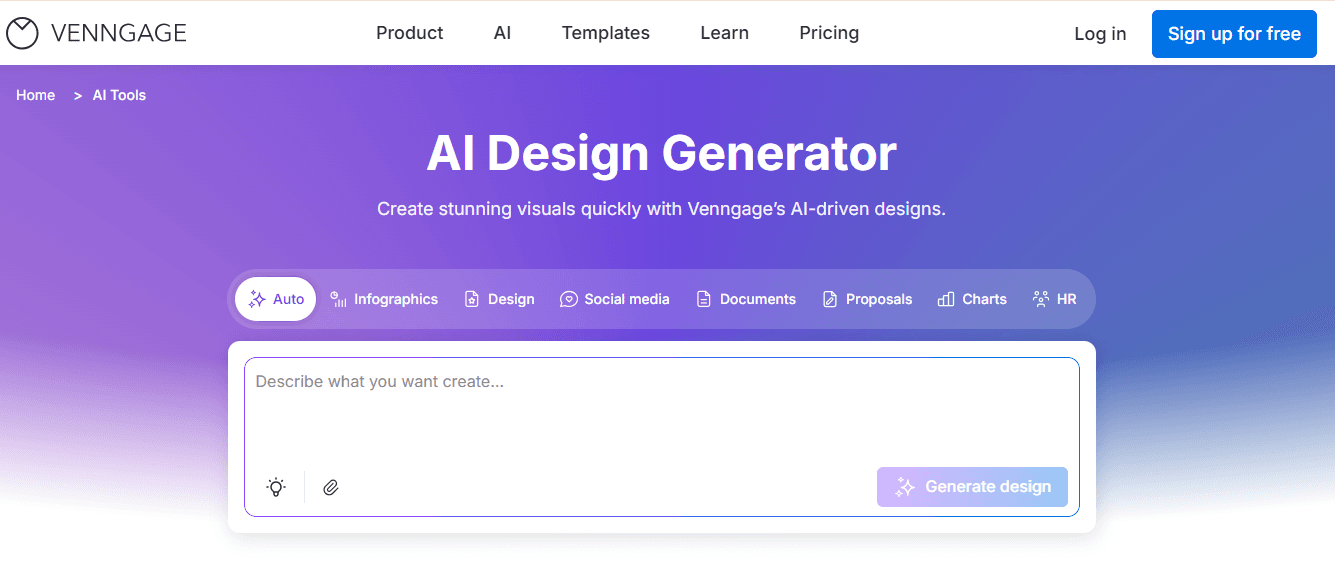
Venngage is an AI design tool that helps you create social media posts, infographics, presentations, reports, posters, proposals, carousels, and more. If you're in marketing, you're creating campaign visuals and social media graphics. If you're in HR, you're building onboarding guides, training materials, and internal documents. If you're in sales, you're working on pitch decks, proposals, and client presentations. All of it takes time, and most teams don't have a designer available for every request.
Venngage's AI Design Generator cuts that time down to minutes. Describe what you need in a text prompt, and it generates a ready-to-use design. Once your design is ready, you can use AI Designer to edit it by simply typing the changes you want. You can also swap color palettes to see different looks, generate icons and images directly inside the editor, and adjust layouts without touching a single design element manually. Plus, with the Brand Kit, it's easy to add your logo, fonts, and brand colors in one click instead of searching for assets or entering hex codes every time.
Best for: Marketing, HR, and sales teams that regularly produce visual content across multiple formats and need consistent, on-brand output without relying on a designer for every request.
Pros:
Text prompt to finished design in minutes, including social media graphics, infographics, carousels, posters, proposals, presentations, and more
10,000+ templates across business categories
AI writing assistant that drafts, rewrites, and refines text directly inside your design
AI image generator for creating custom visuals without leaving the editor
Automated charts and graphs from CSV or spreadsheet uploads
Reusable templates for repeat content
Live shareable links for team collaboration
Cons:
No video or animated content, static designs only
Collaboration features are on paid plans
Pricing: Free plan available. Premium from $19/month. Business from $49/month per user. Enterprise from $499/month.
Add a Verification Step Before AI Output Becomes Business Work
The most useful AI productivity workflow is not “prompt, copy, send.” It is “prompt, verify, then publish or act.” The tools in this guide can reduce the effort required to draft, summarize, organize, schedule, and create deliverables. But a faster first draft is only valuable when the person responsible for the work can confirm that the final output is accurate, appropriately scoped, and ready for its intended audience.
This matters most when an output includes factual statements, numbers, customer information, policy language, or a recommendation someone else will rely on. The NIST AI 600-1 Generative AI Profile identifies “confabulation”—confident but false or inconsistent generated content—as a generative-AI risk. That is a practical reason to make review a defined stage of the workflow rather than an optional final glance.
Use a three-check review before sharing an output
1. Check the source. Ask where each important claim came from. For a summary of internal material, open the original document and confirm that the wording, number, or conclusion is supported by the relevant passage. For current web research, go to the original publisher, company, regulator, or dataset rather than relying on a summary alone. If a claim cannot be traced to a source your team is willing to stand behind, remove it or mark it for further research.
2. Check the task boundary. AI output can sound complete even when it has answered a broader, narrower, or different question than the one you intended. Compare the result with the original brief: audience, time period, geography, assumptions, requested format, and decision required. This check is especially helpful for proposals, executive updates, hiring communications, and financial work, where a missing condition can change the meaning of an otherwise accurate sentence.
3. Check the action. Decide whether the output is a draft, an internal working note, or a final deliverable. A meeting recap may only need an owner to confirm action items. A customer-facing deck, policy, or analysis may need subject-matter review and approval. Naming that level of review up front prevents a draft from being treated as a finished decision document.
Choose tools that preserve the evidence trail
For work based on a defined set of documents, keep the approved materials together and make citation review part of the task. Google describes NotebookLM as a research assistant built around the sources a user provides, which makes it relevant when the source set itself needs to remain visible during review. The tool does not replace the reviewer: the reviewer still needs to read the cited material, validate calculations, and decide whether the conclusion is appropriate.
When the verified material needs to become a stakeholder-ready deck, separate research validation from presentation production. First approve the outline, evidence, and claims; then create the visual narrative from that approved brief. Our guide to the best AI presentation makers can help you evaluate dedicated deck tools for that second stage. If your workflow begins in a general-purpose assistant, see our walkthrough on using ChatGPT to make a PowerPoint presentation for a structured way to turn an outline into slides.
Make accountability explicit
Assign one person to own the final output, even when several people use AI during the process. That owner does not need to recreate every draft manually. Their job is to confirm the evidence, edit for the audience, and approve the action the work recommends. Keep a short record of the prompt, source links, assumptions, and final approver for recurring workflows. It makes later revisions faster and gives the team a repeatable standard as more AI tools enter the stack.
A simple rule: use AI to accelerate the work, but let a responsible person verify the facts and make the decision. That keeps productivity gains from creating avoidable downstream rework.
Frequently Asked Questions
What is the best AI tool for productivity in 2026?
There's no single "best" tool because the answer depends entirely on where you spend most of your time. For marketing teams building presentations, Alai delivers designer-quality output with the least manual effort. For sales teams managing high-volume email, Superhuman consistently saves users three to four hours per week. For operations teams connecting their app stack, Zapier automates cross-platform workflows without code. The best approach is to identify your team's biggest time sink and pick the tool that directly addresses it.
Are AI productivity tools worth the cost?
For most knowledge workers, yes. The ROI calculation is straightforward: if a tool costs $20-50/month and saves you even five hours of work per month, you're getting your time back at a fraction of your hourly rate. The real risk isn't overspending on a useful tool; it's spending money on tools you never fully adopt. Start with free plans or trials, build the habit, and only upgrade when you're confident the tool is delivering measurable value.
Can AI tools replace human workers?
No. AI productivity tools are designed to handle the repetitive, time-consuming parts of work: drafting first versions, categorizing data, scheduling meetings, transcribing calls, and generating design layouts. They compress the time between "blank page" and "solid first draft." But the strategic thinking, creative judgment, relationship-building, and nuanced decision-making that drive business outcomes still require humans. The most productive teams use AI to clear the busywork so they can spend more time on the high-value work that only people can do.
How do I get my team to actually use AI tools?
Adoption is the biggest challenge with any new tool. A few things that consistently work: start with one tool that addresses a pain point your team already complains about (not something you think they should care about). Have one person become the internal champion who builds the initial workflows and shows others. Set a specific two-week trial period where the team commits to using the tool daily. And make it easy by choosing tools that integrate with software your team already uses rather than requiring them to switch platforms entirely.
What's the difference between AI productivity tools and ChatGPT?
ChatGPT (and similar general-purpose chatbots like Claude and Gemini) can do a bit of everything: answer questions, write drafts, summarize documents, brainstorm ideas. But that breadth comes with trade-offs. Dedicated AI tools are purpose-built for specific workflows and typically produce significantly better results within their domain. An AI presentation maker like Alai will generate better slides than ChatGPT. An AI email client will manage your inbox better than pasting emails into a chatbot. Think of ChatGPT as a versatile generalist and dedicated tools as specialists: you want both, used for the right tasks.
Are free AI productivity tools any good?
Several excellent tools offer genuinely useful free plans. Alai gives you 200 AI credits with all premium design elements. Buffer's free plan includes three social channels with unlimited AI assistant access. NotebookLM is completely free with powerful source-grounded research. Grammarly's free tier covers core grammar checking. The free plans are typically enough to test whether a tool fits your workflow before committing to a paid plan. The main limitations on free tiers are usually volume caps (credits, channels, or features) rather than quality differences.
How do I measure the ROI of AI productivity tools?
Track two things: time saved and output quality. For time, measure how long a recurring task takes before and after adopting the tool. If building a weekly campaign report took three hours and now takes 30 minutes, that's quantifiable. For quality, look at downstream metrics: are your presentations winning more pitches? Are your sales emails getting higher response rates? Are fewer errors slipping through your documents? Most teams find the time savings alone justify the investment, but quality improvements often deliver even larger returns.
Can AI productivity tools work together?
Absolutely, and this is where the biggest productivity gains come from. For example, Fireflies.ai can transcribe a sales call and extract action items, Copy.ai can draft the follow-up email based on those notes, and Zapier can log the entire interaction in your CRM automatically. Alai's API lets you generate presentations programmatically from CRM data or analytics dashboards. The key is choosing tools with strong integrations (APIs, Zapier connections, or native integrations) so data flows between them without manual copy-pasting.
What AI tools are best for small teams or solopreneurs?
Small teams should prioritize tools with generous free tiers and low per-user costs. Alai (free plan with 200 credits), Buffer (free for 3 channels), Notion AI ($10/month add-on), and Perplexity AI (free for basic research) are all strong starting points. Avoid tools with per-seat pricing that scales quickly. For solopreneurs specifically, the highest-impact combination is usually an AI writing/email tool plus a presentation tool plus a workflow automation tool. That covers the three biggest time sinks for most solo operators.
How often should I re-evaluate my AI tool stack?
At minimum, once per quarter. The AI landscape is evolving faster than almost any other software category. Tools ship major updates monthly, pricing structures change, and new entrants appear regularly. Set a calendar reminder to audit your tools every 90 days. Ask: is this tool still saving me time? Has something better launched? Am I actually using all the features I'm paying for? This prevents both overspending on underused tools and missing out on better alternatives.
Final Thoughts: Building an AI-Powered Workflow
Picking the right tools is only half the equation. The teams that get the most out of AI are the ones that treat adoption as a habit-building exercise, not a one-time purchase decision.
Start by embedding one tool deeply into a single workflow. Let your marketing team spend two weeks using Alai for every deck before adding Jasper for content. Let your sales reps live in Superhuman for a month before layering in Apollo for outbound. Depth beats breadth every time when it comes to AI adoption.
Once a tool is producing consistent results, look for compounding opportunities. The real productivity leap happens when tools work together: Fireflies transcribes the sales call, Copy.ai drafts the follow-up, and Zapier logs the whole interaction in your CRM without anyone touching a keyboard. These connected workflows are where AI moves from a convenience to a competitive advantage.
Most AI tools are designed to integrate with existing workflows and can be layered for even greater productivity gains. The landscape will keep evolving. New tools will launch, existing ones will add features, and pricing will shift. But if you’ve built the organizational muscle of reaching for AI when repetitive work shows up, you’ll be in a position to absorb those changes rather than scramble to keep up.
The best time to start was six months ago. The second best time is today.
Want to go deeper on specific use cases? Explore our guides on AI tools for startups, AI-powered sales proposals, AI presentation makers for consultants, and how to make AI slides that actually look designer-made.
Author's note: I update this list every 2-3 months based off new tools I have tested. Last updated as of 5th June, 2026.
PAGES
Compare Tools
resources